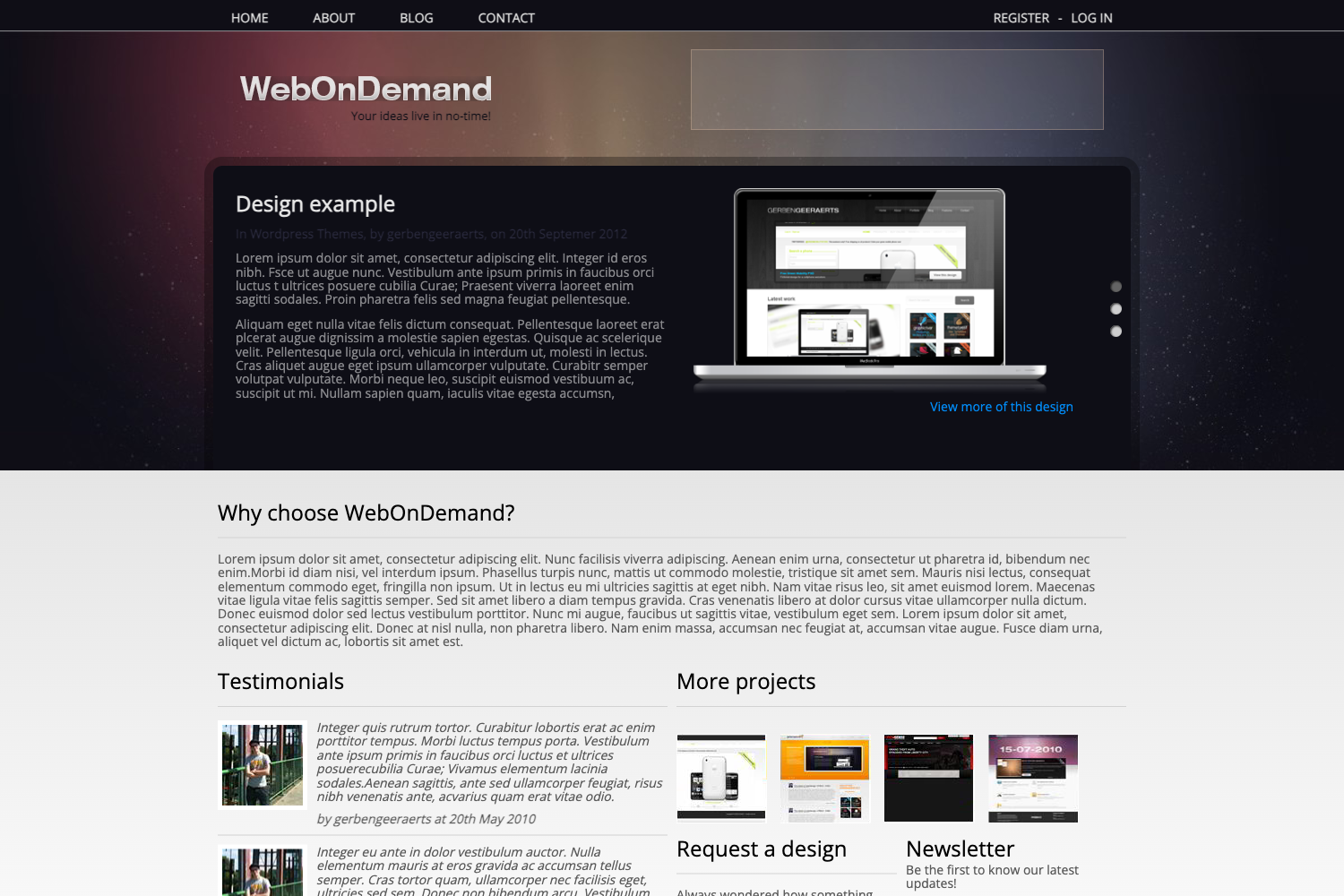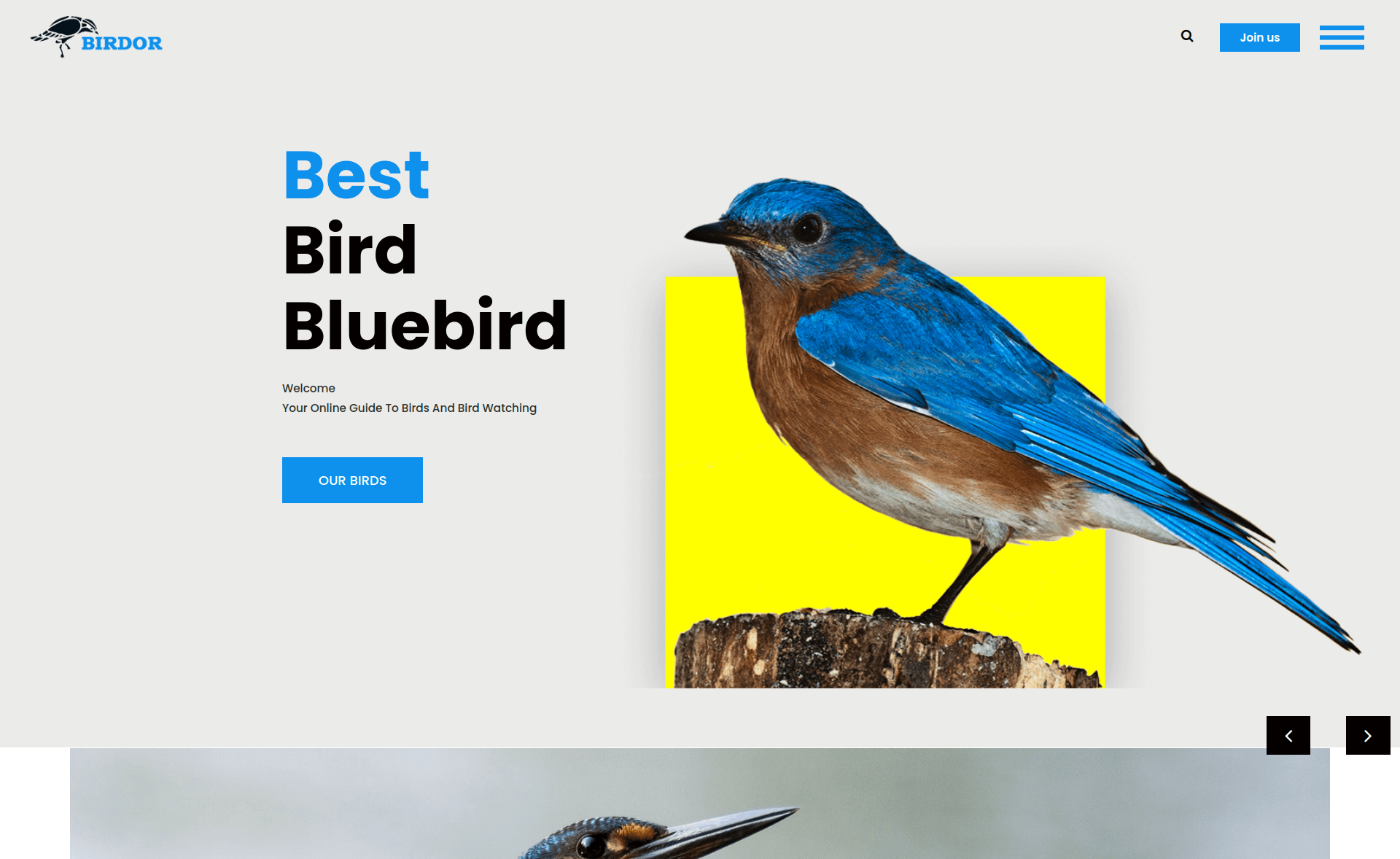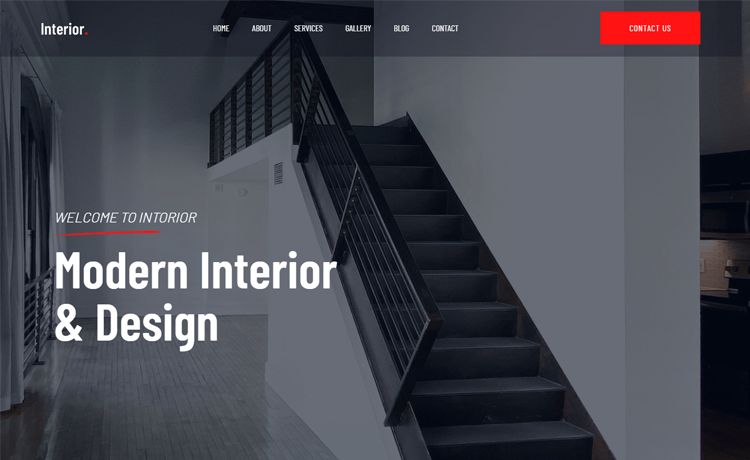
Template details
Gatsby Theme Agency
A simple Gatsby theme for your services consultancy or Agency.
About this template
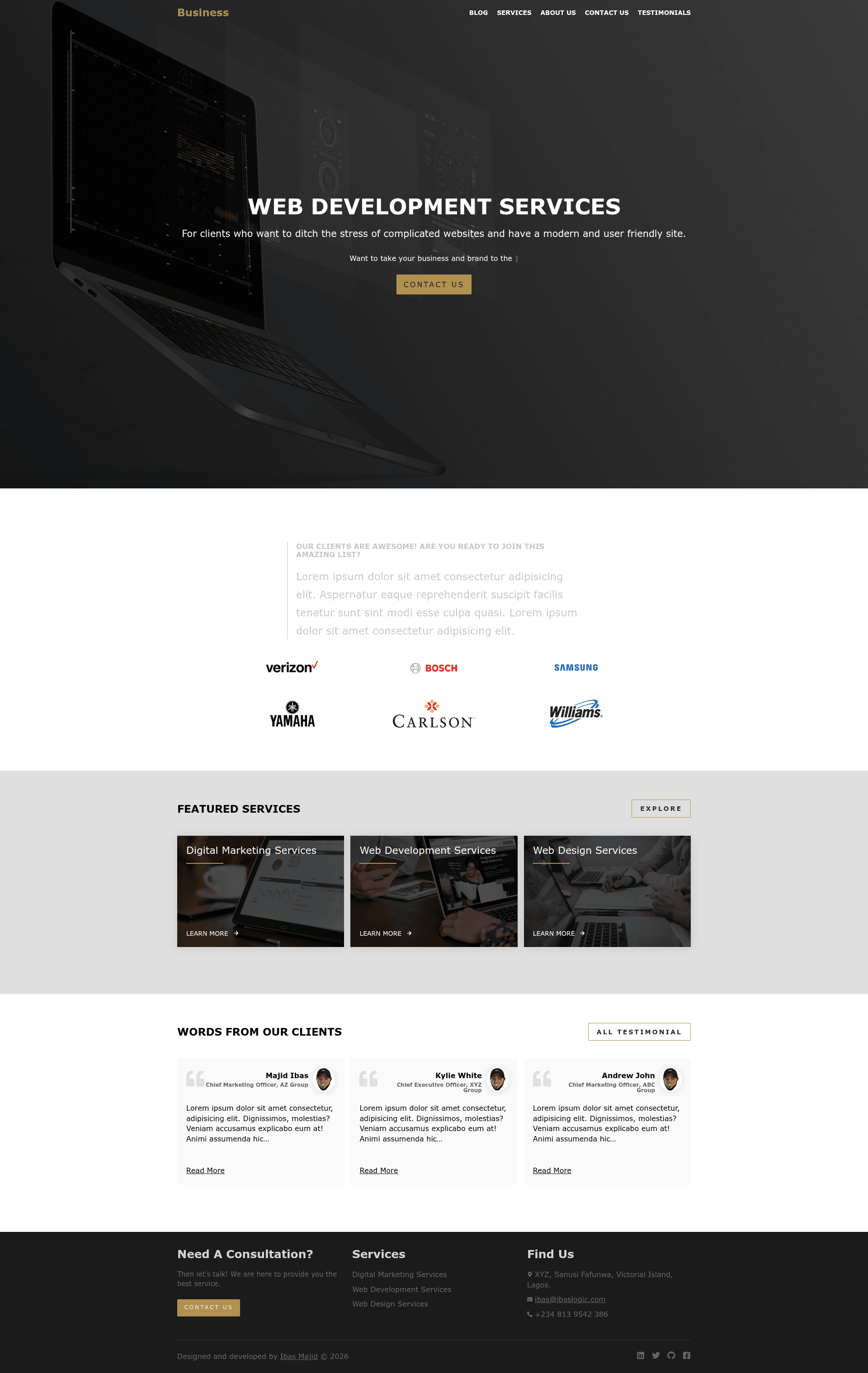
Gatsby Theme Agency is a Gatsby theme that generates a marketing site for services consultancies and agencies, using Markdown files as the content source for three post types: blog posts, services, and testimonials.
What is Gatsby Theme Agency?
Gatsby Theme Agency is a Gatsby theme (a reusable plugin-style project) that turns a folder of Markdown files into an agency website with blog, services, testimonial, contact, and about pages. It runs on Gatsby, so content is written as .md files with frontmatter and the theme handles page generation, menus, and layout. The theme is published on npm as @ibas/gatsby-theme-agency and maintained by Ibas Majid (Ibaslogic), with a live demo hosted on Netlify.
Key Features
Gatsby Theme Agency's features are driven by its configuration file and Markdown content structure. The list below covers the capabilities visible in the theme's README:
- Three content types — blog, services, and testimonial posts are each stored in their own directory under
contents/with Markdown frontmatter for titles, descriptions, dates, and featured images. - Netlify contact form — the contact page includes a form that works with Netlify Forms when
contactPage.showContactFormis enabled; otherwise the form is hidden. - Configurable site metadata — a single
gatsby-config.jsblock controls blog URL prefix (blogBasePath), content paths, site title, description, social links, email, company address, phone number, footer call-to-action, and page headings. - Homepage sections — the homepage can be customized with hero content (including typewriter-effect text), a client logo strip, a featured services list, and a testimonial preview.
- Component shadowing — developers can override theme files, such as the
/about-mecontent inaboutMe.json, by creating matching files undersrc/@ibas/gatsby-theme-agency/in their project. - Gatsby configuration options — menu color, social icons (LinkedIn, Twitter, GitHub, Facebook), and a "edit on GitHub" link for blog posts are all set through the theme options.
- Markdown-based workflow — no CMS or database required; add a
.mdfile with frontmatter and the theme builds the page. - Favicon support — the theme works with
gatsby-plugin-manifestto add a site icon from a local image.
Who is it for?
Gatsby Theme Agency is aimed at web developers who want a ready-made content structure for a small agency or consultancy site. Freelancers and agencies can use it to launch a site with blog posts, service pages, and client testimonials without designing from scratch. Developers learning Gatsby themes can study or extend it via component shadowing.
What can you do with it?
The theme supports several concrete workflows:
- Agencies and consultancies document their services (design, development, digital marketing) as Markdown files with tool lists and FAQ blocks.
- Team leads publish blog posts under a category with featured images and tag support, and share them via Twitter.
- Client managers add testimonials with client name, title, photo, and quote, which then appear on the homepage and testimonials page.
- Gatsby developers use component shadowing to override the theme's default about page, styles, or any other file in
node_modules/@ibas/gatsby-theme-agency.
How does it work?
The README walks through a five-step setup: create a project directory and run yarn init --y, add dependencies with yarn add react react-dom gatsby @ibas/gatsby-theme-agency, create the contents/ folder structure for blog, services, and testimonial Markdown files, load the theme in gatsby-config.js, and run gatsby develop to see the site at localhost:8000. Content modifications require restarting the dev server.
FAQ
How do I add a new blog post?
Create a new directory under contents/blog/ with a name like 2020-10-08-my-first-blog-post, place a Markdown file inside it, and add frontmatter with title, description, category, datePublished, dateUpdated, featured image path, and tags. The theme automatically generates the post page.
Does the theme include a contact form?
The theme includes a contact form on the /contact-us page. Set contactPage.showContactForm to true in the theme options if you host the site on Netlify; submissions are then received in the Netlify site admin panel. If you're not on Netlify, set it to false to hide the form.
Can I change the about page text?
Yes. The theme stores the about page content in node_modules/@ibas/gatsby-theme-agency/src/contents/aboutMe.json. To override it, create the file src/@ibas/gatsby-theme-agency/contents/aboutMe.json in your project with your own content, and Gatsby will use your version.
How do I set the site title and menu links?
Edit the options object passed to @ibas/gatsby-theme-agency in gatsby-config.js. Key options include title, description, menuLinks (an array of menu items), linkMenuColor for link and hover colors, twitter for share buttons, and social for footer icons.