Template details
Inno Agency
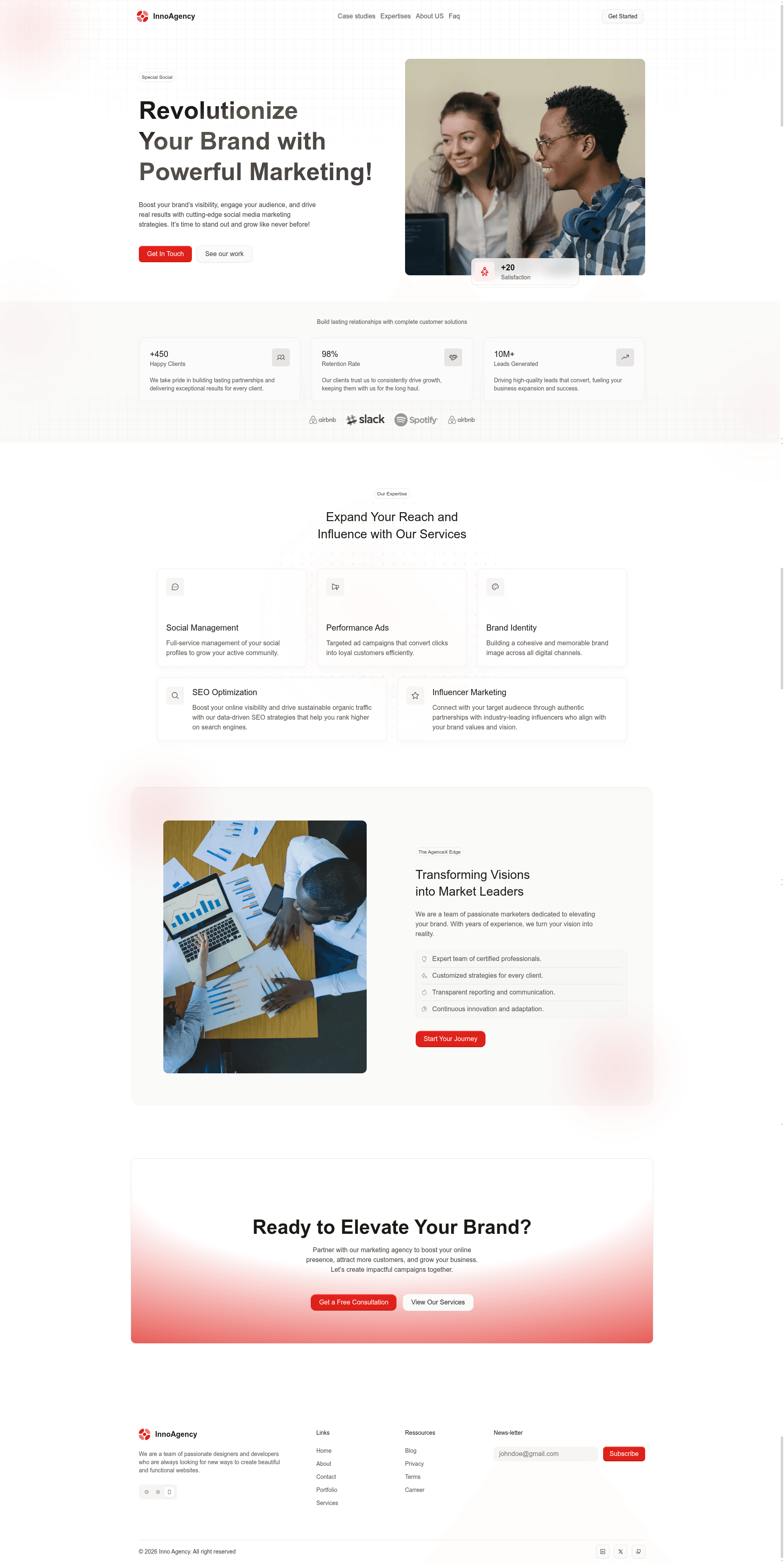
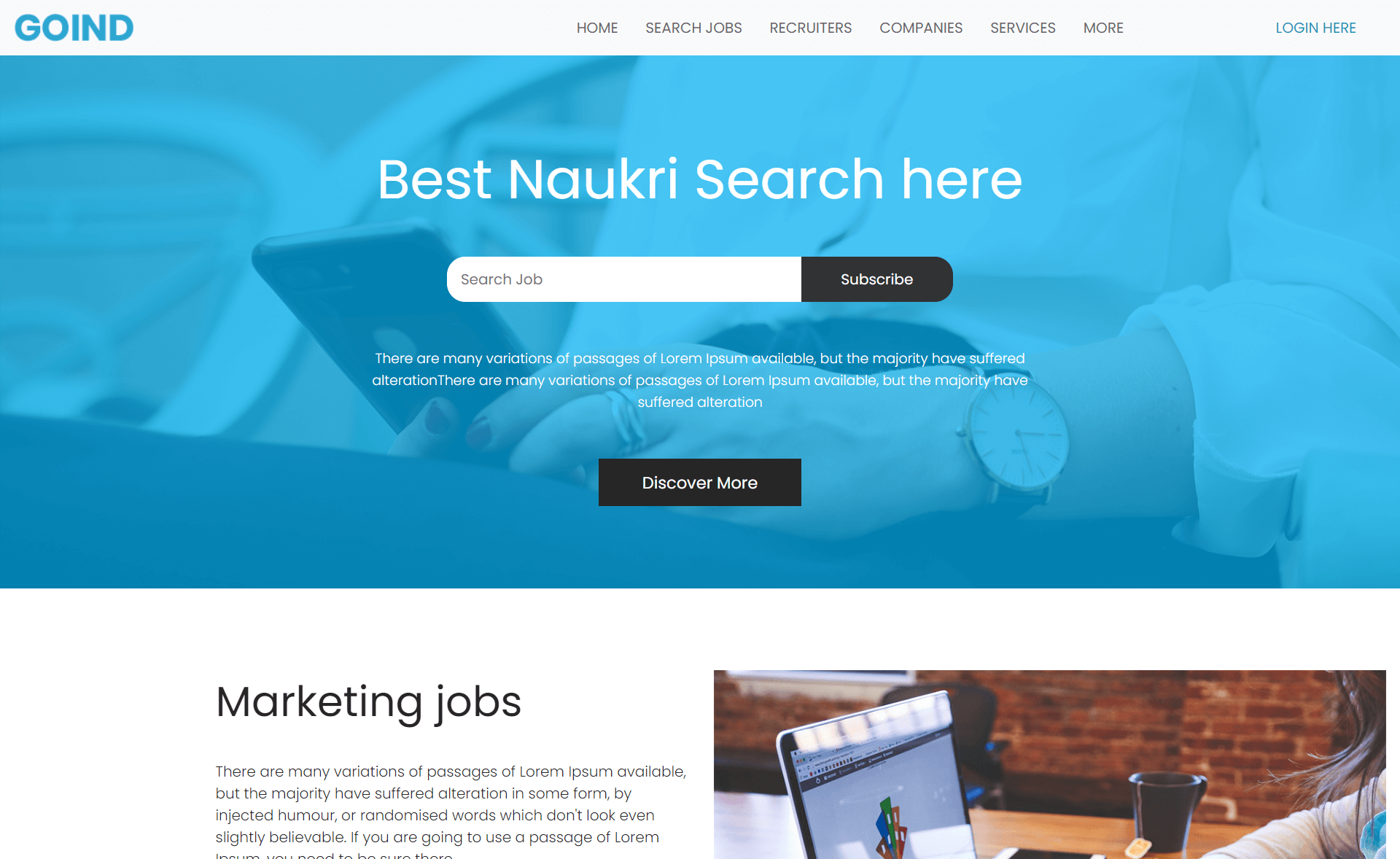
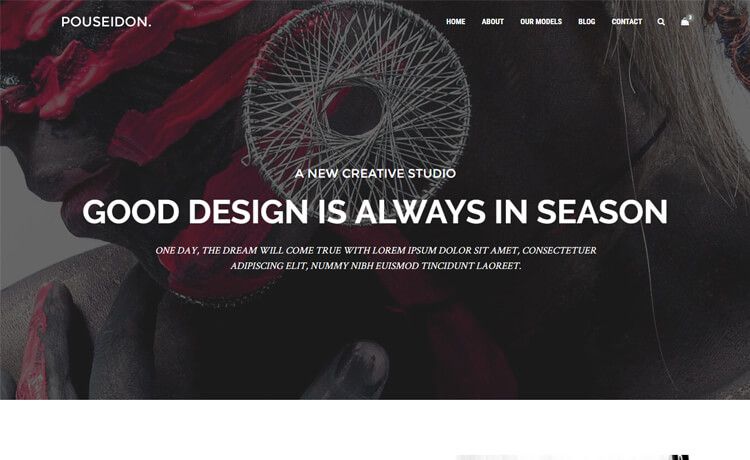
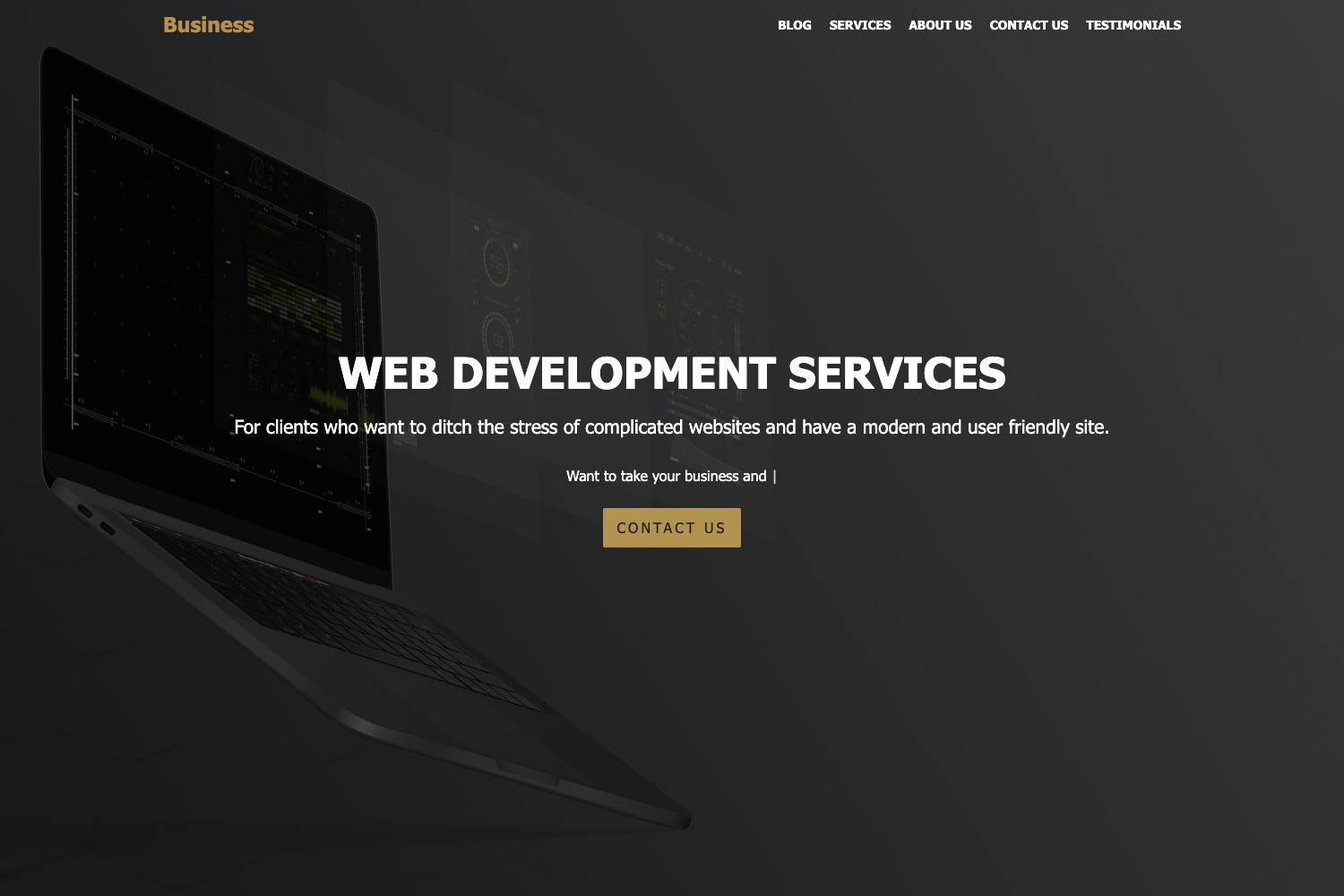
Modern agency landing page template built with Astro, UnoCSS, and Netlify, featuring dark/light mode and minimal JavaScript.
About this template
Inno Agency is a responsive agency landing page template built with Astro, UnoCSS, and Netlify, designed to give creative agencies and startups a fast, SEO-friendly marketing site with minimal JavaScript.
What is Inno Agency?
Inno Agency is an open-source landing page template for agencies, released under the MIT license by developer Johnkat MJ. It takes a standard agency site structure – hero, services, portfolio, contact sections – and packages it as an Astro project that builds to a static site in the dist folder. The template replaces a heavier CSS framework with UnoCSS, an atomic CSS engine, and includes a live demo hosted on Netlify.
Key Features
- Astro framework — The template uses Astro, a content-driven web framework that ships zero default JavaScript to the browser, which helps with performance and SEO.
- UnoCSS styling — Instead of Tailwind or similar, styling is handled by UnoCSS, an on-demand atomic CSS engine, with the Preset UI plugin for prebuilt custom UI utilities.
- Flexilla components — UI interactions come from Flexilla, a library of modern UI components and utilities that integrate with the Astro setup.
- Dark and light mode — A built-in theme switch lets visitors toggle between dark and light appearances without a page reload.
- Fully responsive layout — The layout adapts to mobile, tablet, and desktop viewports, ensuring the site looks correct on any screen size.
- Netlify deployment — The project includes a deploy command that publishes the built site to Netlify, and the live demo runs on Netlify.
Who is it for?
- Creative agencies — Use the template to launch a portfolio-style landing page that presents services and past work to potential clients.
- Startups — Get a professional marketing site online quickly, using the built-in dark/light mode and responsive layout to match brand needs.
- Freelance developers — Customize the Astro project with UnoCSS utilities and Flexilla components to build a client site without starting from scratch.
What can you do with it?
- Launch a landing page — Replace the placeholder content with your agency's copy, projects, and contact details, then build and deploy to Netlify in a few commands.
- Customize theming — Use UnoCSS to define your own design tokens, colors, and spacing, and toggle the included dark/light mode with the provided switch.
- Extend the site — Add new sections by creating Astro components in the
src/componentsfolder and pages insrc/pages, following the project structure outlined in the README.
How does it work?
The quick start flow is documented in the repository: clone the repository, install dependencies with Bun, npm, or yarn, start the development server on localhost port 4321, build for production with the build command, and deploy to Netlify with the deploy command. The project structure separates public static files, global assets, reusable components, layouts, and page components.
FAQ
Is Inno Agency free?
Yes. The template is open source and released under the MIT License, so you can use it for personal or commercial projects, modify it, and distribute your changes.
What is the tech stack?
The template runs on Astro as the framework, UnoCSS with Preset UI for styling, and Flexilla for UI components. It requires Node.js 18.0.0 or later and supports the Bun, npm, or yarn package managers.
Does it include a live demo?
A live demo is hosted on Netlify and linked from the repository README, showing the default landing page appearance. The demo URL is https://uno-agency-astro.netlify.app.
Can I deploy to platforms other than Netlify?
The README specifically documents a deploy command for Netlify, but because Astro builds a static site, you can run the build command and host the output in the dist folder on any static hosting service.