Template details
Gatsby Theme Location Mapper
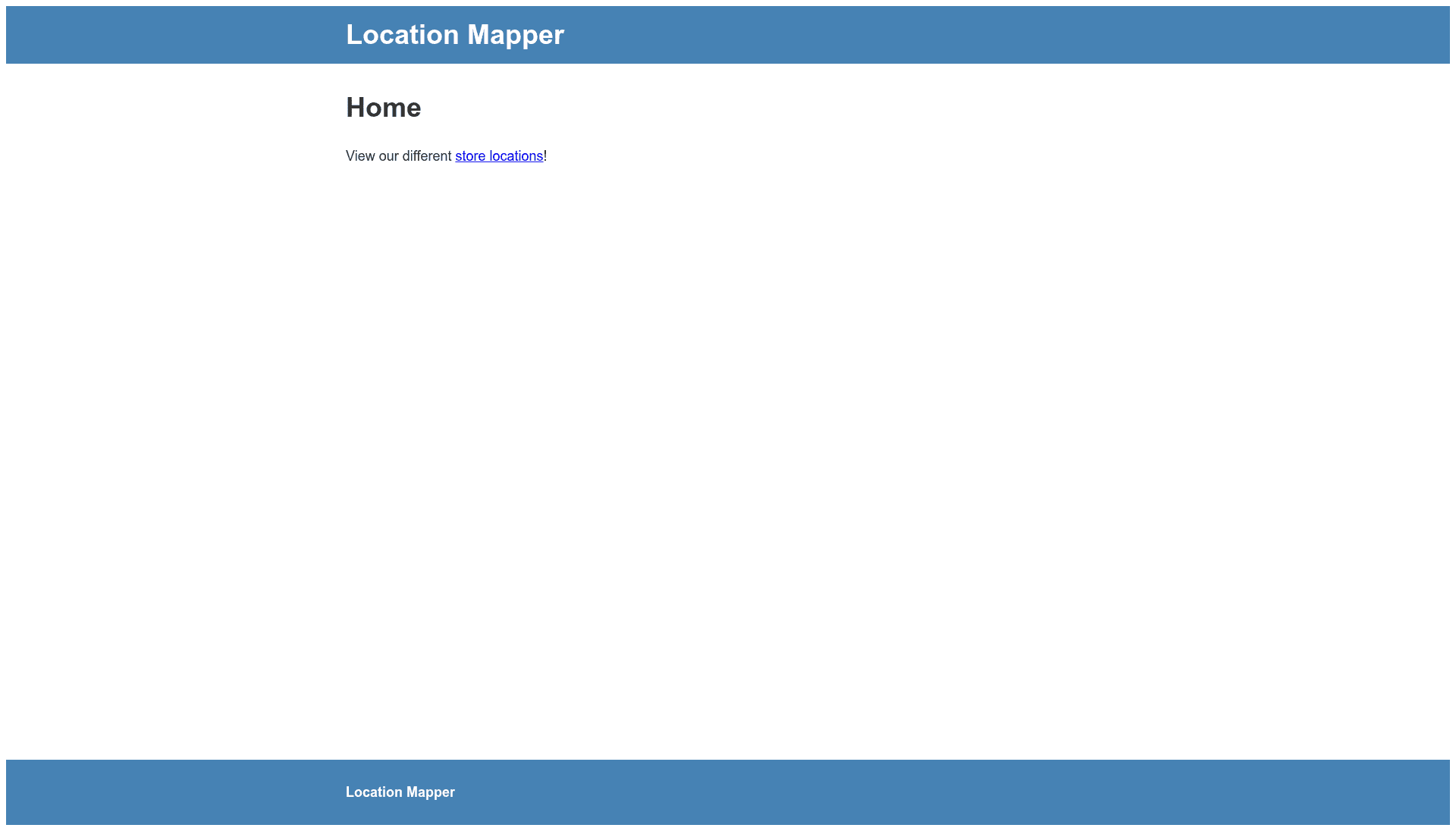
A minimal setup gatsby theme to show locations on a map.
About this template
Gatsby Theme Location Mapper is a minimal Gatsby theme that displays location data from markdown frontmatter on an interactive Leaflet map, built for store locator use cases.
What is Gatsby Theme Location Mapper?
Gatsby Theme Location Mapper is a Gatsby theme that turns markdown files with frontmatter into an interactive map of locations. It takes location entries containing name, latitude, longitude, hours, days, address, and description as input, and outputs a map page at the /locations/all route. The theme is distributed as an npm package and the demo is hosted on GitHub Pages at thannes30.github.io.
Key Features
- Markdown-defined locations — Each location is declared in a markdown file with frontmatter fields: name, lat, lng, hours, days, address, and description.
- Leaflet map integration — All locations are rendered on an interactive Leaflet map, as indicated in the repository topics.
- Store locator support — The theme is designed for the store locator primary use case, showing business hours, website, and phone information.
- Simple plugin installation — Add the package with npm and include
gatsby-theme-location-mapperin your gatsby-config.js plugins array; no additional configuration is required. - Dedicated map route — After restarting the development server, the map appears at
/locations/all. - Demo workspace included — The GitHub repository contains a runnable demo site using Yarn workspaces; location files live in
site/locations.
Who is it for?
- Local businesses with multiple branches — create a map of store locations with hours, addresses, and contact details without building custom components.
- Gatsby developers — add a location map feature to an existing Gatsby site in a few steps.
- Small teams and organizations — maintain a map of offices, event venues, or service areas via simple markdown files instead of a database.
What can you do with Gatsby Theme Location Mapper?
- Store locator pages — publish a map of retail or branch locations with business information for customers.
- Office and venue maps — show multiple buildings or event spaces using latitude/longitude coordinates in frontmatter.
- Quick location prototypes — scaffold a location-aware page in a Gatsby project with minimal code.
How does the theme work?
Install the theme and add it to gatsby-config.js. Create markdown files in the site/locations directory, each with frontmatter containing the location's name, lat, lng, hours, days, address, and description. Restart the dev server and visit /locations/all to view the map. The demo repo provides a full working example via yarn workspace site develop.
FAQ
How do I add a new location?
Create a new markdown file in the site/locations folder, add the required frontmatter fields (name, lat, lng, hours, days, address, description), and restart the development server.
What route displays the map?
The map is served at /locations/all on your Gatsby site, as shown in the demo at localhost:8000/locations/all.
Which map library is used?
The theme uses Leaflet, an open-source JavaScript library for interactive maps, as listed in the repository topics.
Do I need a backend or database?
No, locations are defined entirely in markdown frontmatter, so no database or API setup is required.