Template details
Nextjs Tailwind Boilerplate
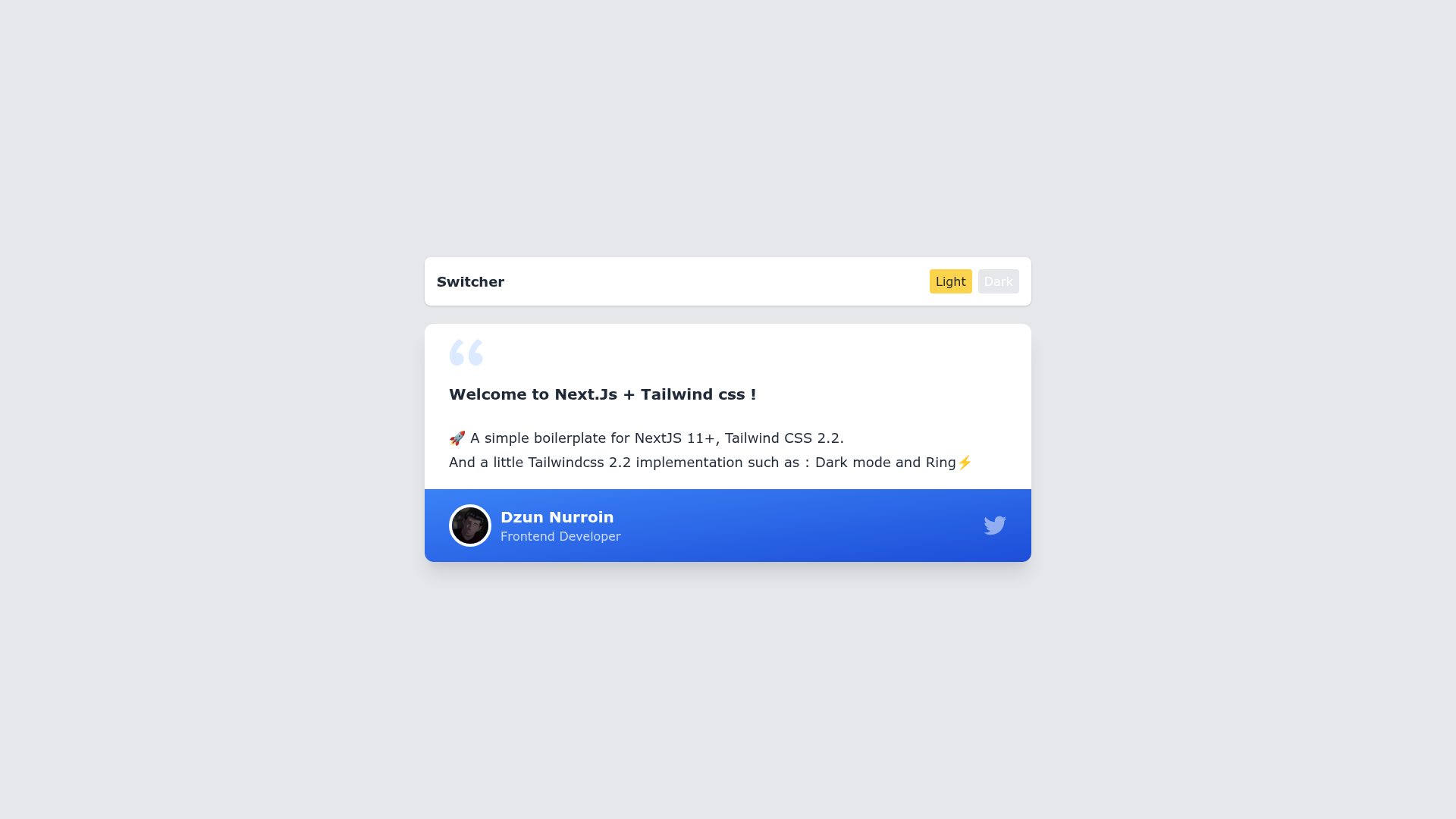
A simple boilerplate for NextJS 11+ and Tailwind CSS 2.2 with dark mode and ring implementation.
About this template
Nextjs Tailwind Boilerplate is a starter project for Next.js 11+ applications that ships with Tailwind CSS 2.2 preconfigured, including dark mode and ring utilities.
What is Nextjs Tailwind Boilerplate?
Nextjs Tailwind Boilerplate is a minimal boilerplate built on Next.js (v11 or newer) and Tailwind CSS 2.2, created with create-next-app. It provides a starting point for React applications with file-based routing and API endpoints, plus a Tailwind setup that includes dark mode and ring utilities out of the box. The project runs locally with npm run dev and can be deployed to Vercel.
The boilerplate uses the pages/ directory for routing — pages/index.js is the home page and pages/api/hello.js demonstrates a serverless API route. Tailwind is wired through PostCSS, so utility classes are available directly in your JSX without a separate build step.
Key Features
- Next.js 11+ framework — file-system routing, API routes, and automatic code splitting.
- Tailwind CSS 2.2 styling — utility-first CSS via PostCSS, ready to use in components.
- Dark mode support — Tailwind's
darkvariant is configured for light/dark theme switching. - Ring utilities — Tailwind ring classes for focus rings and decorative outlines.
- Hot-reloading dev server — run
npm run devand editpages/index.jsto see changes instantly. - Example API route — a ready-to-copy
/api/helloendpoint inpages/api/hello.js. - Vercel deployment — one-step deploy through the Vercel Platform from the creators of Next.js.
Who is it for?
- React developers — start a Next.js project without manually configuring Tailwind or PostCSS.
- Front-end learners — experiment with Next.js routing and API routes in a simple, pre-wired template.
- Startup teams — scaffold a marketing site or prototype with Tailwind styling and dark mode included.
What can you do with this template?
- Build a landing page — use Tailwind's utilities to style hero sections, navigation, and footer without writing custom CSS.
- Prototype API endpoints — edit
pages/api/hello.jsto create your own JSON API and test it atlocalhost:3000/api/hello. - Implement a dark theme — take advantage of the preconfigured dark variant to toggle between light and dark UI.
- Deploy a production app — push to Vercel using the provided deployment workflow.
How does the template work?
To get started, install dependencies with npm install (or yarn), then run npm run dev to launch a development server at http://localhost:3000. Files in the pages directory become routes; the main entry is pages/index.js. When ready for production, you can deploy to Vercel directly from the platform.
FAQ
What Next.js version does this boilerplate use?
The repository targets Next.js 11 or newer, so it works with the latest create-next-app projects.
Does this boilerplate include Tailwind CSS?
Yes, Tailwind CSS 2.2 is included and wired through PostCSS, with dark mode and ring utilities enabled.
How do I start the development server?
Run npm run dev or yarn dev in the project root, then open http://localhost:3000.
Where do I find API routes?
API routes are placed in the pages/api directory. The sample endpoint is pages/api/hello.js, accessible at /api/hello.
How do I deploy the app?
Use the Vercel Platform with the built-in integration, or follow the Next.js deployment documentation.