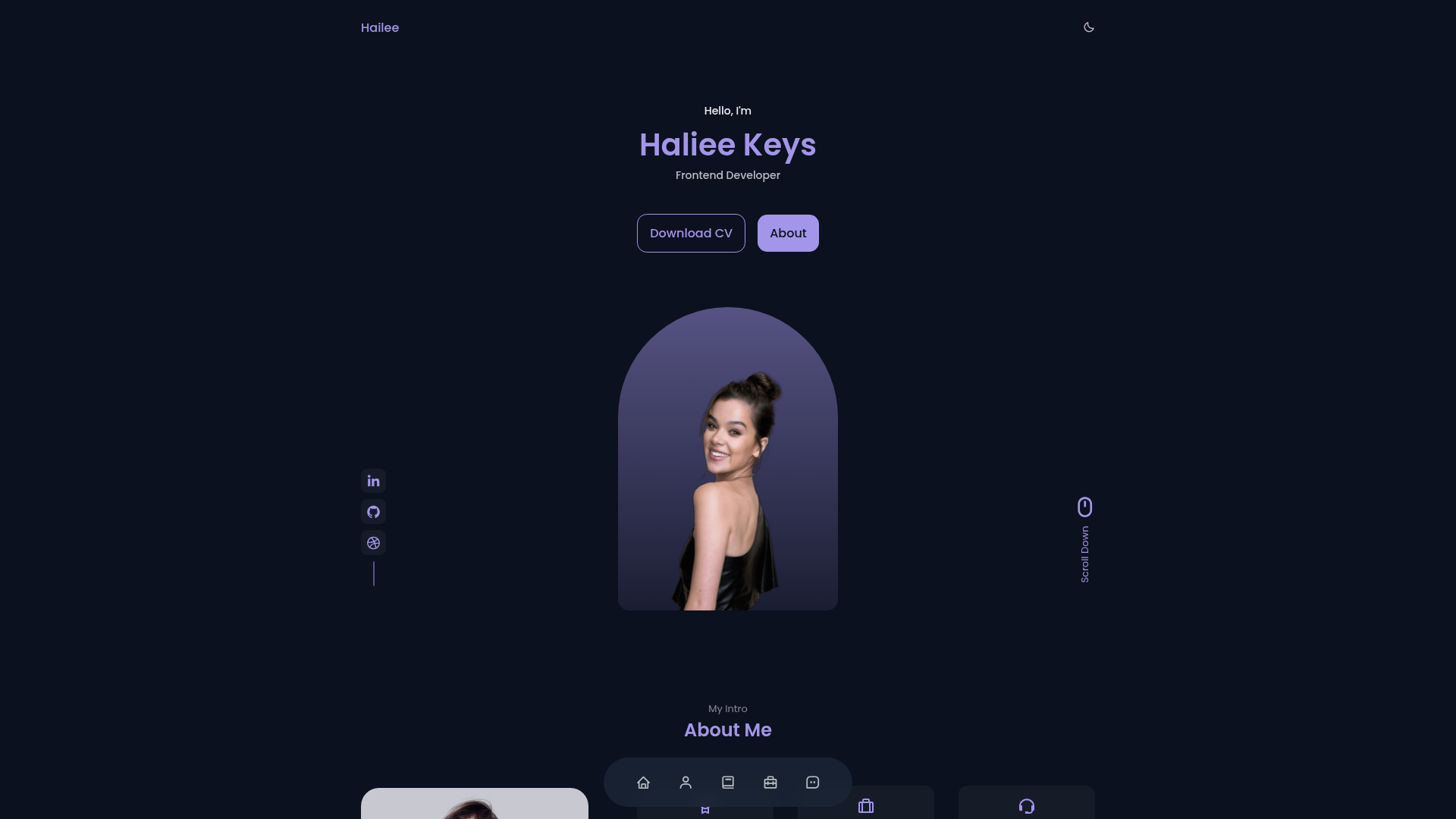
Template details
Gatsby Theme Open Sourcerer
A configurable minimal Gatsby portfolio theme for open source developers.
About this template
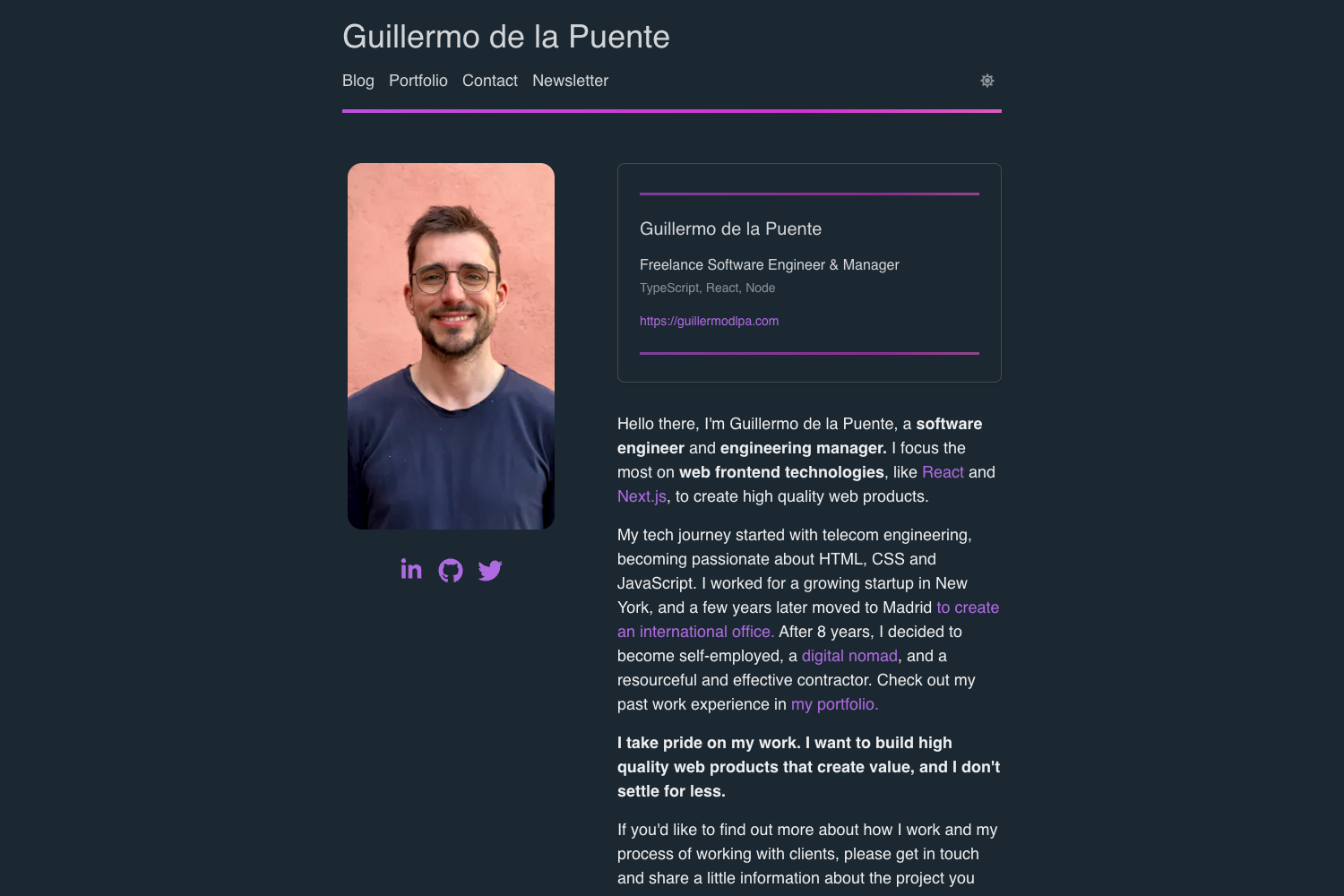
gatsby-theme-open-sourcerer is a configurable minimal Gatsby portfolio theme built for open source developers to showcase projects, write markdown blog posts, and list their toolkit.
What is gatsby-theme-open-sourcerer?
gatsby-theme-open-sourcerer is a Gatsby theme (a shareable site package) that turns markdown content and YAML data into a portfolio website with blog, projects, uses, about, and contact pages. It runs on the GatsbyJS static site generator, uses React for UI components and styled-components for styling, and is maintained by the developer sh4hids. The theme is designed to be bootstrapped via the companion gatsby-starter-open-sourcerer starter, which sets up a new site with the theme pre-installed.
Key Features
- Configurable via plugin options — The theme accepts configuration in gatsby-config.js; the starter exposes a src/config/index.js file for site-wide customization without editing node_modules.
- Markdown blog posts — Write posts in markdown with frontmatter fields (title, slug, publishedAt, isPublished, tags); setting isPublished to false makes a draft that is not published.
- Component shadowing — Any component can be overridden by creating files under src/@sh4hids/gatsby-theme-open-sourcerer/components, following Gatsby's theme shadowing mechanism.
- YAML-driven Projects and Uses pages — Projects and Uses contents are provided as .yml files in a contents folder, so you can update them without touching React code.
- Customizable About and Contact templates — About.js and Contact.js template files can be shadowed to change page layout and content.
- Built-in utterances comments — The article page includes an utterances widget, a lightweight comments system built on GitHub issues; enable it by adding an utterancesCommentRepo key to the theme config.
- Exportable component library — Components, layouts, and themes directories are importable, so you can reuse shared UI pieces in custom pages.
Who is it for?
- Open source developers who want a clean, minimal portfolio and blog without building a site from scratch.
- Developers comfortable with Gatsby who need a theme they can extend through shadowing and config rather than a locked template.
- Content-focused technical writers who prefer managing blog posts in markdown and project data in YAML over a CMS.
What can you do with it?
- Personal branding: Publish an about page, contact page, and project showcase in one site, all served as static pages.
- Blogging: Write and publish posts using markdown; keep drafts by setting isPublished to false in the frontmatter.
- Tool recommendations: Maintain a Uses page listing your hardware and software via the contents/uses.yml data file.
- Commenting: Allow readers to leave comments on articles by connecting a public GitHub repository through the utterances widget.
How does it work?
After installing the starter with gatsby new, run gatsby develop to start a local server at localhost:8000. The site pulls content from markdown and YAML files, builds pages with Gatsby, and lets you customize components and templates through shadowing.