Template details
Web Developer Portfolio Template (Ram Ghale)
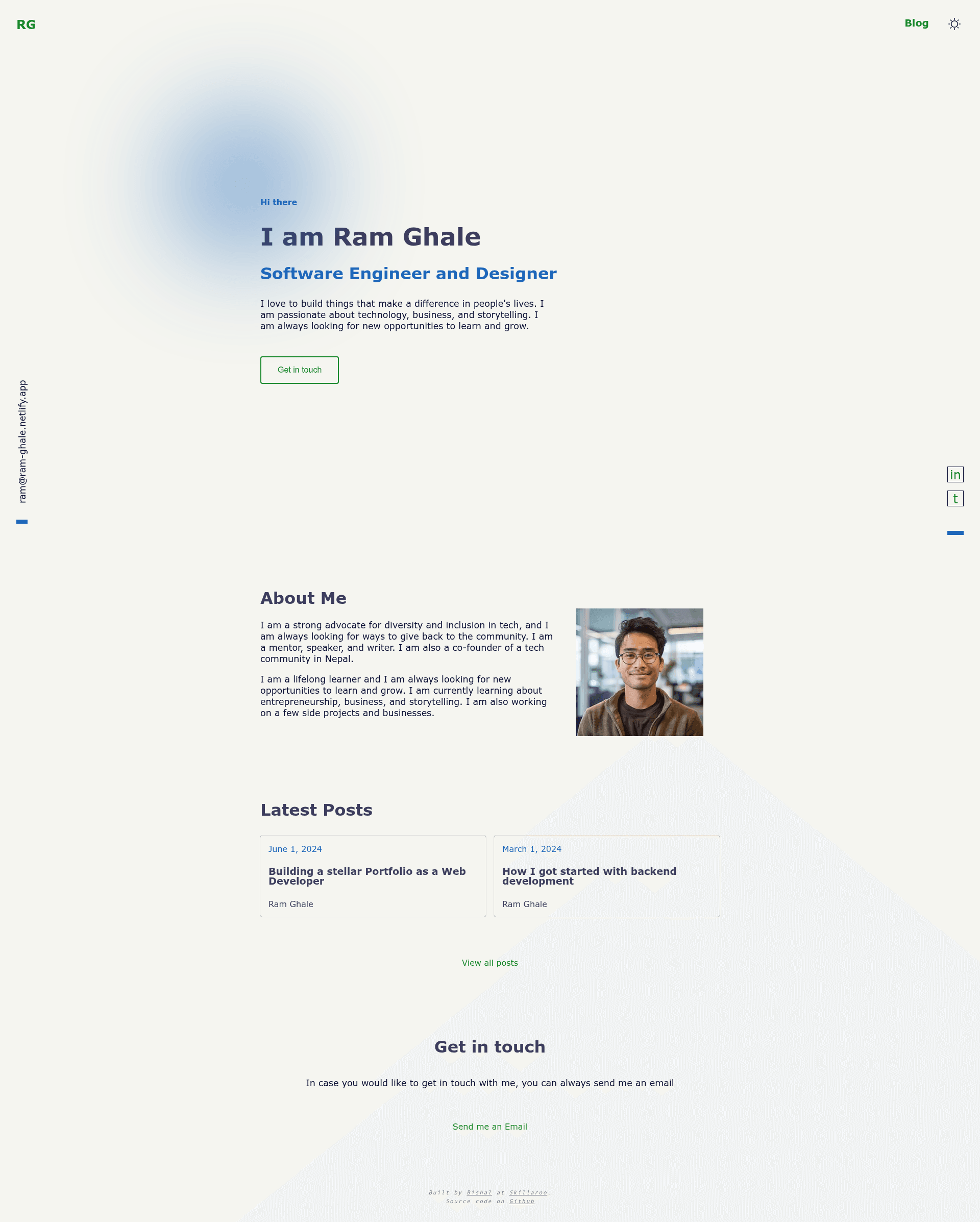
An Astro.js portfolio template for web developers, configurable via a single YAML file and deployable to Netlify.
About this template
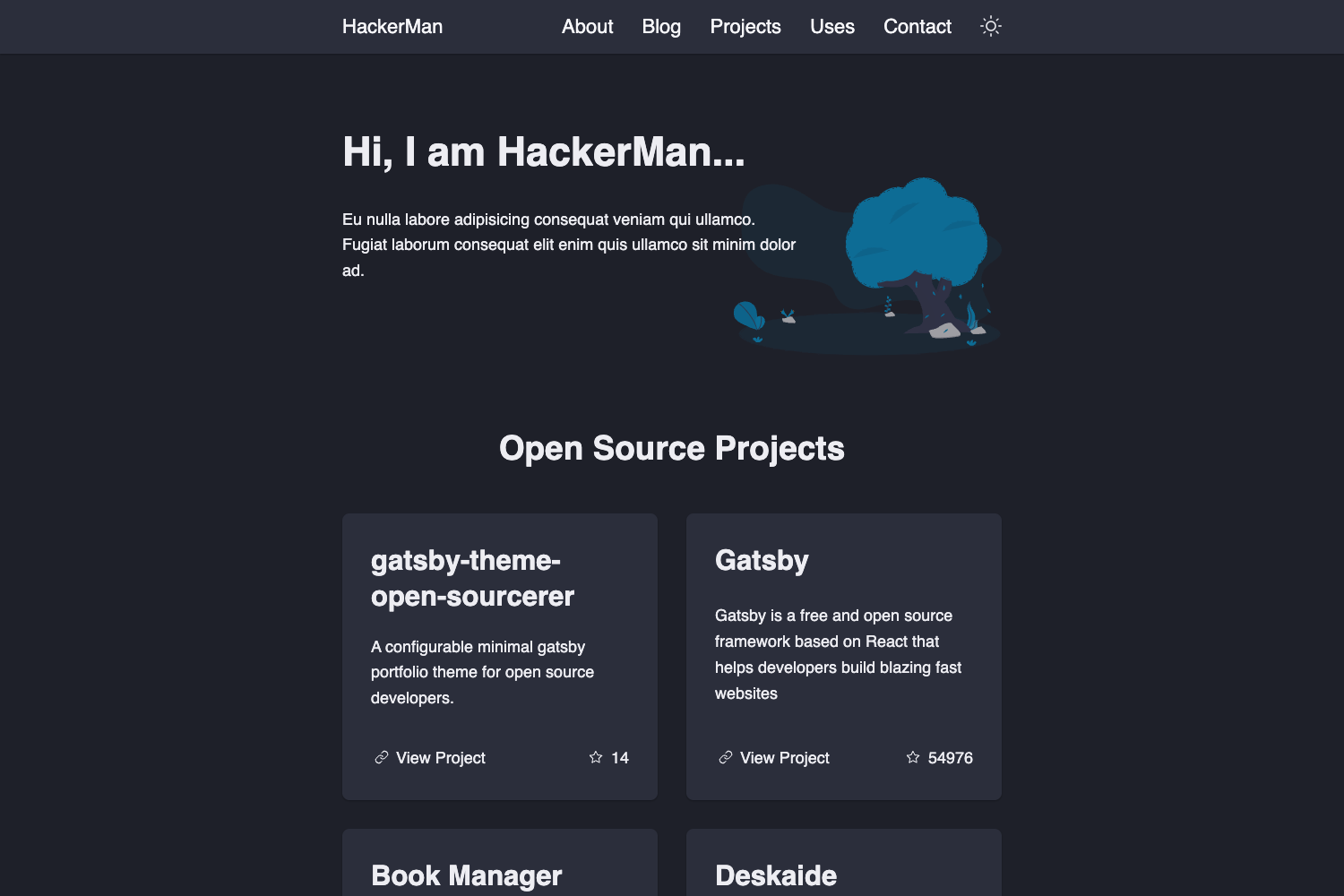
The Web Developer Portfolio Template (Ram Ghale) is an open-source portfolio template for web developers, built with Astro.js and designed to turn a YAML configuration file into a static, Netlify-hosted personal site with hero, about, and get-in-touch sections. It was created during a Skillaroo workshop on 10 Aug 2024 and draws design inspiration from a Gatsby portfolio template by Brittany Chiang.
What is the Web Developer Portfolio Template (Ram Ghale)?
It is a single-page portfolio template written in Astro, a static site generator that outputs plain HTML. You input content through src/assets/site-config.yaml, where you set the site title, tagline, email, social profile URLs, hero headings and paragraphs, and call-to-action buttons. The template produces a static website containing a main hero area, an about section, and a contact block; the live demo is hosted at ram-ghale.netlify.com. The project is maintained in a public repository and is licensed under the MIT License with an attribution clause.
Key Features
- YAML-driven site configuration — Edit
src/assets/site-config.yamlto change the site title, description, email, social links for Twitter, LinkedIn, and GitHub, plus the hero headings, paragraphs, and buttons, without touching any markup. - Astro framework — Built on Astro, a modern static site generator; run
npm run devfor local development andnpm run buildto generate the static output folder. - Customizable profile image — Replace
src/assets/dp.pngwith your own photo to update the site's portrait. - Metadata editing — Update the HTML metadata in
src/layouts/ui/Meta.astrofor SEO and social sharing tags. - Theme control — Modify the site's colors and global styles in
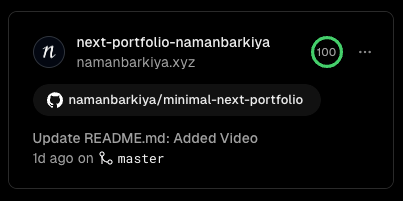
src/styles/global.css. - Netlify deployment ready — The template is designed to be hosted on Netlify, and the live preview runs at ram-ghale.netlify.com.
- Workshop origin — Built as the deliverable of Skillaroo's "Build your Web Developer Portfolio" workshop, alongside a live demonstration and setup instructions in the README.
- Attribution license — The MIT License includes an attribution clause, requiring users to credit the author and link back to the repository.
Who is it for?
- Recent computer science graduates — Use the template in their job search by filling in their YAML config with their own projects, skills, and bio, then deploying to Netlify.
- Tech career starters — Get a professional portfolio page live quickly without hand-coding HTML and CSS, since the YAML config controls all major content.
- Workshop participants and self-learners — The project is the exact output of the Skillaroo workshop, making it a practical reference for anyone going through the same learning path.
What can you do with the Web Developer Portfolio Template (Ram Ghale)?
- Job applicants: publish a personal landing page that introduces who you are, what you do, and how to contact you, replacing the demo data with your own details.
- Open-source developers: fork the repository and address the outstanding improvements noted in the README — adding a sitemap, subtle animations, proper icons in the SideFrameNav, and better docs.
- Astro learners: study how a Gatsby-inspired design is implemented in Astro components and how a YAML file drives the page structure.
How does it work?
The template's customization process is straightforward: open the repository, edit src/assets/site-config.yaml to set your personal information and links, replace src/assets/dp.png with your image, adjust metadata in src/layouts/ui/Meta.astro, and optionally change the theme in src/styles/global.css. To see changes locally, run npm run dev; to create production-ready static assets, run npm run build.
Pros and cons
- YAML configuration — Content changes are fast and don't require React or component knowledge.
- Static output — Astro builds plain HTML, which loads quickly and is easy to host anywhere, including Netlify.
- Clear licensing — The MIT license with attribution lets you reuse and modify the template as long as you credit the original.
- Noted limitations — The README's "Further Work" section lists missing sitemap, animations, and proper SideFrameNav icons, indicating the template is not fully polished for production use.
FAQ
Is this template free?
Yes, it is open source under the MIT License with an attribution clause. You can use it freely, but you must provide appropriate credit and link back to the original repository.
What do I need to customize it?
You need a text editor for the YAML file, a square image to replace dp.png, and Node.js installed to run npm run dev or npm run build. No framework knowledge is required for content-only changes.
Does it support a blog?
The workshop description mentions showcasing blogs as a goal, and the YAML config includes paragraphs for about and main sections, but the template itself does not list a separate blog page or post collection in its documentation.
How do I deploy it to Netlify?
The live demo runs on Netlify, and you can get the same result by importing the repository into a Netlify site or by running npm run build and uploading the generated static assets to any static host.
Can I modify the layout?
Yes, because the full Astro source is provided. You can edit component files, the global stylesheet, and the layout files to change structure, colors, and metadata as needed.