Template details
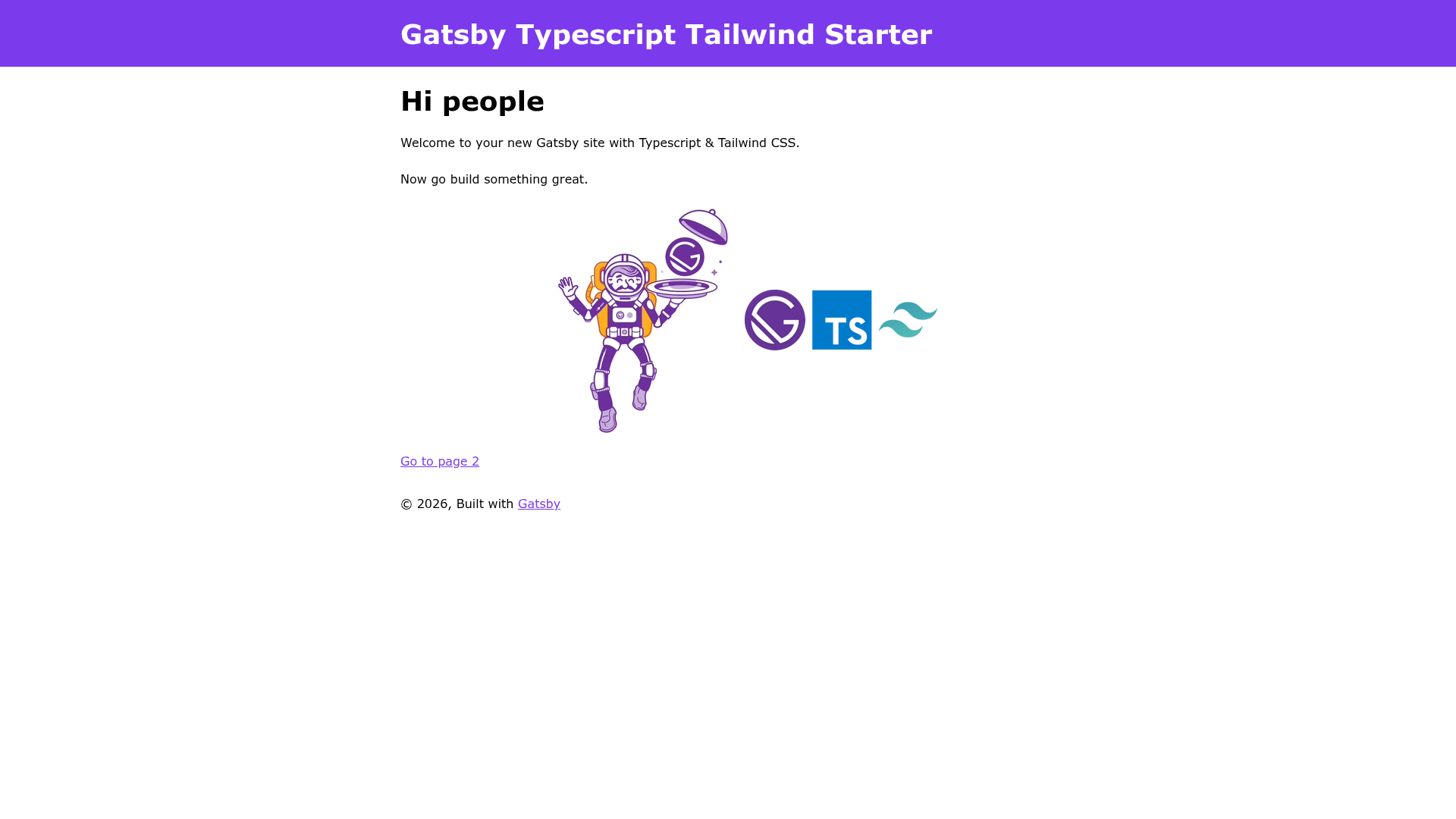
Gatsby Typescript Tailwind Starter
Gatsby starter with TypeScript, Tailwind CSS, and the latest tooling to kick off static sites.
About this template
The Gatsby Typescript Tailwind Starter is a boilerplate for building Gatsby static sites with TypeScript and Tailwind CSS preconfigured, based on the official gatsby-starter-default.
What is the Gatsby Typescript Tailwind Starter?
The Gatsby Typescript Tailwind Starter is a GitHub repository that provides a Gatsby.js 3 project skeleton with React 17, TypeScript 4, and Tailwind CSS 2 already wired together. It takes a name and location as input via the Gatsby CLI and produces a ready-to-edit static site with all configuration files included. The starter runs on the Gatsby build system and is an enhancement of Gatsby's default starter, maintained as a community project.
Key Features
- Gatsby 3 — Uses the latest major version of Gatsby's static site generator, with gatsby-config.js, gatsby-node.js, gatsby-browser.js, and gatsby-ssr.js files included.
- React 17 with Hooks — The starter builds on React 17 and includes Hooks support out of the box.
- TypeScript 4 — All source files are set up for TypeScript, with a tsconfig.json file and typed components.
- Tailwind CSS 2 — Utility-first CSS framework preinstalled, with tailwind.config.js and postcss.config.js for customization.
- ESLint 7 and Prettier 2 — Code linting and formatting configuration via .eslintrc.json and .prettierrc.json.
- Husky 5 and lint-staged 10 — Pre-commit hooks and staged-file linting are configured to keep code quality consistent.
- Gatsby plugins — Includes gatsby-plugin-image for optimized image loading, gatsby-plugin-offline for PWA support, gatsby-plugin-manifest for installable web apps, and gatsby-plugin-react-helmet for SEO management.
- Node.js requirement — Requires Node.js version 12.13.0 or higher.
Who is it for?
- React developers — who want to build static sites with Gatsby but don't want to spend time configuring TypeScript and Tailwind themselves.
- Frontend teams — that need a standard starting point for multiple Gatsby projects, with linting and formatting enforced via ESLint, Prettier, and Husky.
- Developers new to Gatsby — who can use the preconfigured project to follow the Gatsby tutorial without manually adding TypeScript and Tailwind.
- PWA and SEO-minded site builders — who benefit from the included manifest, offline, and image optimization plugins.
What can you do with it?
- Build a personal blog or portfolio: Use the included Gatsby Image and React Helmet to craft a fast, SEO-friendly site with Tailwind styling.
- Create a marketing or documentation site: Take advantage of PWA features and offline support to serve content reliably.
- Prototype a Gatsby project: Spin up a new site with
gatsby newand start editing src/pages/index.tsx immediately.
How does it work?
- Run
gatsby newwith the starter's GitHub URL to create a new project. - Navigate into the project and run
gatsby developto start the development server at localhost:8000. - Edit src/pages/index.tsx and see changes update in real time; use GraphiQL at localhost:8000/___graphql to experiment with data queries.
FAQ
Is the Gatsby Typescript Tailwind Starter free?
Yes, the starter is open source. According to the README's LICENSE entry, it is released under the 0BSD license, so you can freely use and modify it, and replace the LICENSE file with your own if needed.
What Node.js version is required?
The README states that Node.js version 12.13.0 or higher is required to use this starter. Older versions may not run the Gatsby build tooling correctly.
Which Gatsby plugins are included?
The starter includes gatsby-plugin-image, gatsby-plugin-offline, gatsby-plugin-manifest, and gatsby-plugin-react-helmet, alongside the plugins that come with the default Gatsby starter.
Does the starter include TypeScript and Tailwind CSS?
Yes, TypeScript 4 and Tailwind CSS 2 are preinstalled and configured. The project includes tsconfig.json for TypeScript and tailwind.config.js plus postcss.config.js for Tailwind.
How do I deploy a site built with this starter?
The README provides one-click deployment buttons for Netlify and Vercel. You can also use any static hosting service that supports Gatsby builds, since the output is a fully static site.