Template details
Compose Starter: Help Center + Next.js
A sample website frontend for Compose with Next.js
About this template
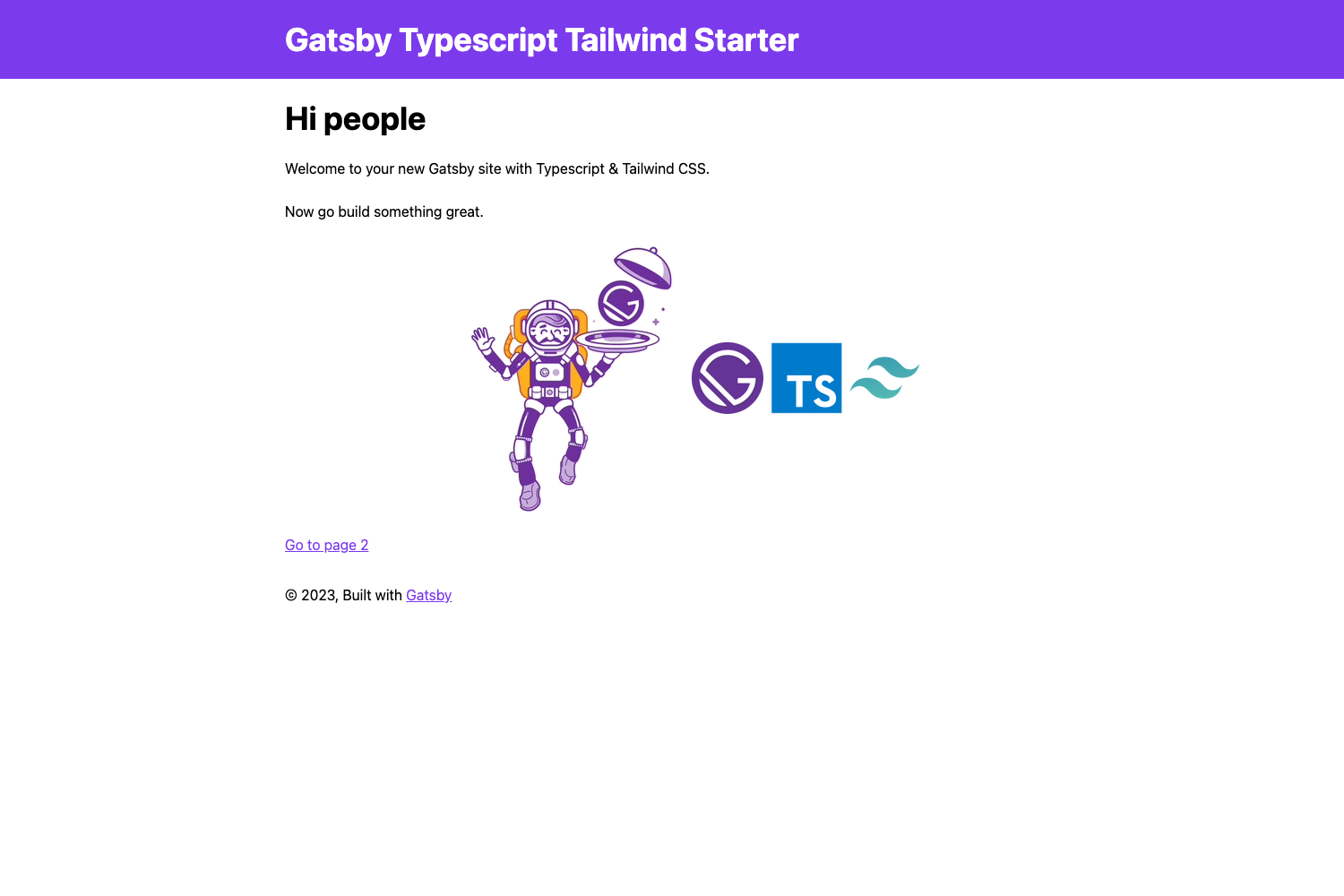
Compose Starter: Help Center + Next.js is a boilerplate frontend by Contentful that renders a localized help center website from a Compose-compatible content space using Next.js, TypeScript, and Tailwind CSS. It is designed as the frontend counterpart to Compose's "Simple website" content model for empty spaces, giving teams a ready-made article publishing site that can be deployed to Vercel in a few clicks.
What is Compose Starter: Help Center + Next.js?
It is a sample website frontend maintained by Contentful that connects to a Compose-compatible space through a delivery API key and a preview API key, reads content entries, and outputs a help center with locale-based routes. The project runs on Next.js 12.x with TypeScript 4.x and is styled with Tailwind CSS. It takes three environment variables as input — CF_SPACE_ID, CF_DELIVERY_ACCESS_TOKEN, and CF_PREVIEW_ACCESS_TOKEN — and produces a static or server-rendered website with article pages, index pages, and preview support.
What makes it stand out?
- Next.js 12.x and TypeScript 4.x — The template is built on the page router and typed throughout, making it easy to extend with additional React components.
- Tailwind CSS — Styling is done with utility classes, so customizing the look of the help center does not require writing separate CSS files.
- Localized routing — A
[locale]directory insrc/pagesserves content under multiple locales, and each route can be accessed with a locale prefix. - Article pages — Includes
articles/[slug].tsxfor individual help articles and a general[slug].tsxfor other content pages, plus an index page per locale. - Block renderer — The
src/components/renderer/block-renderer.tsxcomponent maps a content type to the correct React component, which is how Compose preview entries are rendered. - Generated TypeScript content types — Uses the
cf-content-types-generatortool to keepsrc/lib/generated-typesin sync with the space viayarn generate-types. - One-click Vercel deployment — The README includes a deploy button that clones the repo into Vercel and prompts for the three environment variables, plus manual deployment steps.
- MIT license — The project is released under the MIT license, so it can be reused commercially.
Who should use this template?
- Contentful and Compose customers who want to launch a help center without building a frontend from scratch.
- Developers who want a TypeScript and Tailwind reference for building content-driven sites with Next.js.
- Product teams that need a multilingual documentation site and already store articles as Compose content.
What can you do with it?
- Content editors: Author articles in Compose using the "Simple website" content model and see them appear as a live help center site with localized URLs.
- Developers: Extend the template by adding new components in
src/componentsor new routes insrc/pages, then regenerate the TypeScript types after changing the space model. - Site owners: Deploy the project to Vercel using the one-click button or the manual steps, then point a custom domain to the generated URL.
How does the template work?
After cloning the repository, install dependencies with yarn, copy .env.example to .env, and fill in the three Contentful variables. Running yarn run dev starts the site at http://localhost:3000. For production, the README walks through importing the repository into Vercel, selecting a scope, adding the same environment variables, and completing the deployment.
FAQ
What environment variables does it need?
The template requires CF_SPACE_ID, CF_DELIVERY_ACCESS_TOKEN, and CF_PREVIEW_ACCESS_TOKEN. These are the space ID, a delivery API key, and a preview API key for a Compose-compatible space, and are set in the project settings for local development and on Vercel.
How do I generate TypeScript types for my content model?
The project includes a script called via yarn generate-types that uses cf-content-types-generator. It needs CF_SPACE_ID and CF_CMA_TOKEN exported as shell environment variables, and it writes the generated types to src/lib/generated-types.
Does it support multiple languages?
Yes, there is a [locale] directory inside src/pages which is the Next.js dynamic route for locale segments. This lets the same help center serve articles in multiple languages as long as the content space provides localized entries.
Is the template free to use?
The repository is open source under the MIT license, so it can be used and modified without licensing fees. It does require a Contentful space that supports Compose, which has its own pricing.
Where can I get support?
The README links to the Contentful community forum, a community Slack channel, and Contentful Customer Support for confidential issues. Bugs can be reported in the GitHub issues for the repository.