Newsletter
Join the Community
Subscribe to our newsletter for the latest news and updates

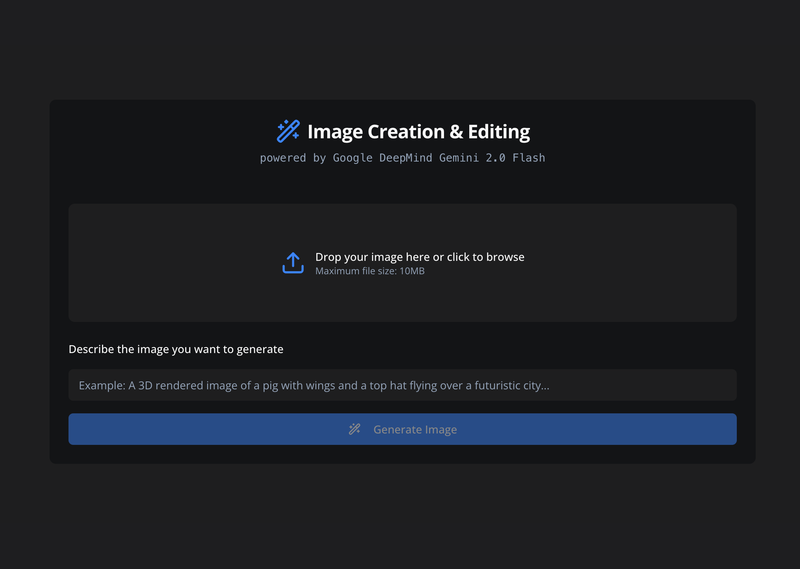
Next.js quickstart for generating and editing images with Google Gemini 2.0 Flash.
eve agent template with long-term, per-user memory powered by Mem0, deployable to Vercel through the Marketplace integration.
A Next.js example using the Vercel AI SDK's streamText function to automatically handle multiple tool call roundtrips in one chat turn.
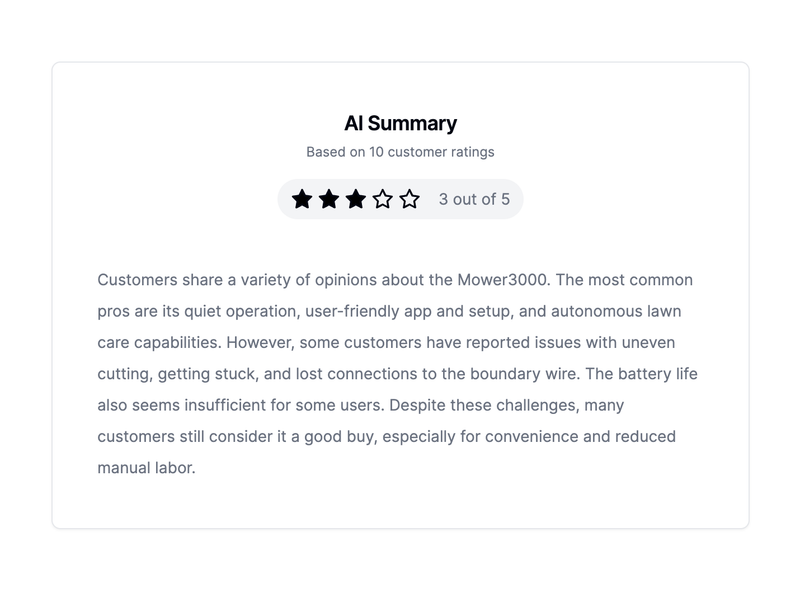
A Next.js demo template that uses an LLM to summarize e-commerce customer reviews and display them in a demo UI.
sre is an eve incident response agent for Slack that investigates alerts using Datadog, GitHub, Vercel, and other tools.
Gemini 2.0 Flash Image Generation and Editing is an open-source Next.js application that shows how to generate and edit images with Google's Gemini 2.0 Flash model using the Google Generative AI JavaScript SDK. It runs as a web app with a chat-style interface and was published by google-gemini on GitHub, with a hosted demo available on Hugging Face Spaces.
This template is a quickstart project that combines a Next.js frontend with the Gemini 2.0 Flash model to perform native image generation and editing. It takes a text prompt or an uploaded image plus an instruction as input, and returns AI-generated or edited images that you can download directly in the browser. The app tracks conversation history so each edit can build on the previous result.
Yes, the app requires a Google AI Studio API key to authenticate calls to the Gemini model. You can get one from the Google AI Studio API key page and store it in the .env file or as a Vercel environment variable.
The code uses the gemini-2.0-flash-exp model, the experimental version of Gemini 2.0 Flash, selected in the generationConfig along with responseModalities including "Text" and "Image".
Yes, the app supports image editing. You upload an image, provide natural-language instructions, and the model returns an edited version, with the conversation history allowing you to make follow-up changes.
You can deploy it to Vercel using the one-click clone button, which will prompt you to set the GEMINI_API_KEY, or build and run the Docker image with docker run -p 3000:3000 -e GEMINI_API_KEY=your_google_api_key nextjs-gemini-image-editing.
The template code itself is open source under the Apache License 2.0, so you can use it at no cost. Note that calling the Gemini API may incur charges depending on your Google AI plan and usage.