Template details
Gloria
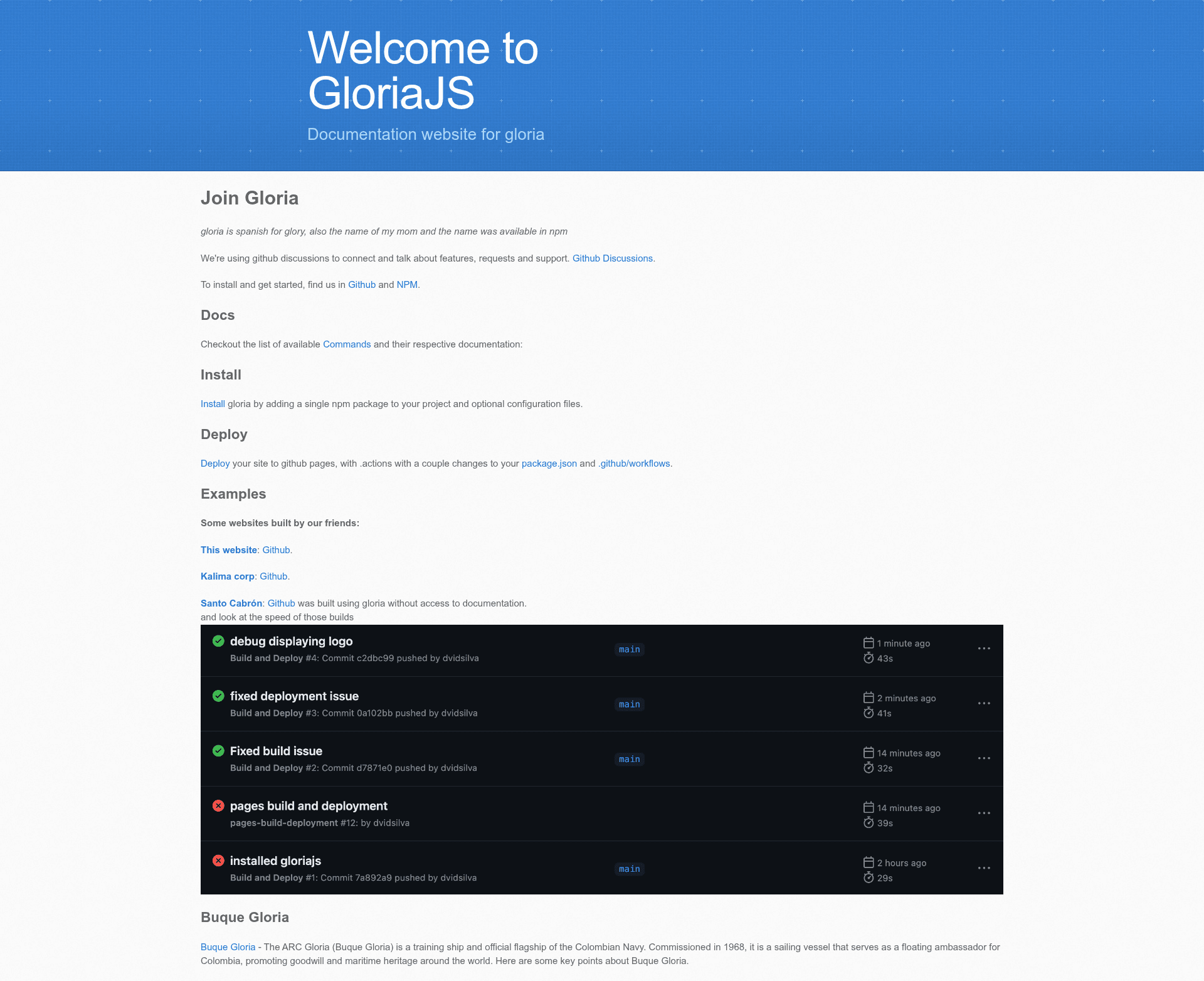
Gloria is a static website generator, based on NodeJS.
About this template
Gloria is a NodeJS-based static site generator (a CLI tool) that turns Markdown content and Tailwind CSS into static HTML websites, and it positions itself as a substitute for Jekyll that does not require Ruby.
What is Gloria?
Gloria is a static website generator built on NodeJS, designed to help you create static websites without depending on Ruby (unlike Jekyll). It takes Markdown files and optional frontmatter metadata as input, runs them through a pipeline of CLI commands, and outputs static HTML styled with Tailwind CSS. The project is open source (participating in Hacktoberfest) and is available from the npm registry and GitHub Packages. The author describes V2 as deprecating many old functions and moving toward TypeScript, while noting that parts of the project are a satire of other generators.
Key Features
- No Ruby dependency — Uses NodeJS and can be installed with
yarn add gloriajsornpm install gloriajs, making it easier for JavaScript developers to adopt. - Modular build pipeline — Offers individual commands (
collect,copy,extract,prebuild,build,css:tailwind,scripts,write,cleanup) that each handle one step and can be run independently. - Markdown-first content management — Supports MD files as a simple CMS, which makes it suitable for documentation that lives in a source repository.
- Tailwind CSS processed on output — The
css:tailwindcommand runs Tailwind on the generated HTML, and the project states it should be extendable to other CSS pre-processors. - GitHub Pages quickstart — Fork the quick start theme repo, edit
_config.yml, and publish your site to GitHub Pages for free; custom domains are also supported (including free domains from JS.org). - Plugin-friendly data structure — The project object passed between build steps contains
prebuiltwithhtmlandcssfields, which plugins and templates can read and modify. - Package availability — Available both via npm as
gloriajsand via GitHub Packages as@gloriajs/gloria(requires adding the scope to your.npmrc).
Who is it for?
- Developers seeking a Jekyll alternative — Teams or individuals who want static site generation but don't want to install Ruby; Gloria uses the NodeJS ecosystem they likely already have.
- Documentation maintainers — Projects that keep their docs in Markdown can use Gloria to generate a styled documentation website directly from the source tree.
- Hobbyists building personal sites — The quickstart theme lets you create a portfolio, project, community, or hobby site in under 5 minutes and host it free on GitHub Pages.
- Open-source projects — The project is open source and supports easy publishing to GitHub Pages, making it a fit for hosting project sites.
Use cases
- Portfolio sites: Fork the quick start theme, modify
_config.ymland add Markdown pages, then publish to GitHub Pages for free. - Documentation websites: Convert existing Markdown documentation into a Tailwind-styled static site without a separate CMS.
- Project or community hubs: Use Command Line tools to collect, extract, and build content from multiple Markdown files into a cohesive static site.
- Local prototyping: Install Gloria as a local dependency, add scripts to
package.json, and build/test the site offline before deploying.
How does Gloria work?
Gloria's build process is a sequence of commands that each mutate a shared project object. First, collect traverses include-paths and saves information about available files; extract finds metadata and frontmatter from collected files; prebuild creates output placeholders; build interpolates content into the layout; css:tailwind runs Tailwind on the HTML output; and write writes the production version to disk. Each command works independently, and the data structure is designed to be extended by plugins.
Pros and cons
Pros:
- No Ruby dependency and a short quickstart path to a live site via GitHub Pages.
- Modular commands that can be combined and extended.
- Markdown and Tailwind integration make content edits straightforward.
Cons:
- The project is self-described as having bugs and being a satire; V2 deprecates old functions, so stability may vary.
- Some commands (
scripts,cleanup) are still marked as TODO. - The test suite is currently missing and needs to be re-added.
Alternatives
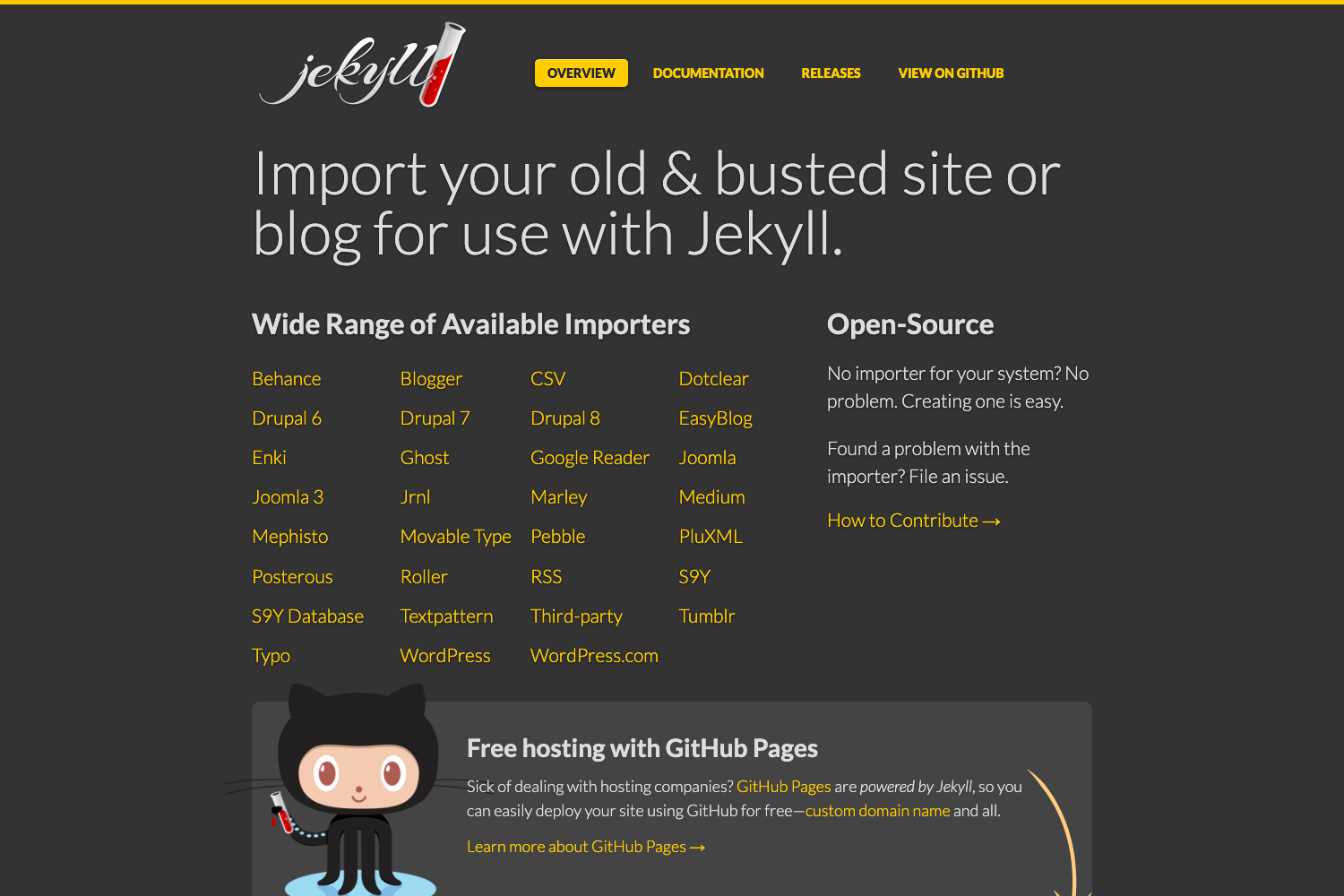
- Jekyll — The Ruby-based static site generator that Gloria explicitly aims to substitute for.
FAQ
Does Gloria require Ruby?
No. Gloria is built on NodeJS and is meant to be a replacement for Jekyll, so you can generate a static site using only JavaScript tooling.
How do I install Gloria?
Run yarn add gloriajs or npm install gloriajs from the npm registry. Alternatively, add the @gloriajs scope to your .npmrc and install @gloriajs/gloria from GitHub Packages.
Can I publish a Gloria site to GitHub Pages?
Yes. Fork the quick start theme repo, modify _config.yml and your Markdown pages, then publish to GitHub Pages for free. Custom domains are also supported, and JS.org offers free domains for open-source projects.
What build commands does Gloria provide?
Gloria's CLI includes collect, copy, extract, prebuild, build, css:tailwind, scripts, write, and cleanup. Each command performs a different step in the static site pipeline, and they can be run individually or in sequence.