Template details
Jekyll Import
The 'jekyll import' command for importing from various blogs to Jekyll format.
About this template
jekyll-import is a Ruby gem that adds an import command to Jekyll for migrating posts and content from various blogging platforms into Jekyll's static site format.
What is Jekyll Import?
jekyll-import is the official import command for Jekyll, distributed as a Ruby gem. It takes content from external blogging platforms and converts it into Jekyll-compatible files, typically Markdown with front matter, ready for a Jekyll build. The tool runs inside a Ruby environment, and it is maintained under the Jekyll GitHub organization. Importers are no longer bundled with Jekyll core; they are only available when the jekyll-import gem is installed.
Key Features
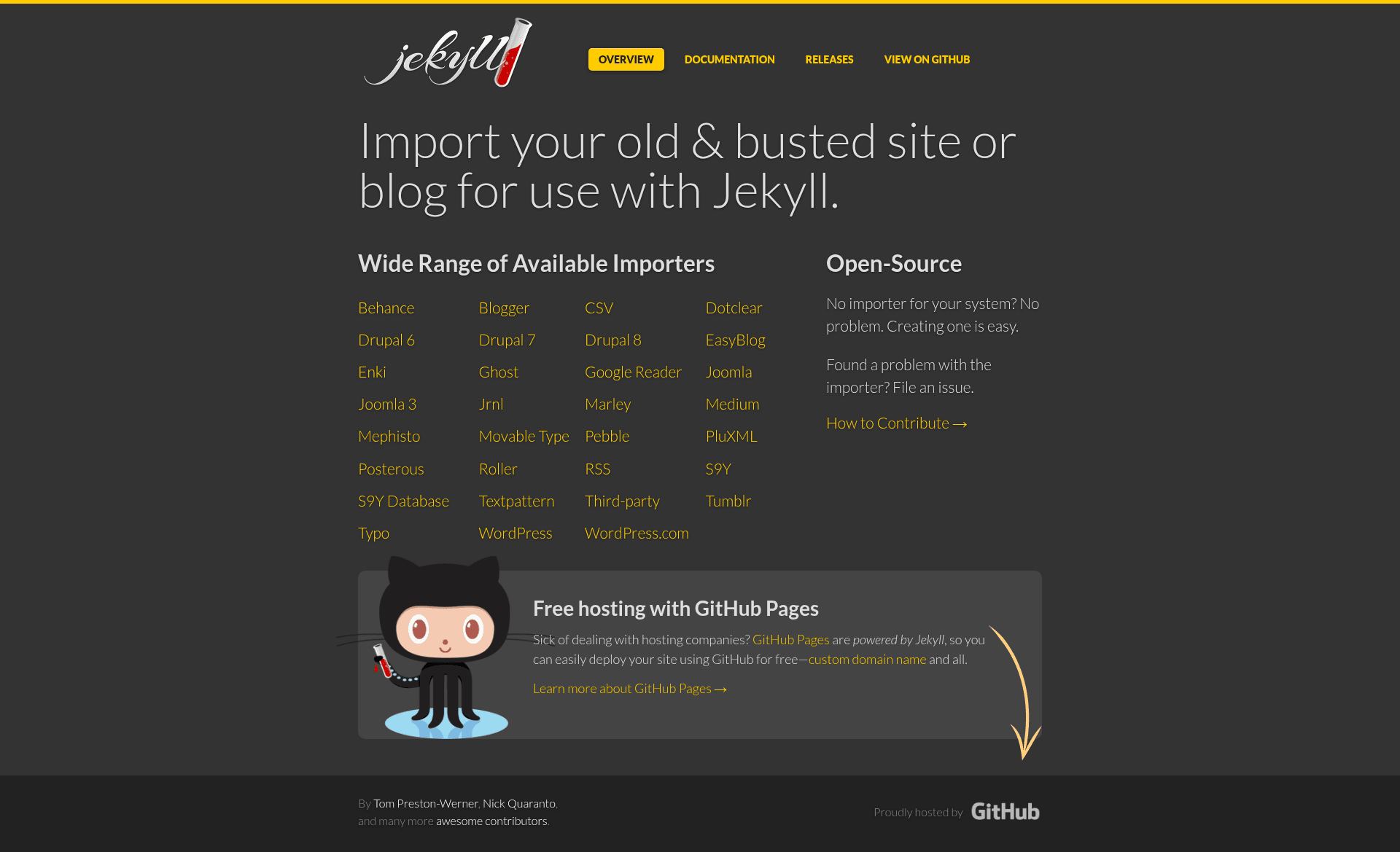
- Importer library — a collection of importer classes for many source platforms; the project documentation at https://import.jekyllrb.com provides dedicated pages for each migrator.
- Command-line interface — on Jekyll v2.x and higher, run
jekyll-import IMPORTER [options]from the shell after installing the gem. - IRB workflow for older Jekyll — for Jekyll v1.x, use
require 'jekyll-import'and call an importer class'srunmethod with a hash of options. - Modular design — each importer is a class under
JekyllImport::Importers, selected by name. - Example importers — the README explicitly names Behance as one available importer, with "many others" available.
Who is it for?
- Jekyll users migrating from another blog platform — they can convert existing posts into Jekyll's expected structure without manual copy-pasting.
- Developers automating site migrations — they can script the import process using Ruby or run the command-line importer in deployment workflows.
- Static-site enthusiasts leaving dynamic CMSes — they can use importers to export content into a static format that Jekyll can build.
What can you do with Jekyll Import?
- Migrate a blog to Jekyll — pick an importer for your source platform, run it, and receive Jekyll-ready content files.
- Import from services like Behance — the README gives Behance as a concrete example; other importers are documented on the import.jekyllrb.com site.
- Use importer options — each importer accepts an options hash, letting you tailor the conversion for your specific source.
How does Jekyll Import work?
For Jekyll v2.x and later, installation is gem install jekyll-import followed by jekyll-import IMPORTER [options]. For Jekyll v1.x, open IRB, require 'jekyll-import', choose the importer class as a constant, and execute JekyllImport::Importers.const_get(importer_class).run(options_hash).
FAQ
Is jekyll-import part of Jekyll core?
No. Importers (formerly called migrators) are only available if you install the jekyll-import gem separately.
How do I install jekyll-import?
Install it as a Ruby gem with gem install jekyll-import.
What Jekyll versions are supported?
Jekyll v2.x and higher are supported through the jekyll-import command-line interface. For Jekyll v1.x, you must run importers from IRB.
Where can I find documentation for each importer?
The documentation site at https://import.jekyllrb.com includes dedicated documentation for each migrator.