Template details
gluestack-ui
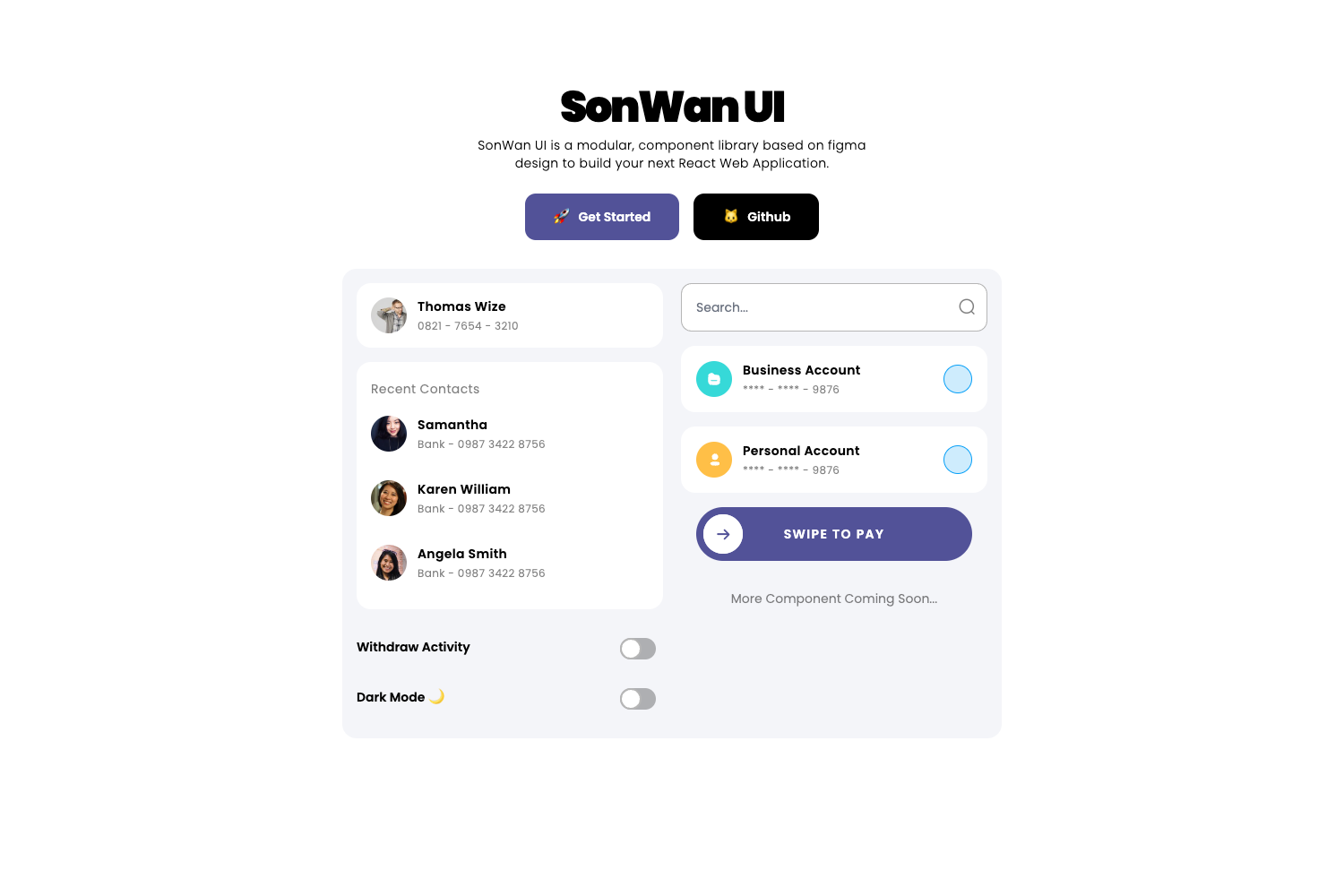
Copy-pasteable React Native & Expo component library styled with Tailwind CSS (NativeWind), built for Expo Router.
About this template
gluestack-ui is an open-source, copy-pasteable component library for React Native and Expo apps, styled with Tailwind CSS through NativeWind and maintained by GeekyAnts. Unlike installed component libraries, gluestack-ui gives you component source code you select and paste directly into your project.
What is gluestack-ui?
gluestack-ui v5 is a collection of copy-pasteable components and patterns built for React Native and Expo, styled with Tailwind CSS via NativeWind. It takes as input an existing Expo or React Native project, and outputs individual UI components that are integrated and customized through theming tokens. The library is written in TypeScript, prioritizes Expo Router integration, and is developed and maintained by GeekyAnts, a team that has designed React Native apps for over 200 clients since 2015.
Key Features
- NativeWind v5 / Tailwind v4 integration — Style native components with Tailwind CSS utility classes using the latest NativeWind v5.
- Modular architecture — You choose only the components you need; the library is not a pre-packaged dependency, so your app stays lean.
- Expo Router first — The components and patterns are designed to work with the latest Expo Router navigation out of the box.
- Flexible theming — Customize components with theming tokens and configuration to match your design system.
- Accessibility — Components are built with accessibility features to support inclusive apps.
- CLI setup — Run
npx gluestack-ui initin an existing Expo or React Native project to get started. - Active community and maintenance — The repository has over 5,200 GitHub stars, a Discord support channel, and regular updates.
Who is it for?
gluestack-ui is for developers building mobile apps with React Native or Expo who want control over the UI without heavy dependencies. Expo app developers can add individual styled components to their project via the CLI. React Native teams can copy-paste components into their existing codebase and customize them with theming tokens. Design system owners can use the theming configuration to create a consistent, accessible look across screens. Teams on older gluestack-ui versions can follow the migration guide to move from v3/v4 to v5.
What can you do with gluestack-ui?
- Expo developers: Use the CLI to add only the components you need for a screen, then customize them with Tailwind classes.
- React Native developers: Copy-paste component source from the documentation directly into your project without installing a library dependency.
- Design teams: Define theming tokens to keep colors, spacing, and typography consistent across the entire app.
- Open-source contributors: Add new components or bug fixes via pull requests on the GitHub repository.
How does gluestack-ui work?
First, make sure you have an existing Expo or React Native project. Run npx gluestack-ui init in your project root. Then use the CLI to add components, or copy-paste source from the documentation. After adding components, customize them with theming tokens and configuration, then build your app with a consistent UI.
FAQ
Is gluestack-ui free?
Yes, gluestack-ui is open-source and licensed under the MIT License, so you can use it in personal and commercial projects without a paid license.
What are the requirements to use gluestack-ui?
You need an existing Expo or React Native project. The setup is done by running npx gluestack-ui init, and the library uses NativeWind v5, which supports Tailwind v4.
Does gluestack-ui support Expo Router?
Yes, gluestack-ui v5 is described as "Expo Router first," meaning the components and patterns integrate with the latest Expo Router directly.
How is gluestack-ui different from a traditional UI library?
Instead of installing a dependency, you copy-paste the selected component source into your own project. This gives you full ownership of the code and avoids bundle bloat from unused components.
Can I migrate from gluestack-ui v3 or v4?
Yes, a migration guide is available in the documentation to help you upgrade from earlier versions to v5.