Template details
Nuxt ngrok
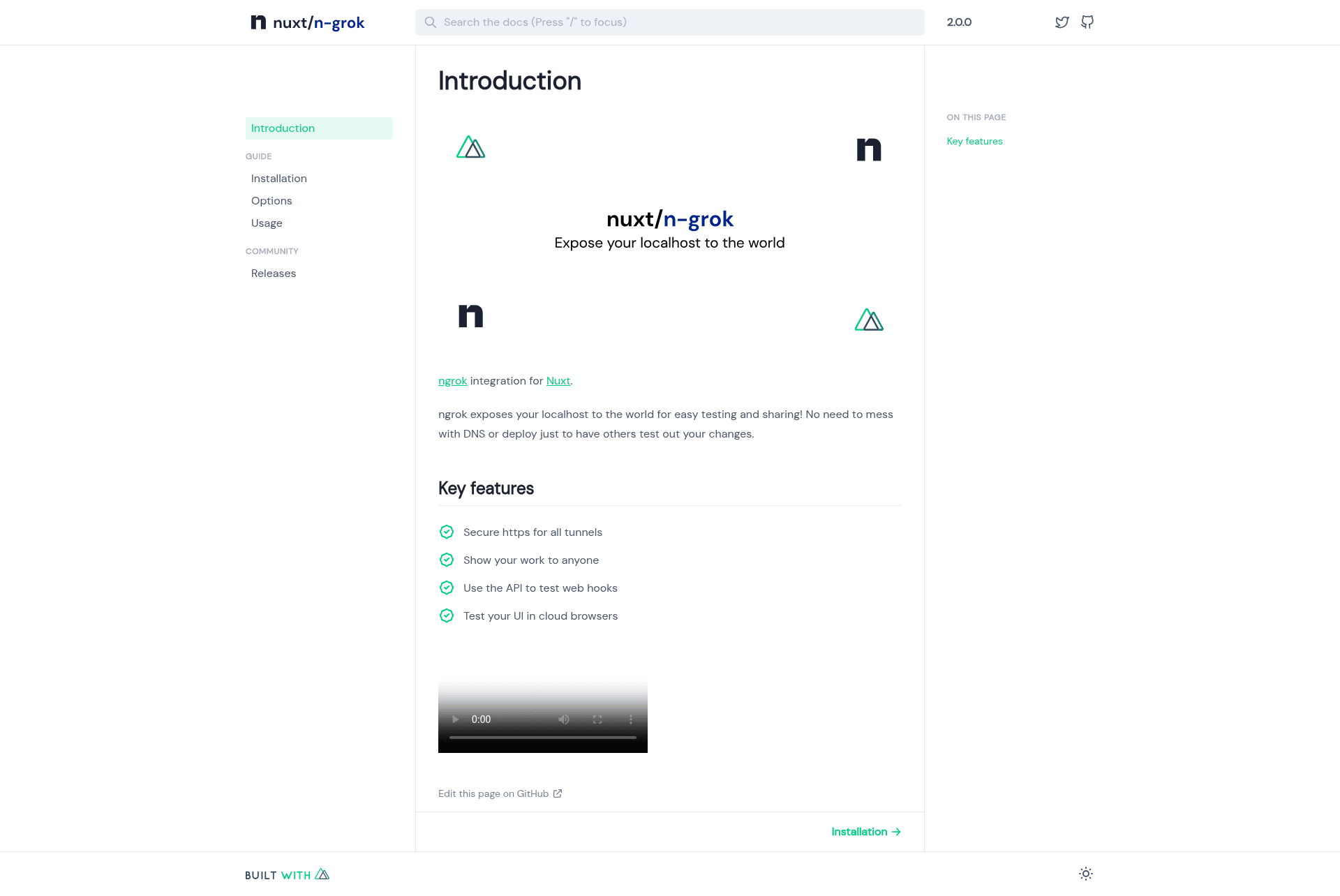
Expose your Nuxt application to the internet with ngrok tunnels — no DNS or deployment needed.
About this template
Nuxt ngrok is a Nuxt module that exposes your local Nuxt application to the internet through an ngrok tunnel, configured in a single line in nuxt.config.ts.
What is Nuxt ngrok?
Nuxt ngrok is an open-source Nuxt module (package @nuxtjs/ngrok) that integrates the ngrok tunneling service directly into a Nuxt application. It takes the local server URL that Nuxt runs on and publishes it to a public HTTPS ngrok URL, printing that URL in the console on startup. The module is maintained in the nuxt-modules/ngrok GitHub repository and works with Nuxt 3; a separate version, @nuxtjs/ngrok@2.0.0, supports Nuxt 2.
Key Features
- One-line setup — Install with
npx nuxi@latest module add ngrok, then add@nuxtjs/ngrokto the modules array innuxt.config.ts; no additional code is required to get a tunnel. - Authtoken flexibility — Set
authtoken_from_env: trueto readNGROK_AUTHTOKENfrom the environment, or set theauthtokenoption directly with your ngrok token. - HTTP basic auth — The
authoption accepts a username and password in the formatusername:passwordto require credentials on the public tunnel. - Custom domain support — The
domainoption lets you use a reserved domain from your ngrok account instead of a randomly assigned URL. - Production mode — The
productionboolean option enables the tunnel for production builds, not just the dev server. - Console feedback — On successful startup, the module logs a message like
✔ Ngrok connected at https://your_ngrok_urlso you know the public address.
Who should use Nuxt ngrok?
Any developer building a Nuxt application who needs to share a running local server with someone else, without deploying or setting up DNS. Frontend developers can use it to verify webhook callbacks in local development, and mobile developers can open the public HTTPS URL from a physical device to test against the Nuxt app running on their computer. It is also useful for QA testers who need to review a feature before it lands in a staging environment.
What can you do with Nuxt ngrok?
- Share a local dev server with a collaborator: Run your Nuxt app with the module enabled and send the printed URL to a teammate for immediate feedback.
- Test incoming webhooks locally: Point webhook services at the ngrok URL to have requests forwarded to your local Nuxt application.
- Preview the app on a mobile device: Open the ngrok URL on a phone or tablet to interact with the Nuxt app over real HTTPS.
How does Nuxt ngrok work?
After you install the module and add it to nuxt.config.ts, running the Nuxt app starts an ngrok tunnel from your localhost to the ngrok edge. The module reads your configuration options (authtoken, auth, domain, production), connects to ngrok, and then outputs the public URL to the terminal. No DNS changes or deployment steps are needed.
FAQ
How do I install Nuxt ngrok?
Run npx nuxi@latest module add ngrok inside your Nuxt project. The command adds the package and updates the modules array in nuxt.config.ts. Then you can start the server and the ngrok URL will appear in the console.
Does Nuxt ngrok support Nuxt 2?
Yes, Nuxt 2 support requires the older package version @nuxtjs/ngrok@2.0.0. Instructions for that version are available on the Nuxt 2 documentation site.
Can I use my own ngrok domain?
Yes, if you have a reserved domain in your ngrok account, set the domain option in the module configuration and the tunnel will use that domain.
Can I protect the tunnel with a password?
Yes, use the auth option with a username:password pair. This adds HTTP basic authentication to the public ngrok URL.
What happens when the tunnel starts?
The module prints a confirmation line in the terminal, for example ✔ Ngrok connected at https://your_ngrok_url, so you can immediately copy the URL for sharing.