Template details
Grow
A declarative website generator designed for high-quality websites, with a focus on easy maintenance and localization.
About this template
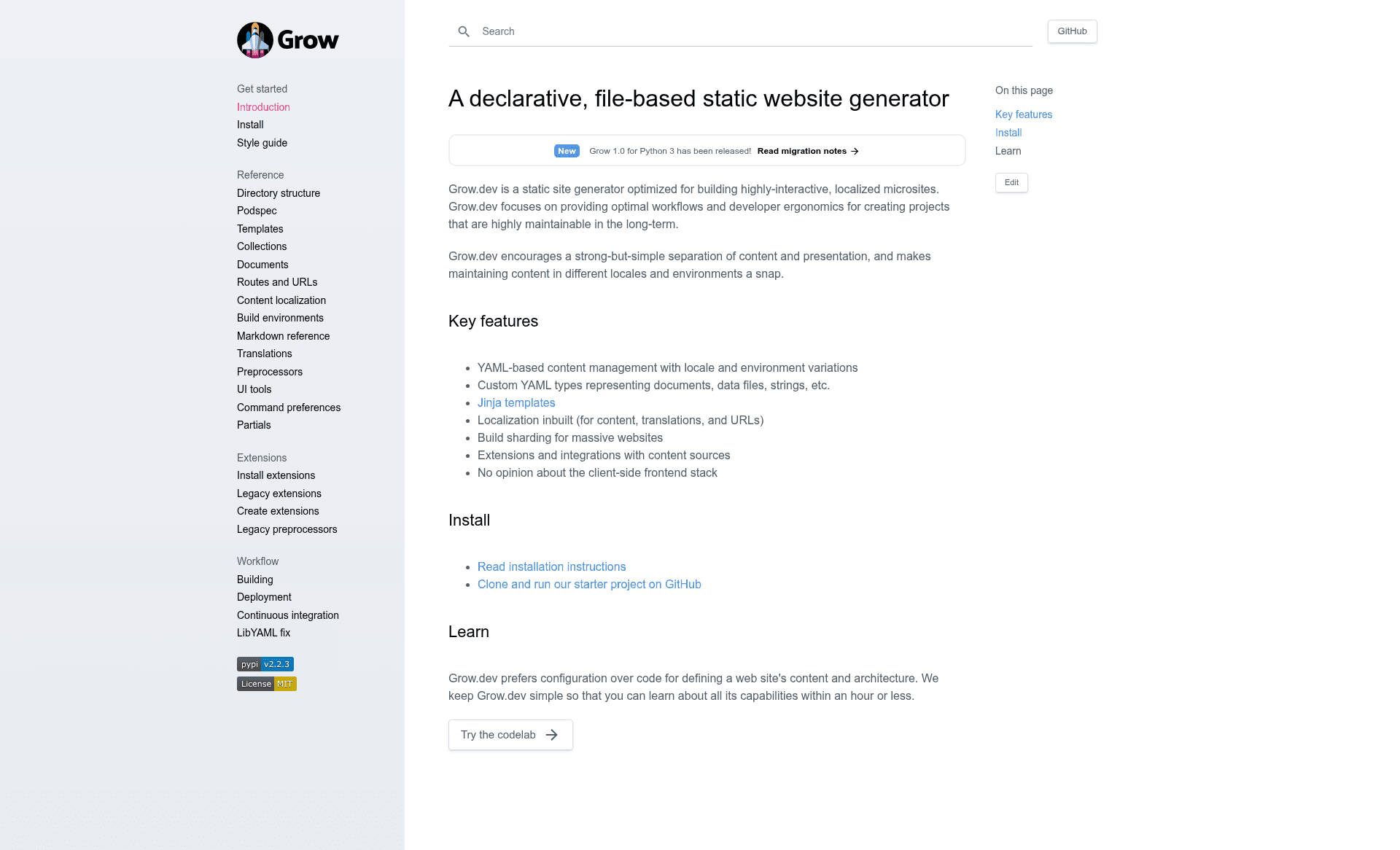
Grow is an open-source, declarative static site generator written in Python that transforms YAML and JSON content plus Jinja templates into high-quality static HTML websites.
What is Grow?
Grow is a command-line tool that builds static websites from a configuration-driven project structure. It takes content stored in YAML and JSON files, renders it through Jinja2 templates, and outputs fast static HTML that can be hosted on any static file host. The project is maintained on GitHub and installed via Python's Pipenv package manager, with LibYAML as a system dependency. Its repository description highlights a focus on high-quality websites, easy maintenance, and localization, making it a site generator designed for teams that need structured content and repeatable builds.
Key Features
- Jinja template engine — Uses Jinja2, the same templating language found in Flask and Django, so developers familiar with those stacks can start immediately.
- Content in YAML and JSON — All page data and metadata live in human-editable YAML or JSON files, with no database required.
- Data-binding between content and templates — Grow automatically connects content fields to template variables, for example replacing a placeholder like
{{ title }}with the value from the content file. - Configuration-based site architecture — A single configuration file defines the site structure, so adding or reorganizing pages is a declarative change rather than a code change.
- Easy URL changes — URLs are defined per content configuration, letting you move a page without touching template files.
- Flexible internationalization and translation — Built-in support for multiple languages, including localized URLs, translation of content, and locale-specific templates.
- Integration with external CMSes — Content can be pulled from external content management systems instead of being authored only in local files.
- Integration with Google Sheets — Content stored in Google Sheets can be imported into the build, letting non-developers edit site copy in a familiar interface.
- Fast builds — The generator is optimized for speed, though the page does not publish benchmark numbers.
Who is it for?
- Front-end developers who want to generate static marketing or documentation sites without hand-rolling a build pipeline — Grow's declarative config handles the project wiring for them.
- Content teams that manage copy in Google Sheets or an external CMS benefit because non-developers can update content directly and the next build picks up the changes.
- Organizations with multilingual audiences can use Grow's translation and internationalization features to maintain several language versions of the same site from one codebase.
- Teams that value low-maintenance infrastructure get a static output that requires no server-side application runtime and can be hosted on any static file host.
What can you do with Grow?
- Launch a new marketing site quickly by cloning the official starter project, running
pipenv install,grow install, andgrow runto see a local preview. - Maintain a localized site using Grow's translation support, which lets you define locale-specific content and URLs without duplicating the entire template tree.
- Build a documentation portal with content structured in YAML files and rendered through Jinja templates, with easy URL management when docs get reorganized.
How does Grow work?
The quick start on the project page shows a three-step setup: install Pipenv and LibYAML via Homebrew or apt, clone the starter repository from GitHub, then run pipenv install, grow install, and grow run. After that, Grow watches the project files, builds the static site, and serves it locally for development. Production builds use the same command structure.
FAQ
Is Grow free to use?
Grow is an open-source project distributed through GitHub and PyPI, so the tool itself is free. The page lists no paid tiers or commercial licensing.
What software do I need to run Grow?
You need Python, Pipenv, and LibYAML. On macOS, brew install pipenv libyaml sets it up; on Ubuntu, sudo apt install -y pipenv libyaml-dev.
What content formats does Grow support?
Grow reads content from YAML and JSON files. It also integrates with Google Sheets and external CMSes as alternative content sources.
Does Grow work with Google Sheets?
Yes, Grow has a built-in integration with Google Sheets, allowing content to be imported into the site build directly from a spreadsheet.
Alternatives
- Hugo — a static site generator written in Go, known for very fast builds.
- Jekyll — a Ruby-based static site generator that is a long-standing default for GitHub Pages.