Template details
Jekyll Archives
Automatically generate date, tag, and category archive pages for Jekyll sites.
About this template
Jekyll Archives is a Jekyll plugin that automatically generates archive pages for your site's dates, tags, and categories, turning raw post metadata into browsable index pages. It runs on any Jekyll-powered static site, is distributed as a Ruby gem, and is maintained by the Jekyll organization on GitHub, where its repository currently shows 456 stars.
What is Jekyll Archives?
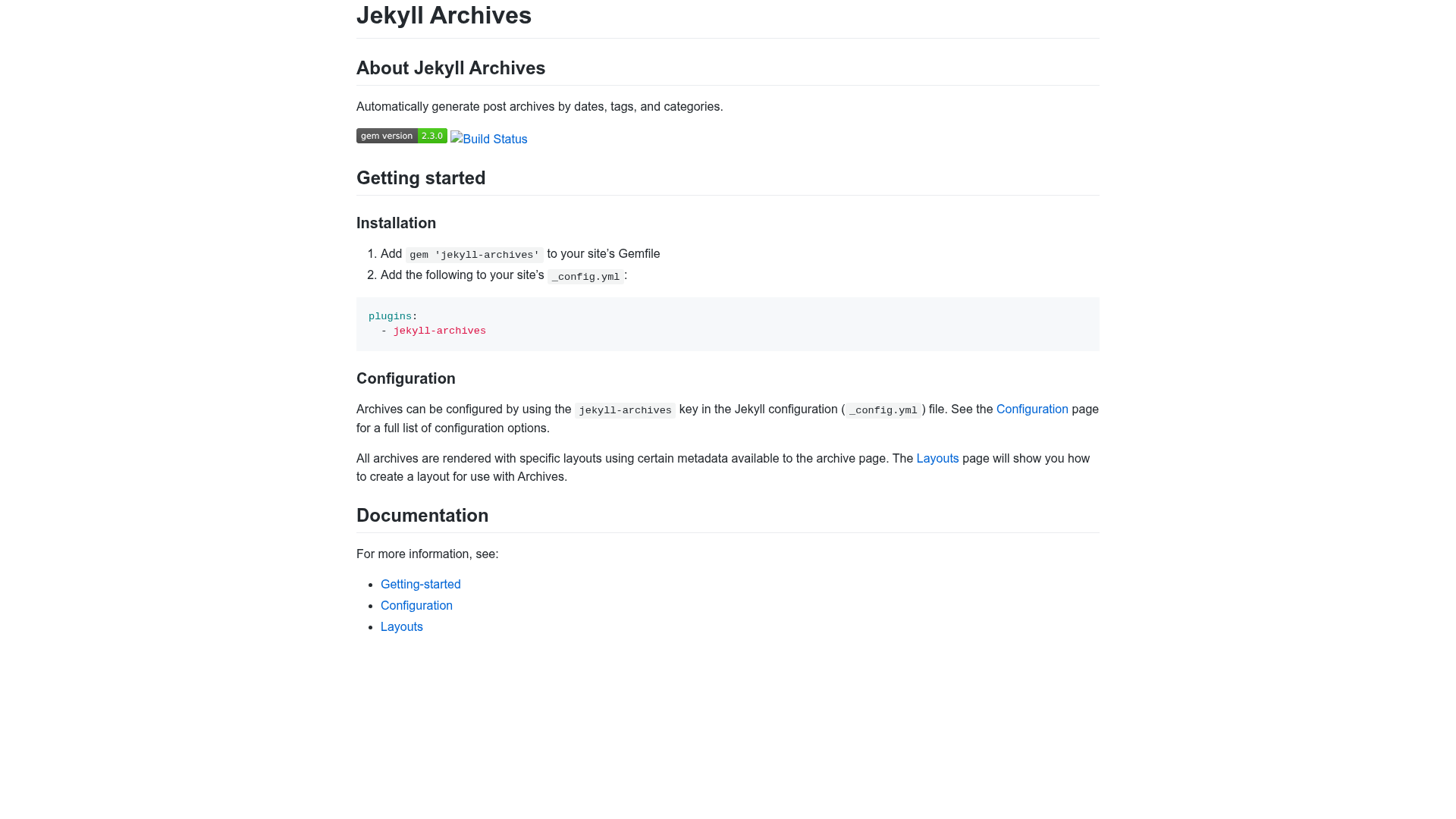
Jekyll Archives is an open-source plugin for Jekyll that takes your existing posts and produces permanent archive pages grouped by date (year, month, day), tag, and category. As input it uses the posts in your Jekyll site and the front matter metadata — specifically tags and categories — you've already assigned; as output it creates new HTML pages that are included in the built site. It is installed by adding gem 'jekyll-archives' to your Gemfile and declaring it in the plugins list in _config.yml.
Key Features
- Date archives — Generate yearly, monthly, and daily archive pages automatically from each post's publication date, so readers can browse posts chronologically.
- Tag archives — Create a dedicated archive page for every tag used across your posts, with each page listing all posts that share that tag.
- Category archives — Build a page for each category assigned in post front matter, grouping related content without manual page creation.
- Configurable via _config.yml — Enable and customize archives by adding a
jekyll-archiveskey to your Jekyll configuration; the documentation includes a full list of options. - Custom layouts — Every archive renders using layouts you define, and the plugin passes archive metadata to the layout so you can display titles, post counts, and navigation links.
- Standard Jekyll integration — Works with the normal Jekyll build pipeline, is compatible with static hosting like GitHub Pages, and requires no database or server-side processing.
Who is it for?
Jekyll bloggers who want organized archive pages without manually writing index pages. Documentation site maintainers who need tag and category landing pages to help readers find related topics. Developers using Jekyll for portfolio or content sites who want date-based browsing with minimal configuration. Anyone already comfortable adding a Gemfile entry and editing _config.yml can set it up.
What can you do with Jekyll Archives?
- Bloggers: add yearly, monthly, and daily archive pages so readers can follow your posting history chronologically.
- Content-heavy sites: generate tag and category index pages automatically, making related posts discoverable without manual lists.
- Site maintainers: style each archive using your own layouts and access metadata like post counts to build pagination, headers, or breadcrumbs.
How does Jekyll Archives work?
First, add the gem to your Gemfile and list it in the plugins section of _config.yml. Then configure the jekyll-archives key to specify which archive types to generate and which layout to use. On the next jekyll build, the plugin scans your posts, generates the configured archive pages, and renders them through your specified layouts using the available archive metadata.