Template details
Henry
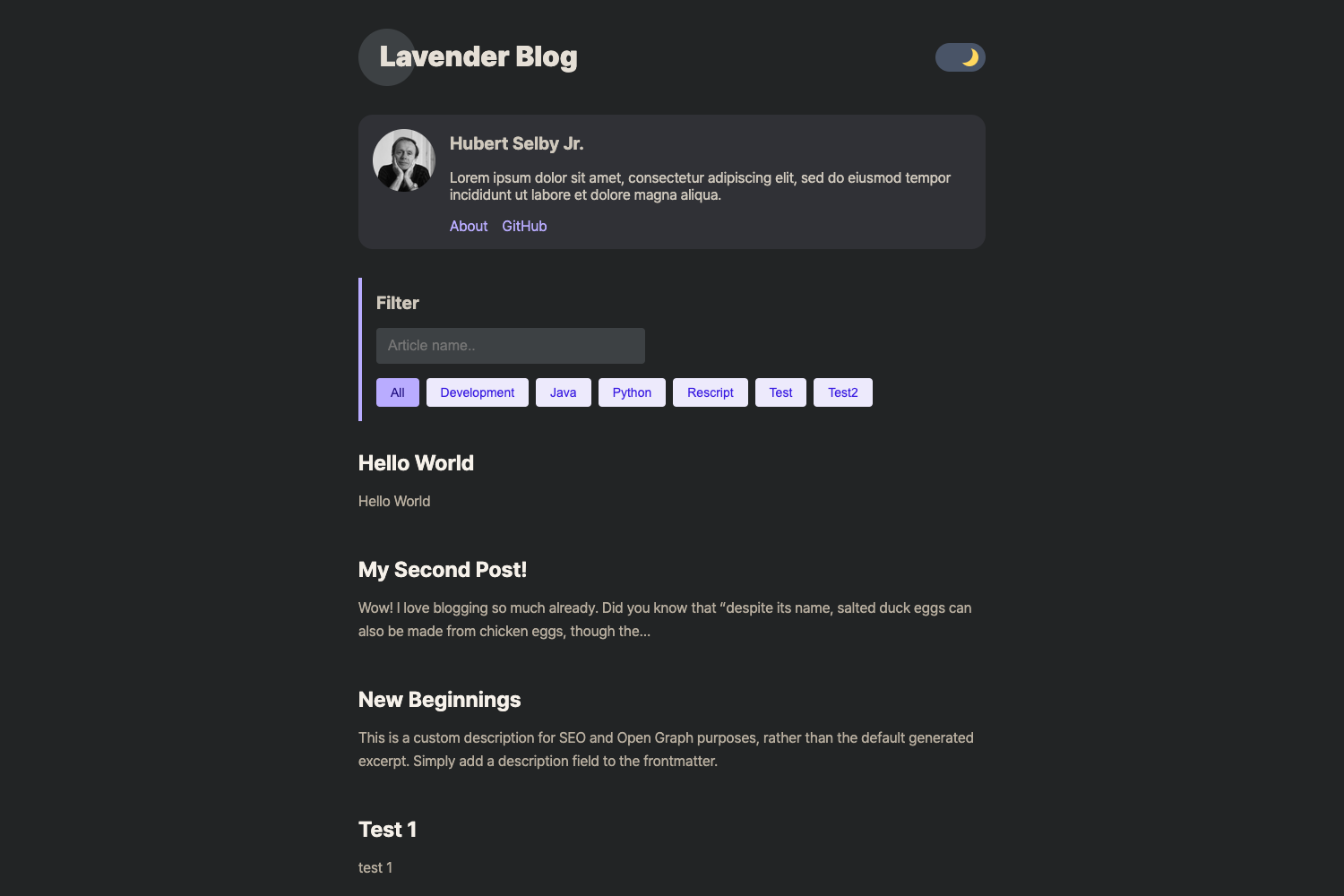
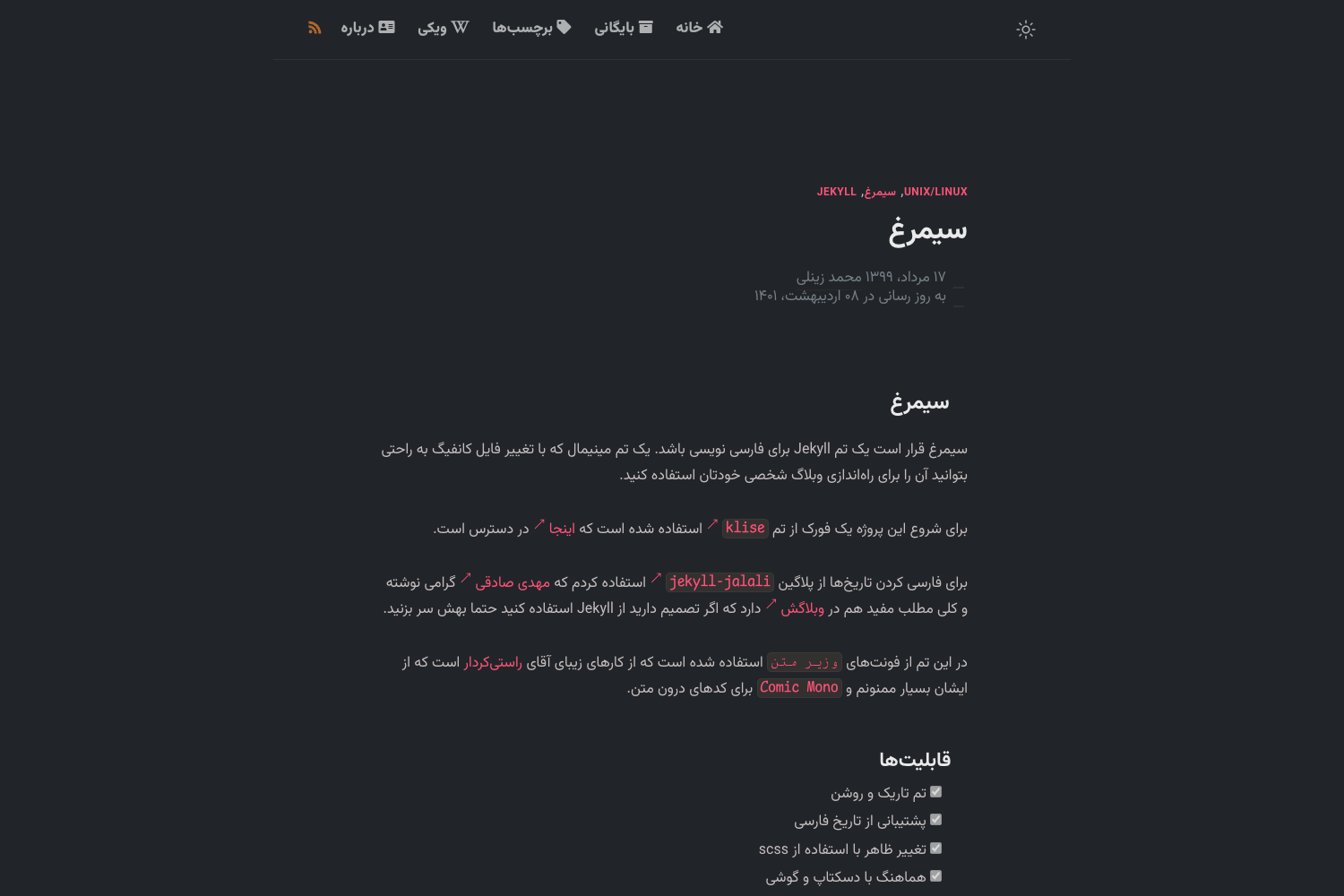
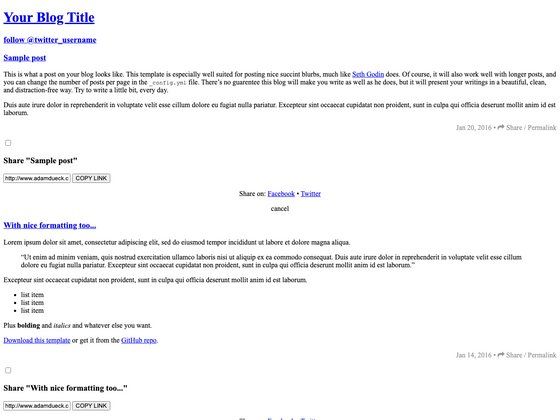
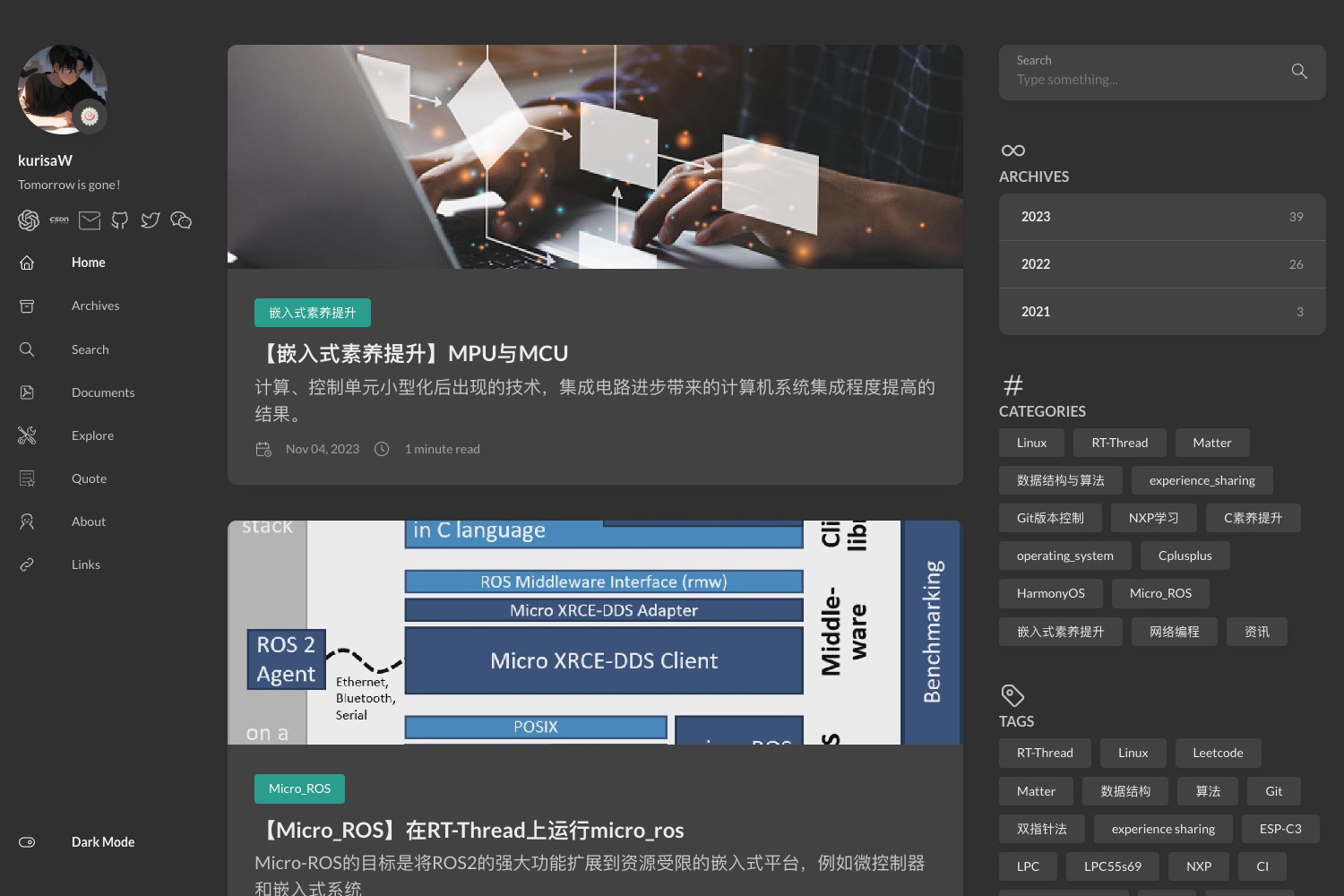
Henry is a Jekyll theme for a gorgeous reading experience, packed with features.
About this template
Henry is an open-source Jekyll theme designed to give blogs a comfortable, feature-rich reading experience, and it ships with a Docker-based setup so you can run a full blog locally with one command. It takes Markdown posts written for Jekyll and produces a styled static website, deployable to GitHub Pages or Firebase Hosting using the included guides.
What is Henry?
Henry is a Jekyll theme built by Kaushik Gopal and released under the MIT License. It turns plain Markdown content into a complete static blog, with layouts, styling, and components already in place. The theme runs on Jekyll, the static site generator, and supports both new and existing Jekyll blogs, with or without Docker.
Key Features
- Docker-based setup – a docker-compose.yml file lets you start a working blog with
docker-compose up, eliminating the need to install Ruby and Jekyll on your machine. - Quick-start script –
start_new_blog.shcleans out template-specific files from a fresh clone so you begin with a tidy project. - Local preview – after running the container, the site is served at
http://0.0.0.0:4000/on Mac andhttp://localhost:4000/on Windows. - GitHub Pages publishing – a dedicated guide walks you through deploying the blog to GitHub Pages, a free hosting option.
- Firebase Hosting publishing – a second guide covers deploying to Firebase Hosting, which works with the included Docker container.
- Real-world examples – the "Henry in the Wild" section links to several live blogs using the theme, including GitHub Pages-hosted sites.
- MIT License – the theme is free to use, modify, and redistribute, with no license fees.
Who is it for?
- Jekyll bloggers – writers who want a ready-made theme with a polished reading experience and don't want to hand-code layouts.
- Docker users – developers who prefer containerized workflows and want to avoid installing a local Ruby/Jekyll toolchain.
- Static-site hosts – users planning to deploy to GitHub Pages or Firebase Hosting, with step-by-step publishing guides included.
- Writers – anyone authoring Markdown content who wants a fast, clean blog with minimal configuration.
What can you do with Henry?
- Launch a new blog in minutes – clone the repository, run
./start_new_blog.sh, thendocker-compose upto serve the blog at port 4000. - Reuse for an existing Jekyll blog – the setup guide explains how to apply Henry to blogs you already have, with or without Docker.
- Publish to GitHub Pages – follow the GitHub Pages publishing guide to deploy to a free
username.github.iosite. - Publish to Firebase Hosting – use the Firebase Hosting guide to take advantage of Firebase's generous free plan and customization options.
How does Henry work?
After cloning the repository, you run ./start_new_blog.sh to strip unnecessary files, then docker-compose up to build and serve the site. The Docker configuration bundles the Jekyll environment, so the site appears at port 4000 without a local Jekyll install. To deploy, you follow either the GitHub Pages or Firebase Hosting guide to push the generated static files to the host of your choice.
FAQ
Is Henry free?
Yes, Henry is open source under the MIT License, so you can use, modify, and distribute it without cost.
Does Henry require Docker?
No, Docker is the fastest way to get started, but the setup guide also describes running Henry without Docker for both new and existing Jekyll blogs.
Can I deploy Henry to GitHub Pages?
Yes, the repository includes a publishing guide specifically for GitHub Pages, and several blogs in "Henry in the Wild" are already hosted that way.
What do I get after running docker-compose up?
You get a fully rendered Jekyll blog at port 4000 on your local machine, with the theme's layouts and styles ready to apply to your Markdown posts.