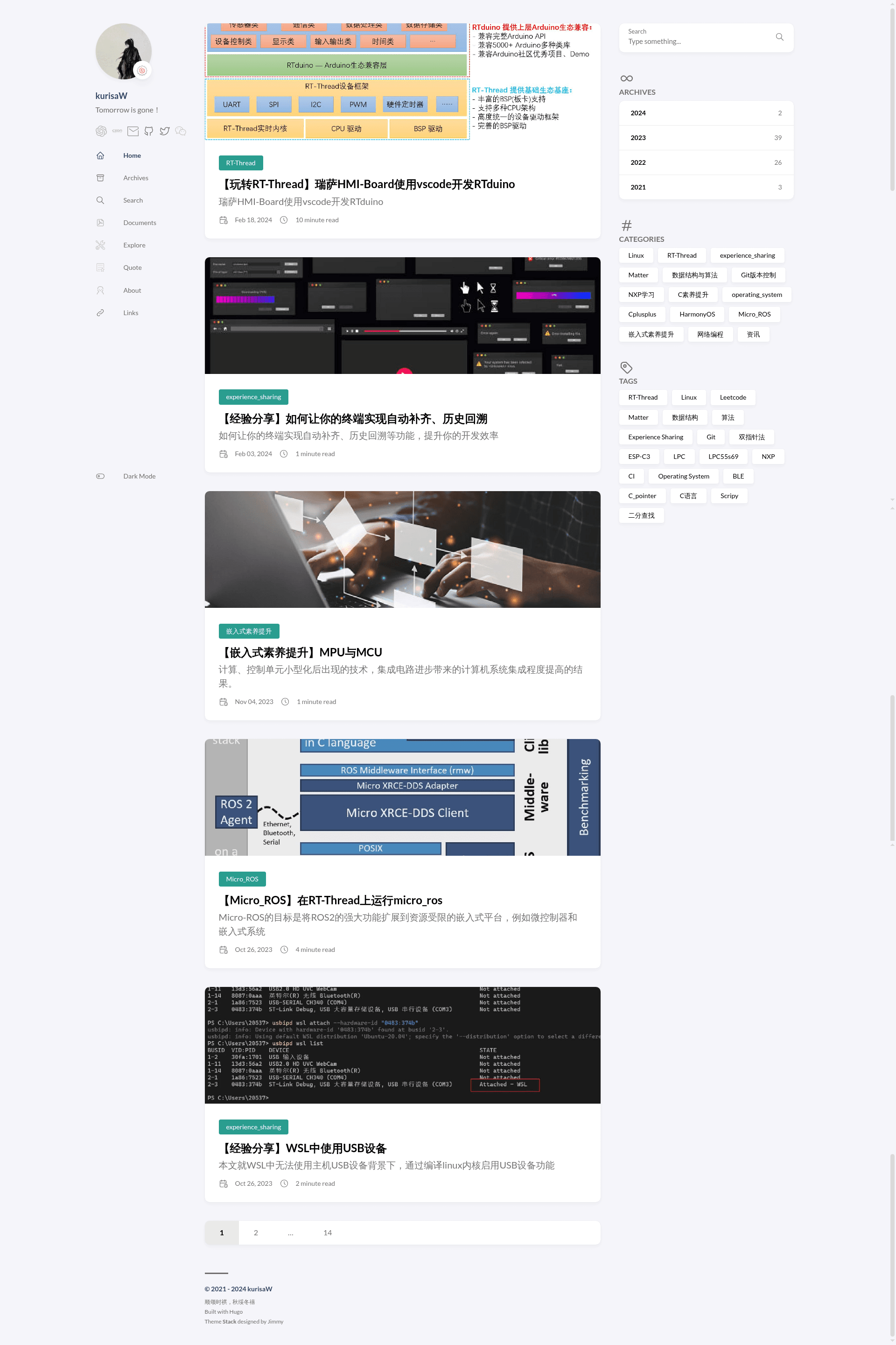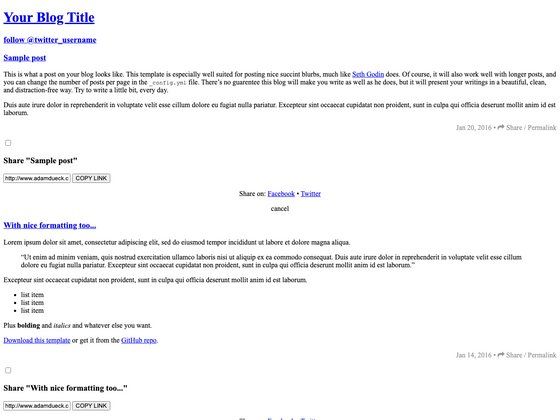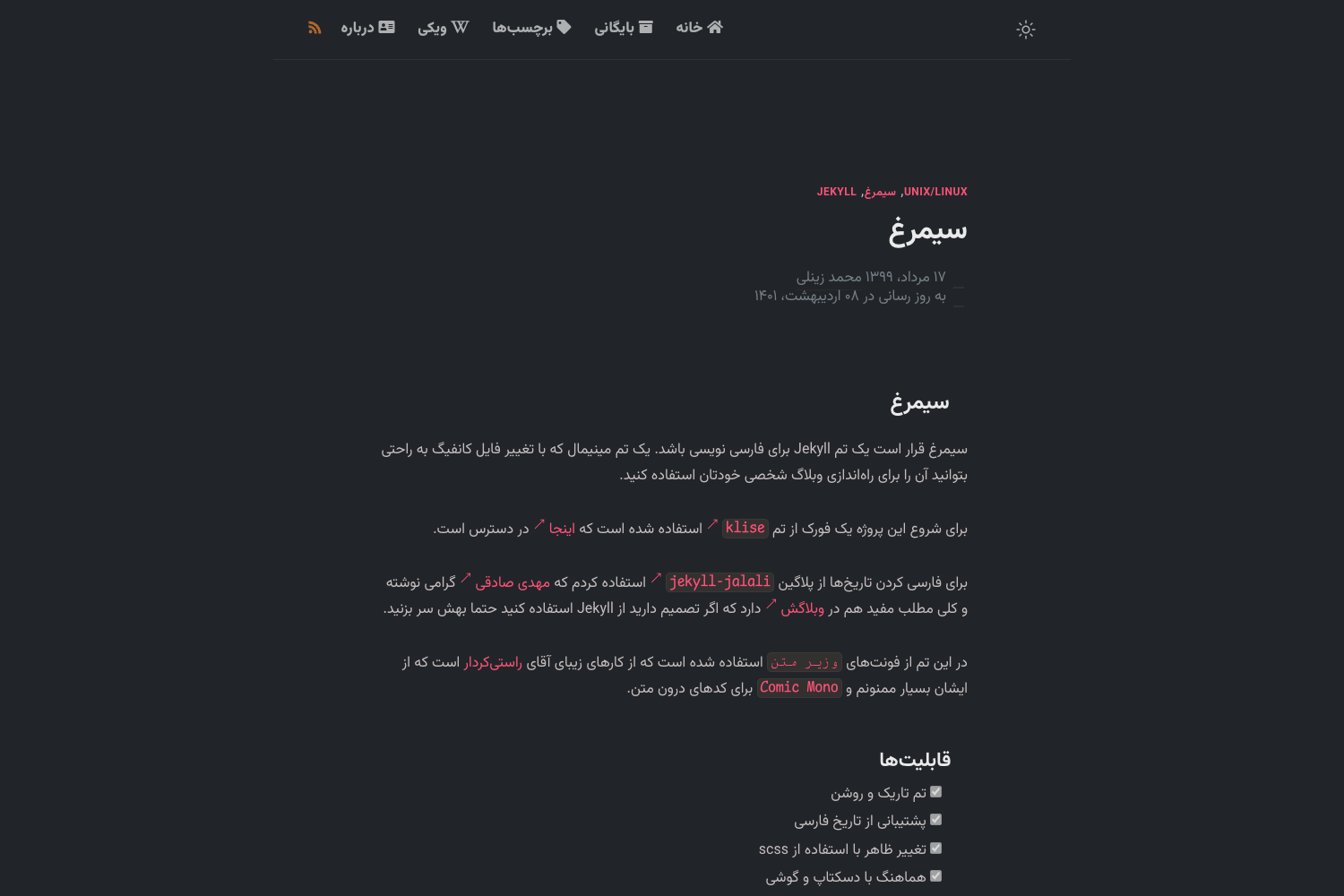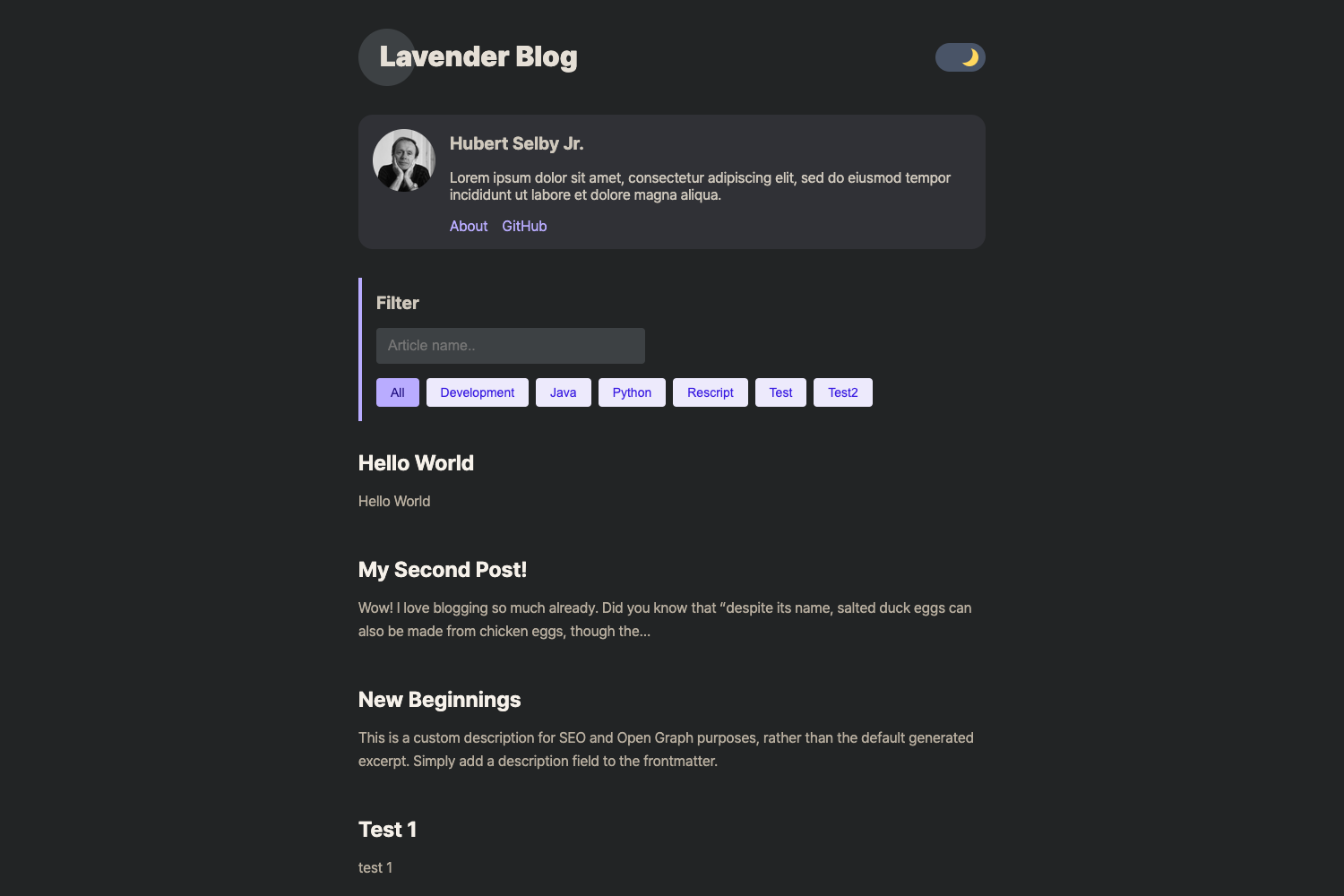
Template details
Hugo Theme Stack Starter Template
A quick-start Hugo blog template using the Stack theme, with GitHub Actions auto-deploy and Codespaces support.
About this template
The Hugo Theme Stack Starter Template is a quick-start boilerplate for building a Hugo-powered blog or personal site using the Stack theme, complete with GitHub Actions deployment and Codespaces support.
What is the Hugo Theme Stack Starter Template?
The Hugo Theme Stack Starter Template is a GitHub repository template that gives you a pre-configured Hugo site using the Stack theme (hugo-theme-stack) v3. It loads the theme via Hugo modules and ships with a basic structure, configuration files, and automation. The template is designed to get a blog online with minimal manual setup, publishing to GitHub Pages automatically on every push.
Key Features
- Hugo modules integration — The Stack theme is pulled in through Hugo modules, so theme updates are fetched from the upstream repository rather than copied into your project.
- Automatic GitHub Pages deployment — A preconfigured GitHub Action builds the site and deploys it to the public GitHub Page associated with your repository each time you push.
- Daily theme auto-update — A cron job runs every day to update the theme dependency automatically, keeping the site current without manual steps.
- GitHub Codespaces ready — The repository includes a Codespaces configuration with the latest Hugo extended version installed, so you can start editing and previewing in the browser with
hugo server. - Customizable configuration — All settings live in the
configfolder as TOML files; you control site metadata, menus, and thebaseurlproperty inconfig/_default/config.toml. - Local build support — If you prefer to work offline, you can run the template on your machine after installing Git, Go, and Hugo extended.
- Vercel deployment instructions — The README includes a specific build command for Vercel that installs Go and runs
hugo --gc --minify, plus a note to setHUGO_VERSIONto the latest extended version.
Who is it for?
- Bloggers — People who want a clean, fast static blog without designing a theme from scratch; they can write Markdown posts and publish by pushing to GitHub.
- Developers familiar with Hugo — Those who want a modern starting point that demonstrates Hugo modules, GitHub Actions, and Codespaces workflows in a real project.
- Portfolio site owners — Individuals who need a personal site with the Stack theme's built-in layout and want automatic hosting on GitHub Pages.
- Hugo learners — Beginners who can study the template's structure and configuration to understand how a Hugo project is organized.
What can you do with the template?
- Launch a personal blog in minutes — Create a repository from the template, open a Codespace, run
hugo serverto preview, edit the config, and push to deploy to GitHub Pages. - Keep the theme updated automatically — Rely on the daily cron job so the Stack theme stays current; you can also manually run
hugo mod get -u github.com/CaiJimmy/hugo-theme-stack/v3andhugo mod tidy. - Publish to other static hosts — Follow the Vercel instructions to build the same site on Vercel, including the required Go installation step.
- Customize the site content — Everything from menus to metadata is edited in the
configfolder, with the full Stack theme structure available for deeper changes.
How does the template work?
The workflow is: click "Use this template" on GitHub to create a copy of the repository, then open that copy in GitHub Codespaces (or clone it locally). The Codespace comes with Hugo extended preinstalled, so you run hugo server to preview. When you commit and push changes, the included GitHub Action builds the site and publishes it to the GitHub Page for your repository. The configuration in the config folder controls site-wide settings such as baseurl, and the theme itself is loaded as a Hugo module referenced in config/module.toml.
FAQ
Do I need to install anything to use this template?
If you use GitHub Codespaces, no local installation is needed because the Codespace is configured with the latest Hugo extended version. To run it on your own machine, you must install Git, Go, and Hugo extended first.
How do I update the theme?
Normally the daily cron job updates the theme automatically. To update manually, run hugo mod get -u github.com/CaiJimmy/hugo-theme-stack/v3 followed by hugo mod tidy.
Does the template support deployment to Vercel?
Yes. The README provides instructions for Vercel: overwrite the build command with amazon-linux-extras install golang1.11 && hugo --gc --minify and set the HUGO_VERSION environment variable to the latest Hugo extended version.
What is the baseurl setting and why should I change it?
The baseurl property in config/_default/config.toml determines the absolute URL of your deployed site. You need to update it to match your GitHub Pages URL or your custom domain, otherwise links may point to the wrong location.