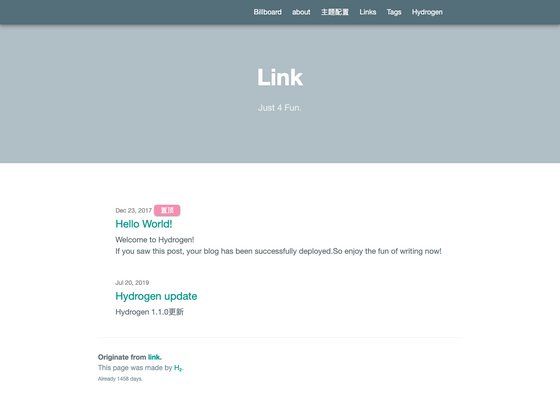
Template details
Hexo Theme Alog
A simple and elegant hexo theme.
About this template
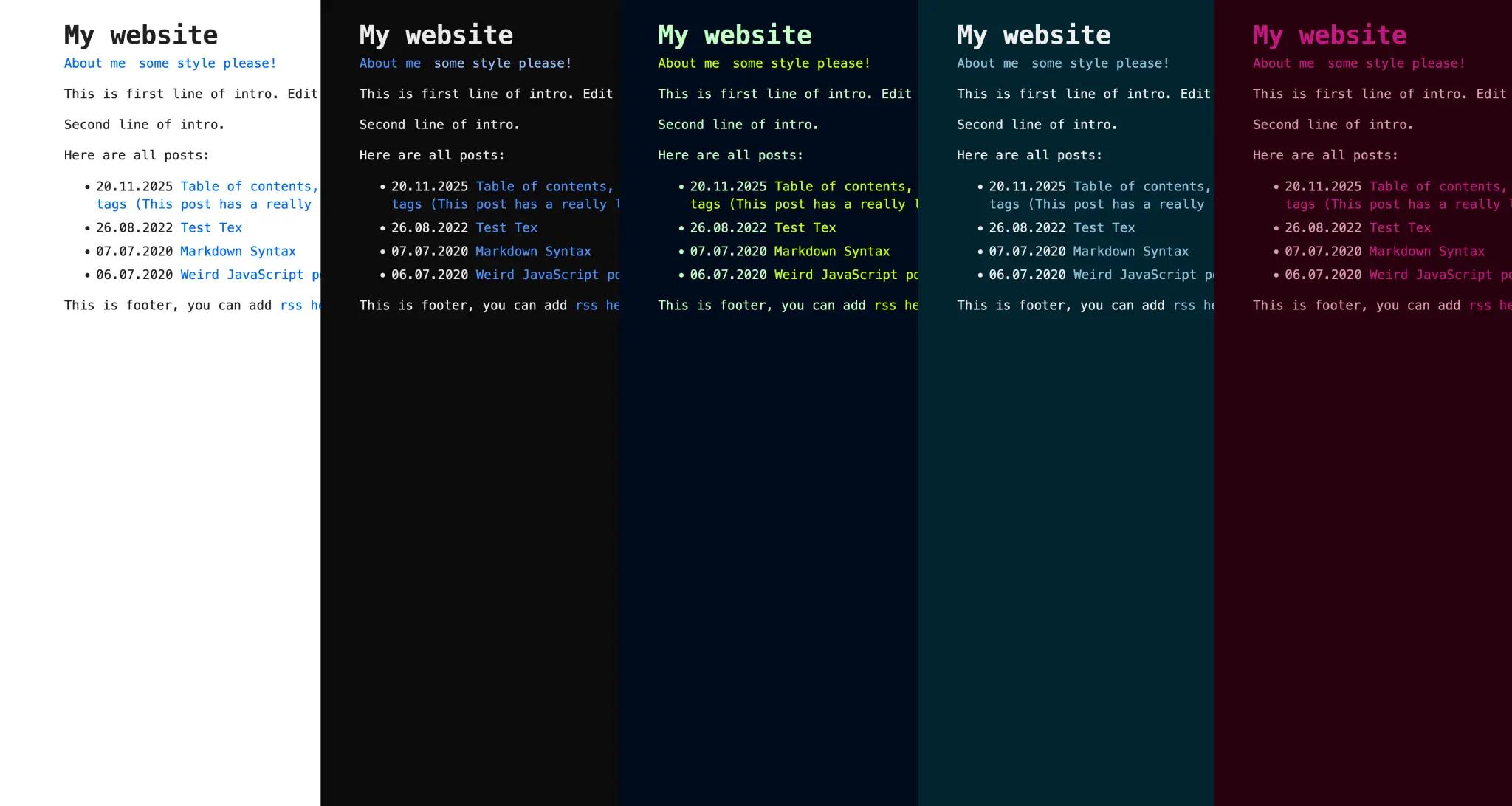
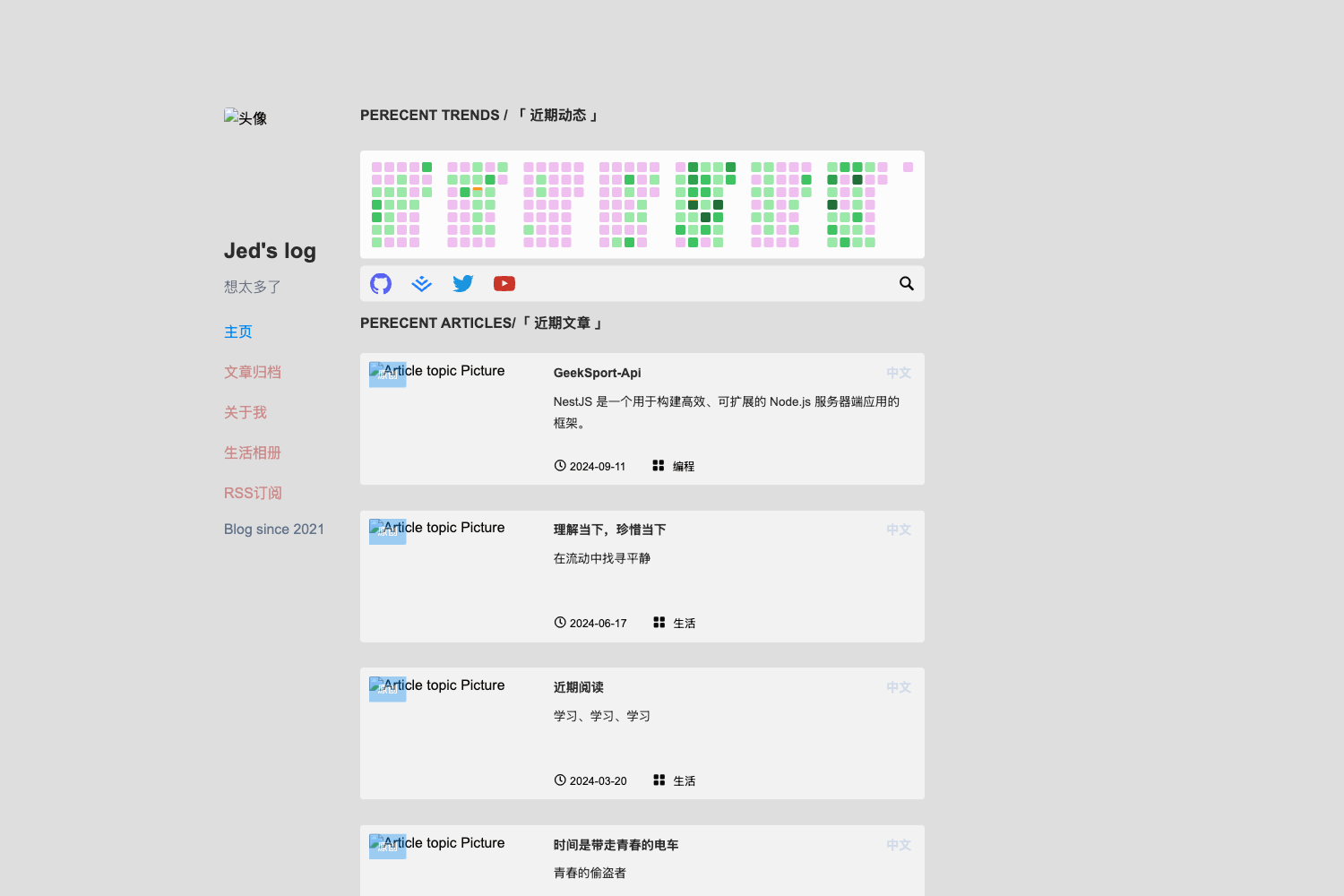
Alog is a simple and elegant blog theme for the Hexo static site generator, providing a ready-made blog layout with project showcase, message board, friend links, and about pages. It runs on Hexo 5.0 and later, works with Node.js, and uses EJS templates styled with Stylus. The theme takes your Hexo markdown posts and configuration, and outputs pages for home, projects, messages, friend links, and about, plus a traditional blog listing. It was developed by vkm0303 and is available on npm as hexo-theme-alog and on GitHub.
What is Hexo Theme Alog?
Alog is a free, open-source Hexo theme designed to turn a standard Hexo blog into a clean, content-focused site. It runs on Hexo 5.0 and later, works with Node.js, and uses EJS templates styled with Stylus. The theme takes your Hexo markdown posts and configuration, and outputs pages for home, projects, messages, friend links, and about, plus a traditional blog listing. It was developed by vkm0303 and is available on npm as hexo-theme-alog and on GitHub.
Key Features
- Multiple comment engines — Choose between Valine, Waline, or Twikoo by editing the
_config.alog.ymlfile; each has its own config block for App ID, server URL, or environment ID. - Local search integration — Works with hexo-generator-searchdb; you can control how many matches appear per article (top_n_per_article), enable preload, and set trigger to auto or manual.
- Custom page headers (v1.1.0) — Override the header on any page by adding an EJS template to
layout/_partial/page_headers/; the theme ships with a built-inletterheader you can apply via config. - Sticky and recommended posts — Set
sticky: numberin a post's front-matter to pin it; if no posts are pinned, the theme recommends the last five posts. - Project and links layout — Create a
projectorlinkspage with front-matterlayout: projectsorlayout: links; project entries are separated with///on their own line. - Reading statistics and loading animation — Enable Busuanzi article view counts and an optional page-loading animation from the theme config.
- Built-in syntax highlighting — The theme highlights code out of the box, but you must disable Hexo's own highlight option in
_config.ymlfor it to work properly.
Who should use Hexo Theme Alog?
Alog fits Hexo bloggers who want a no-frills, elegant design without pulling in a full component framework. It's also for developers who want a small codebase they can modify: EJS templates and Stylus styles are straightforward to tweak. If you need a personal blog with a project portfolio, friend links, and a message board, this theme provides those page layouts out of the box.
What can you do with Hexo Theme Alog?
- Bloggers: publish markdown posts, pin important articles, and let readers search and comment via your chosen comment backend.
- Portfolio owners: use the project layout to showcase multiple projects, each separated by the
///delimiter, with descriptions and links. - Community builders: set up a message board and friend-link page with the provided layouts, then connect Valine, Waline, or Twikoo for comments.
How does Hexo Theme Alog work?
Install the theme with npm i hexo-theme-alog (Hexo 5.0+) or clone the repository into the themes/ folder, then set theme: alog in your _config.yml. Create a _config.alog.yml file at your blog root for all theme options. Finally, write pages like links/index.md with the appropriate front-matter layout so the theme knows which template to render.
FAQ
Is Hexo Theme Alog free to use?
Yes, the theme is open source and freely available on GitHub. The repository includes an npm package, and you can also clone it directly.
How do I install Hexo Theme Alog?
If you run Hexo 5.0 or later, run npm i hexo-theme-alog in your blog root. Alternatively, clone the repository into the themes/ directory. Then set the theme variable to alog in your main config file.
Does Hexo Theme Alog support comments?
Yes. The theme supports three comment systems: Valine, Waline, and Twikoo. Configure the one you want in _config.alog.yml under the comment section, including the app credentials or server URL.
Can I use local search with this theme?
Yes, but you need to install the hexo-generator-searchdb plugin. After that, enable local_search in the theme config and set options like the number of matches per article, preload, and trigger mode.
How do I create a custom page header?
Starting from version 1.1.0, you can add your own EJS header template inside layout/_partial/page_headers/ and reference it in the page_header config section under type. A built-in letter header is also available for immediate use.