Template details
Jed's log
A minimalist personal blog template powered by Astro 4, TypeScript, Tailwind CSS, and Vue3.
About this template
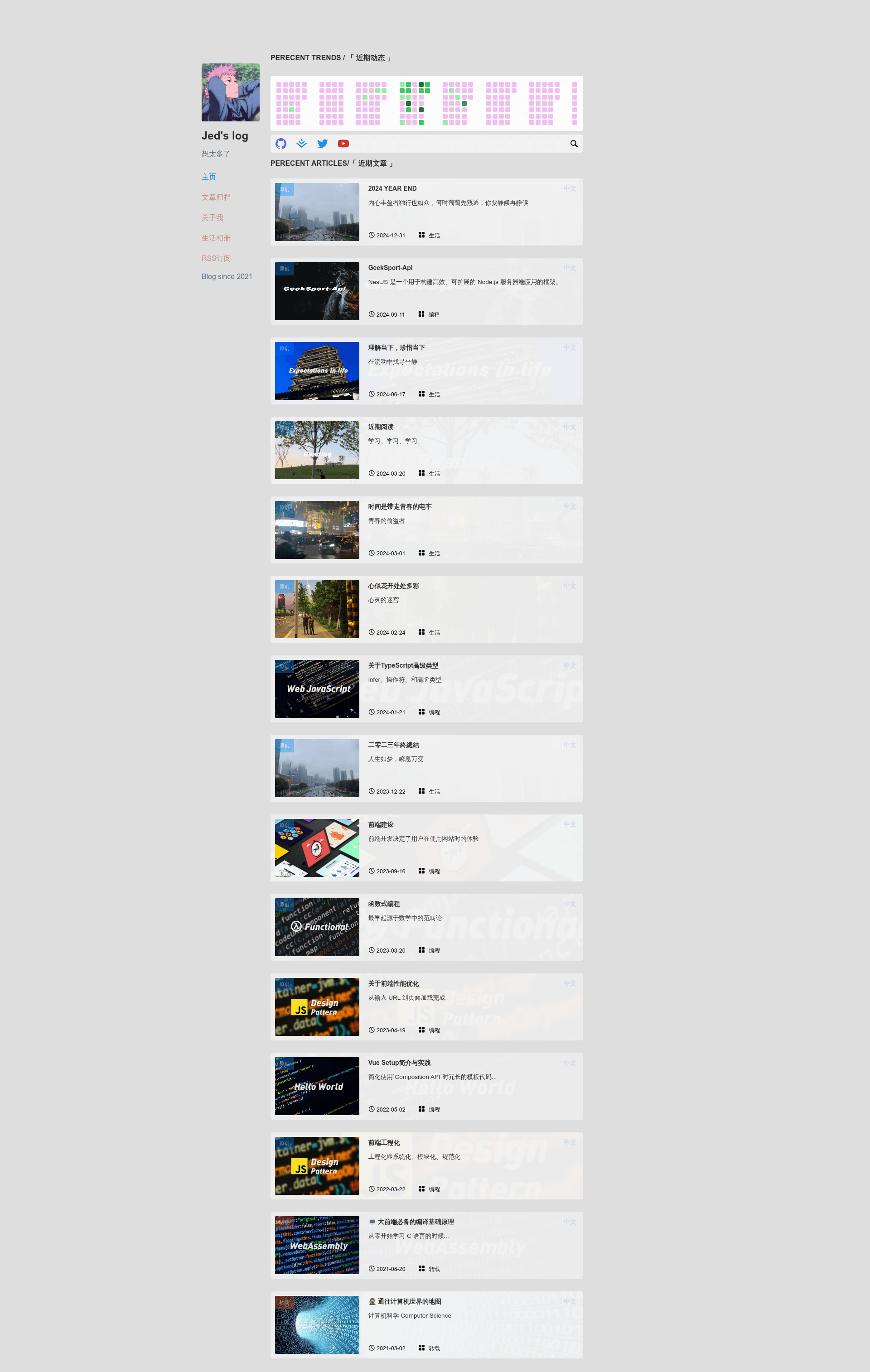
Jed's log is a minimalist personal blog template built on Astro 4, using TypeScript, Tailwind CSS, and partial Vue3 components, with a live preview at jedxu.info.
What is Jed's log?
Jed's log is an open-source static site template for personal blogs, named after its creator JedXu and stored in the repository Jed-blog. It takes content such as markdown posts and images and outputs a fast, static website with a clean and minimal design. The template runs on Astro 4, a static site generator, and includes partial Vue3 components for interactive behavior. The repository preview is hosted at jedxu.info.
Key Features
- Astro 4 core — Built on the Astro static site generator, which produces fast websites by shipping zero default JavaScript.
- TypeScript — Written with TypeScript for typed, maintainable code.
- Tailwind CSS — Uses Tailwind as the utility-first CSS framework for styling.
- Vue3 components — Partially adopts Vue3 components, letting you add interactive elements within the Astro shells.
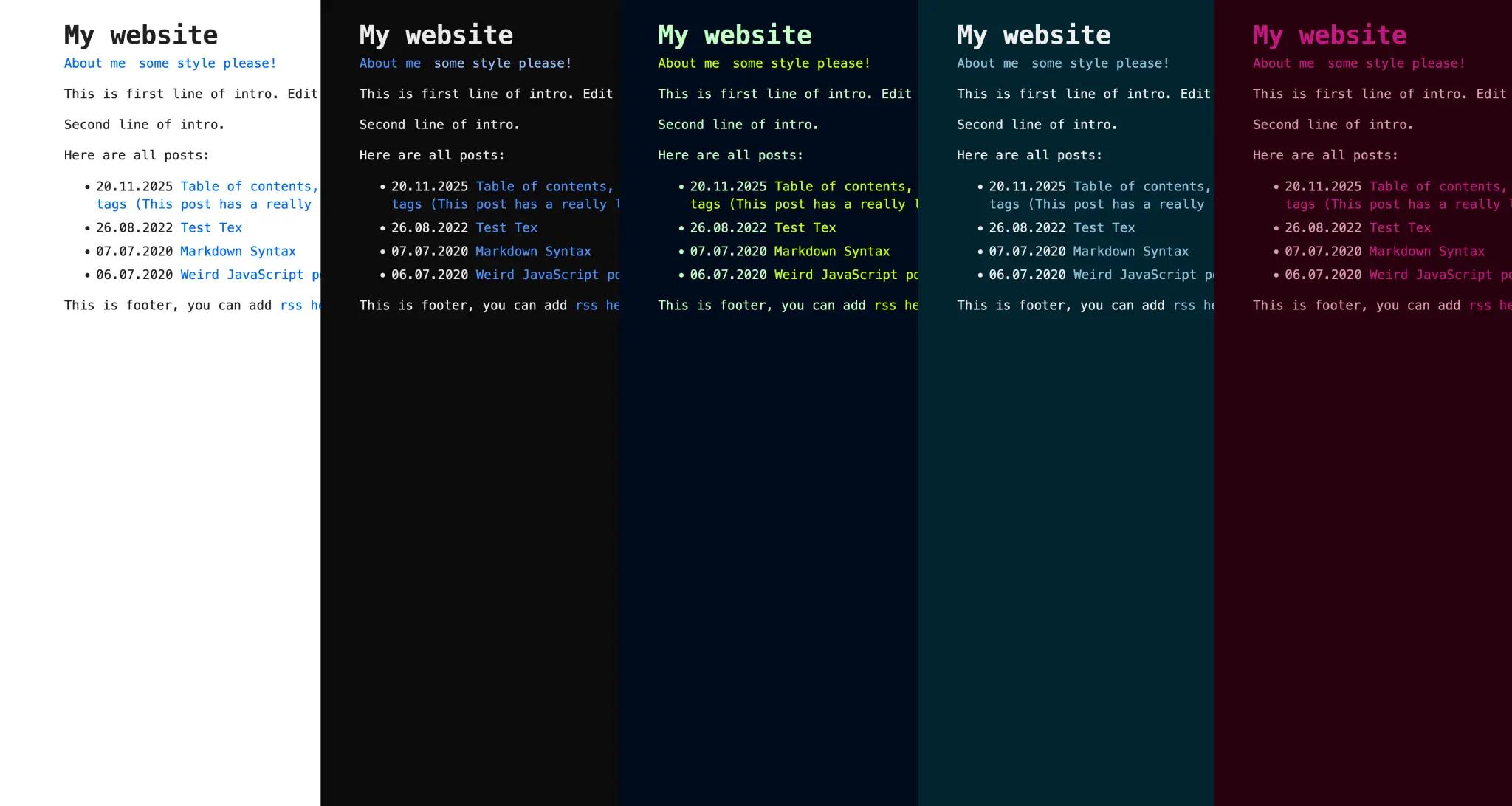
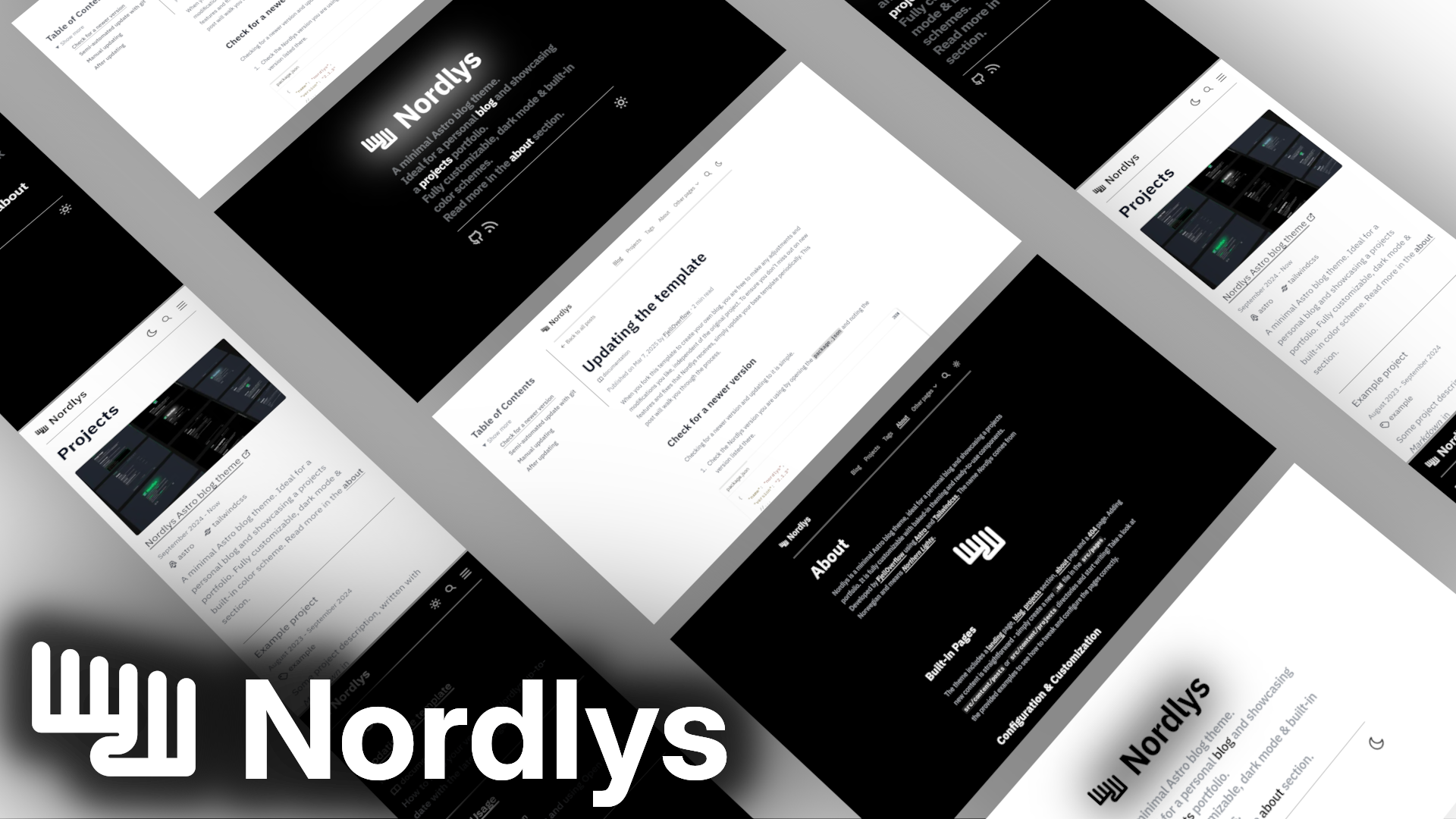
- Dark mode — Supports switching between light and dark themes, as shown in the white and black screenshot themes.
- Responsive design — Provides a mobile-friendly layout, including a dedicated mobile menu, visible in the mobile screenshots.
- Photo album — Includes an album page for showcasing photos, ideal for visual content.
- Development scripts — Offers pnpm commands for install, dev, build, and start workflows.
Who is it for?
- Frontend developers — who want a lightweight blog starter with a modern stack and easy customization.
- Minimalist writers — who prefer a clean reading experience without extra visual clutter.
- Photographers and creatives — who can use the built-in photo album to present a portfolio.
What can you do with Jed's log?
- Personal bloggers: Publish markdown posts and deploy the generated static files to any hosting service.
- Portfolio creators: Use the album section to display photo galleries alongside blog updates.
- Developers: Fork the repository and quickly set up a personal site by running
pnpm installandpnpm run dev.
How does Jed's log work?
After cloning the repository, run pnpm install to install dependencies, then pnpm run dev to start the development server. For a production build, use pnpm run build, and serve the output with pnpm run start.
FAQ
Is Jed's log free to use?
Yes, the source code is open and available on GitHub, so you can download, modify, and deploy it without fees.
Does Jed's log support dark mode?
Yes, the template's planned features include light and dark mode switching, and the screenshots document both a white theme and a black theme.
What stack does Jed's log use?
Jed's log uses Astro 4, TypeScript, Tailwind CSS, and Vue3 for parts of the UI. Node.js and the pnpm package manager are required for development.
Can I use Jed's log for a portfolio?
Yes, the photo album feature and responsive design make it suitable for presenting visual work, not just written posts.