Template details
JuiceBar
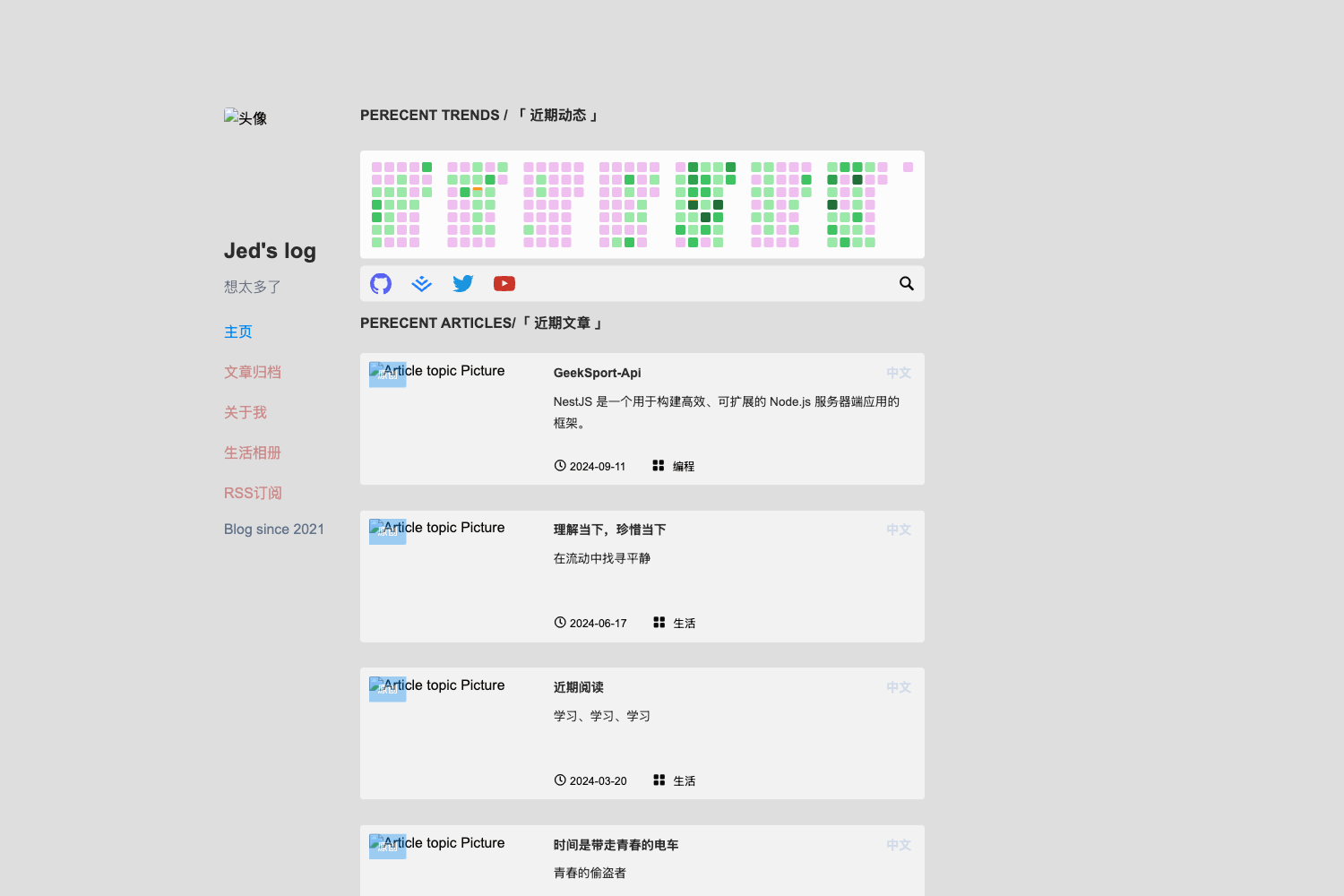
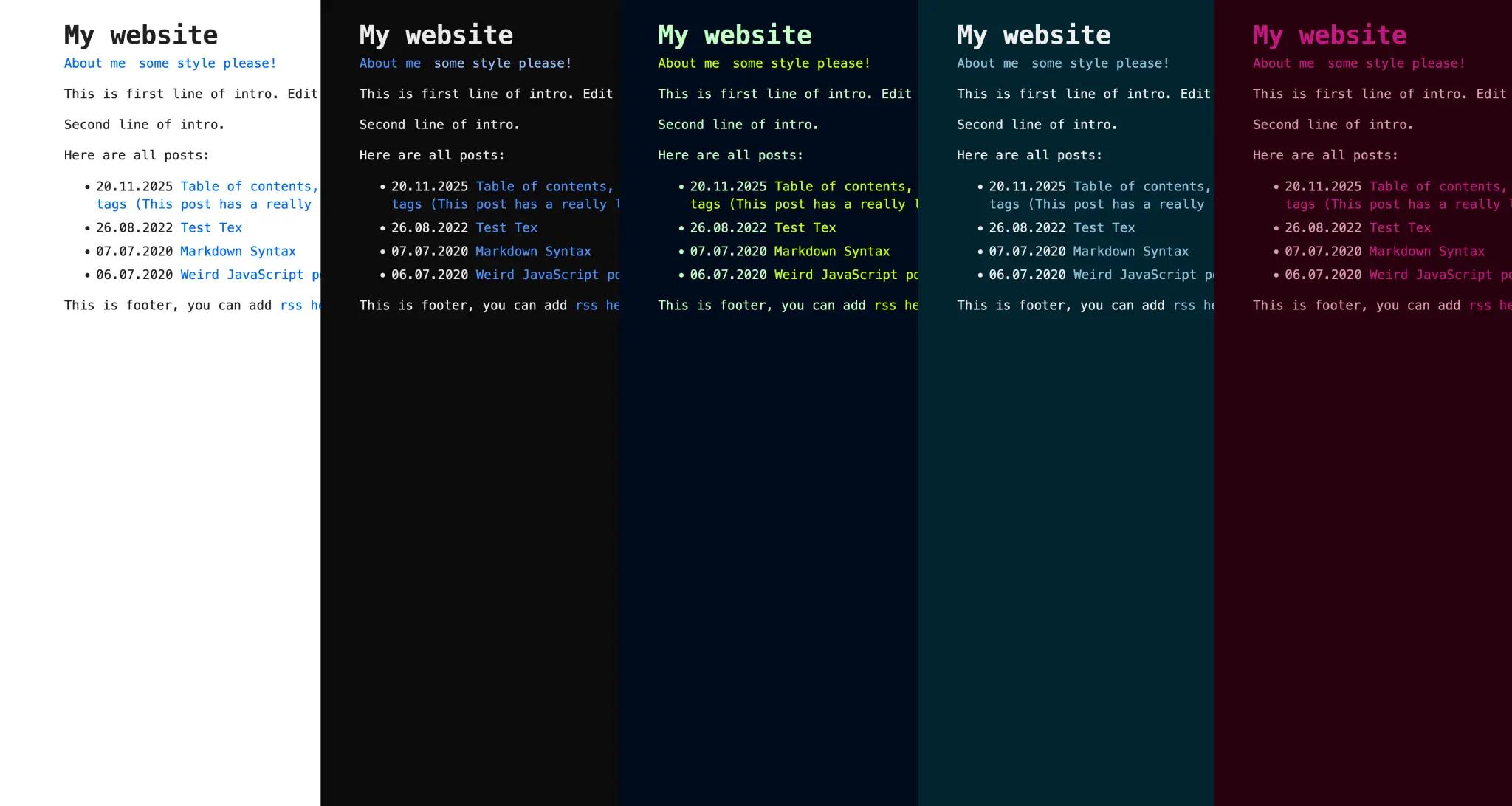
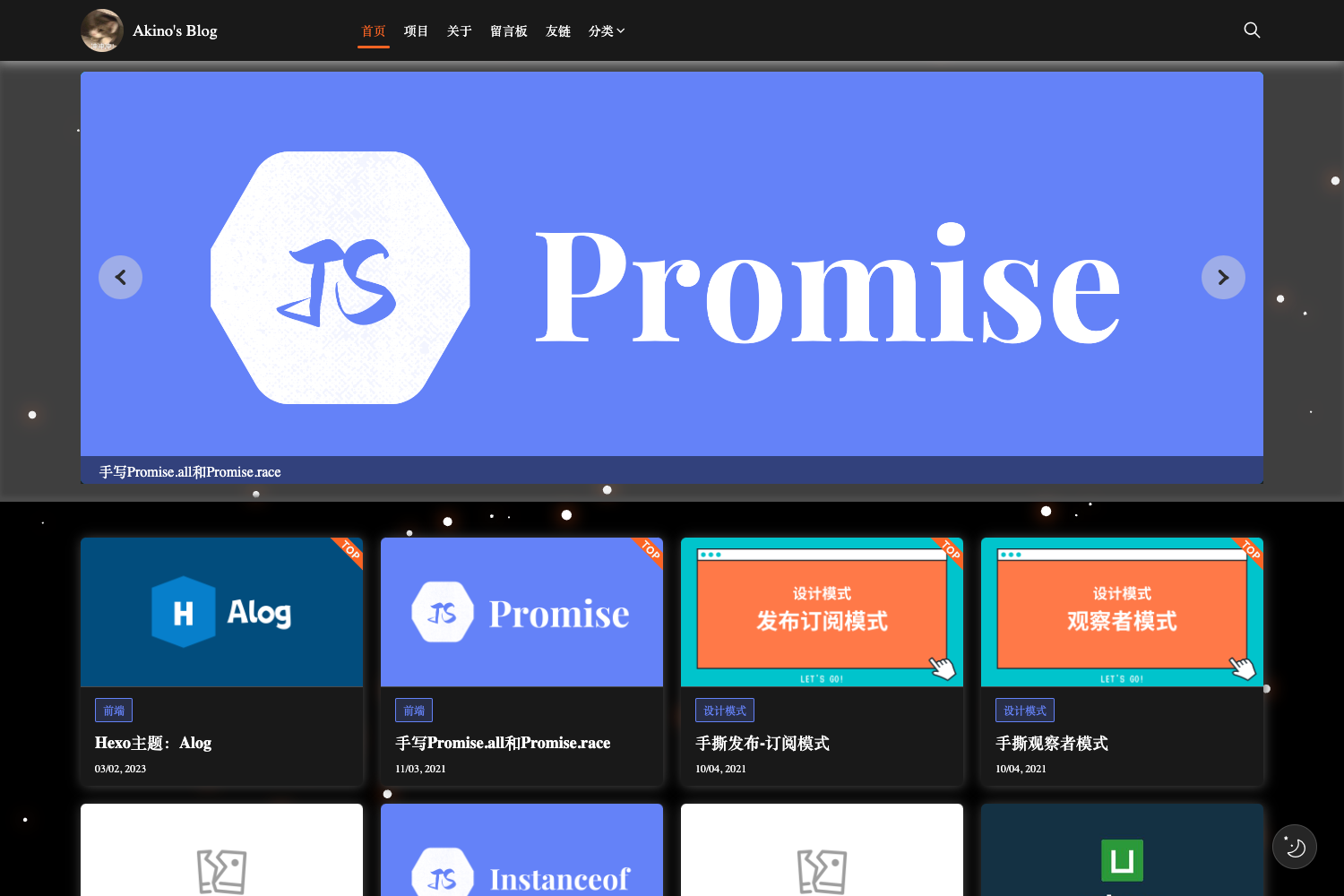
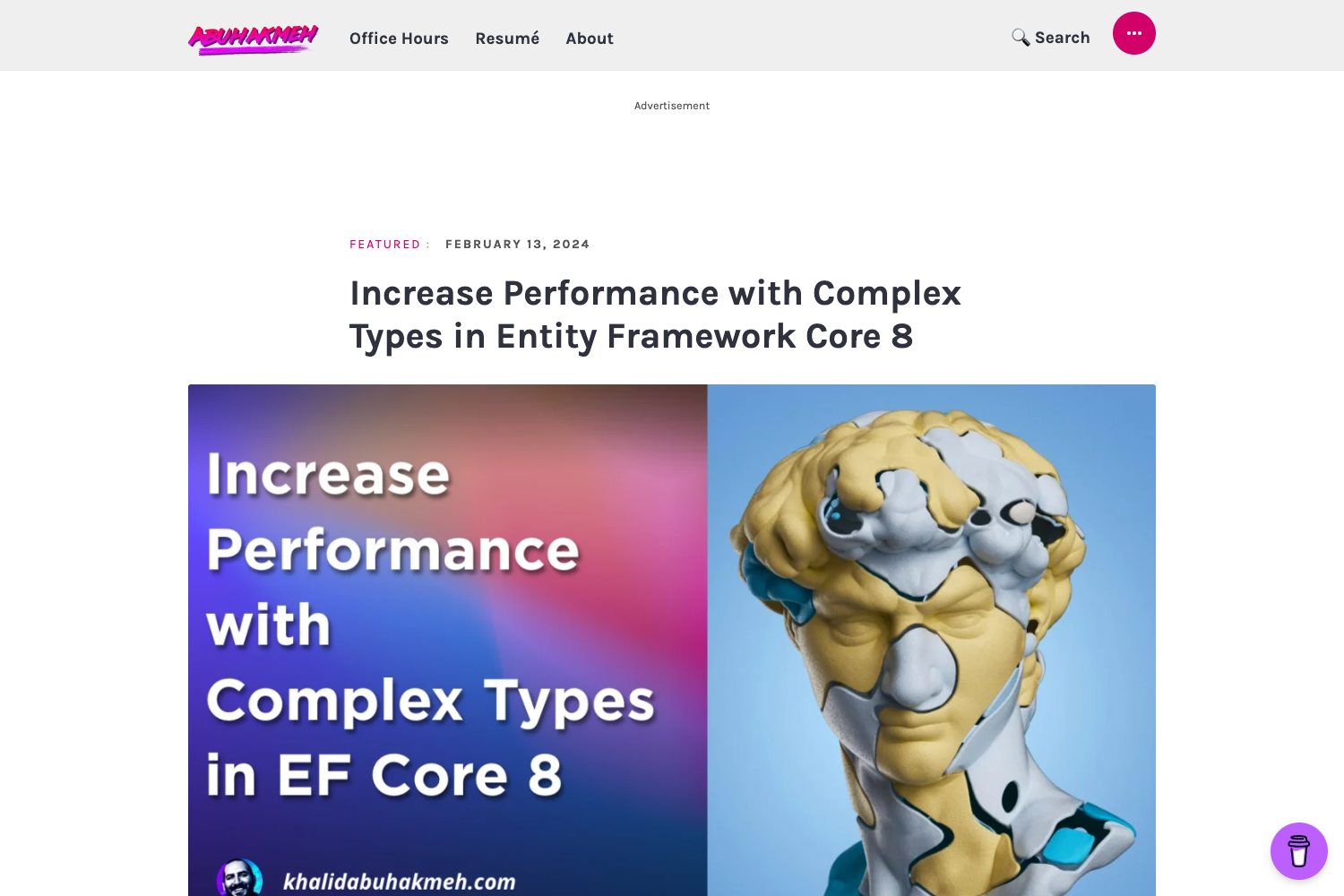
JuiceBar is a concise and elegant blog theme for Hugo with dark/light mode, social icons, and giscus comments.
About this template
JuiceBar is an open-source Hugo blog theme that produces a fast, minimalist static site with dark/light mode and giscus comment support.
What is JuiceBar?
JuiceBar is a blog theme built for the Hugo static site generator. It takes Markdown content files and renders them into a complete blog website with support for categories, tags, navigation menus, and an about page. The theme is developed by hotjuicew and draws inspiration from PaperMod and LoveIt. A live demo is available at juicebar-demo.add1.dev.
Key Features
- Dark/light mode — Automatically follows system preferences or lets the visitor toggle manually.
- Social icons — Ships with icons for Github, Telegram, Twitter, email, Instagram, Mastodon, Reddit, and Stack Overflow; add new ones by editing the social SVG partial.
- giscus comment system — Integrates giscus so readers can comment through GitHub Discussions; configuration includes repo, repo ID, category, and category ID.
- Automatic code highlighting — Code blocks are highlighted automatically with no highlighter configuration required.
- Self-expanding table of contents — Posts get a table of contents that expands as the reader scrolls.
- Custom script shortcode — A shortcode lets you drop custom scripts into any page or post.
- CSS animations — The theme includes CSS animations that animate elements on the page.
- Fully responsive — The layout adapts to mobile, tablet, and desktop screens.
Who is it for?
- Individual bloggers — Publish personal posts and pages with a clean reading experience.
- Technical writers — Use Hugo's Markdown workflow and automatic code highlighting to write developer documentation and tutorials.
- Hugo users — Anyone already using Hugo can drop JuiceBar into an existing site by cloning the theme and copying the example configuration.
What can you do with JuiceBar?
- Start a personal blog — Create an about page and blog posts with
hugo new content/post/title.md, then publish a static site with a familiar layout. - Set up a documentation-style site — Use the table of contents, code highlighting, and custom script shortcode to publish technical content.
- Engage readers with comments — Attach giscus to your GitHub repository so visitors can leave comments using their GitHub accounts.
How does JuiceBar work?
Installation is done either by cloning the repository or adding it as a Git submodule into your Hugo site's themes directory. After copying the example config.toml to the site root, you set the site title, description, author, and social links in that file. Content is created with Hugo's hugo new command, and the theme's archetypes define the front matter for about and post pages.
FAQ
How do I install JuiceBar?
From the root of a Hugo site, run git submodule add https://github.com/hotjuicew/hugo-JuiceBar.git themes/JuiceBar to add it as a submodule. For future updates, run git submodule update --remote themes/JuiceBar.
Does JuiceBar support comments?
Yes, JuiceBar supports the giscus comment system. In config.toml, you enable the giscus parameters and set your GitHub repository's name, ID, category, and category ID.
How do I add social icons?
In the theme's configuration, add a block with the social icon's name and URL under params.social. The theme includes SVG icons for Github, Telegram, Twitter, email, Instagram, Mastodon, Reddit, and Stack Overflow.
How do I create content?
Use Hugo's content commands: hugo new content/about.md creates an About page, and hugo new content/post/title.md creates a new blog post. The theme's archetypes set up the front matter for you.
What pages are included?
The example configuration defines navigation links for About, Blog, and Categories. The theme also supports taxonomies for categories and tags, and outputs HTML, RSS, and JSON for the homepage.