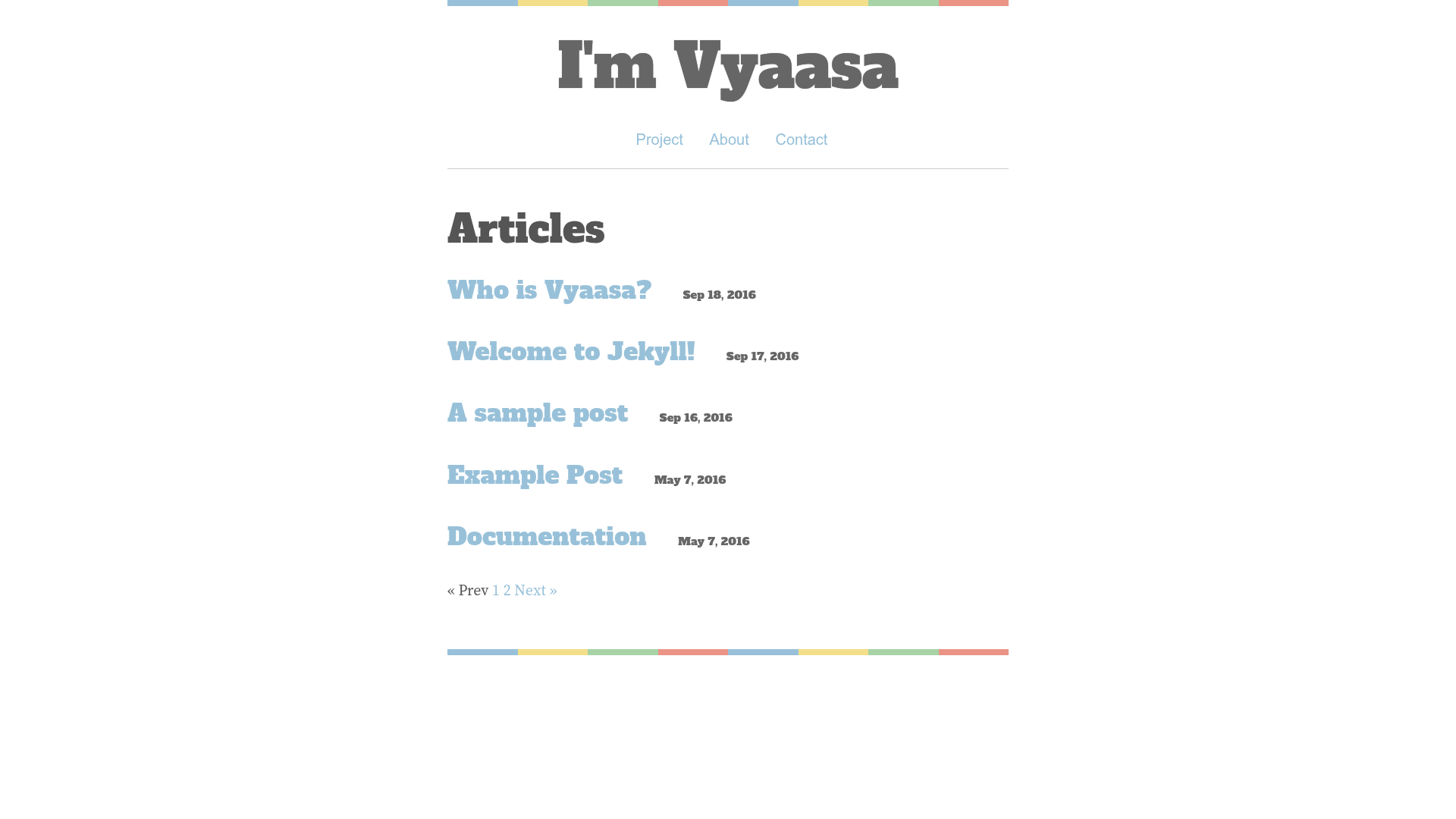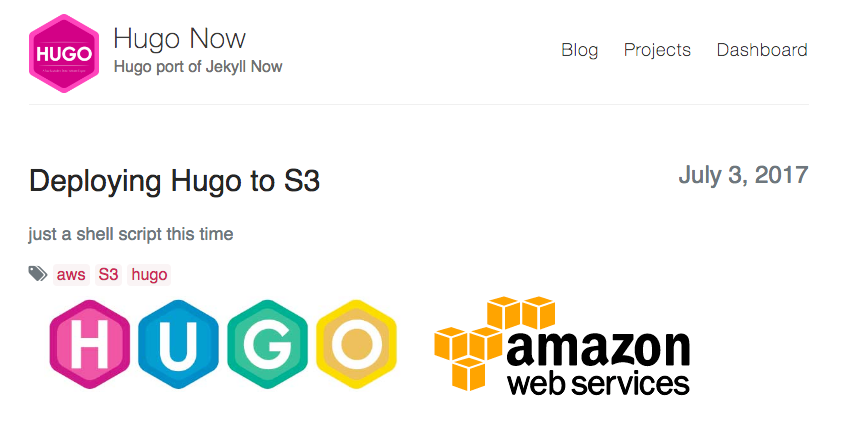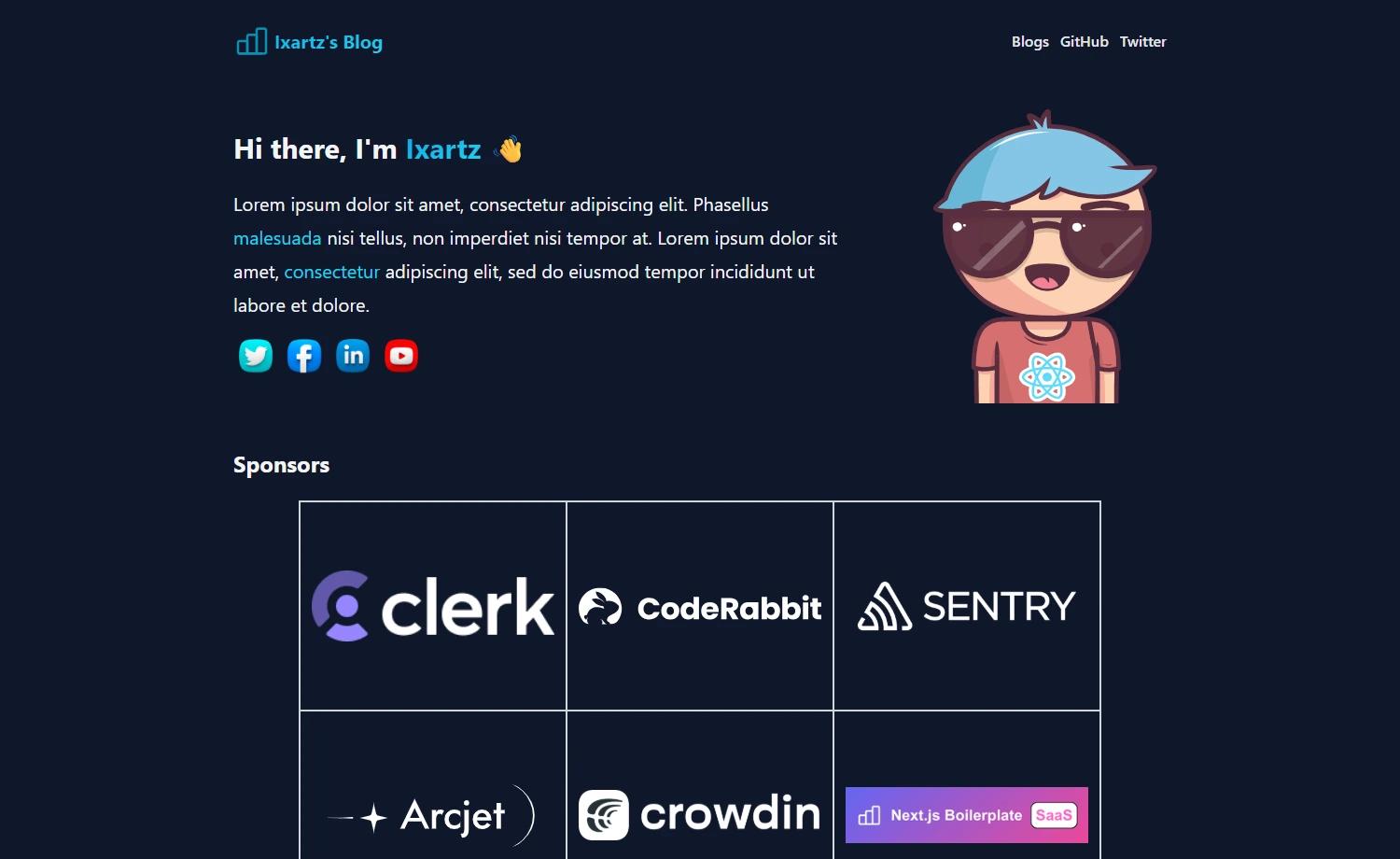
Template details
Hexo Theme Colos
A minimal, multilingual Material Design theme for Hexo, currently in alpha.
About this template
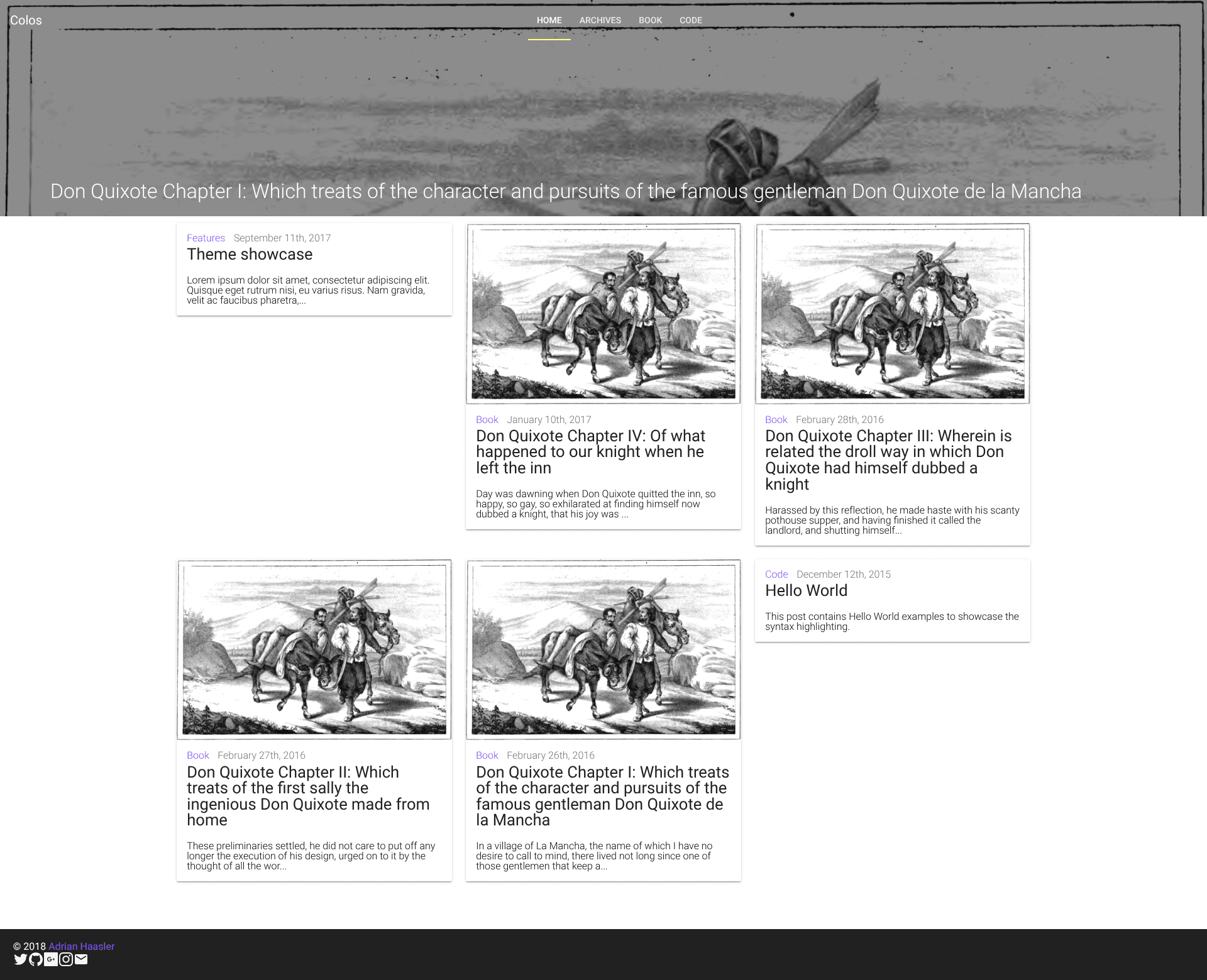
Colos is an alpha-stage, minimal, multilingual Material Design theme for the Hexo static site generator, offering colorful layouts and multiple page structures from a single theme package.
What is Colos?
Colos is a theme for Hexo, a fast Node.js-based blog framework. It takes Markdown content from your Hexo site and renders it into a Material Design–styled blog with support for multiple languages and different layout types. The theme is authored by ahaasler and released under the MIT License. Colos is currently in alpha development, which means the default appearance is plain and unstyled; the project's demo sites are published to GitHub Pages.
Key Features
- Multilingual support — publish your blog in multiple languages; a companion demo project, hexo-theme-colos-multilingual-demo, shows how to set this up, while the core multilingual logic is being migrated into plugins.
- Material Design styling — follows Google's Material Design guidelines with a "color everywhere" accent approach.
- Multiple layouts — the theme is planned to offer different layout options for blog pages, though the alpha build has not yet dressed them visually.
- Hexo-native integration — plugs into the standard Hexo theme directory and uses Hexo's ordinary theme structure, so content is written in Markdown and built with
hexo generate. - Stylus stylesheets — the theme's CSS is written in Stylus, Hexo's default preprocessor.
- Live demos — a single-language demo on the develop branch and a separate multilingual demo are both viewable on GitHub Pages.
- MIT licensed — free to use, modify, and redistribute under the MIT License.
Who is it for?
- Hexo bloggers who want a Material Design look — replace your current theme with Colos to get a Google-inspired visual design without building a theme from scratch.
- Site owners publishing in multiple languages — use Colos's multilingual features, and use the multilingual demo as a working reference.
- Theme developers and open-source contributors — fork the repository, clone it, run
npm install, create a branch fromdevelop, and submit pull requests;masteris reserved for generated output.
What can you do with Colos?
- Personal bloggers: write your posts as Markdown files and generate a static Material Design blog with Hexo, with optional multilingual content.
- Open-source contributors: improve the theme's styling, layouts, or multilingual generators by fixing issues and submitting pull requests from a branch off
develop. - Developers evaluating Hexo themes: run both the single-language and multilingual live demos to see the current rendering before deciding whether to adopt or contribute.
Pros and cons
- Pros: MIT license; under active open-source development; includes working demos for both single-language and multilingual sites; built on Hexo's standard tech stack (Node.js, Stylus, Markdown).
- Cons: alpha stage; has no style yet and looks plain/default; multilingual features are being refactored into plugins, so the current implementation may change.
FAQ
Is Colos free?
Yes, Colos is free to use. It is released under the MIT License, which allows personal and commercial use, modification, and redistribution.
What stage is Colos in?
Colos is in alpha. The README states it has no style yet and looks plain and default, so it is not yet production-ready for a polished public site.
Does Colos support multiple languages?
Yes. Colos includes multilingual support, demonstrated in the separate hexo-theme-colos-multilingual-demo project. The maintainer is currently migrating the multilingual generators into plugins (issue #4).
How do I contribute to Colos?
To contribute, fork the repository, clone it, install dependencies with npm install, create a branch from develop, make your changes, and submit a pull request. Do not make changes directly to master, as it contains generated code.
What license does Colos use?
Colos is released under the MIT License, as stated in the README and the license file in the repository.