Template details
Hexo Theme Daisy
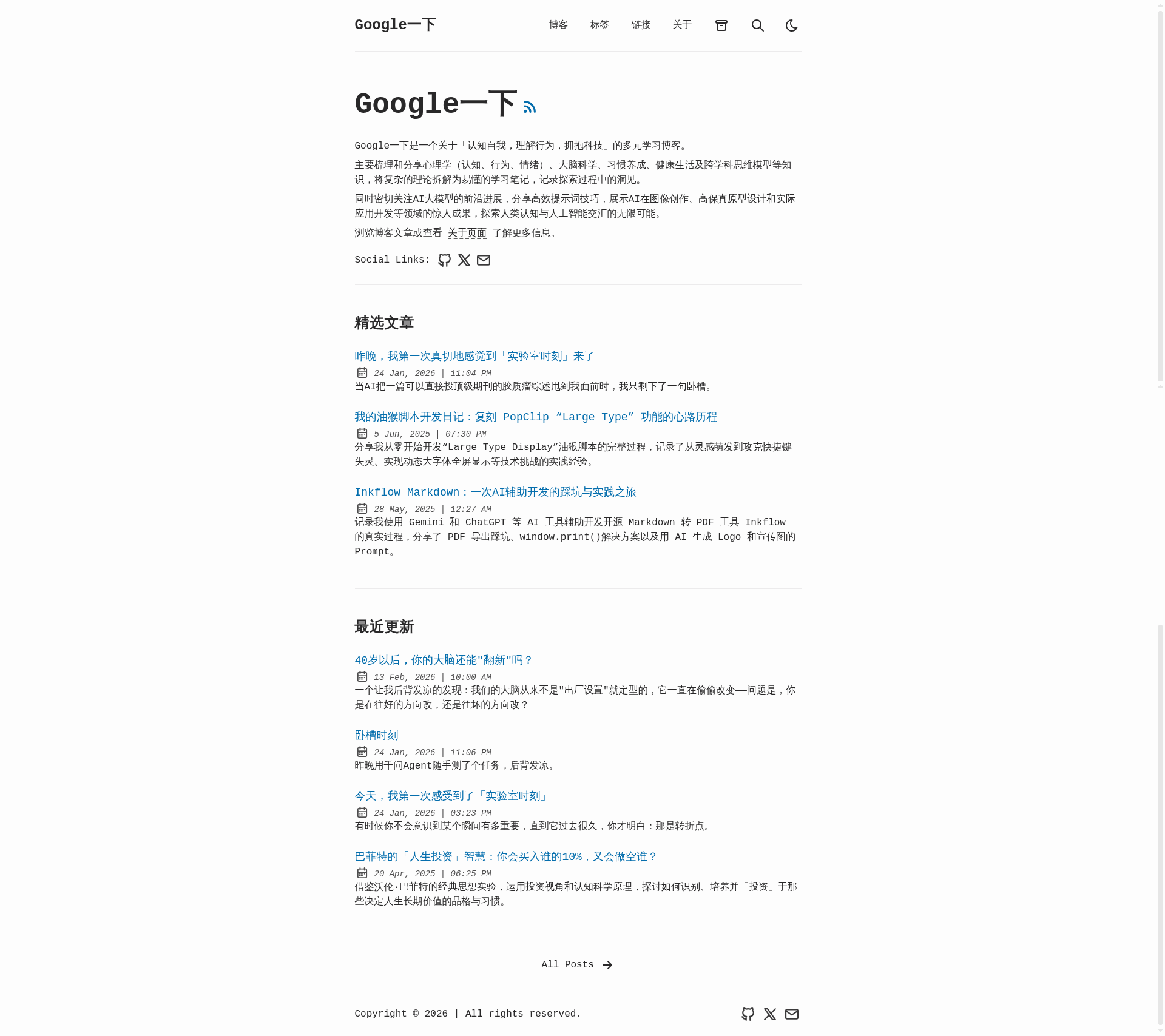
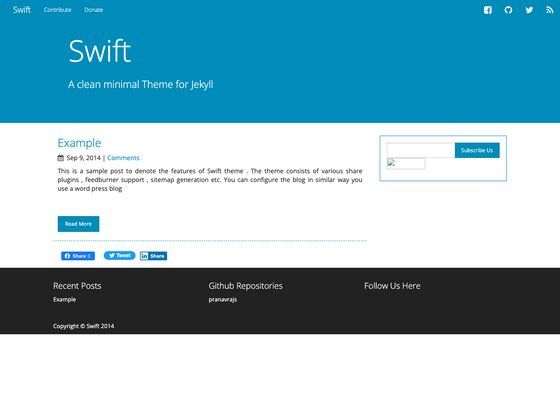
A simple and noble theme based on Noderce for hexo.
About this template
Hexo Theme Daisy is a simple, open-source theme for the Hexo static site generator, derived from Noderce, that provides a clean blog layout with configurable navigation, analytics, and comment integration.
What is Hexo Theme Daisy?
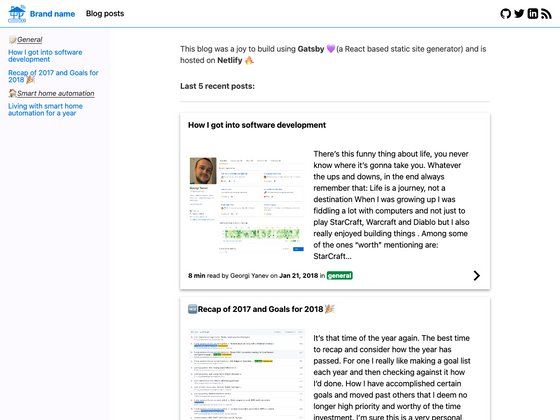
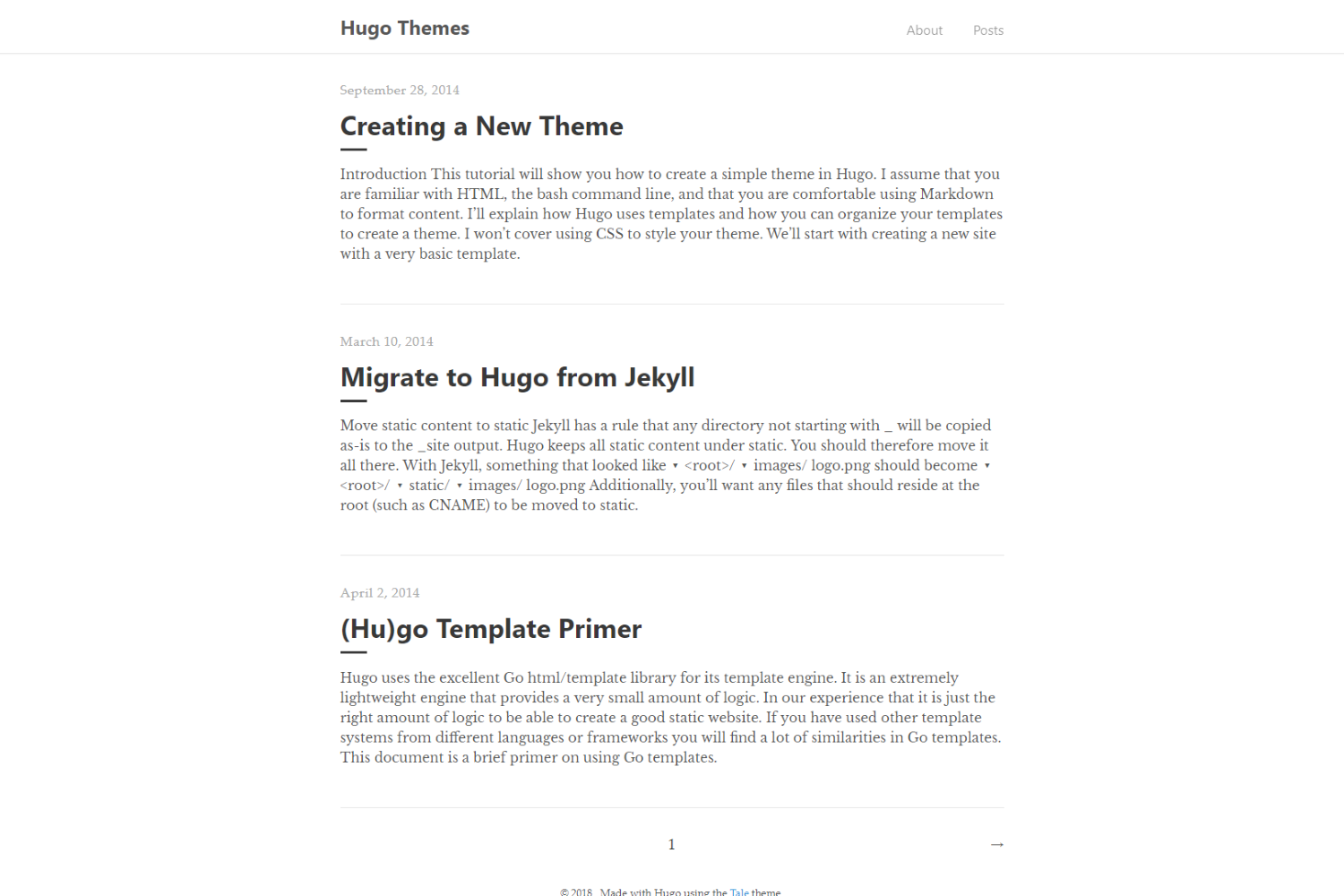
Hexo Theme Daisy is a theme for Hexo, the static site generator, adapted from the Noderce theme. It turns a Hexo site's markdown posts into a simple blog layout with a navigation menu, post excerpts, Google Analytics tracking, an RSS feed link, and Duoshuo comments. The theme is configured entirely through the _config.yml file, where users set menu items, the excerpt link text, analytics ID, RSS path, and comment provider. It was published on GitHub by user imbyron and the repository has 23 stars.
Key Features
- Based on Noderce — Inherits the design and structure of the Noderce Hexo theme, giving a simple and noble look.
- Configurable menu — Define menu entries with custom labels and URLs, including internal pages like
/archivesand/linksand external links like a Fanfou profile. - Google Analytics support — Enter a tracking ID (e.g.,
UA-5353535-6) to enable traffic analytics. - RSS feed integration — Specify the feed path (default
/atom.xml) to expose your site's RSS. - Duoshuo comments — Switch on Duoshuo comment hosting by setting
comment_providertoduoshuoand providing yourshort_name. - Excerpt link text — Customize the "read more" link text, such as "阅读全文 >".
- Simple installation — Clone the repository directly into the themes directory and update the theme setting; updates are pulled via
git pull.
Who is it for?
- Hexo bloggers who want a minimal, clean theme without the complexity of large theme frameworks.
- Chinese-language blog authors — The default menu labels and excerpt text are in Chinese, and the theme's lineage comes from the Chinese-language Hexo theme ecosystem.
- Developers comfortable with config-file setup — Users who will edit
_config.ymland run git commands to install and update.
What can you do with Hexo Theme Daisy?
- Personal blogging — Publish markdown posts and have them rendered into a home page listing, an archive page, and individual pages with configurable excerpt links.
- Custom navigation — Add internal pages (such as About and Friends links) or external URLs (like a Fanfou social profile) directly from the theme config.
- Traffic and comments — Wire up Google Analytics and a Duoshuo account to track visitors and host discussion under posts.
How do I install it?
- Clone the repository into the themes directory:
git clone git@github.com:imbyron/hexo-theme-daisy.git themes/diasy - In the site's
_config.yml, change the theme setting todiasy. - Update the theme later by running
cd themes/diasyandgit pull.
The install command uses themes/diasy, matching the theme's name in configuration, even though the repository is called hexo-theme-daisy.