Template details
Hexo Theme Simpleblock
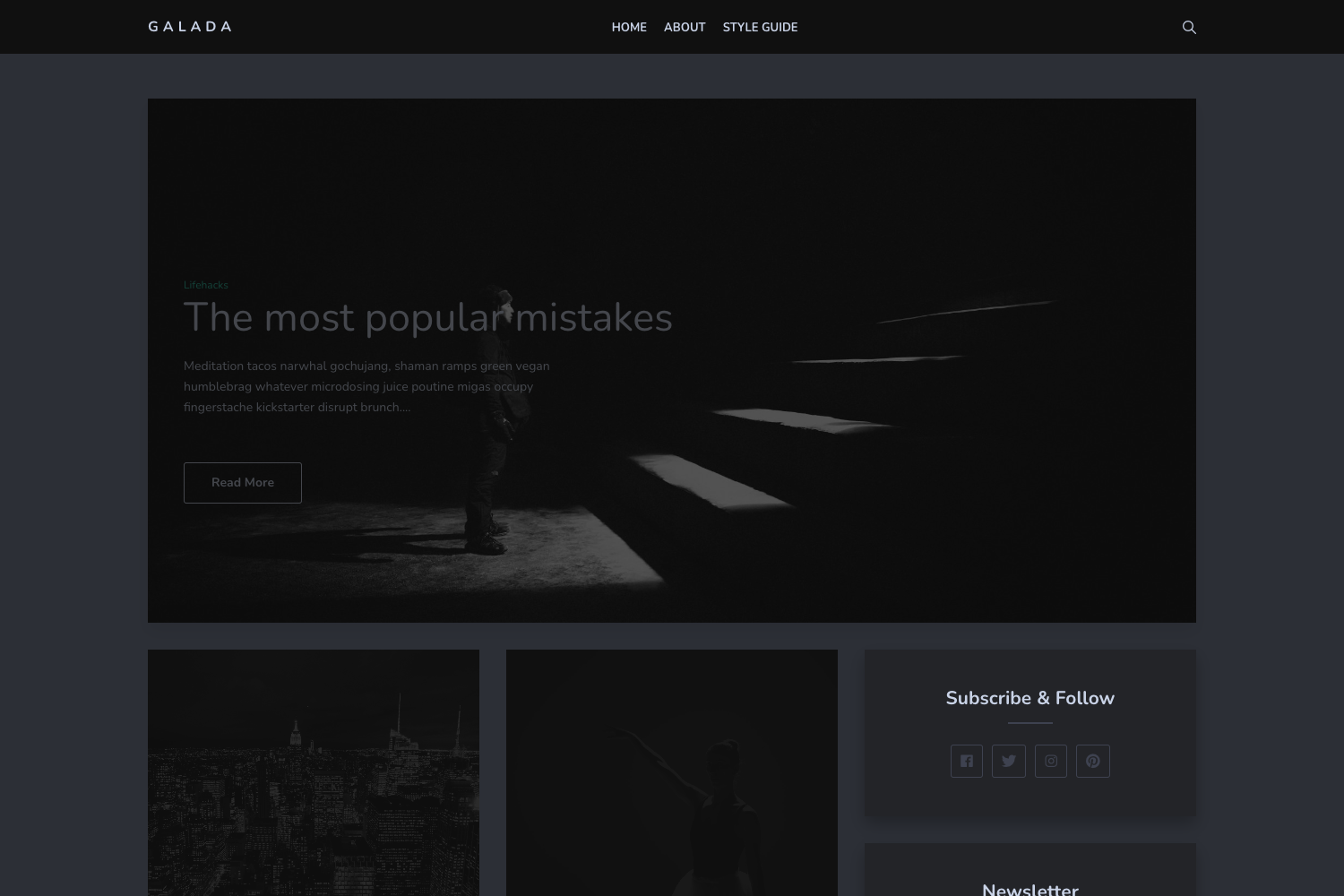
A wireframe-style Hexo theme for minimalist blogs, supporting Jade/Markdown widgets, banners, and configurable menus.
About this template
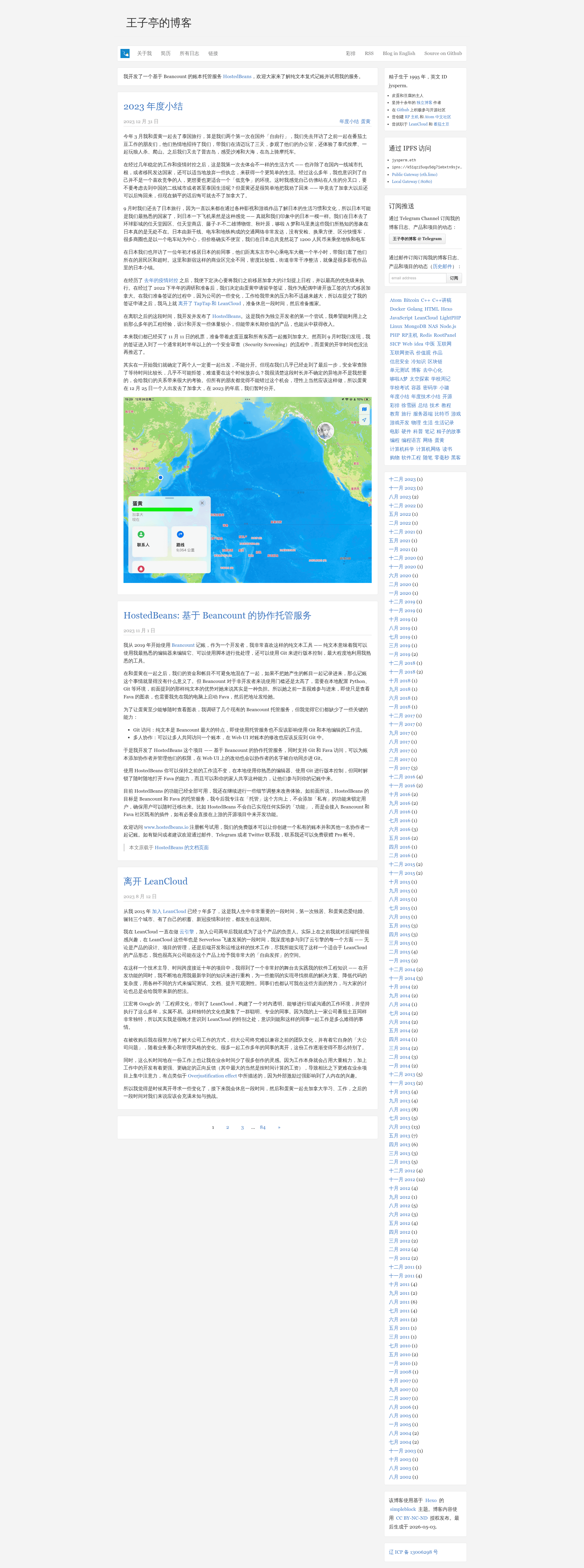
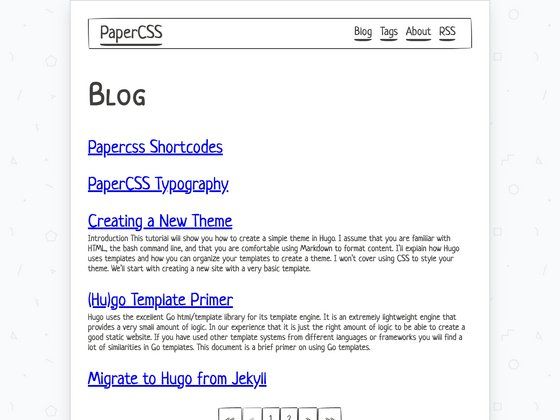
Simple Block is a wireframe-style blog theme for Hexo, created by jysperm, that lets you build a minimalist static blog with customizable sidebar widgets and banners.
What is Simple Block?
Simple Block is a Hexo theme based on a wireframe design, extracted from the author's personal blog at jysperm.me. It takes a Hexo site configuration and renders it as a static blog with a clean, minimal layout. The theme supports Jade and Markdown for customizing sidebar widgets and pre-content banners, and it is distributed through npm under the name hexo-theme-simpleblock.
Key Features
- Wireframe design — A minimalist visual style inspired by wireframes, with a clean layout suited for text-focused blogs.
- Jade and Markdown widgets — Add sidebar widgets or pre-content banners using either Jade templates or Markdown text; built-in widget types include tags, archives, and copyright.
- Multiple banners — Define an array of banners to display multiple messages before the post body.
- Configurable menus — Set up both top navigation and right-side menus, with optional target attributes for links.
- Analytics and comment integration — Configure a Google Analytics ID (e.g. UA-49193300-1) and a Duoshuo site ID directly in the theme config.
- RSS and favicon support — Provide an RSS URL to add a link tag in the page head, and a favicon URL for the browser tab.
- Content licensing — Declare the blog's content license name and URL in the configuration.
- Tech stack — Built with Jade templates, Less/Sass styles, Bower for front-end packages, and Gulp as a build tool.
Who is it for?
- Personal bloggers — who want a clean, wireframe-style theme for their Hexo site, similar to jysperm's own blog.
- Hexo developers — who want to customize their blog layout using Jade templates and Less/Sass, with documented configuration options.
- Bloggers needing lightweight customization — who want to add widgets and banners without writing HTML, using Markdown or Jade.
What can you do with Simple Block?
- Add custom banners — Insert Jade or Markdown content before your post body, with support for multiple banners via an array.
- Build sidebar widgets — Use built-in tags, archives, and copyright widgets, or create your own using Jade or Markdown.
- Configure navigation — Set up main and right-side menus, with optional target attributes for opening links in new tabs.
- Integrate analytics and comments — Provide a Google Analytics ID and Duoshuo site ID to enable tracking and commenting.
How does Simple Block work?
To install Simple Block, run cnpm install hexo-renderer-jade marked jade --save and cnpm install hexo-theme-simpleblock, then copy the theme directory into your Hexo themes folder and set theme: simpleblock in _config.yml. For development, run npm install, bower install, and gulp build to build the theme's assets.
FAQ
How do I install Simple Block?
Use cnpm to install the required Hexo renderers and the theme itself: cnpm install hexo-renderer-jade marked jade --save followed by cnpm install hexo-theme-simpleblock. Then copy the theme from node_modules to your themes directory and update your _config.yml to set the theme to simpleblock.
Can I add widgets without writing Jade?
Yes, widgets can be written in Markdown. For example, a markdown widget would use a markdown string as its value, and the theme will render it accordingly. The built-in widgets (tags, archives, copyright) require no template code at all.
What configuration options does Simple Block support?
The theme supports options for Google Analytics, Duoshuo comments, RSS URL, favicon, top navigation icon, source URL prefix, content license, menus, right menus, banners, and sidebar widgets. It also has an sns field reserved for social platform IDs, which is still under development.