Template details
Paper Jekyll Theme
A minimal Jekyll theme for personal blogs
About this template
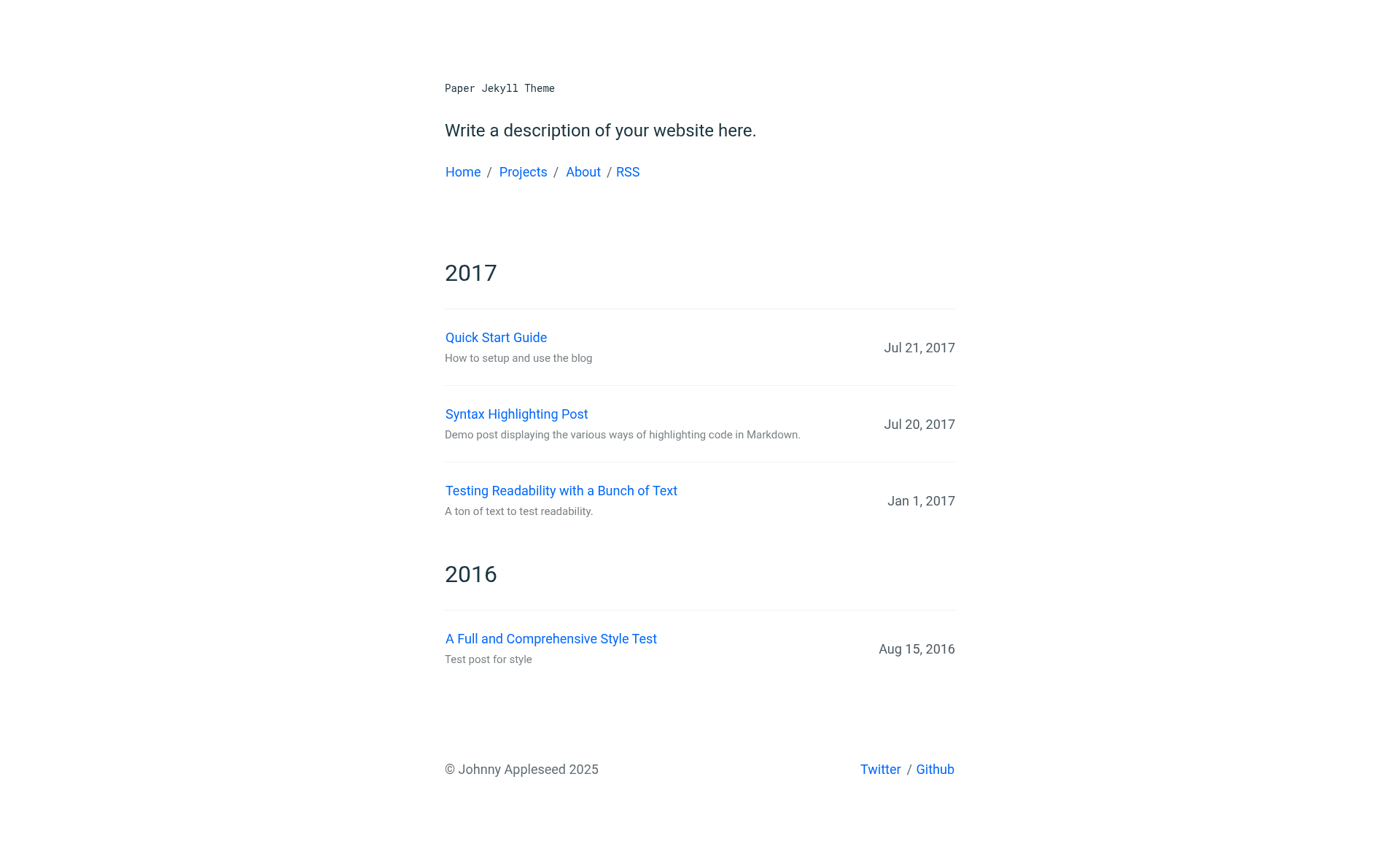
Paper is a minimal Jekyll theme for personal blogs, portfolios, and personal sites, created by GitHub user mkchoi212 and distributed under the MIT license.
What is Paper Jekyll Theme?
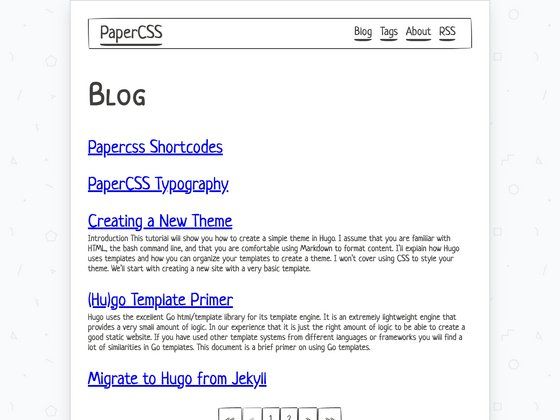
Paper is a minimalistic Jekyll theme designed for personal blogs and portfolios. It takes Jekyll markdown posts and configuration from _config.yml and renders a responsive static website that can be hosted on GitHub Pages or self-hosted. The theme is built by mkchoi212 and is showcased in a live demo at deadbeef.me/paper-jekyll-theme, and it also powers the author's personal blog at deadbeef.me.
Key Features
- GitHub Pages compatibility — Works with Jekyll 3.x and can be deployed directly to GitHub Pages without extra plugins.
- Responsive layout — The built-in layout adapts to mobile and desktop screens, so the site looks good on any device.
- Sass/SCSS support — Uses Jekyll's built-in Sass preprocessor, so you can customize styles with SCSS variables and partials.
- Google Analytics support — Configure your tracking ID in
_config.ymlto enable analytics. - Disqus integration — Add Disqus comments to posts by setting your Disqus shortname in the config.
- Rake automation — Includes a Rakefile with commands:
rake checkfor link/HTML validation,rake cleanto remove generated files,rake postto create a new post, andrake previewto serve the site with live reload. - Local reloading —
rake previewprovides live local reloading during development. - Low dependencies — The theme keeps dependencies to a minimum, making it easy to set up and maintain.
Who should use Paper Jekyll Theme?
- Personal bloggers — Write markdown posts and publish them to a clean, distraction-free blog without configuring a custom design.
- Portfolio owners — Showcase projects and work with a minimal layout that focuses content.
- Developers — Use the included Rakefile to automate post creation and site checks, and customize the theme with SCSS if you know Jekyll.
- Students and academics — Host a personal academic site or course blog on GitHub Pages for free.
Use cases
- Bloggers: Publish markdown posts from the
_postsdirectory, optionally using tags and categories viarake post, and get a responsive blog with comments via Disqus. - Portfolio owners: Create static pages for projects and link them from the homepage, keeping a minimal aesthetic.
- Self-hosters: Fork the repository, run
bundle install, and deploy the generated_sitefolder to any static host or your own server.
How does Paper Jekyll Theme work?
Clone the repository, run bundle install, then run rake preview to start a local server with live reload. Edit _config.yml to set the site title, description, and social media links. Use rake post to create new posts, which are stored as markdown files in the _posts directory. When you push to a GitHub repository with Pages enabled, Jekyll builds the site automatically.
Pricing
Paper Jekyll Theme is free and open source under the MIT license. You can use it for personal or commercial projects without paying a license fee.
FAQ
Is Paper Jekyll Theme free?
Yes, it is released under the MIT license, so it is free to use, modify, and distribute, even for commercial projects.
Does Paper Jekyll Theme work with GitHub Pages?
Yes, it is compatible with Jekyll 3.x and GitHub Pages. Just push the repository to GitHub and enable Pages to build the site automatically.
How do I add a new post?
Use the Rakefile command rake post title="Your Title" with optional date, tags, and category arguments. This creates a markdown file in the _posts directory with the proper filename format.
How do I customize the site name and social links?
Edit the _config.yml file, where you can set the website title, description, and your social media account names. The theme reads these values to populate the header and footer.
Where are drafts stored?
Place draft posts in the _drafts directory. Files in this folder are not included in the generated site when you push to the server, so you can work on them privately.