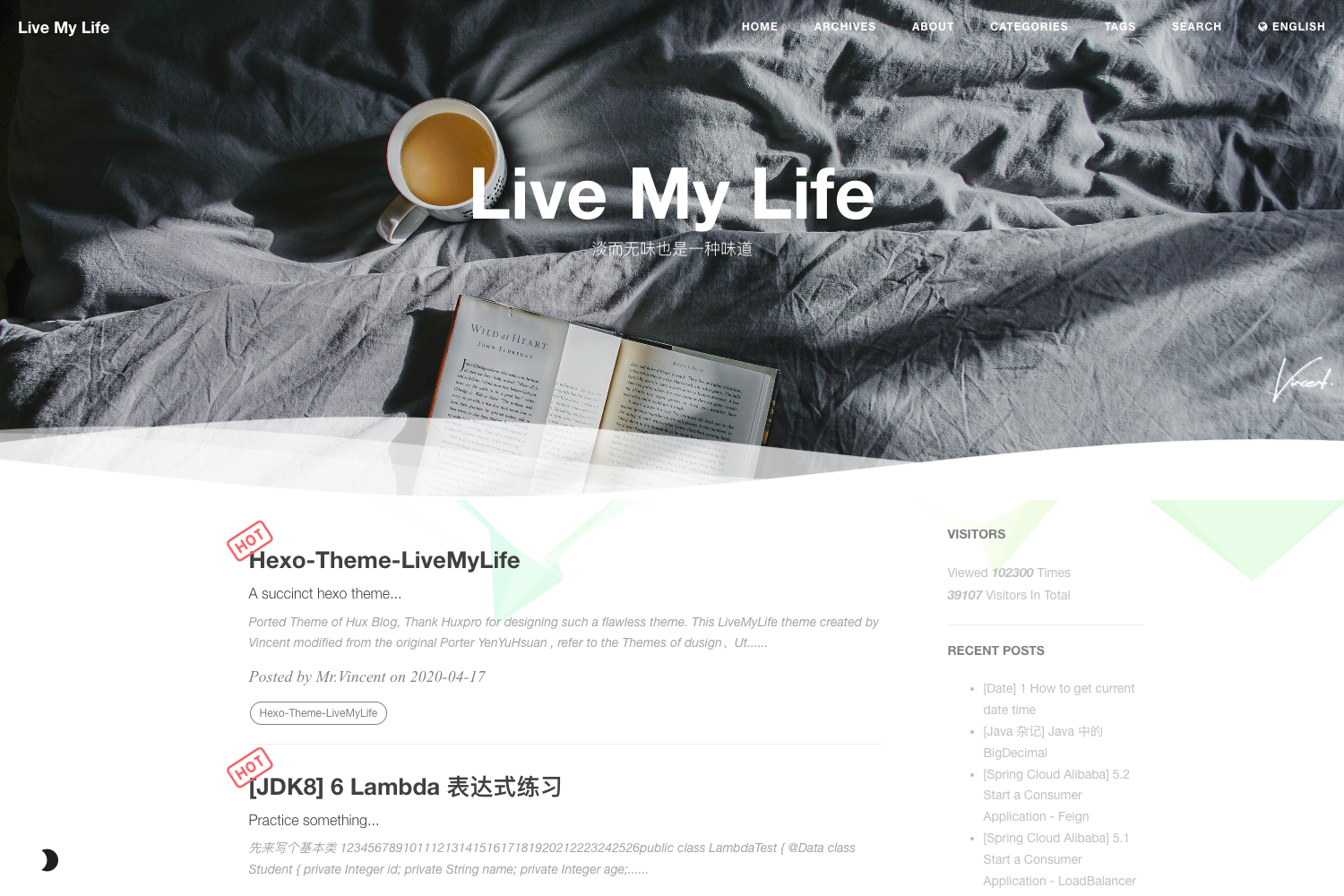
Template details
Verve
A minimal, SEO-optimized blog theme for Astro with sitemap and RSS support.
About this template
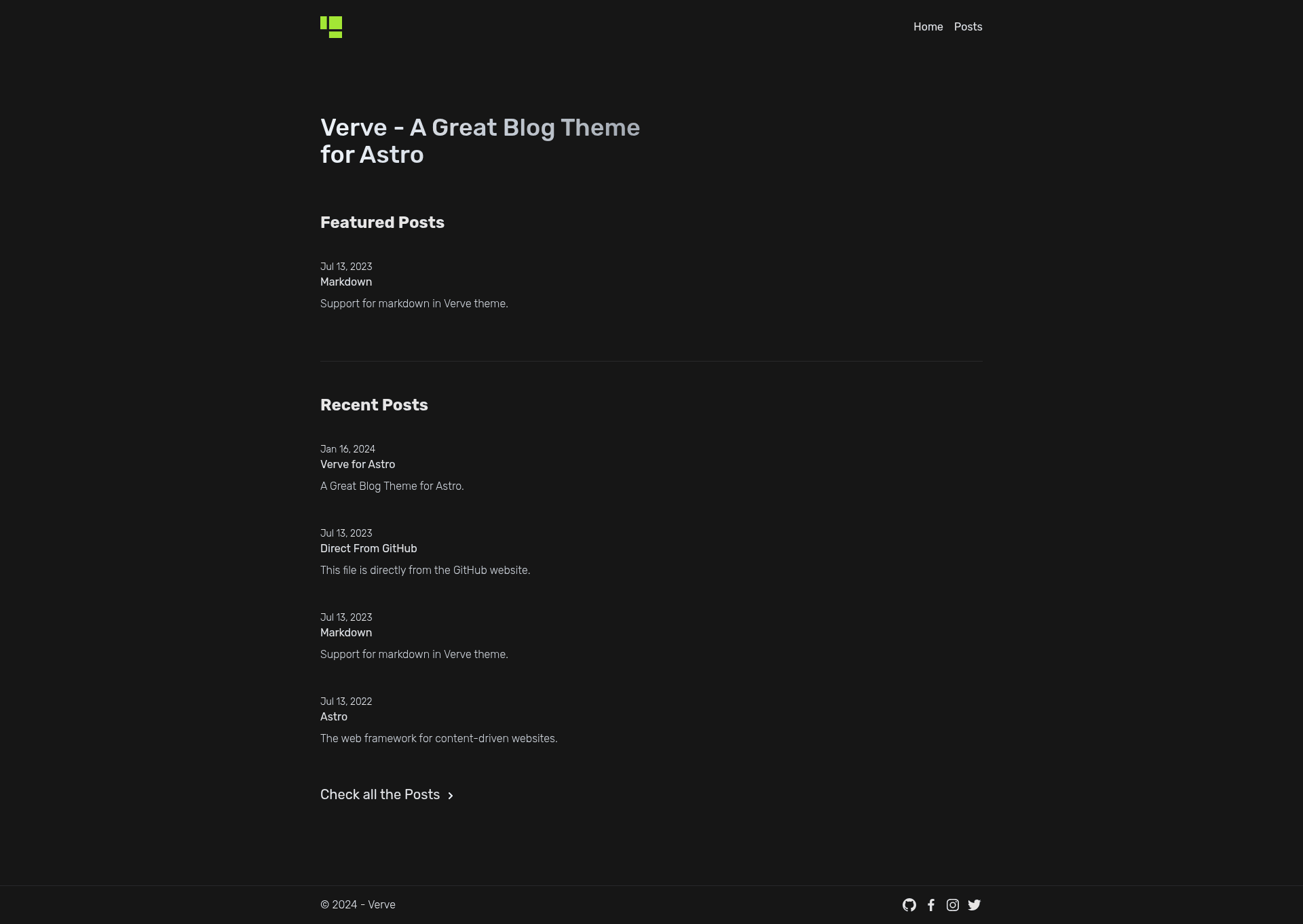
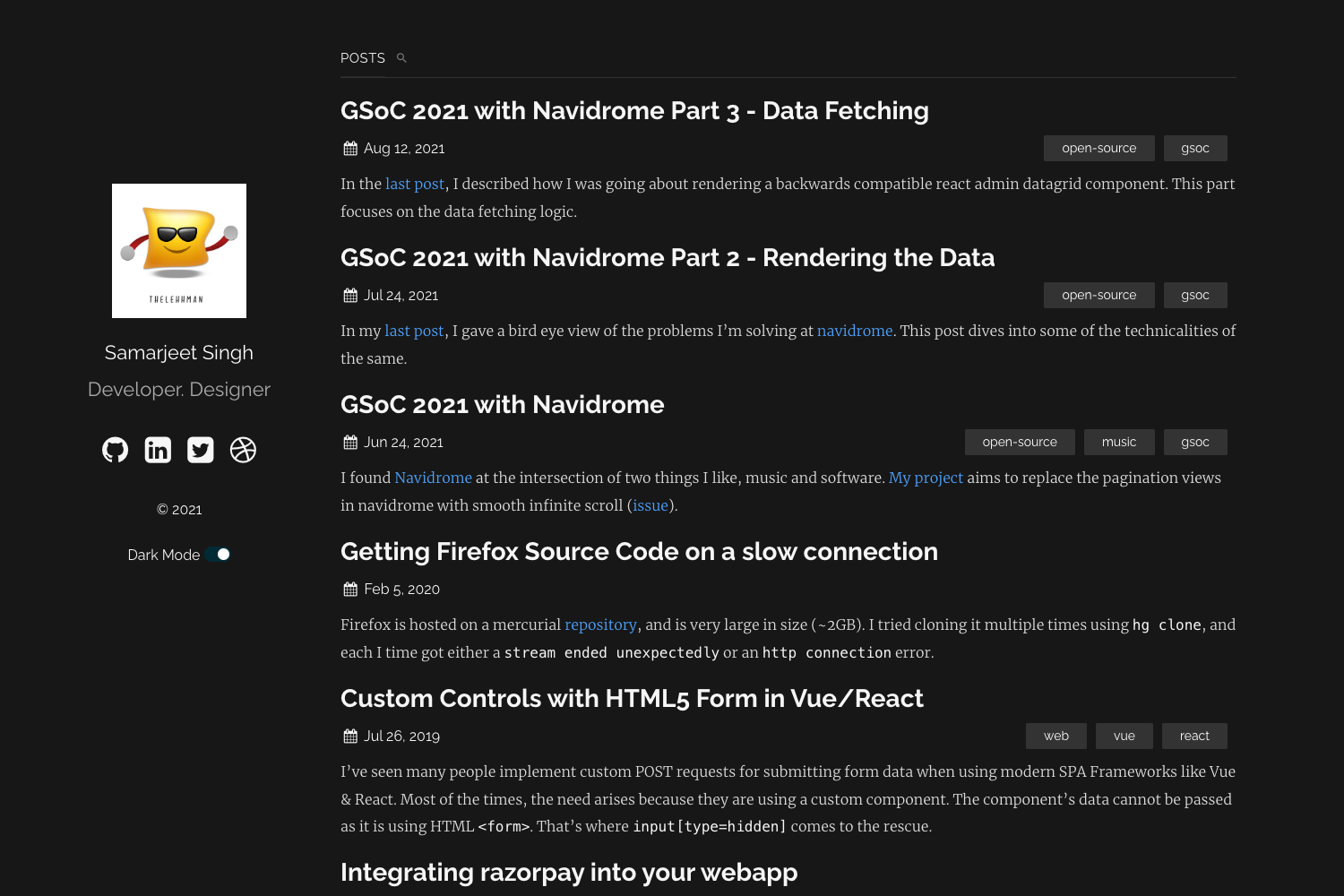
Verve is a minimal blog theme built with Astro that focuses on delivering a lightweight, SEO-friendly blog with built-in sitemap and RSS support. It runs on the Astro framework and uses a project structure where blog content lives in Markdown files.
What is Verve?
Verve is an open-source Astro blog theme designed to create minimal, high-performance blogs. It takes Markdown files placed in src/content/blog as input and generates a static blog website with an index page and individual post pages. The theme is built with Astro's component system, using .astro files for layouts and pages, and is published under the MIT License.
Key Features
- Performance — The theme is built with Astro, which ships zero JavaScript by default and produces static HTML, resulting in fast loading times.
- SEO Optimization — Verve includes SEO best practices out of the box, helping search engines crawl and index blog content effectively.
- Sitemap and RSS — Built-in support for generating a sitemap and an RSS feed, letting readers subscribe to new posts and search engines discover all pages.
- Minimal Design — A clean, minimal layout that prioritizes readability, making it suitable for personal blogs and content-focused sites.
- TypeScript Configuration — The project includes a
src/config.tsfile, allowing theme settings to be typed and customized. - Simple Project Structure — A clear folder layout with
src/components,src/layouts,src/pages, andsrc/content/blogmakes it easy to extend and organize.
Who should use Verve?
- Personal bloggers looking for a minimal, fast theme to publish written articles without configuration overhead.
- Developers who want a lightweight Astro starter to build a custom blog and control the underlying code.
- Technical writers who need a simple, SEO-friendly space to host documentation or tutorials in Markdown.
What can you do with Verve?
- Start a blog quickly: Clone the template, run
pnpm install, and add Markdown files tosrc/content/blogto publish posts. - Customize the blog's meta settings: Edit
src/config.tsto change site name, description, and other global options. - Generate a static site: Run
pnpm run buildto output a production-ready static site to./dist/, deployable to any static host. - Preview locally: Use
pnpm run devto start a local development server atlocalhost:4321and iterate in real time.
How does Verve work?
Verve follows Astro's standard workflow. After installation via pnpm install, you run pnpm run dev to start a dev server at localhost:4321. Blog posts are written as Markdown files in src/content/blog and automatically become routes. Running pnpm run build compiles the site to static HTML in ./dist/, and pnpm run preview lets you check the production build locally.
FAQ
Is Verve free?
Yes, Verve is released under the MIT License, so you can use, modify, and distribute it for free, including for commercial projects.
How do I create a new blog post?
Add a Markdown file to the src/content/blog directory. Each file's name determines the URL route, and the file's frontmatter can define title, date, and other metadata.
Does Verve support RSS?
Yes, RSS is listed as a built-in feature. The theme automatically generates an RSS feed so readers can subscribe to new content.
What package manager should I use?
The documented commands use pnpm, but since it is a standard Astro project, npm and yarn should also work by running their equivalents.