Template details
Hexo Theme Wind
A lightweight, clean Hexo theme with icon-driven pages, gallery, and comment integrations.
About this template
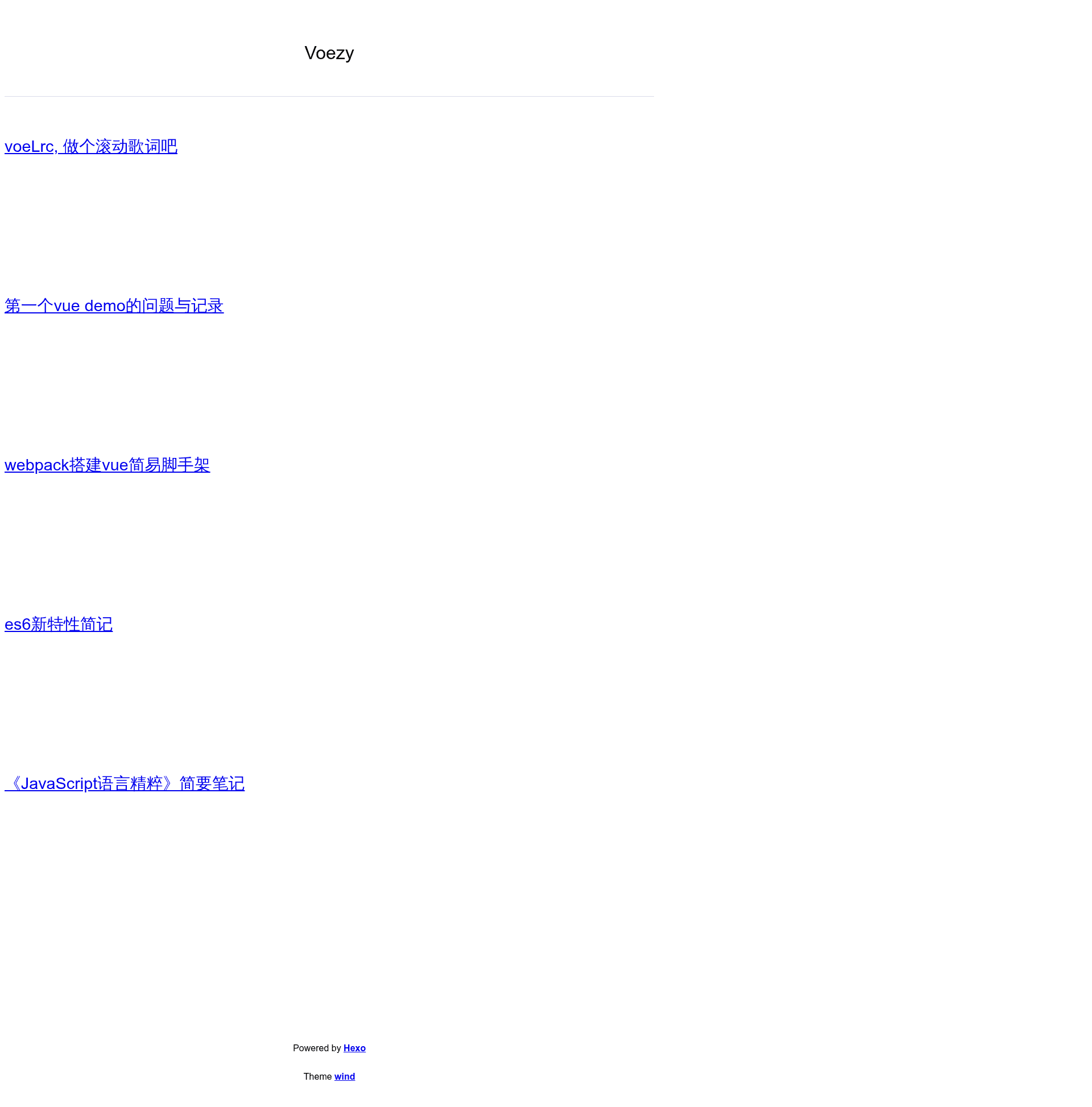
Hexo Theme Wind is a lightweight Hexo blog theme with a clean, minimal aesthetic, designed to turn a Hexo site into a personal blog with an icon-driven top menu, gallery, category, and about pages. It runs on the Hexo static site generator and is maintained by voezy on GitHub.
What is Hexo Theme Wind?
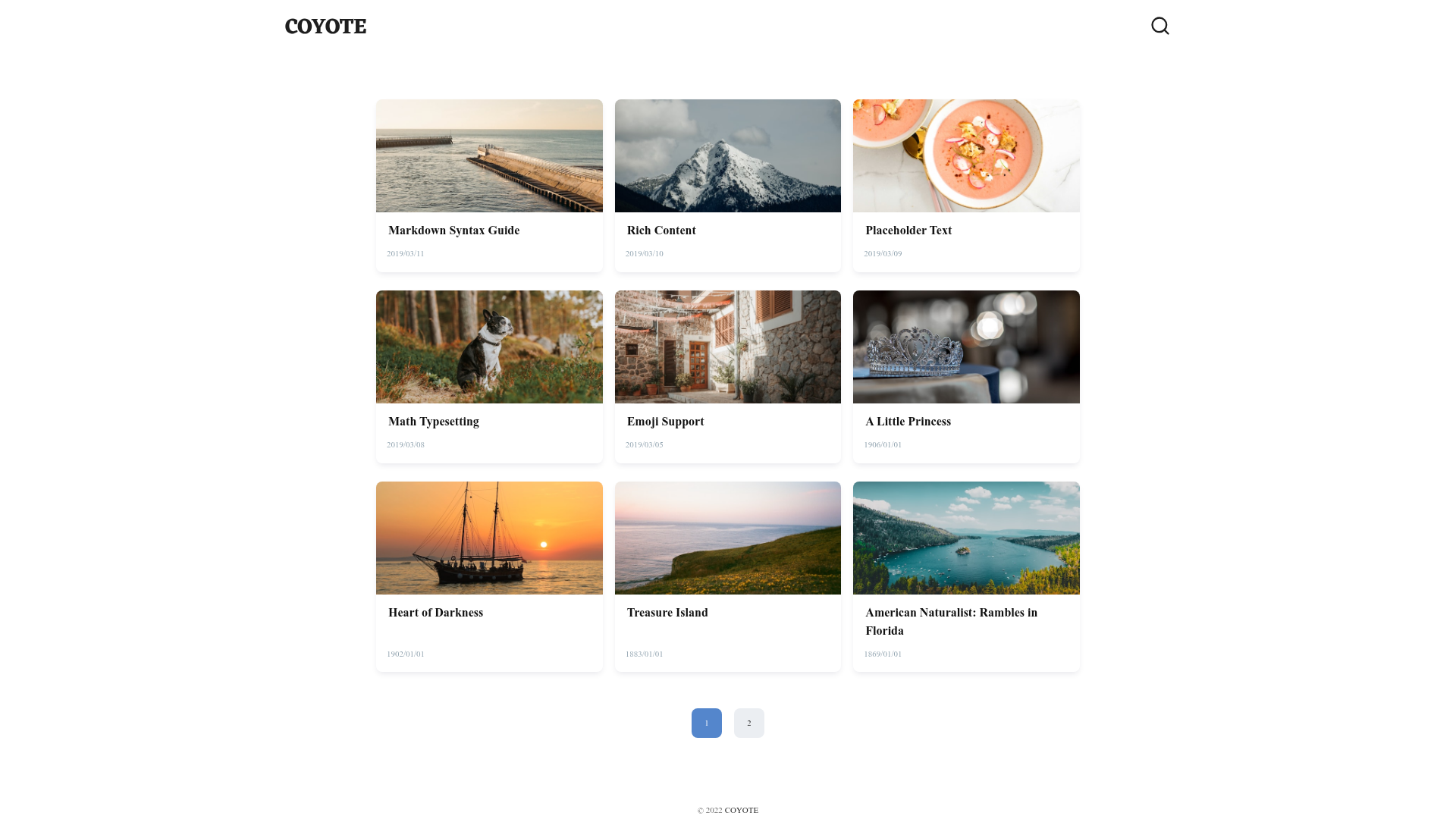
Hexo Theme Wind is an open-source theme for the Hexo static site generator. It takes a standard Hexo blog with Markdown posts and renders a minimal, white-background site with a top icon menu for independent pages, plus dedicated layouts for archives, categories, galleries, and an about page with an avatar card. The theme is developed by voezy and distributed through the GitHub repository voezy/hexo-theme-wind.
Key Features
- Multiple installation methods — Install via the GitHub release package, a downloaded ZIP, or a
git cloneof the repository into the Hexothemesdirectory. - Code highlighting with google/code-prettify — Replace Hexo's built-in highlighter; you must set
highlight.enabletofalsein the site config. - Icon-driven independent pages — Add pages like archives, about, gallery, or categories via the theme config's
pagessection, each with a FontAwesome icon. - Gallery page support — Create a gallery by setting
layout: postand addingphotosin the front-matter of an independent page. - About page with avatar card — Enable
avatarCardin the theme config to show a slogan and avatar image on the about page. - SNS links bar — Configure social buttons on the about page by adding entries with FontAwesome icons and full URLs.
- Comment system integrations — Support Disqus and Livere by setting the
comment.usevalue and the corresponding shortname or data-uid. - Google Analytics — Integrate tracking by setting
analytics.usetogoogle_analyticsand providing your site ID. - NetEase Cloud Music player — Add
neteasemusicin a post's front-matter to embed a song player; note that copyright-restricted songs will not play. - Configurable layout toggles — Control division lines, image centering, tag/category display, a back-to-top button, a catalog button, excerpt word count, footer, and link colors via the theme config.
Who should use Hexo Theme Wind?
- Hexo bloggers — You already run a Hexo blog and want a lightweight, clean theme with minimal setup and a simple icon-based navigation.
- Photographers or visual creators — You need a gallery layout: create an independent page with
photosin the front-matter and setlayout: postto display images. - Developers who customize little — You prefer a theme with a single
_config.ymlwhere most features are toggles, rather than complex templating.
What can you do with Hexo Theme Wind?
- Launch a personal blog quickly: Install the theme, set the theme name in the site config, and disable built-in highlight; posts render with code highlighting via google/code-prettify.
- Build a portfolio with independent pages: Add pages like "About" and "Gallery" through the
pagesfield and create matching source directories with anindex.md. - Add Chinese-style social features: Integrate Disqus or Livere for comments, Google Analytics for tracking, and a NetEase Cloud Music player in individual posts.
How does Hexo Theme Wind work?
After installing the theme into themes/wind, you enable it in the site's _config.yml and set highlight.enable to false. Then, in the theme's _config.yml, you configure pages, SNS, comments, analytics, and layout toggles. Independent pages are created by making a directory under source with an index.md file; special front-matter values like type: about or type: categories activate built-in templates.
FAQ
Is Hexo Theme Wind free?
Yes, the theme is open-source and available on GitHub under the repository voezy/hexo-theme-wind. There is no mention of paid licenses or pricing tiers in the documentation.
Does Hexo Theme Wind support comment systems?
Hexo Theme Wind supports both Disqus and Livere. To use one, set comment.use to disqus or livere in the theme config and supply the respective shortname or data-uid.
How do I create a gallery page in Hexo Theme Wind?
Create an independent page directory under source, add an index.md with layout: post and a photos list of image URLs. Then add a pages entry with the page's link and a FontAwesome icon in the theme config.
Can I change the colors of links and buttons?
Yes, the theme's color section lets you set deactive and active colors for links and buttons using RGB or hex values.