Template details
Hexo Theme Element
A minimal Hexo theme for fast, clean blogs with configurable search via Google, Algolia, or Azure.
About this template
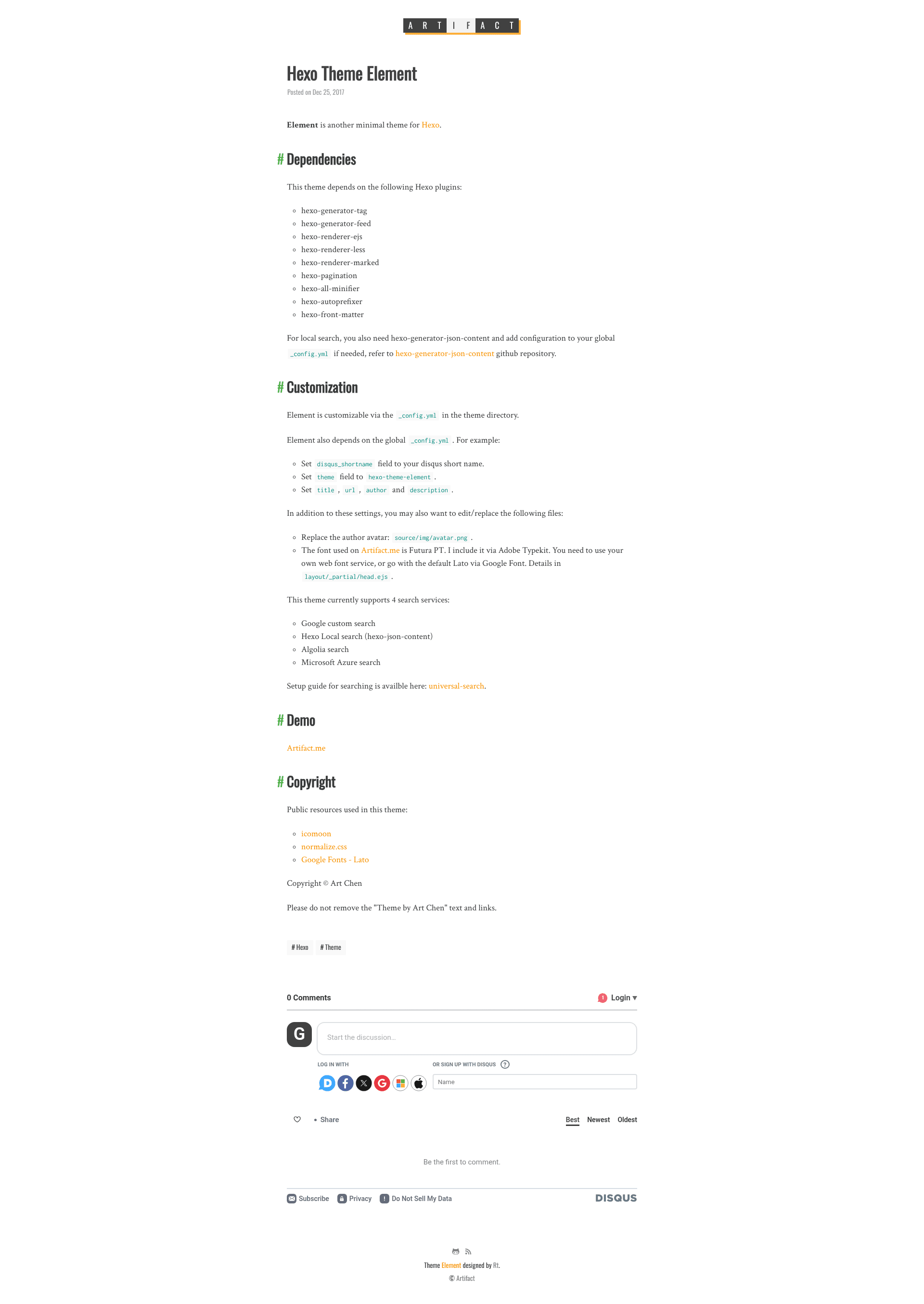
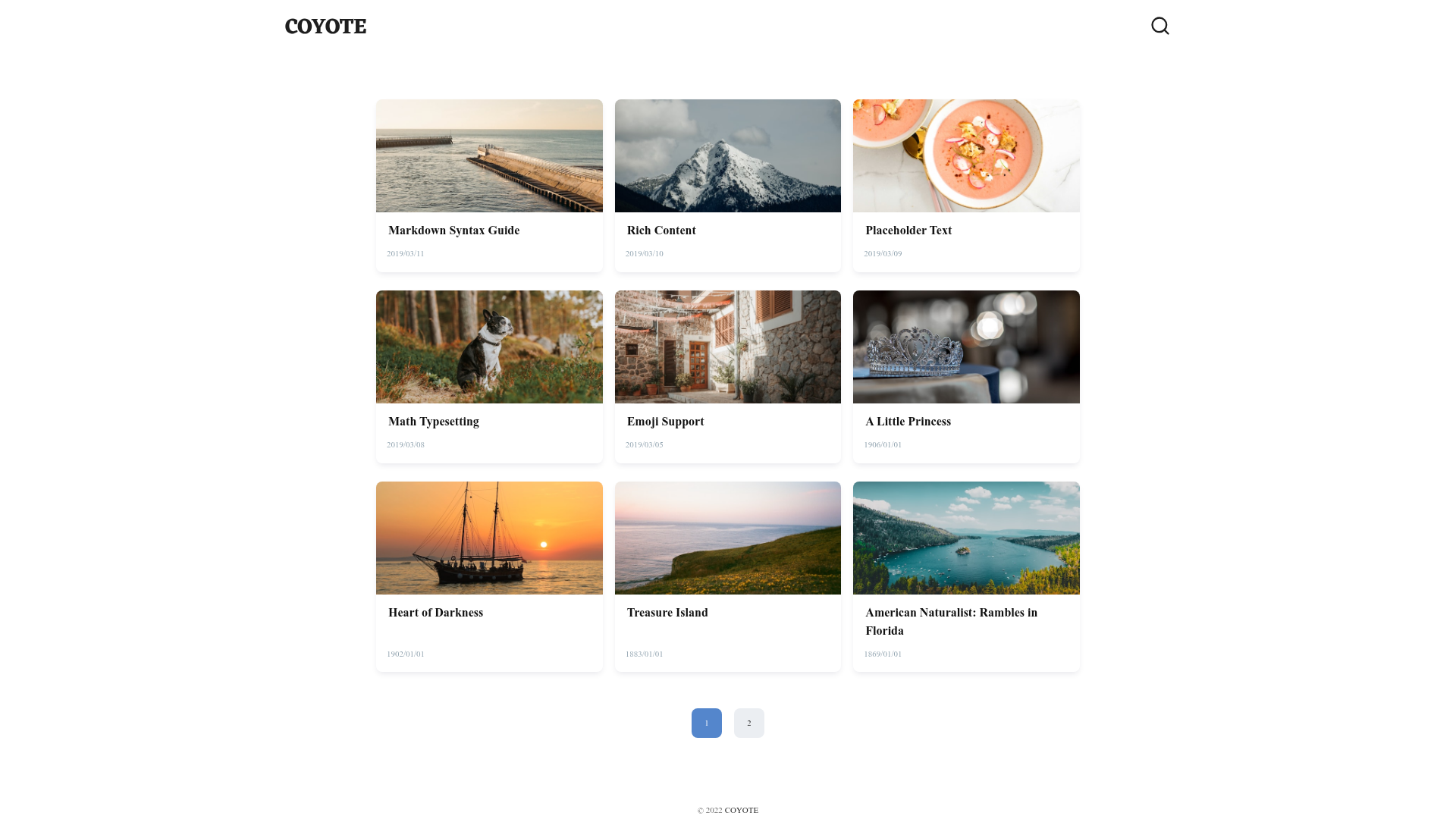
Hexo Theme Element is a minimal open-source theme for the Hexo static site generator that turns Markdown posts into a lightweight blog with three configurable search backends — Google, Algolia, and Microsoft Azure. Developed by Art Chen and demonstrated at Artifact.me, the theme is a starting point for a clean, fast content site without heavy design assets.
What is Hexo Theme Element?
Hexo Theme Element is a minimal theme for Hexo, a static site generator that converts Markdown files into static HTML. The theme takes a standard Hexo site configuration (global _config.yml) and Markdown posts as input, and produces a styled blog with tag pages, RSS feed, and optional search. It runs on Hexo and requires a set of plugins listed in the theme's dependency section: hexo-generator-tag, hexo-generator-feed, hexo-renderer-ejs, hexo-renderer-scss, hexo-renderer-marked, hexo-pagination, hexo-all-minifier, hexo-autoprefixer, and hexo-front-matter. The theme's author is Art Chen, and the source asks that the Theme by Art Chen attribution be kept in the footer.
Key Features
- Three search services — Choose Google Custom Search (no plugin required), Algolia search (requires the hexo-algoliasearch plugin), or Microsoft Azure search (requires the hexo-azuresearch plugin); selection is made in the theme's
_config.yamlunder thesearchsection. - Customizable identity — Replace the site logo by editing
header.ejsand swap the author avatar atsource/img/avatar.png. - Global config integration — Set
disqus_shortname,title,url,author, anddescriptionin Hexo's global_config.ymlto control site metadata and comments. - EJS and SCSS rendering — Templates are built with hexo-renderer-ejs and stylesheets with hexo-renderer-scss.
- Optimized output — hexo-all-minifier minifies HTML, CSS, and JS, while hexo-autoprefixer adds vendor prefixes.
- Feed and pagination — hexo-generator-feed creates RSS/Atom feeds and hexo-pagination handles page navigation for multi-page archives.
- Bundled public resources — Includes icomoon icons, normalize.css, and the Google Fonts Oswald, Inconsolata, and Crimson Text, as declared in the theme's copyright notice.
Who is it for?
- Hexo bloggers — Writers who already use Hexo and want a minimal, responsive theme with optional search and no bloated front-end framework.
- Technical customization users — Developers comfortable editing EJS templates and theme config files who need control over search API keys, branding, and layout details.
- Minimal-design advocates — Site owners who prefer text-first layouts and low asset weight over heavily styled page builders.
What can you do with it?
- Stand up a personal blog — Write posts in Markdown, get an HTML site with tag archives and an RSS feed, then deploy the static output anywhere.
- Add search to a Hexo site — Configure Google, Algolia, or Azure search by filling in the corresponding API keys and index names in
_config.yaml; Google requires no plugin, while the other two add a dependency. - Hack the theme for other content — Since the theme is minimal and template-based, you can edit EJS partials and SCSS to create portfolio, documentation, or project pages, though dedicated layouts beyond blog structures are not included in the source.