Template details
Hope UI
Free open-source Bootstrap 5 design system for building responsive admin dashboards and websites.
About this template
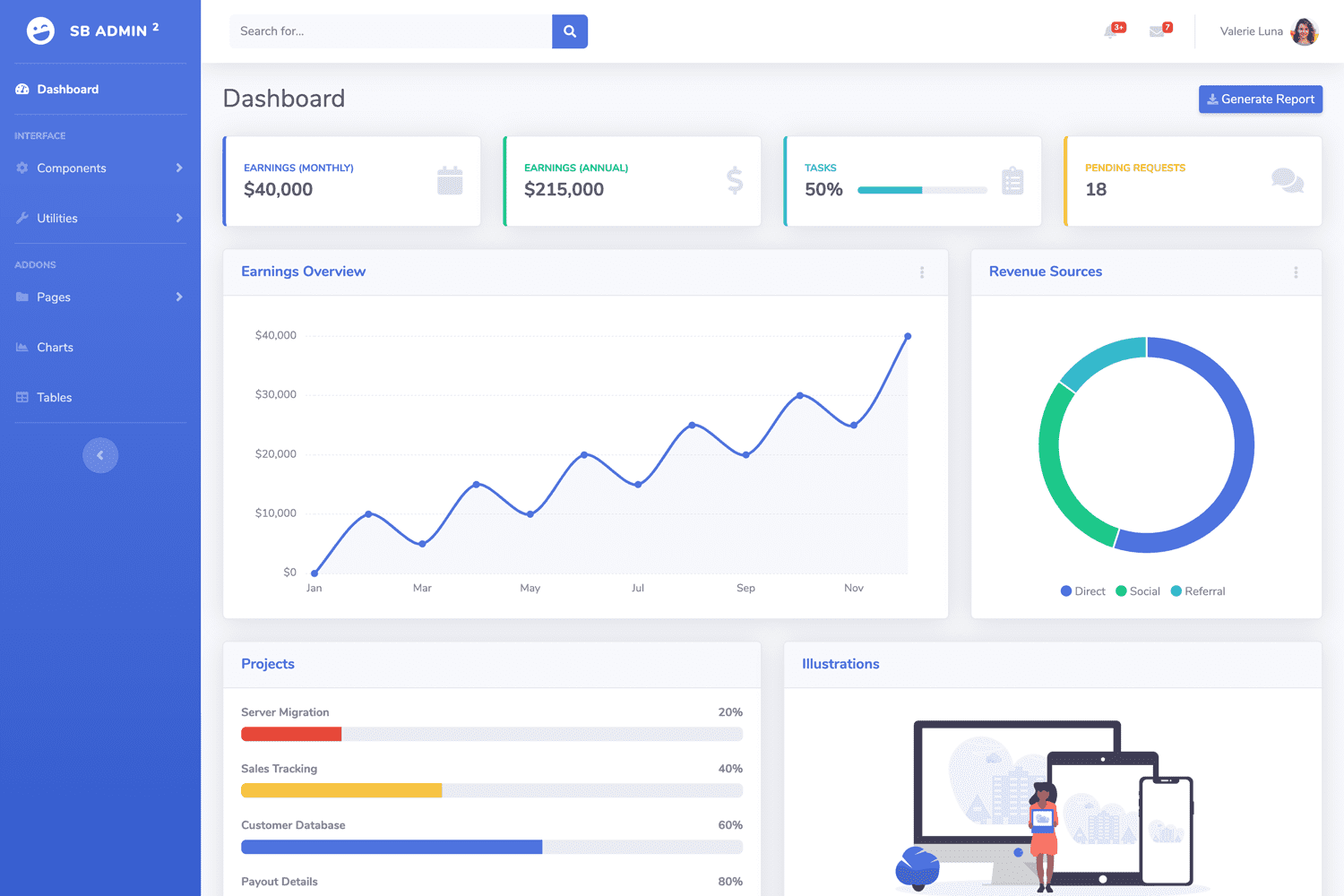
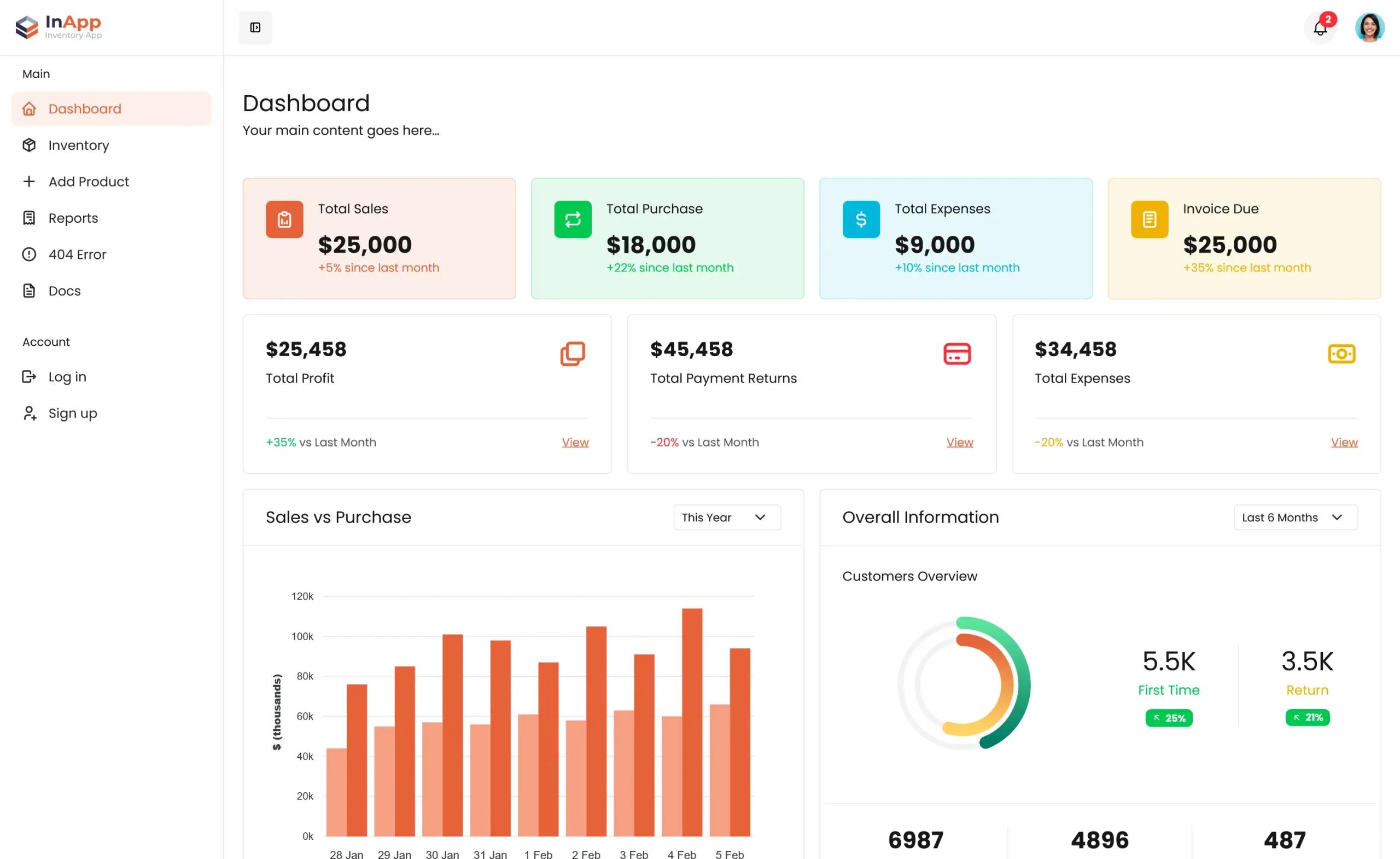
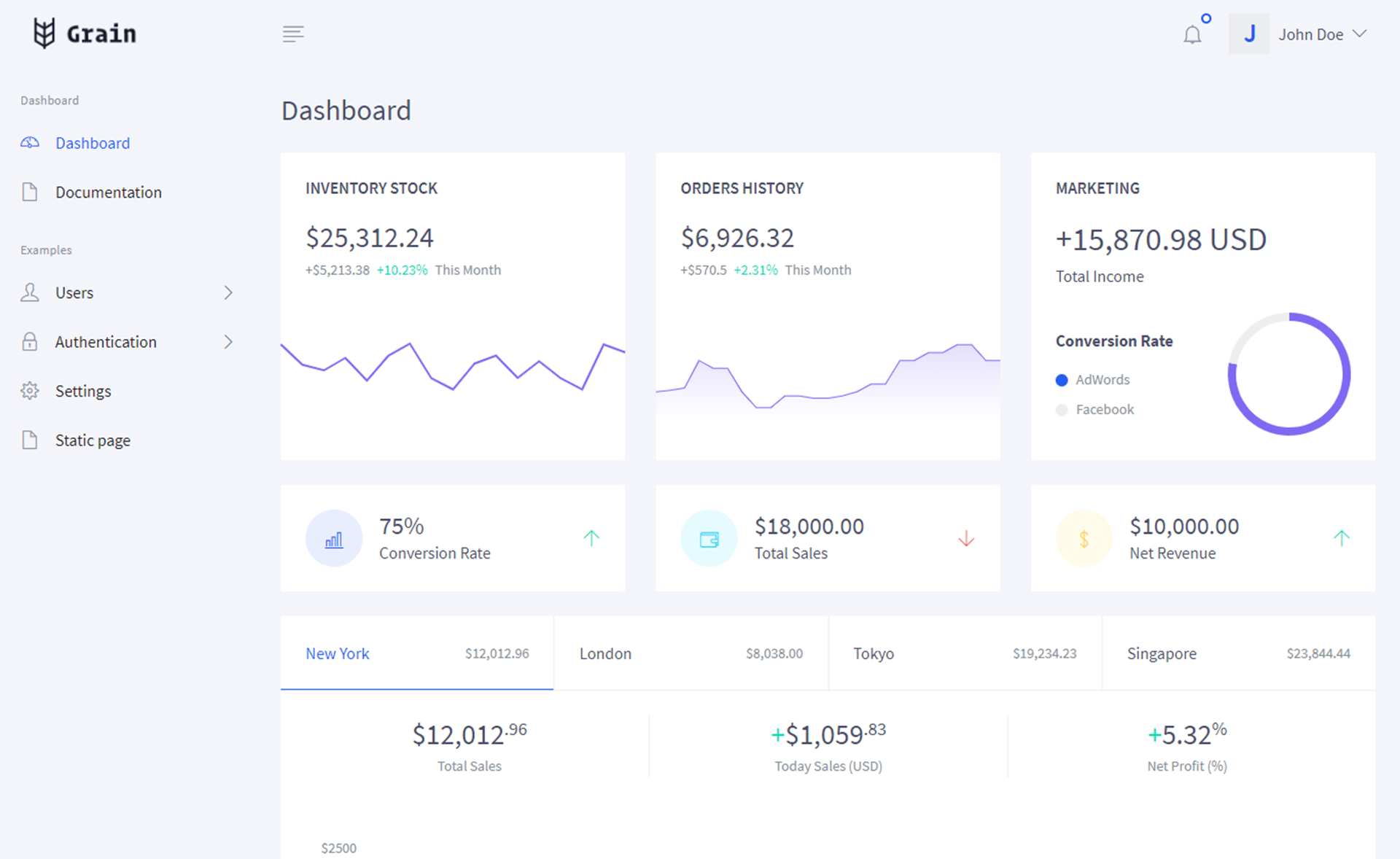
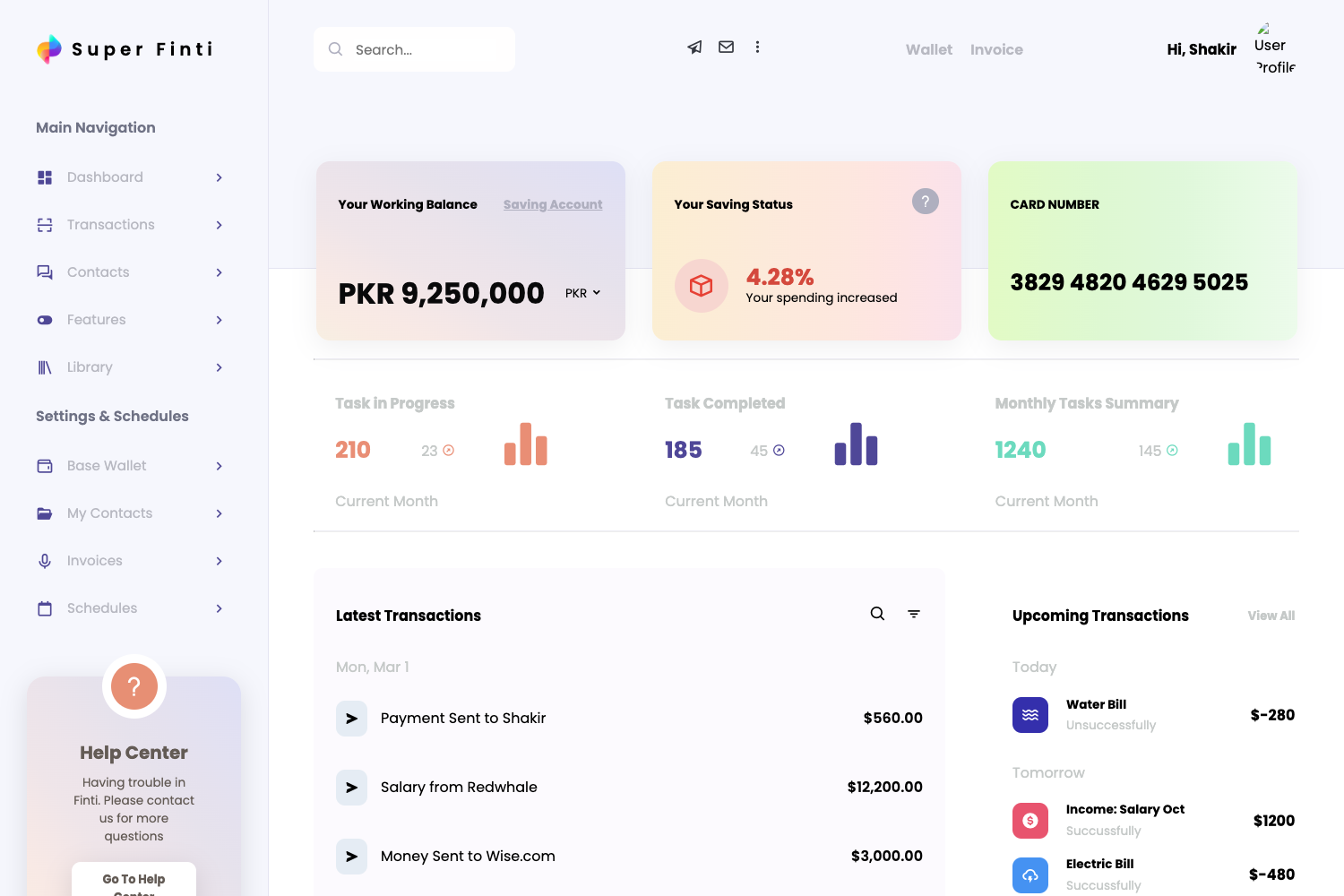
Hope UI is a free, open-source Bootstrap 5 design system and admin dashboard starter kit created by Iqonic Design. It provides pre-built UI components, layout patterns, and dashboard pages that render as responsive HTML, with official variants for Vue JS, React, and Laravel.
What is Hope UI?
Hope UI is a design system built on Bootstrap 5, distributed under the MIT license by Iqonic Design. It takes source files written in SCSS and Handlebars templates and compiles them into a static HTML dashboard interface, complete with JavaScript plugins and vendor assets. The repository also includes a Figma UI kit, so the same component language can be used for design and development.
Key Features
- Bootstrap 5 support — All components are built on the latest Bootstrap 5 grid and utility classes, ensuring consistent responsive behavior across devices.
- 100+ coded elements — The system packs more than 100 fully coded UI elements and widgets, including forms, buttons, cards, and data-display components.
- SCSS component-based architecture — Styling is organized into reusable SCSS partials under
src/assets/scss, with variables for easy theming. - Handlebars (HBS) templating — Pages are authored as
.hbspartials, allowing layout reuse and faster maintenance through Gulp-driven builds. - Gulp build pipeline — Includes
gulpfile.jsandgulp.config.jsonwith tasks for bundling assets, watching files, and building production output intodist/. - Multiple framework versions — Official downloads exist for HTML, Vue JS, React, and Laravel, so the design system can be integrated into different stacks.
- CDN and NPM installation — Users can pull
hope-ui.min.cssandhope-ui.jsfrom jsDelivr or install via npm and runnpm run watchfor development. - Free Figma UI kit — A community Figma file is available, enabling designers to work in parallel with developers on the same components.
Who is it for?
Hope UI targets developers who need a functional admin dashboard without building the UI from scratch. Designers can use the Figma kit to prototype interfaces that match the codebase exactly. Startups and business owners can download the free HTML or framework-specific versions to launch internal tools, analytics panels, or customer-facing apps quickly, backed by the MIT license that allows commercial use.
What can you do with Hope UI?
- Admin dashboard builders: assemble analytics pages with the included charts, tables, and stat widgets, then customize colors and layout through SCSS variables.
- Web developers: use the Handlebars partials and Gulp tasks to create multi-page sites that share common headers, sidebars, and footers.
- Startups and creators: stand up a responsive marketing site or application shell with pre-built navbar, footer, and utility pages such as login and error pages.
- Designers: open the free Figma file to translate high-fidelity mockups directly into the Bootstrap 5 component library used in the code.
How does Hope UI work?
Hope UI can be started three ways: download the ZIP from GitHub or Iqonic Design, load the minified CSS and JS from a CDN in any HTML page, or clone the repository and run npm install followed by npm run watch for local development and npm run build for production. The repository includes a dist/ folder with ready-to-use assets and an src/ folder with the source SCSS and Handlebars templates.
Pricing
Hope UI is free and open source. The code and documentation are released under the MIT License by Iqonic Design, which allows commercial use, modification, and distribution.
FAQ
Is Hope UI free?
Yes, Hope UI is a free, open-source design system. It is released under the MIT License, so you can use it in personal and commercial projects without paying licensing fees.
How do I install Hope UI?
You can download the source from GitHub or Iqonic Design, load the minified files from the jsDelivr CDN, or clone the repository and install dependencies with npm. The quick start guide in the documentation covers all three methods.
Does Hope UI work with Vue, React, or Laravel?
Yes, Iqonic Design offers separate free versions of the Hope UI dashboard built for Vue JS, React, and Laravel. Each variant uses the same design language but is packaged for its respective framework.
What browsers are supported?
The design system is fully responsive and supports Chrome, Firefox, Safari, Microsoft Edge, and Opera Mini, as stated in the browser support section of the repository.
What tech stack does Hope UI use?
The core build uses Bootstrap 5, SCSS, Handlebars templates, and Gulp. It includes jQuery and ApexCharts for interactivity and data visualization, with source files organized under src/assets.