Template details
Material Dashboard 2 React NodeJS API
React admin dashboard with a working Node.js/Express API, MongoDB integration, and full JWT authentication.
About this template
Material Dashboard 2 React NodeJS API is a free full-stack admin dashboard template that pairs a React frontend built with Material UI with a working Express.js API and MongoDB, including complete JWT authentication flows.
What is Material Dashboard 2 React NodeJS API?
This template, created by Creative Tim with UPDIVISION, is a React dashboard that connects to a separate Node.js/Express backend. It takes a MongoDB connection string as the only database input and produces a runnable admin panel with login, registration, password reset, and user profile pages. The frontend runs on React, the backend on Express, and authentication is handled with JSON Web Tokens (JWT) using access and refresh tokens.
Key Features
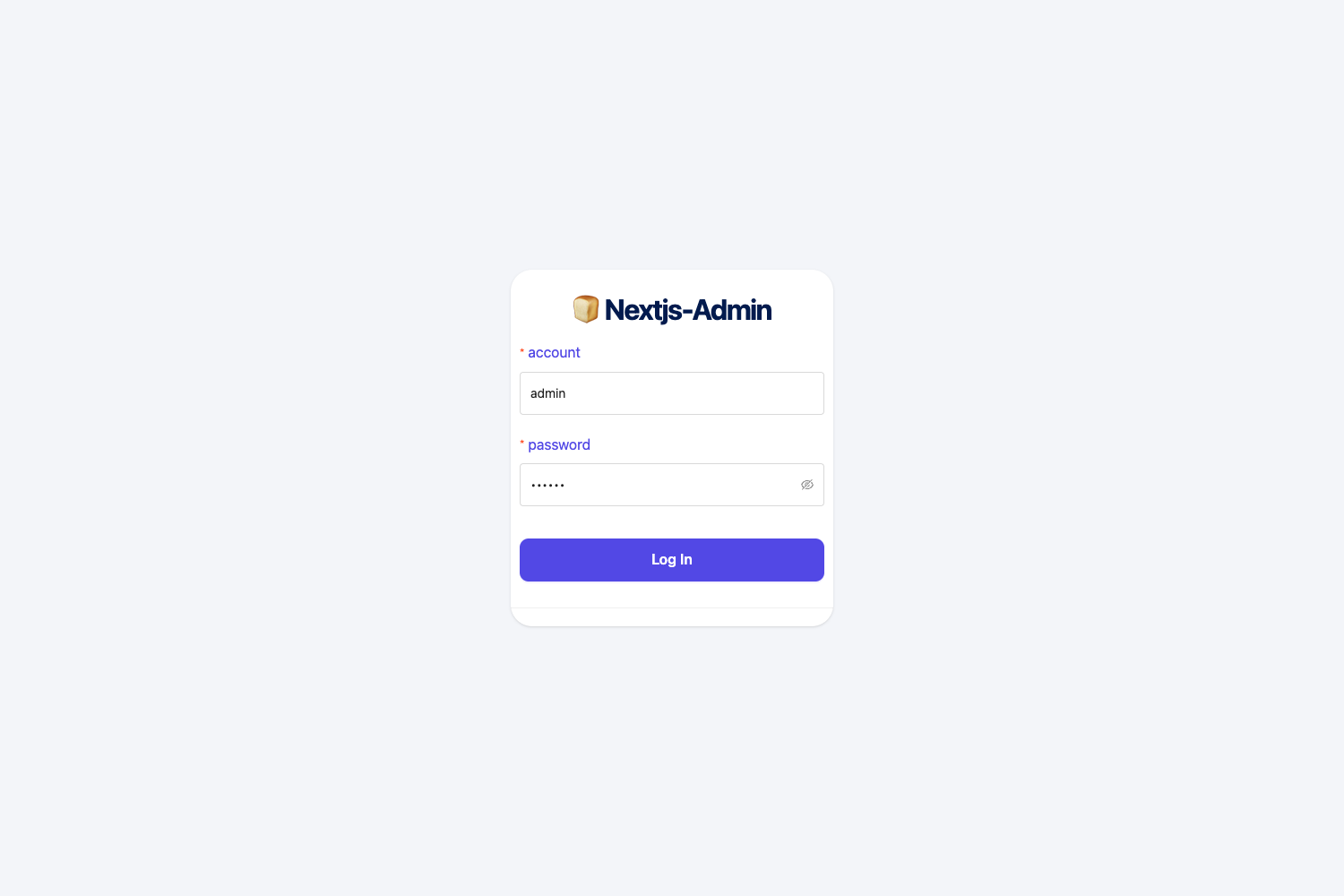
- Authentication pages — Ready-to-use login, register, forgot-password, and reset-password views with input validation and error handling, backed by an auth service and context in /src/context and /src/services.
- Express.js API backend — A separate Node.js project that connects to MongoDB, configured through a .env file with DB_LINK and JWT_SECRET variables, plus a proxy setup in the React package.json.
- Material UI component library — Uses MUI as the foundation, wrapped into custom components like MDBox, MDButton, MDInput, and MDTypography, with theme files for colors, typography, and component styles under /src/assets/theme.
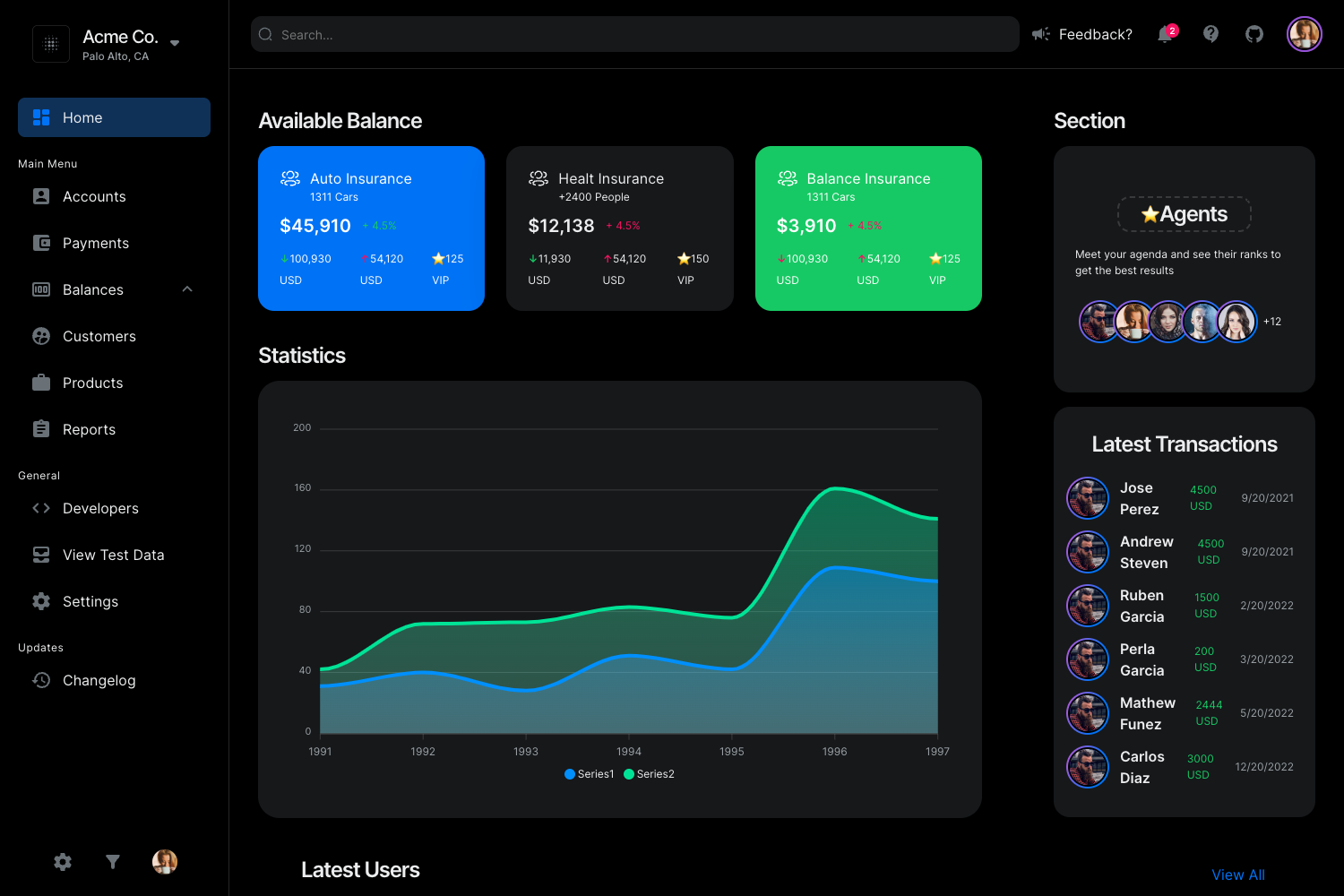
- Dark and light themes — Ships with both a default theme and a dark theme in /src/assets/theme-dark, as well as an RTL layout variant for right-to-left languages.
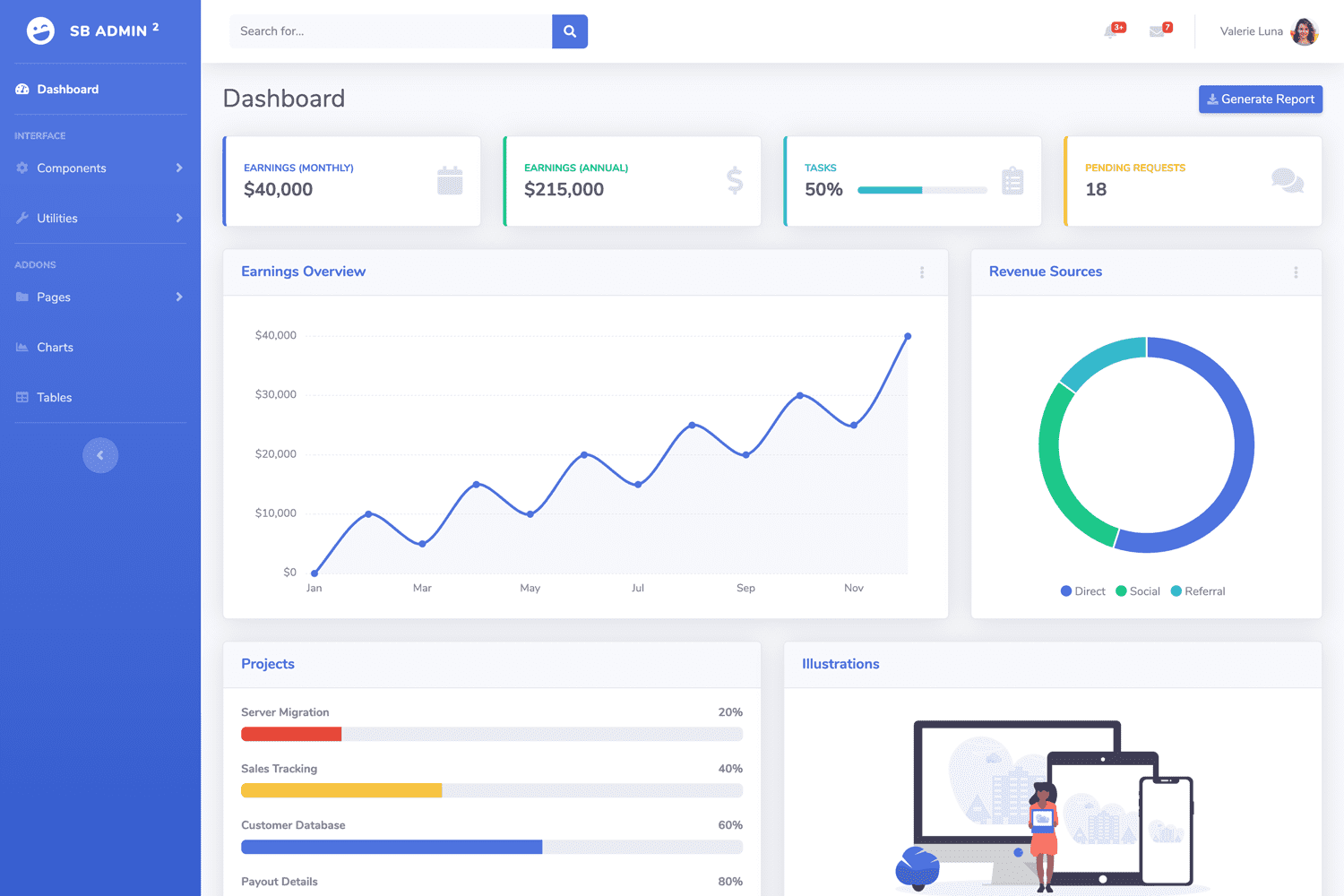
- Chart examples — Includes bar, line, doughnut, pie, radar, polar, bubble, and mixed charts built on React ChartJS 2 and ChromaJS, with config files for each chart under /src/examples/Charts.
- Protected routing — Unauthenticated users can only access the authentication pages; protected pages are wrapped in a ProtectedRoute component that checks the auth context.
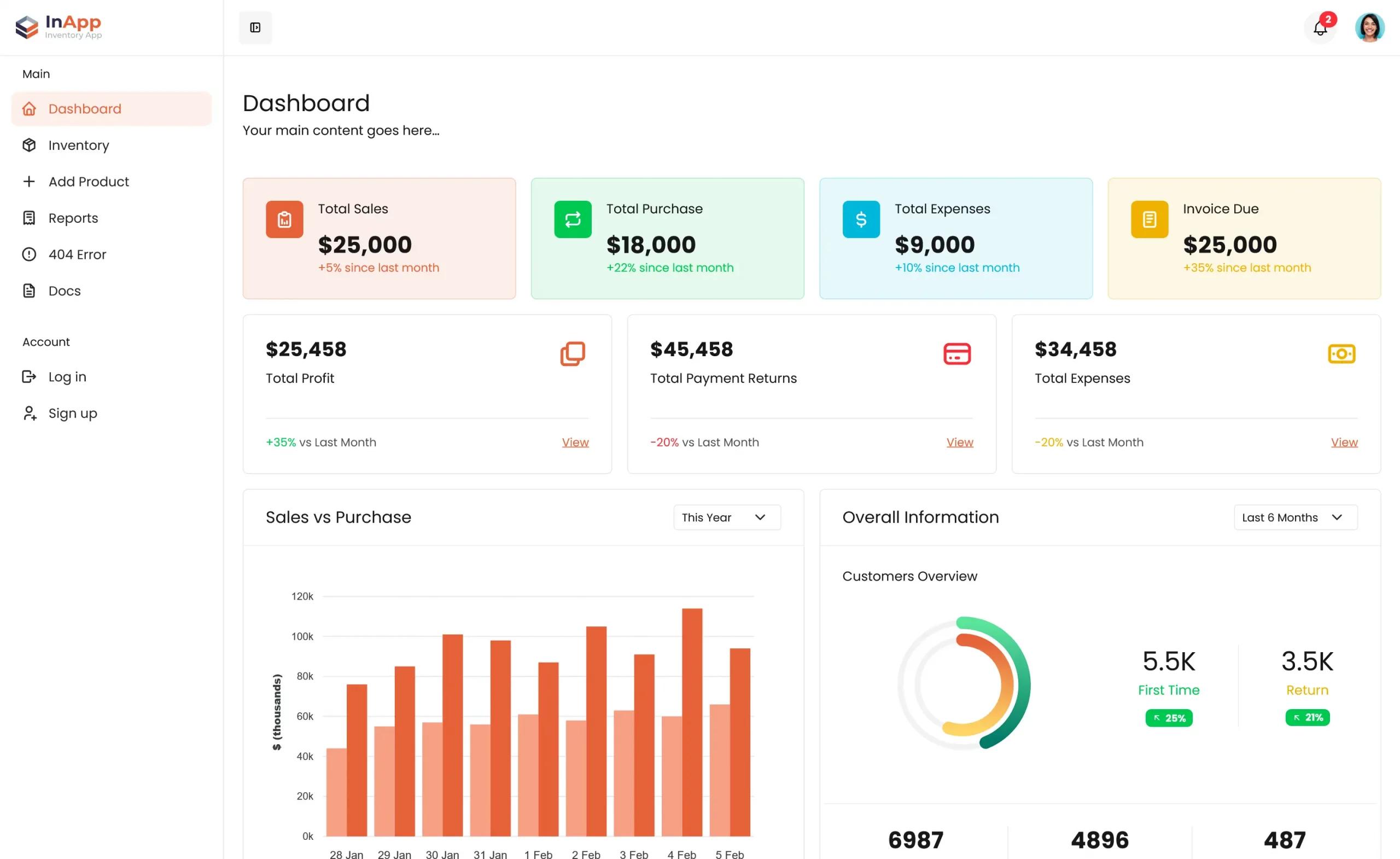
- Pre-built example pages — Dashboard, tables, billing, notifications, profile, user management, and a dedicated user-profile CRUD page, with sample data files for authors and projects.
- Browser support — Officially supports the last two versions of Chrome, Firefox, Edge, Safari, and Opera.
Who is it for?
- Full-stack developers who need a reference implementation of JWT authentication and user management in React + Express + MongoDB.
- Freelancers and agencies building admin panels for clients can use the pre-built pages and authentication system to jump-start a project.
- Developers learning React and Material UI can study the component architecture, context-based auth, and service layer that separates HTTP requests and CRUD logic.
What can you do with it?
- Build a full authentication system — Use the included login, register, forgot-password, and reset-password pages, then protect any route with the auth context and ProtectedRoute component.
- Manage user profiles — The user-profile page lets users update their profile image, name, email, and password; the auth service exposes getProfile and updateProfile methods that call the /me API endpoint.
- Display metrics and data — The dashboard layout includes multiple chart examples and data tables, so you can plug in your own reports and CSV-style table data.
How does it work?
Installation requires Node.js 16 or above, npm 8, and a MongoDB instance. For the API, run npm install in the API folder, copy .env.example to .env, and set DB_LINK and JWT_SECRET. For the React frontend, set REACT_APP_URL, REACT_APP_API_URL, and REACT_APP_IS_DEMO in a .env file, add the API path to the proxy variable in package.json, and run npm start on both projects.
Pricing
The template is free to download from Creative Tim. A paid PRO version, Material Dashboard 2 PRO React NodeJS API, is also available with additional components and pages.
FAQ
What Node.js version is required?
The Quick Start guide requires Node.js version 16 or above and npm version 8 or later for both the frontend and the Express API.
What database does the NodeJS API use?
The API connects to MongoDB. You provide the connection string in the .env file under the DB_LINK variable.
Does the dashboard include a dark mode?
Yes. The source includes a full dark theme under /src/assets/theme-dark, in addition to the default theme and an RTL layout variant.
Is there a free demo?
Yes, a live demo is available at material-dashboard-react-nodejs.creative-tim.com, where you can log in with the default credentials admin@jsonapi.com and password secret.
How do I report bugs?
Bugs are tracked on the GitHub Issues page for the repository. The reporting guidelines advise using the latest version and providing reproducible steps and browser specifics.