Template details
SB Admin 2
A free, open source, Bootstrap admin dashboard theme created by Start Bootstrap.
About this template
SB Admin 2 is a free, open-source admin dashboard theme built on Bootstrap 4 and maintained by Start Bootstrap, designed for building backend interfaces quickly.
What is SB Admin 2?
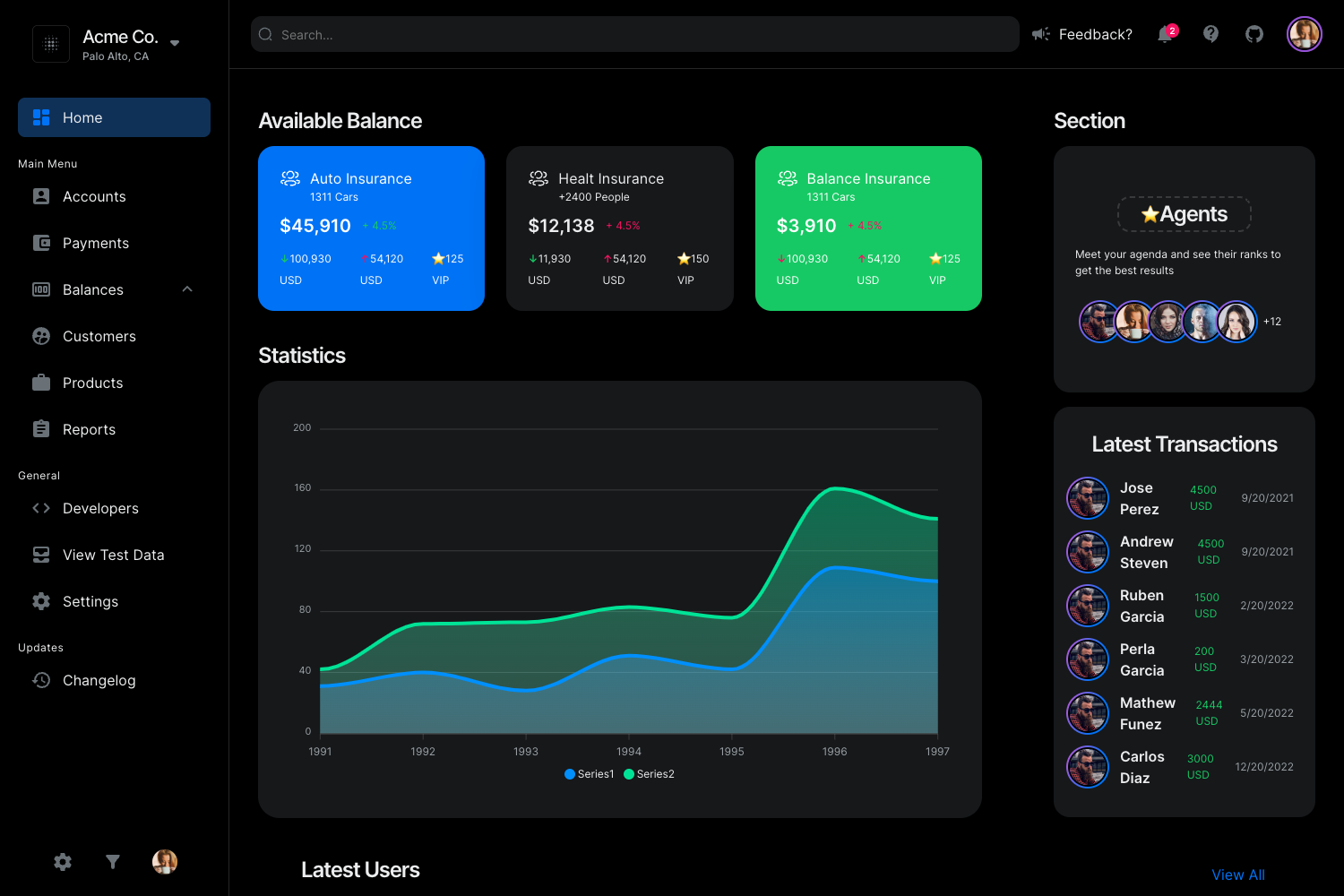
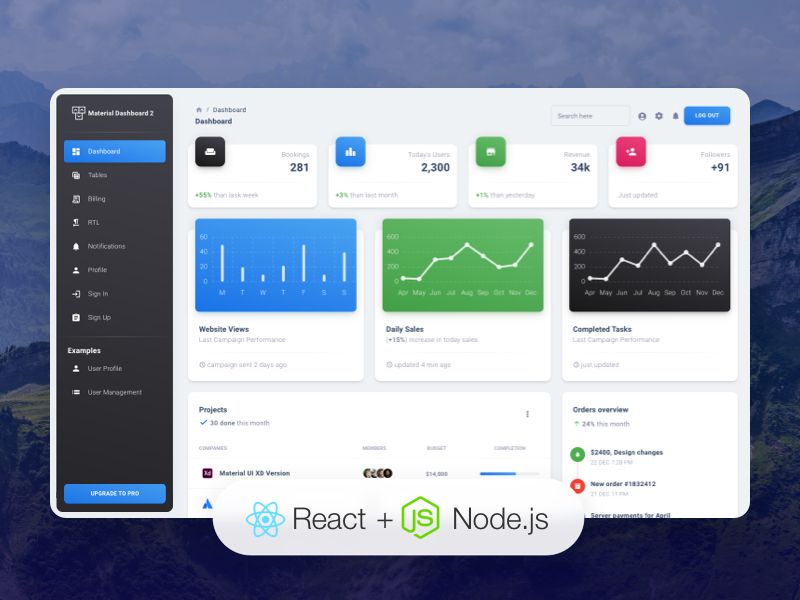
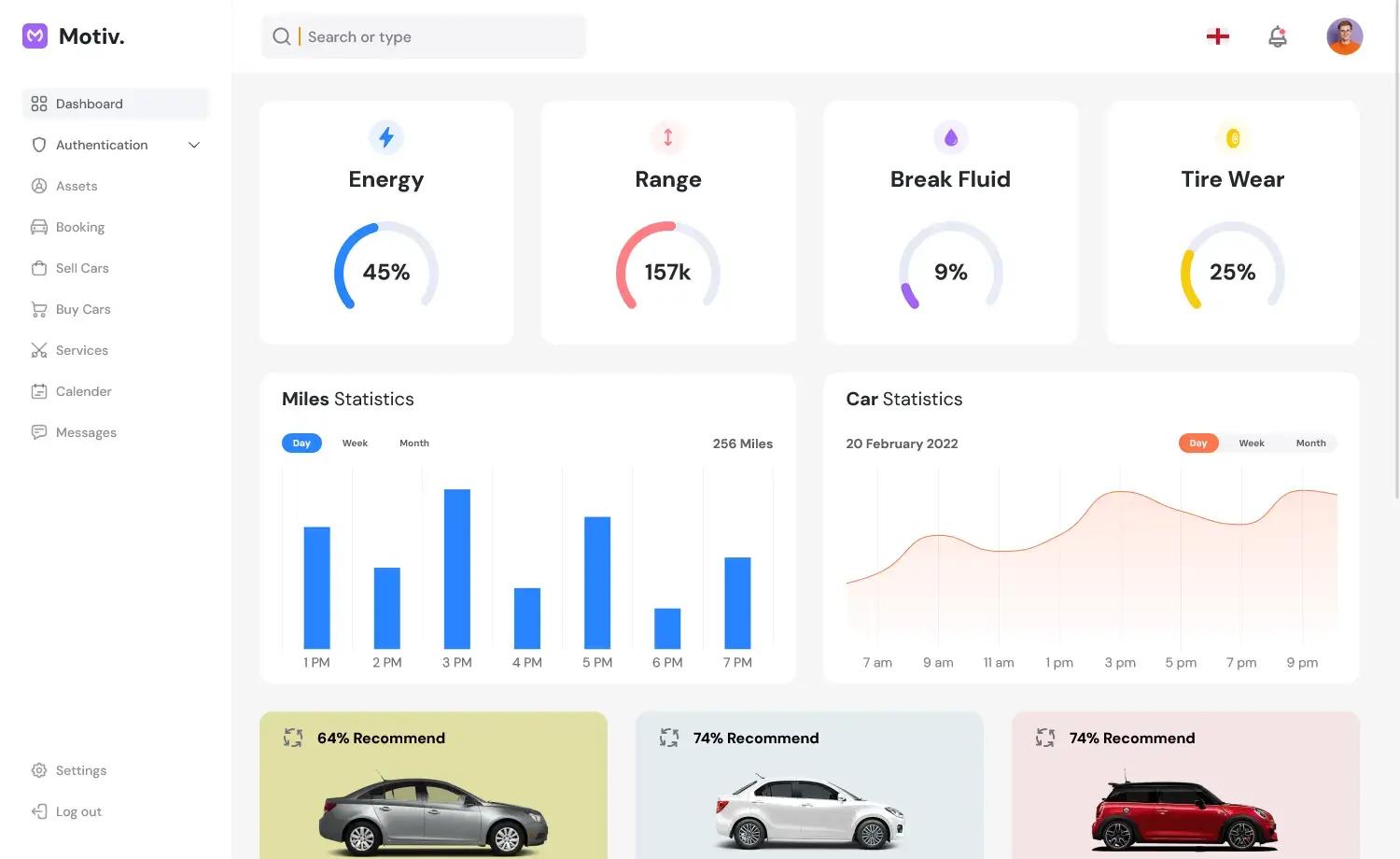
SB Admin 2 is a free admin dashboard theme created by Start Bootstrap, built on the Bootstrap 4 framework. It provides a ready-made layout with sidebar navigation, top navbar, content area, and prebuilt example pages demonstrated in its live preview, so developers can start building an admin interface without designing from scratch. The theme is distributed via GitHub, npm, and the Start Bootstrap website, and is released under the MIT license.
Key Features
- Built on Bootstrap 4 — Uses the Bootstrap 4 grid and component system, with SCSS source files for customization. A legacy Bootstrap 3 version is also available.
- Gulp development environment — Includes a gulpfile.js with tasks to compile SCSS into CSS, minify the theme JavaScript, copy dependencies from node_modules, and run a BrowserSync live-reload server via
npm start. - npm installation — Installable as a package with
npm i startbootstrap-sb-admin-2, or by cloning the GitHub repository. - MIT license — Free to use for personal and commercial projects, with no attribution required.
- Live preview — The theme has an interactive preview hosted at startbootstrap.github.io/startbootstrap-sb-admin-2/ showing the dashboard layout and components.
Who is it for?
- Web developers who need a quick starting point for building admin panels or dashboards without writing layout CSS from scratch.
- Startups and small teams that want a free, MIT-licensed template they can customize for internal tools or client projects.
- Bootstrap users who are already familiar with Bootstrap 4 and want an admin theme that follows the same component patterns.
Use cases
- Building a custom admin panel — Use the prebuilt sidebar and navbar structure to create interfaces for managing users, orders, or content.
- Rapid prototyping — Use the Gulp dev server to iterate on SCSS and JavaScript changes with live reload during the design phase.
- Learning Bootstrap 4 layout patterns — Study the theme's SCSS structure and component usage to understand how to assemble a dashboard layout.
How does it work?
After installation, run npm install and then npm start to open the template in your browser with live reload. The default gulp task builds all assets, and individual tasks like gulp css and gulp js compile and minify specific project files.
Pricing
SB Admin 2 is completely free. It is released under the MIT license, so you can use it for personal and commercial projects without paying a fee.
Alternatives
- AdminLTE — Another free Bootstrap admin template with a similar sidebar-and-content layout.
- CoreUI — A free and open-source admin template that is also based on Bootstrap, with additional Vue, React, and Angular versions.
FAQ
Is SB Admin 2 free?
Yes, SB Admin 2 is free and open source. It is released under the MIT license, which allows personal and commercial use without restrictions.
What version of Bootstrap does SB Admin 2 use?
The current version of SB Admin 2 is built on Bootstrap 4. A legacy release for Bootstrap 3 is also available for older projects.
How do I install SB Admin 2?
You can download the latest release from Start Bootstrap's website, install it via npm with npm i startbootstrap-sb-admin-2, or clone the GitHub repository.
Does SB Admin 2 include a build process?
Yes, it includes a Gulp-based development environment with tasks for compiling SCSS, minifying JS, copying vendor dependencies, and running a live-reload dev server.