Template details
HTML CSS 10 Practice Projects
A free GitHub repository with ten HTML/CSS practice projects, from a tribute page to a YouTube clone and portfolio site.
About this template
HTML CSS 10 Practice Projects is a free GitHub repository from the Do Some Coding channel that teaches front-end basics through ten complete static website builds using plain HTML, CSS3, and JavaScript.
What is the HTML CSS 10 Practice Projects repository?
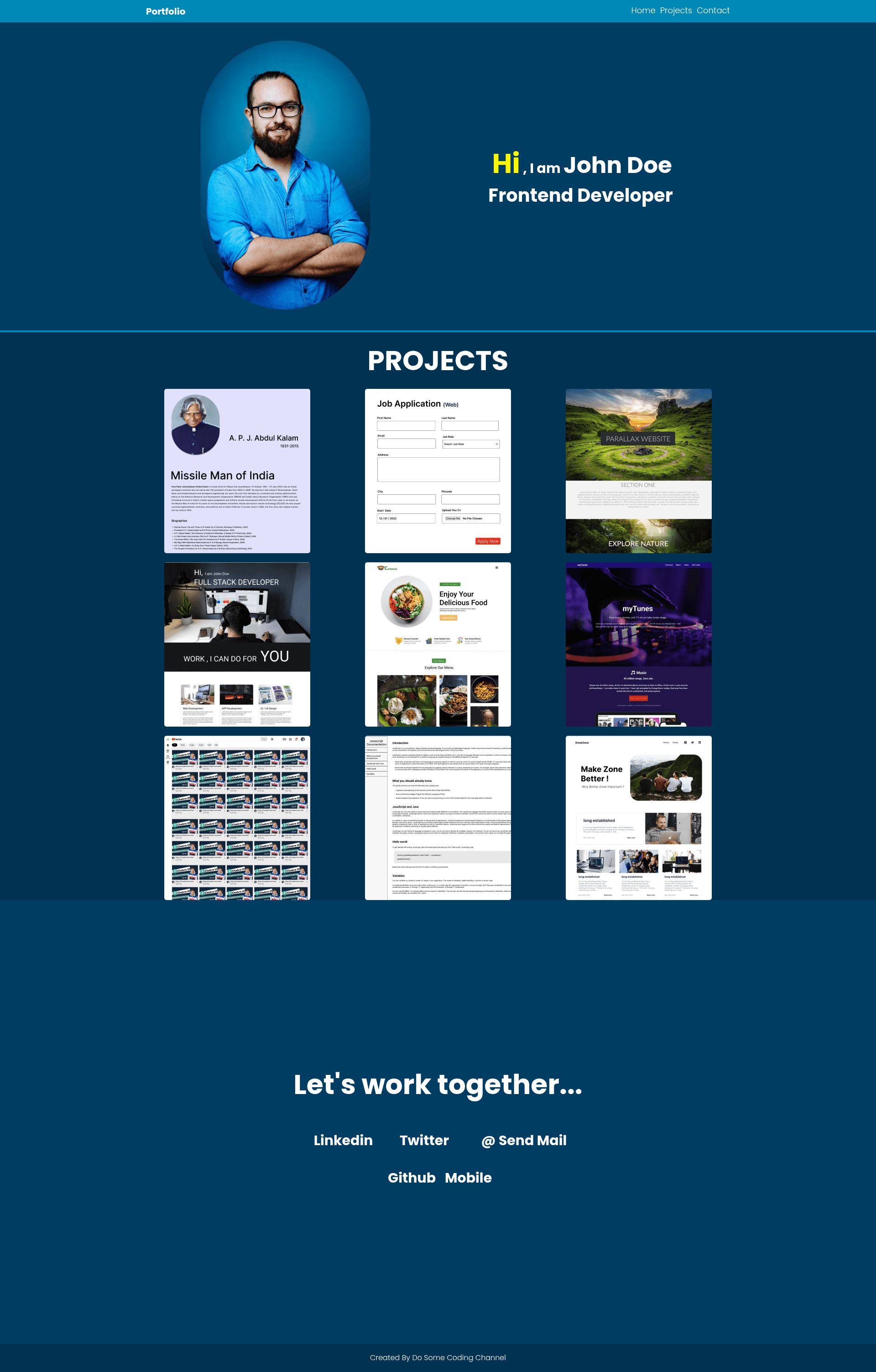
The repository contains ten self-contained practice projects: a Tribute Website, a Job Application form, a Parallax Website, a Landing Page, a Restaurant Website, a Music Website, a YouTube Clone, a JavaScript Documentation page, a Blog Website, and a Portfolio Website. Each project is built with only HTML, CSS3, and JavaScript, so there is no build step — learners can open the HTML files directly in any browser. The course is published by Do Some Coding, available on both the dossomecoding.com website and the Do Some Coding YouTube channel, and the repository has over 300 stars on GitHub.
Key Features
- Ten project source files — a tribute page, job application, parallax site, landing page, restaurant site, music site, YouTube clone, JavaScript documentation, blog, and portfolio, each in its own folder.
- Plain HTML, CSS3, and JavaScript — no frameworks such as React or Vue, so the code demonstrates raw front-end fundamentals.
- Starter-ready structure — every project uses standard HTML elements and CSS styling that beginners can read, copy, and modify.
- Parallax scrolling example — the Parallax Website project shows how to create layered background movement with CSS.
- JavaScript interactivity — the YouTube Clone and Music Website projects include scripted behavior for media playback and UI interaction.
- Image and icon assets — the course states that all image assets and icons are provided in the video description of each lesson.
- Reference solutions — developers can compare their own implementation against these finished projects while following the YouTube tutorials.
Who is it for?
- Beginner front-end learners — use the ten projects to practice structuring pages, styling with CSS3, and adding basic JavaScript.
- Self-taught developers — follow along with the Do Some Coding YouTube channel and use this repository as the answer key.
- Students preparing for coding interviews — study common site layouts like documentation pages, landing pages, and portfolios.
- Hobbyists building a personal web presence — the Portfolio Website project offers a starting point for showcasing work.
What can you do with these projects?
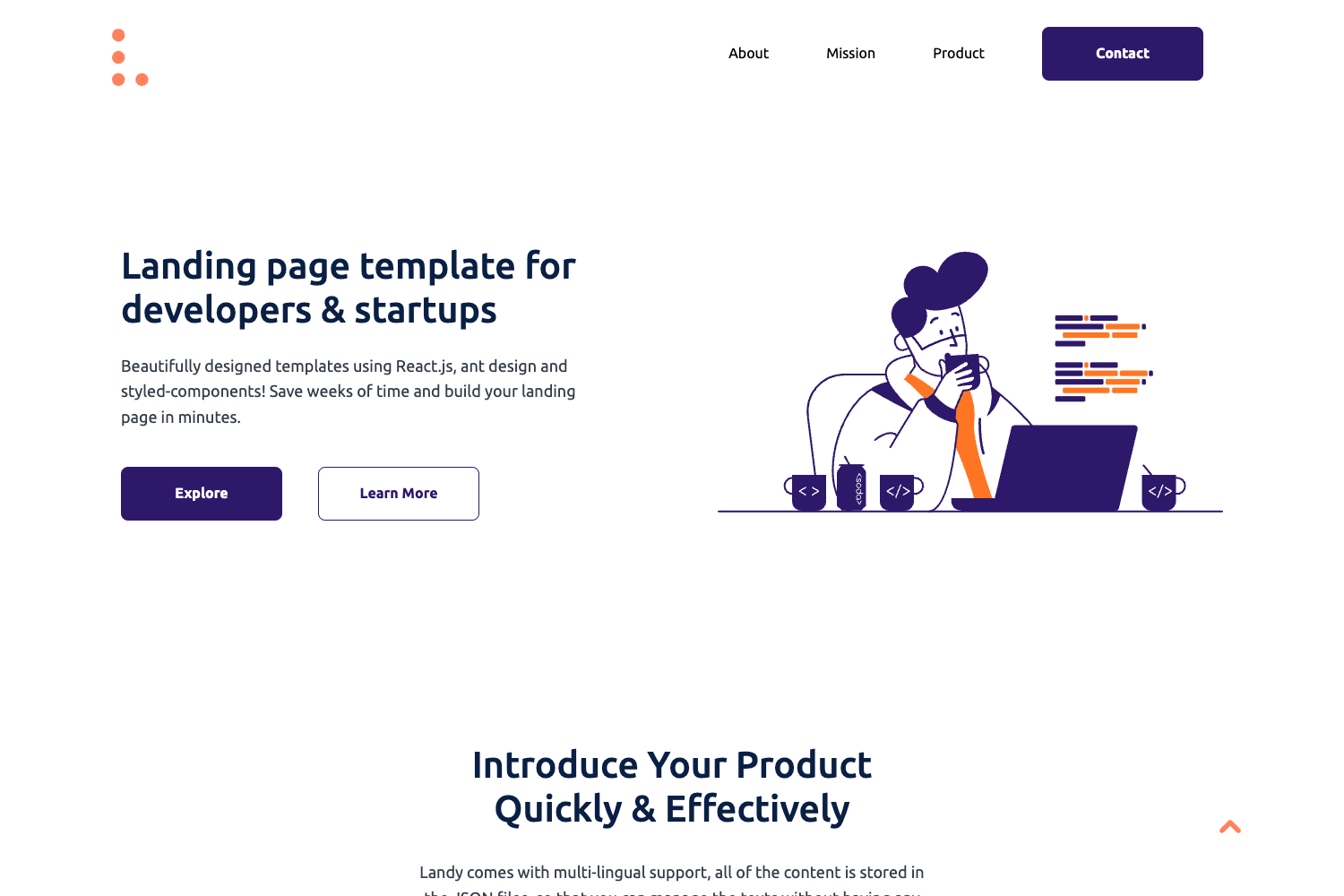
- Learn layout patterns — the Landing Page and Restaurant Website demos show hero sections, navigation bars, menus, and footer layouts.
- Experiment with visual effects — the Parallax Website demonstrates fixed-background scrolling without any JavaScript libraries.
- Practice form design — the Job Application project includes form inputs, labels, and submit buttons styled with CSS.
- Model a documentation interface — the JavaScript Documentation project mirrors the sidebar-content layout used by API docs.
- Recreate popular interfaces — the YouTube Clone and Music Website give you a safe sandbox to mimic familiar media-player UI.
FAQ
Is the HTML CSS 10 Practice Projects course free?
Yes. The source code is hosted on GitHub in a public repository, and the corresponding video lessons are available for free on the Do Some Coding YouTube channel. No payment or registration is mentioned anywhere on the repository page.
What do I need to run these projects?
Only a web browser and a text editor. The projects use plain HTML, CSS3, and JavaScript, so you can open any HTML file directly in your browser without installing Node.js, npm, or a build tool.
Are images and icons included in the repository?
The repository page says all image assets and icons are provided in the video description rather than committed to the repo. You will need to grab those assets from the Do Some Coding video descriptions when building the projects.
Does this repository include backend code?
No. All ten projects are static front-end demonstrations. There is no server-side code, database, or API integration — everything runs client-side in the browser.
Which project should I start with?
Start with the Tribute Website or the Job Application, as both focus on basic HTML structure and simple CSS styling. Move on to the Parallax Website and YouTube Clone once you are comfortable linking CSS and JavaScript files.