Template details
HTML KickStart
Ultra-lean HTML5, CSS, and jQuery building blocks for rapid website production and wireframing.
About this template
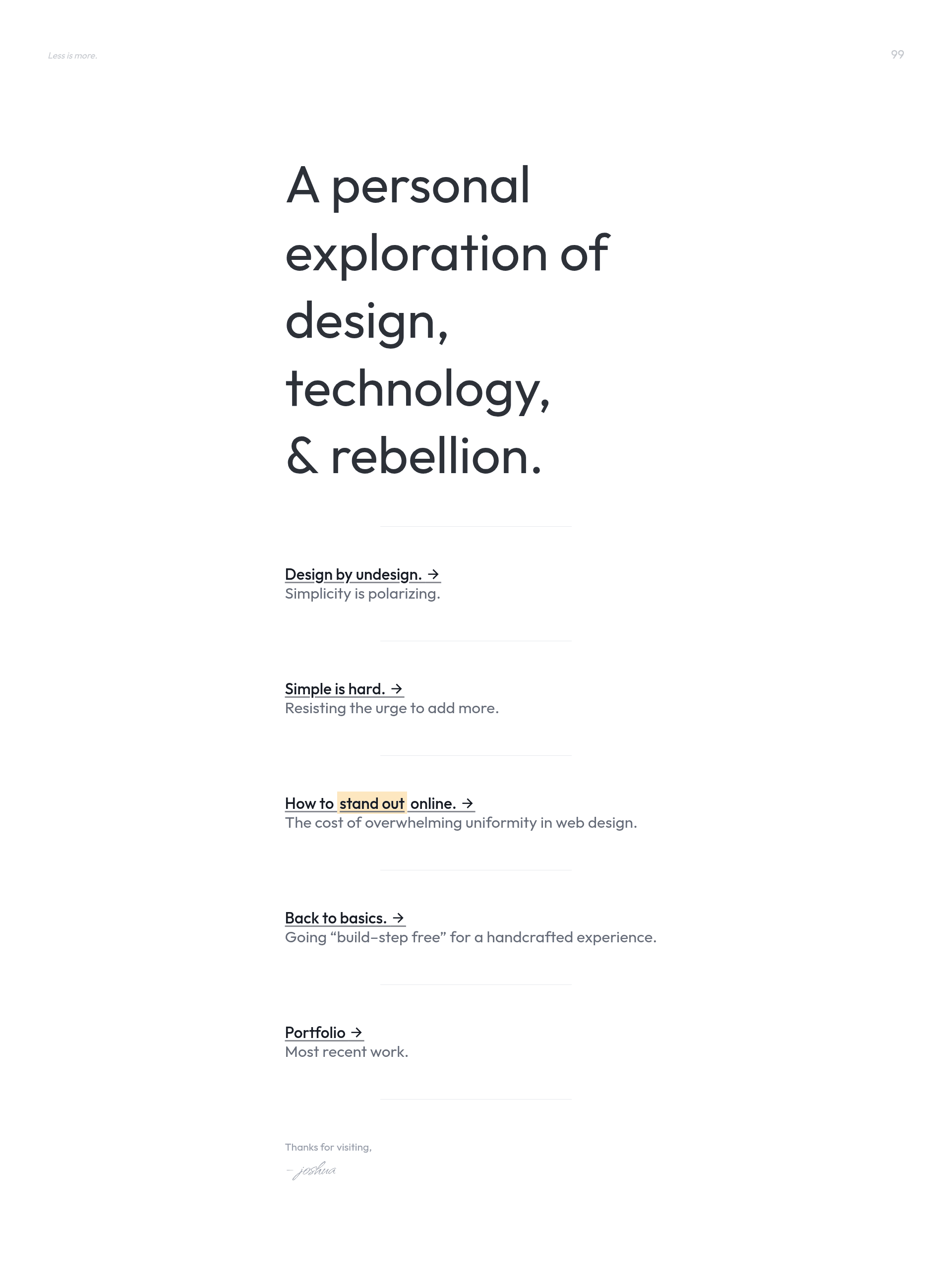
HTML KickStart is a free, open-source (MIT) web starter kit by Joshua Gatcke that bundles HTML5, CSS, and jQuery building blocks for rapidly assembling website layouts and HTML wireframes.
What is HTML KickStart?
HTML KickStart, created by Joshua Gatcke and published at 99lime.com, is a downloadable set of HTML5, CSS, and jQuery files plus a library of prebuilt UI elements. You take its blank.html starter page, add elements such as slideshows, menus, flexible grids, image placeholders, and buttons from its elements gallery, then open the file in a browser to produce a working static page without any server-side setup. The kit is released under the MIT Open Source License and cites support for graceful degradation across tested browsers.
Key Features
- Prebuilt UI elements — Slideshows, menus, flexible grids, image placeholders, and buttons are included as ready-to-paste HTML snippets.
- blank.html starter — A starting file you open in a text editor, add elements to, and view directly in a browser.
- HTML5 and CSS files — The kit provides a complete set of HTML5 and CSS assets so you can begin layout work immediately without configuring a framework.
- jQuery integration — The kit includes jQuery for interactive behaviors such as slideshow and menu functionality.
- Browser-tested with graceful degradation — The page states all elements are fully browser tested and degrade gracefully when features are unsupported.
- Free and open source (MIT) — Use, copy, modify, merge, publish, distribute, sublicense, or sell copies under the MIT license terms.
- Version 0.94 — The current release is version 0.94, with copyright dates spanning 2011-2012.
Who is it for?
- Web designers who want to wireframe page layouts in HTML quickly.
- Front-end developers who need a lean static base with common UI components instead of a heavyweight framework.
- Freelancers and agencies who want to produce faster and reduce hours spent on layout work.
- Students and hobbyists learning HTML, CSS, and jQuery with a simple prebuilt kit to experiment on.
What can you do with HTML KickStart?
- Wireframe a site in minutes: paste grid, button, and menu elements into
blank.htmlto mock up a layout before writing production code. - Rapidly prototype a static page: assemble slideshows and content blocks into a single HTML file that opens directly in a browser.
- Learn HTML/CSS/jQuery by example: read the unminified source files and element snippets to understand how each UI piece is constructed.
- Build a no-dependency website: because it is static HTML/CSS/jQuery, deploy the output to any web host without a build step or backend.
How does HTML KickStart work?
Download the kit, open the included blank.html file in any text editor, paste elements from the HTML KickStart elements page into the file, save, and open it in a web browser. There is no installation, compiler, or server required — the page works instantly from the filesystem.
Pricing
HTML KickStart is free of charge and released under the MIT Open Source License, so you can use it commercially, modify it, and distribute your own copies without paying a fee.
Alternatives
Bootstrap, which offers a larger set of prebuilt components and a responsive grid system, is a widely used alternative in the same space.
FAQ
Is HTML KickStart free?
Yes, HTML KickStart is free of charge and released under the MIT Open Source License. You can use, modify, and distribute it freely, including in commercial projects.
What does HTML KickStart include?
The download contains HTML5, CSS, and jQuery files, plus a collection of UI elements such as slideshows, menus, flexible grids, image placeholders, and buttons. It also ships with a blank.html starter file.
Do I need to know jQuery to use HTML KickStart?
The kit includes jQuery and uses it to power interactive elements like slideshows and menus, but you can add elements to blank.html without writing custom JavaScript unless you need to extend the logic.
Is HTML KickStart still maintained?
The visible version is 0.94, published around 2012, and the page's copyright runs through 2011-2012. The GitHub repository has 1212 stars, indicating sustained community interest.