Template details
Hugo Event Theme
Hugo theme that turns a Sessionize event into a responsive, multilingual website with schedule, speakers, and sponsor pages.
About this template
Hugo Event Theme is an open-source Hugo theme that converts a Sessionize-managed event into a modern, responsive event website.
What is the Hugo Event Theme?
The Hugo Event Theme is a website template built for the Hugo static site generator that takes event data from Sessionize and produces a complete event website. It inputs session, speaker, sponsor, and schedule information from Sessionize and outputs static HTML and CSS pages. The theme is maintained by medialesson on GitHub and is used by production sites such as Global Azure Munich 2025 and Azure Developer Community Day Munich 2024.
Key Features
- Filterable event schedule — A schedule page that lets visitors filter sessions by track, day, or other criteria defined in Sessionize.
- Session and speaker pages — Individual pages are automatically generated for every session and every speaker found in the Sessionize data.
- Responsive design — The layout adapts to desktop, tablet, and mobile viewports without requiring JavaScript.
- Multilingual support — The theme ships with English and German translations, with per-language parameter overrides in Hugo's configuration.
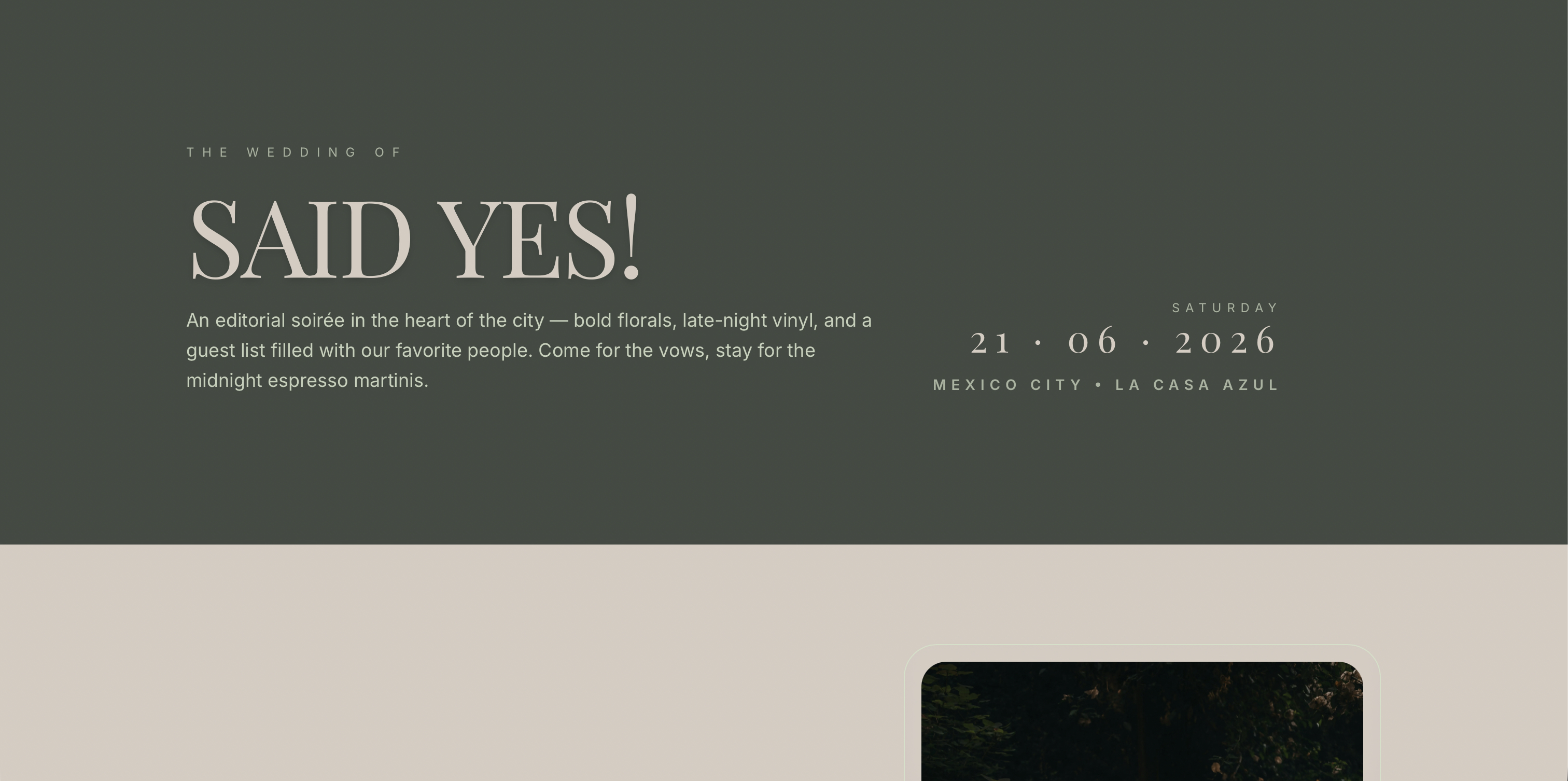
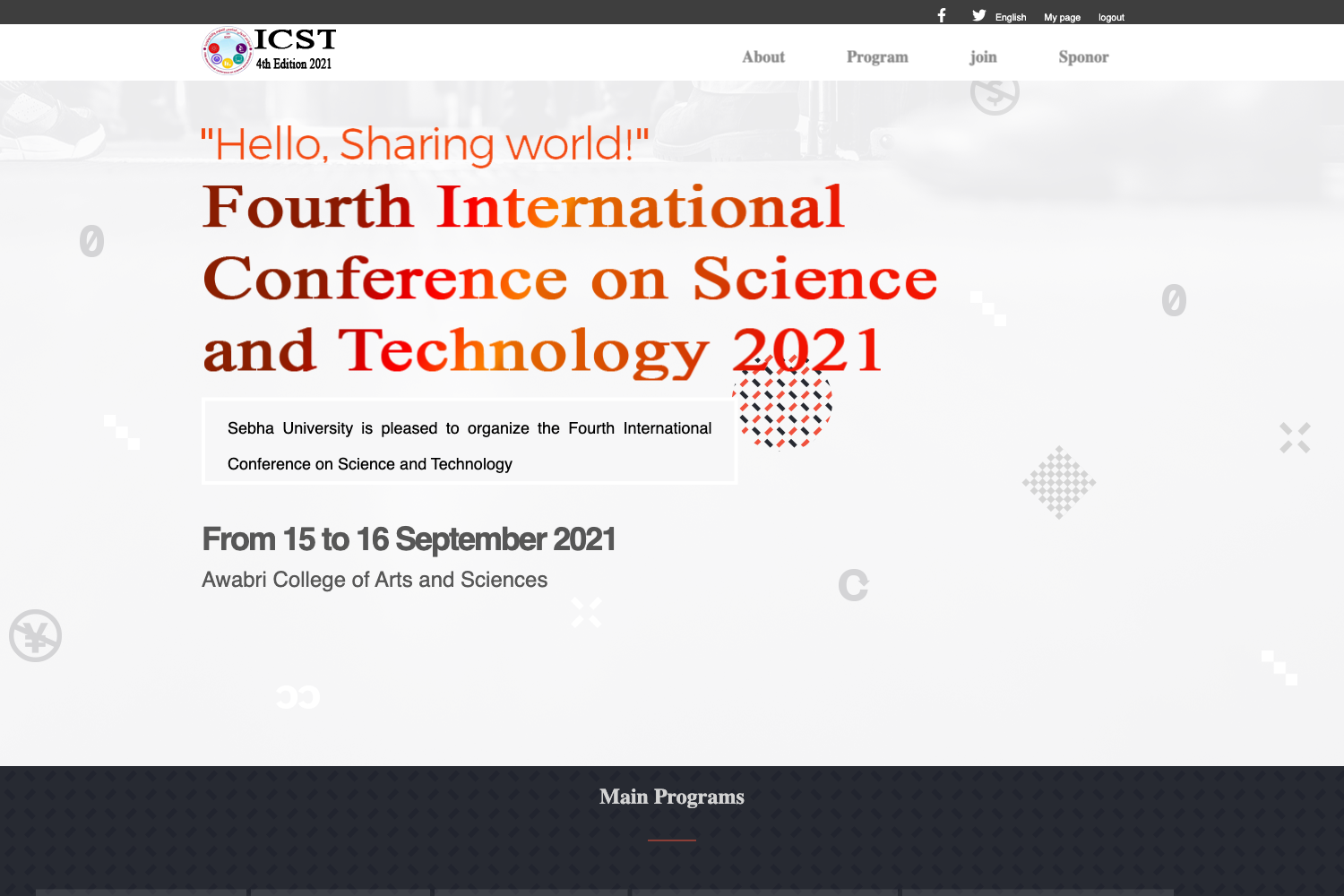
- Eye-catching home page — Includes a countdown timer, key figures (such as attendee or session counts), highlighted speakers and sessions, and sponsor logos.
- Eventbrite integration — Offers registration and ticketing flows connected to Eventbrite.
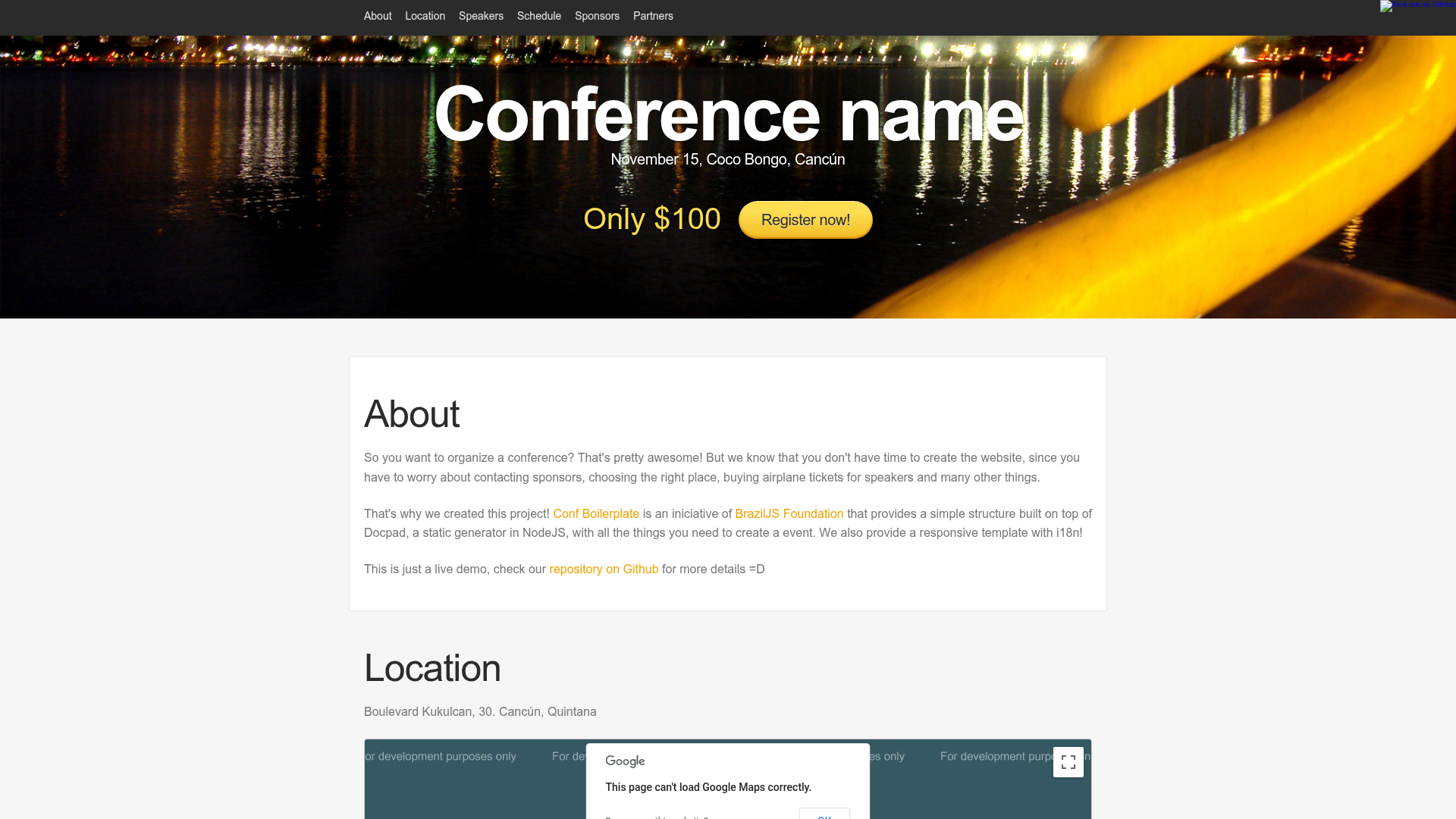
- Map integration — The location page shows the event address, directions, and an embedded map.
- Customizable menus and colors — Menus use Hugo's standard menu system, and colors can be changed via theme parameters.
Tech stack: Hugo, plain HTML and CSS (no JavaScript required), Sessionize as the data source, Eventbrite for ticketing, and Hugo's i18n system for translations. The theme generates the following pages: about, sessions, speakers, location, sponsors, and a code of conduct page.
Who is it for?
The Hugo Event Theme is for event organizers who manage their call for papers or agenda with Sessionize and want a website without building one from scratch. It is also suited to developer communities and user groups that need a fast, static event site, such as the Azure user groups that run Global Azure Munich. Conference teams that need a multilingual site with minimal maintenance effort will also benefit from this theme.
What can you do with the Hugo Event Theme?
- Conference organizers: Generate a complete conference website with a schedule, speaker pages, and sponsor showcase from Sessionize data.
- Community meetups: Launch a landing page with a countdown, key figures, and a location map for a one-day event.
- Corporate event teams: Add Eventbrite ticketing and custom CTA elements to drive registrations.
- Non-technical event staff: Use the pre-configured demo template to spin up the site and let Hugo build the static output on each deployment.
How does the theme work?
To get started, create a repository from the Hugo Event Theme Demo template on GitHub, or follow the getting started guide in the theme's documentation. Configure the Sessionize event ID and other parameters under params.themes.event in your Hugo configuration, then run Hugo to generate static files. Because the site is static, any change to the Sessionize event requires a rebuild and redeploy — the documentation recommends running the deployment regularly, for example hourly or nightly.
Pros and cons
- No JavaScript needed — the generated site is pure HTML and CSS, which keeps it fast and accessible.
- Pre-configured template — the demo repository works as a ready-to-use starting point with a "Use this template" button on GitHub.
- Full control via Hugo standards — configuration, menus, and translations follow Hugo conventions, with defaults in
themes/event/hugo.yaml. - Static content requires rebuilds — Sessionize changes are not picked up automatically; you must rebuild and redeploy, and the docs recommend scheduling regular deployments.
FAQ
Does the Hugo Event Theme require JavaScript?
No. The theme is intentionally built with plain HTML and CSS, so no JavaScript is needed for the generated pages to work. This keeps the site lightweight and accessible.
Which translations are included?
The theme ships with English and German translations. You can overwrite any translation string by adding files to the i18n/ folder of your Hugo project. Language-specific parameters can be set under languages.de.params.themes.event.
How do I create a site for my Sessionize event?
The quickest path is to use the Hugo Event Theme Demo template on GitHub, click "Use this template", then substitute your Sessionize event details in the Hugo configuration. The getting started guide in the repository covers a from-scratch setup.
What happens when my Sessionize event data changes?
Since the theme builds static content, you must rebuild and redeploy the site to reflect updates. The documentation advises scheduling regular deployments, such as hourly or nightly, so the site stays in sync with the event.
Can I integrate Eventbrite?
Yes. The theme includes Eventbrite integration, which you can enable through the feature configuration guide. It also supports map integration and customizable CTA elements.