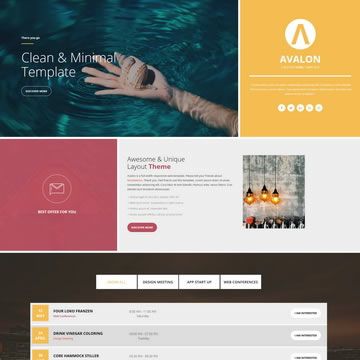
Template details
NextJS Tailwind Event Landing Page
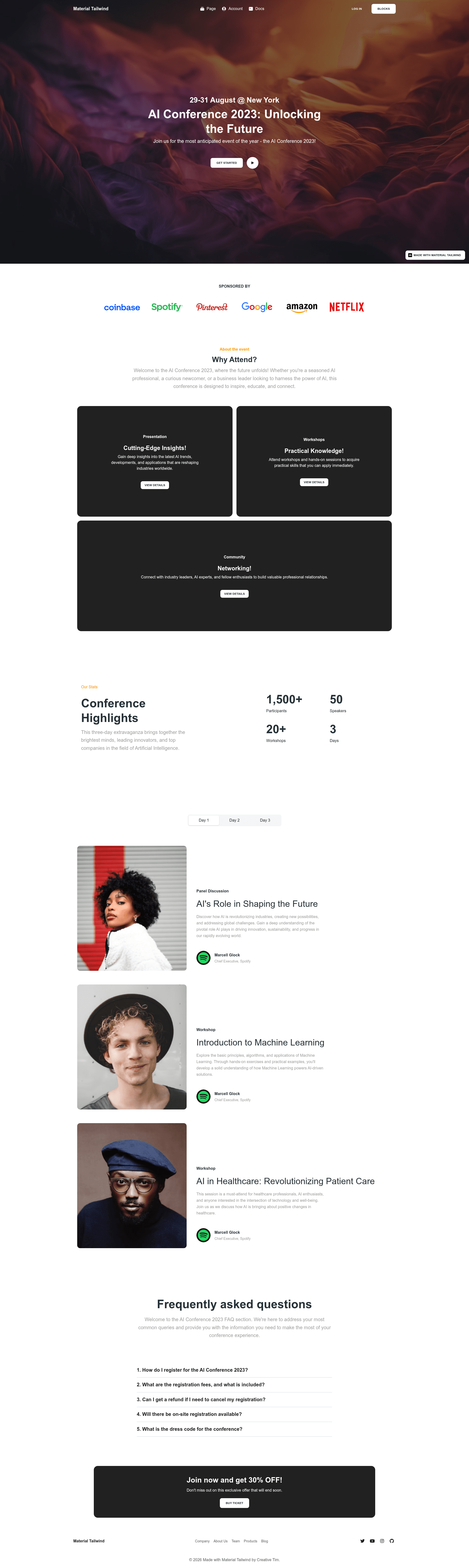
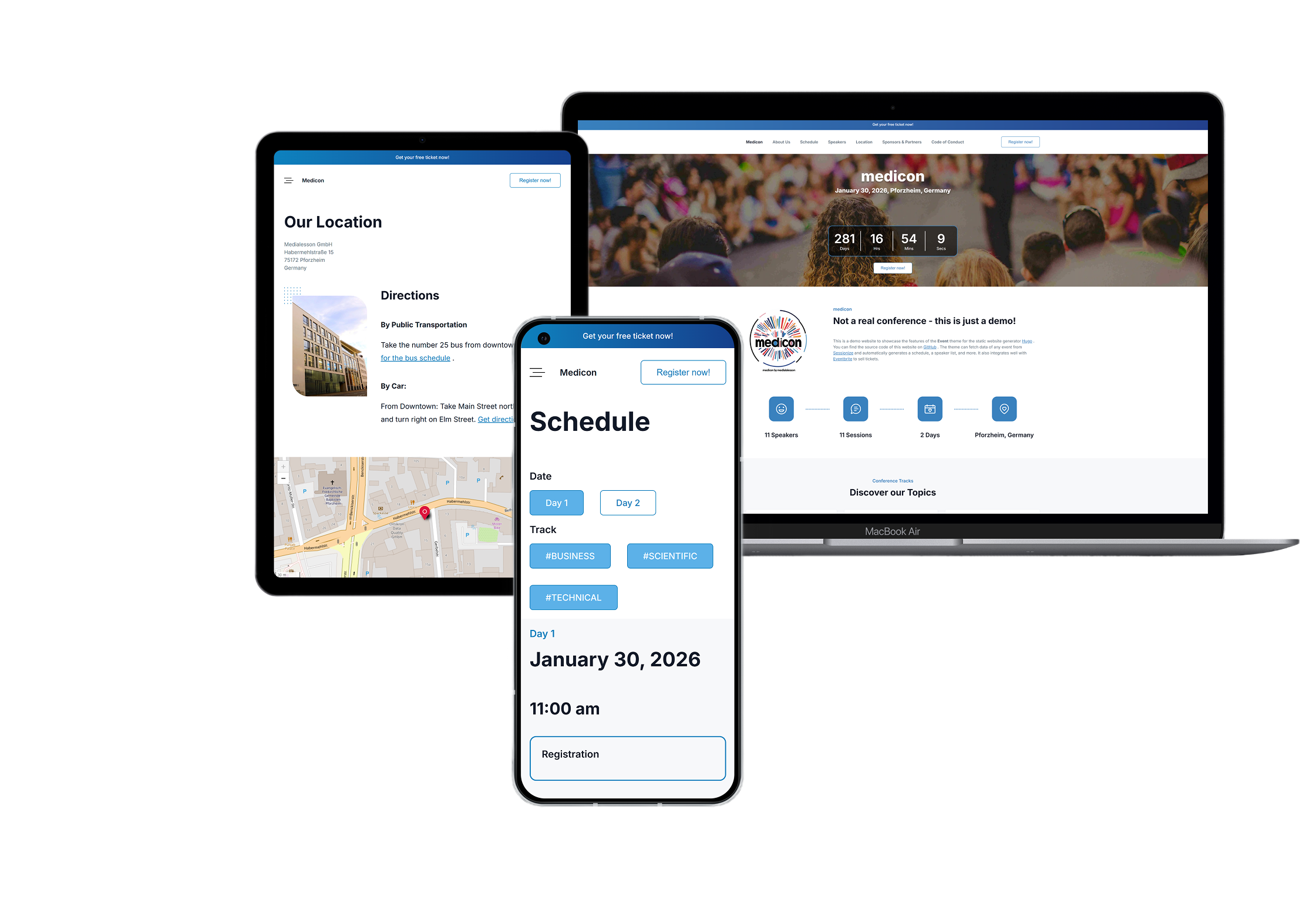
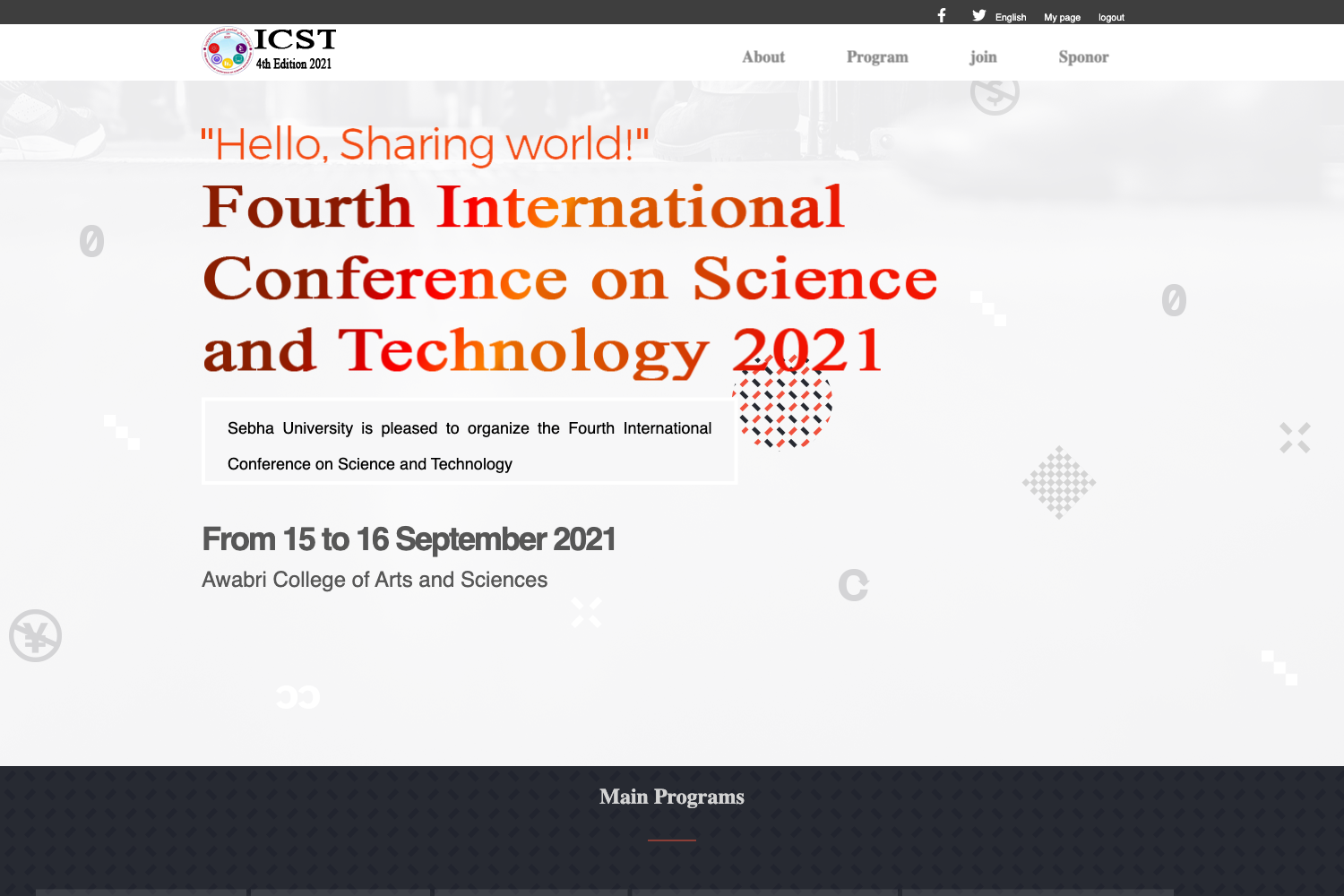
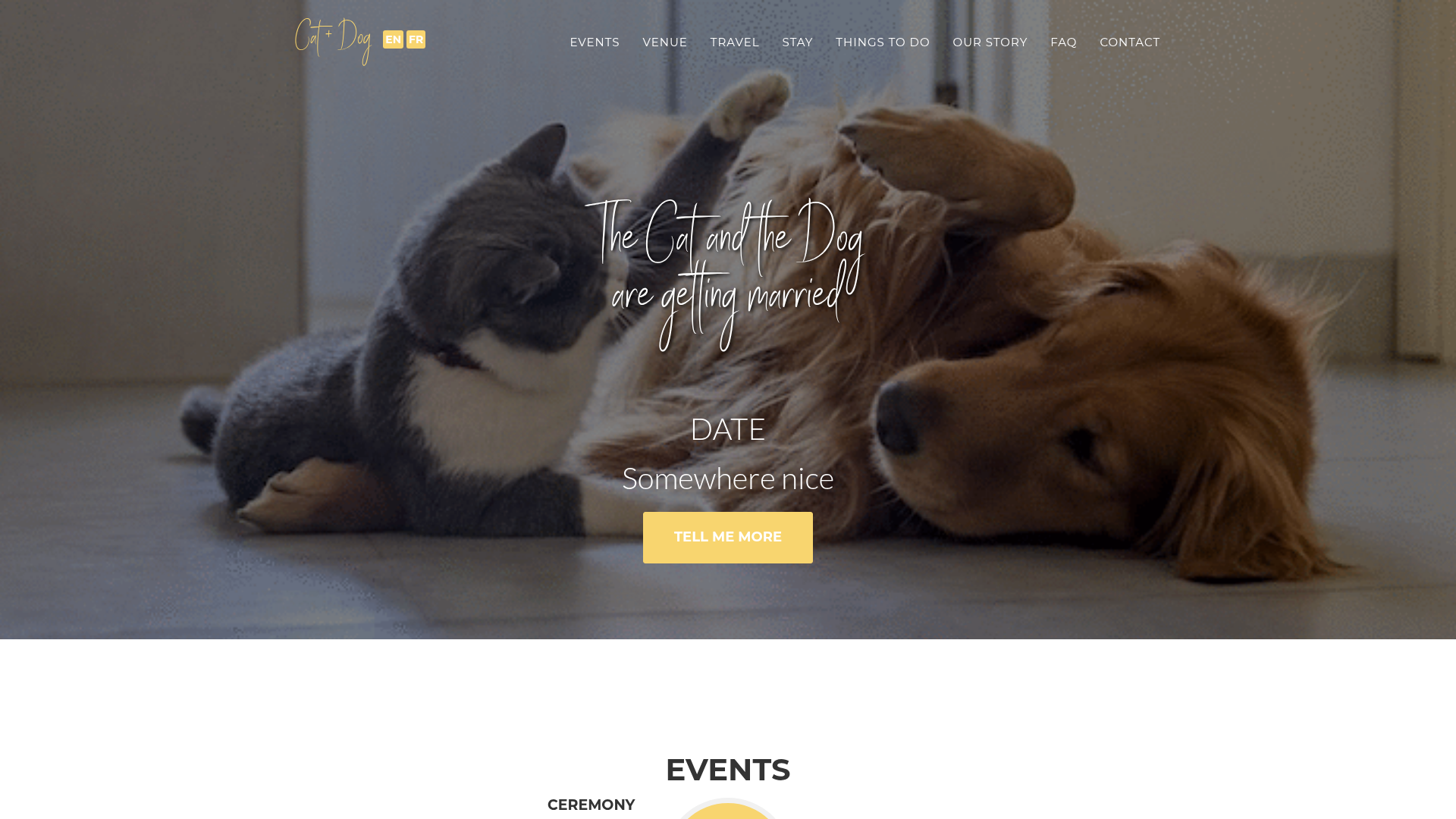
Free Next.js + Tailwind CSS event landing page template with hero, logo, stats, and testimonial sections from Creative Tim.
About this template
NextJS Tailwind Event Landing Page is a free event landing page template from Creative Tim, built on Next.js, Tailwind CSS, and Material Tailwind, that packages hero, logo, stats, and testimonial sections into a single promotional page for any type of event.
What is NextJS Tailwind Event Landing Page?
NextJS Tailwind Event Landing Page is a free, ready-to-use landing page template designed specifically for promoting events such as conferences, meetups, webinars, and launches. It takes basic event information — name, dates, highlights, partner logos, and attendee testimonials — and renders it in a mobile-friendly single-page layout. The template runs on the Next.js React framework with Tailwind CSS utility classes and Material Tailwind components, is at version 1.0.0, and is published by Creative Tim with documentation hosted on material-tailwind.com.
Key Features
- Next.js + Tailwind CSS + Material Tailwind — The template is built on the Next.js React framework, styled with Tailwind CSS utility classes, and extended with Material Tailwind React components, so developers get a React-based codebase with utility-first styling.
- Included event sections — The page ships with hero, logo, stats, and testimonial sections, each ready to be customized with event-specific content and branding.
- Free download — The template is available at no cost from Creative Tim's product page, with the full source code published on GitHub under the creativetimofficial/nextjs-tailwind-event-landing-page repository.
- Documentation provided — Every component is covered in documentation at material-tailwind.com/docs/react/installation, which includes setup and customization instructions.
- Cross-browser support — Officially supports the last two versions of Chrome, Firefox, Edge, Safari, and Opera.
- Simple local setup — To run the project, install Node.js LTS, navigate to the project root, and run
npm install; no additional configuration steps are listed.
Who is it for?
- Event organizers — They can quickly create a professional-looking landing page to announce a conference, meetup, webinar, or product launch without hiring a developer.
- Front-end developers — They get a Next.js + Tailwind starter that already includes Material Tailwind components and an event-focused layout, which they can customize or extend for client projects.
- Marketing teams at startups and agencies — They can use the template as a campaign page for event-driven promotions, replacing the placeholder hero, stats, and testimonial content with real event data and partner logos.
What can you do with NextJS Tailwind Event Landing Page?
- Conference organizers: assemble a clean landing page with a hero section, key statistics, and attendee testimonials to build credibility and drive registrations.
- Webinar hosts: publish a single page that conveys the webinar topic, date, and partner logos, then link it from social media or email campaigns.
- Product launch teams: reuse the event template for a virtual launch event or demo day, swapping in product screenshots and launch-day announcements.
How does the template work?
After downloading the template from Creative Tim, you install Node.js LTS, run npm install in the project root to fetch dependencies, and then customize the components and content for your event. The live preview is available at demos.creative-tim.com/nextjs-tailwind-event-landing-page, and the GitHub repository tracks issues and releases.
Pricing
The template is free to download from Creative Tim. The associated license terms are described on the Creative Tim license page linked from the product repository, and support is available through the Creative Tim contact page.
FAQ
Is NextJS Tailwind Event Landing Page free?
Yes. The template is offered as a free download on Creative Tim's product page, and the source code is publicly available on GitHub at version 1.0.0.
What sections does the template include?
The landing page includes a hero section, a logo area for partner or sponsor logos, a stats section for key event metrics, and a testimonial section. These are the main content blocks described in the product documentation.
What tech stack does it use?
The template uses Next.js (React) as the framework, Tailwind CSS for utility-first styling, and Material Tailwind for ready-made Material Design–style React components. This combination is stated in the product description and README.
How do I install and run the template?
Install Node.js LTS from the official Node.js site, navigate to the project root directory, and run npm install to install local dependencies. The product can then be run from that directory; the README does not list additional setup commands.
Which browsers does the template support?
Creative Tim states they officially support the last two versions of Chrome, Firefox, Edge, Safari, and Opera for this template.