Template details
hugo-ficurinia
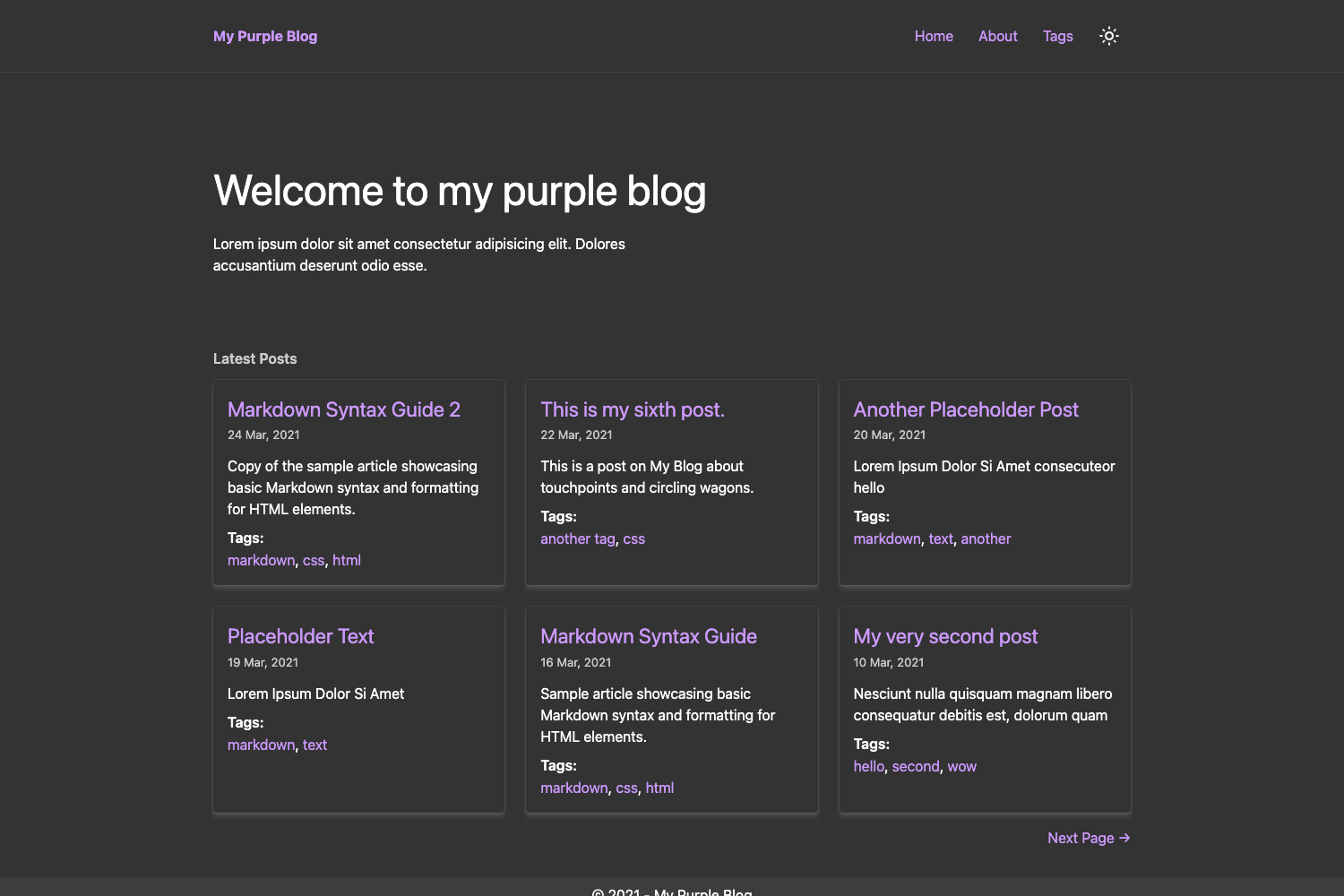
A prickly blog theme for Hugo with extensive customization of colors, layouts, comments, and analytics.
About this template
hugo-ficurinia is a Hugo theme for building blogs and personal websites, offering deep customization of colors, layouts, comment systems, and analytics without writing custom code.
What is hugo-ficurinia?
hugo-ficurinia (also called Ficurinia) is a blog theme for the Hugo static site generator, created by Gabriele Musco (GabMus). It takes a Hugo site's content directories and configuration as input and generates a static blog with article previews, tags, RSS, search, and optional comment sections. The theme is publicly hosted on GitLab at gitlab.com/gabmus/hugo-ficurinia and ships with a demo on the author's personal website.
Key Features
- Color system — Colors are defined in a single
data/colors.ymlfile; you can copy it to your site and customize every color to match your brand. - Multiple layout modes — Toggle paper cards, grid view, a sidebar layout, a jumbotron, and footer columns through boolean parameters in
config.toml. - Comment engines — Integrate Commento by adding a script URL, or Cactus Comments by setting the site name, server, and homeserver parameters.
- Analytics options — Plausible and Umami can be enabled by supplying their script URLs and account IDs.
- Built-in search — Enable a search page with
enableSearch = true; an optional searchbar can appear on every page or only via the menu link. - Article frontmatter controls — Per-post options include featured flag, custom feature image, alt text, caption, table of contents, comments toggle, RSS exclusion, and search exclusion.
- Icons and logo generation — A
generate_icons.shscript (requires ImageMagick) produces all favicon and touch icon sizes from a singlelogo.svg. - Internationalization — The theme includes i18n support; a German translation is already included in the repository.
Who is it for?
hugo-ficurinia is aimed at Hugo users who want a visually distinctive and highly configurable blog theme. Personal bloggers can set up a home page with article summaries, tags, and an RSS feed. Developers and open-source enthusiasts can self-host a low-maintenance static site with optional privacy-friendly analytics (Plausible, Umami) and self-hosted comment systems (Commento, Cactus). Site owners who need a portfolio-like homepage can use the showcase directory, jumbotron, and single-page-as-home options without building a separate theme.
What can you do with hugo-ficurinia?
- Bloggers: publish articles with feature images, summaries, tags, and related-article suggestions at the end of each post.
- Personal website owners: use the
showSinglePageAsHomeoption to display a custom home page, or combine multiple content directories viaextraContentDirs. - Site maintainers: inject custom HTML into specific parts of the theme by creating partials in
layouts/partials/inject(head, body, header, footer, before/after content). - Privacy-conscious publishers: enable the search feature without third-party services and connect self-hosted analytics or comment servers.
How does hugo-ficurinia work?
To use it, clone the theme into your Hugo site's themes directory, set theme = "hugo-ficurinia" in config.toml, then configure the [params] section with the options documented in the README. Posts live in a content directory (default posts or post), and each post can declare frontmatter fields like featured, image, toc, and showDate. After running Hugo, the theme outputs the static site with the selected layout and integrations.
FAQ
Is hugo-ficurinia free?
Yes. The theme is publicly available on GitLab and can be cloned and used without a paid license. The repository includes a LICENSE file and is distributed as open source, though the exact license text is not quoted in the README.
How do I change the colors?
Copy data/colors.yml from the theme into your project's data folder and edit the values there. The README notes that colors are "completely customizable" through that file.
Which comment systems are supported?
The theme supports Commento and Cactus Comments. For Commento, set the commento parameter to your self-hosted script URL; for Cactus, provide cactusCommentsSiteName, cactusCommentsServerName, and cactusCommentsHomeserver.
Does the theme have a search function?
Yes. Set enableSearch = true in the params to add a search page. You can also set searchbarEverywhere = true to show the search bar on every page, or searchMenuLink = true to add it to the navigation menu.
Can I build a non-blog homepage with it?
Yes. Set showSinglePageAsHome = true and provide the homeSinglePage path to display a single page instead of the article list. You can also use extraContentDirs to render other content sections similarly to the home page.