Template details
Eleventy Stylus Blog Theme
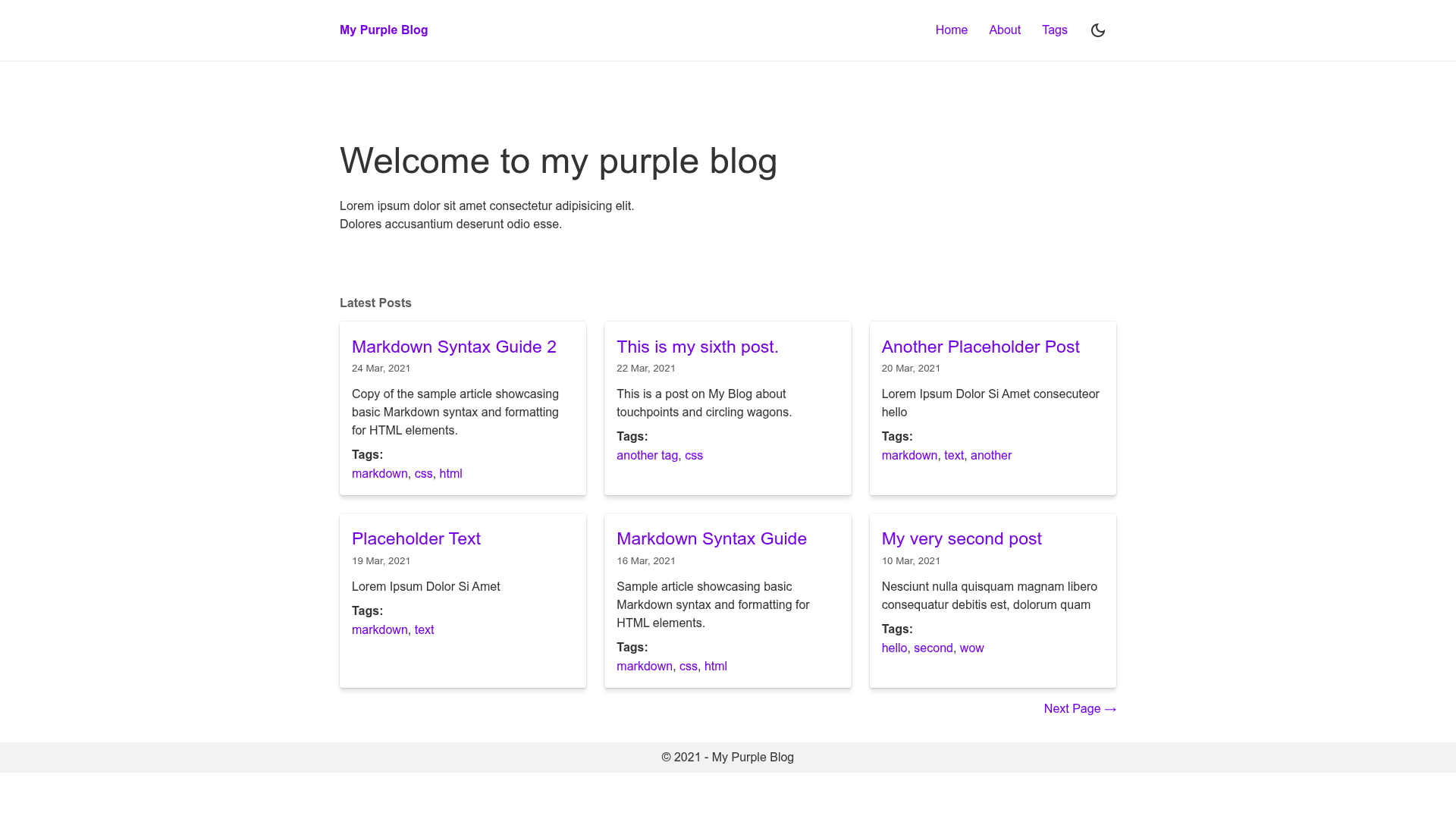
A fast, accessible Eleventy blog starter with toggleable dark mode, tag taxonomy, Atom RSS, and sitemap.
About this template
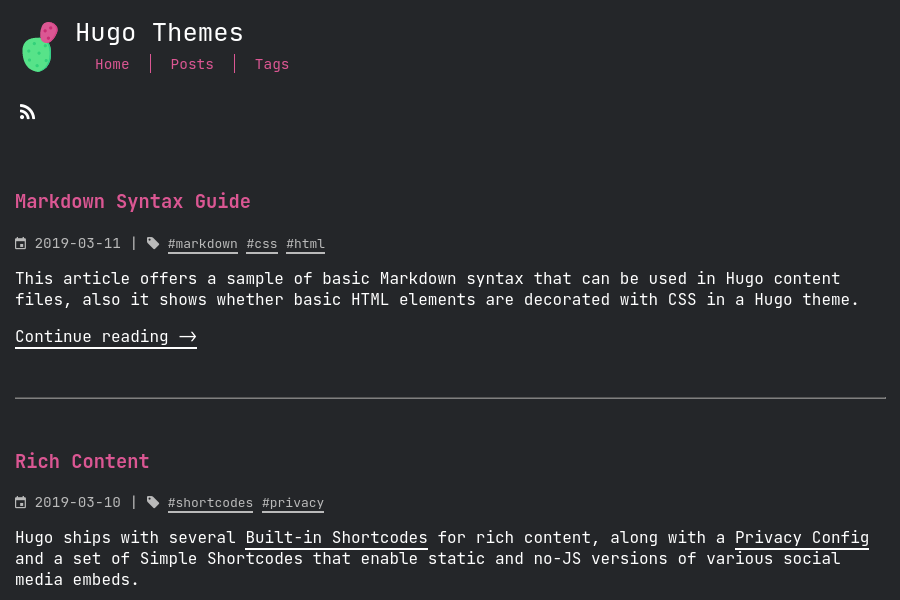
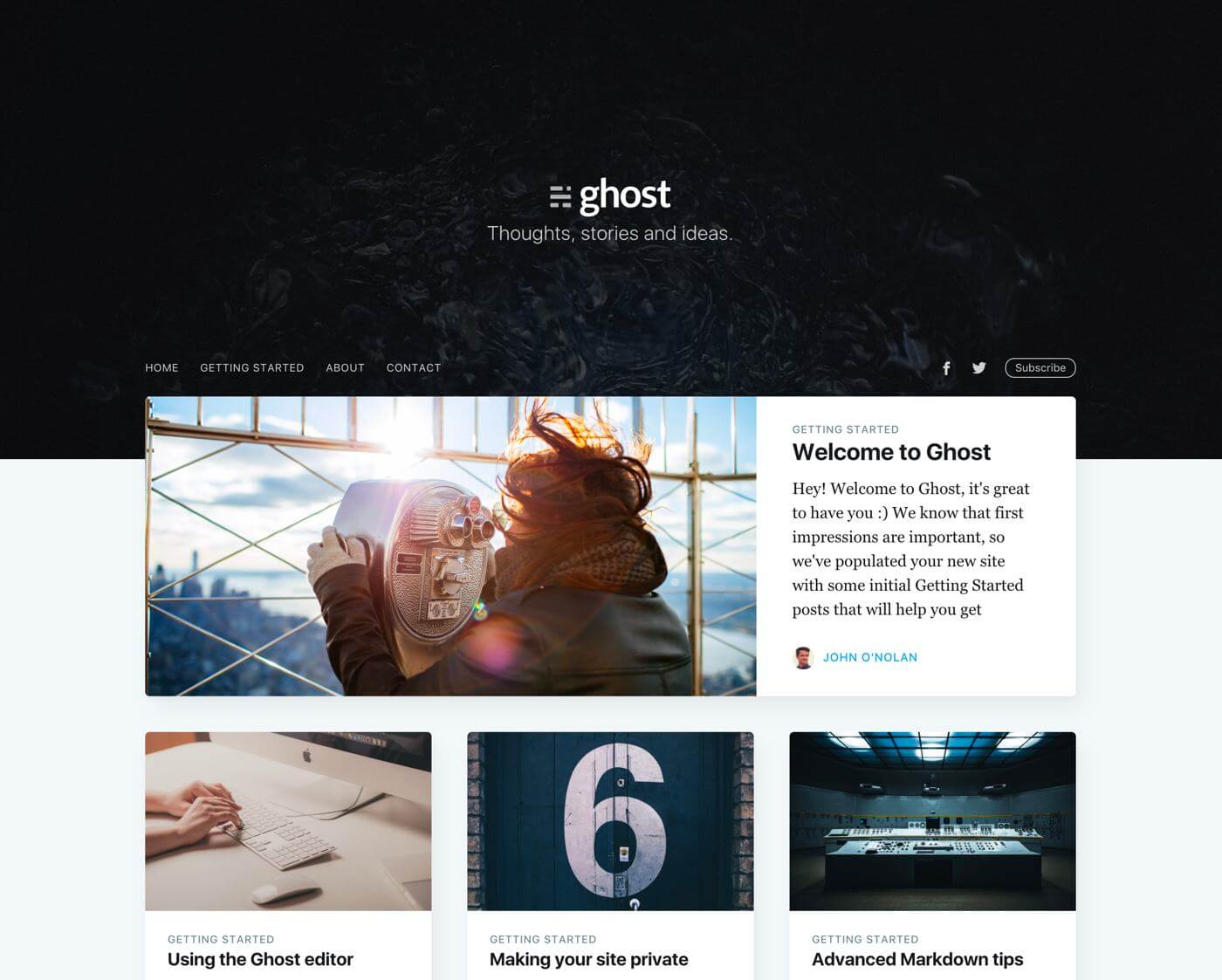
Eleventy Stylus Blog Theme is a starter blog theme for Eleventy that pairs the Eleventy static site generator with the Stylus CSS preprocessor to produce a fast, static blog with a toggleable dark mode.
What is the Eleventy Stylus Blog Theme?
Eleventy Stylus Blog Theme is a theme repository containing a complete blog built with Eleventy and Stylus. It takes Markdown content and site metadata as input and generates a static HTML site with tag taxonomy, an Atom RSS feed, a sitemap, and support for non-post pages such as About and Contact. The theme is authored by ar363 and is publicly available on GitHub. It includes one-click deployment templates for Netlify and Vercel and can also be hosted on GitHub Pages.
Key Features
- 100% Lighthouse scores — The theme reports perfect scores in all Lighthouse categories (performance, accessibility, best practices, SEO) as shown in the repository's build status.
- Toggleable dark theme — Users can switch between light and dark modes; the preference is saved in
localStorageand persists across sessions. - Tags as taxonomy — Posts can be organized with tags, and the theme automatically generates tag-based archive pages.
- Stylus CSS preprocessor — Styling is written in Stylus, with a modular type scale and an editable variables file at
stylus/abstracts/variables.stylfor quick design adjustments. - Eleventy navigation plugin — Integrated with Eleventy's official navigation plugin to manage menus and page ordering.
- Atom RSS feed — Generates an Atom feed via Eleventy's official RSS plugin, allowing readers to subscribe to new content.
- Sitemap generation — Automatically creates a sitemap.xml for search engine crawling.
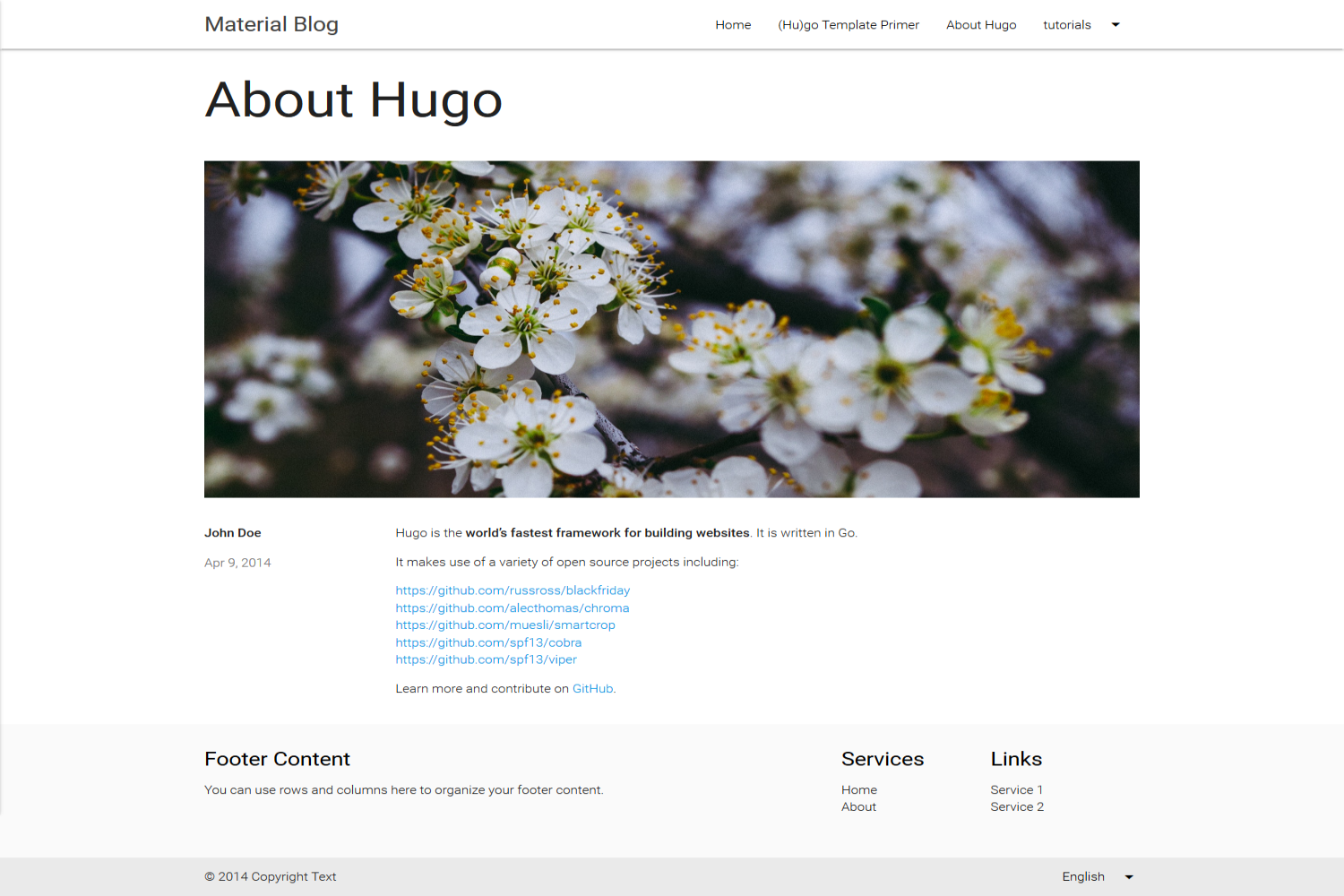
- Non-post pages support — The template includes layout support for standalone pages like About and Contact, in addition to regular blog posts.
Who is it for?
- Bloggers and writers who want a lightweight, static blog with no JavaScript runtime overhead and a built-in dark mode.
- Eleventy developers who need a pre-configured starter with official plugins for navigation, RSS, and sitemap, so they can focus on writing content.
- Developers deploying to static hosts who want one-click setup on Netlify or Vercel, or a straightforward GitHub Pages deployment.
What can you do with it?
- Indie bloggers: Publish Markdown posts and get a fast-loading, SEO-ready blog with RSS and sitemap out of the box.
- Technical writers: Organize documentation or release notes by tags and generate a static site that is easy to search and index.
- Front-end developers: Customize the theme's Stylus variables to change the entire look, then deploy to a CDN with minimal configuration.
How does it work?
The theme requires Node.js 8 or above and the Yarn package manager. After cloning the repository, run yarn to install dependencies, edit _data/site.js for site metadata, and optionally modify stylus/abstracts/variables.styl. Use yarn dev to watch for changes during development and yarn build to produce a production build.