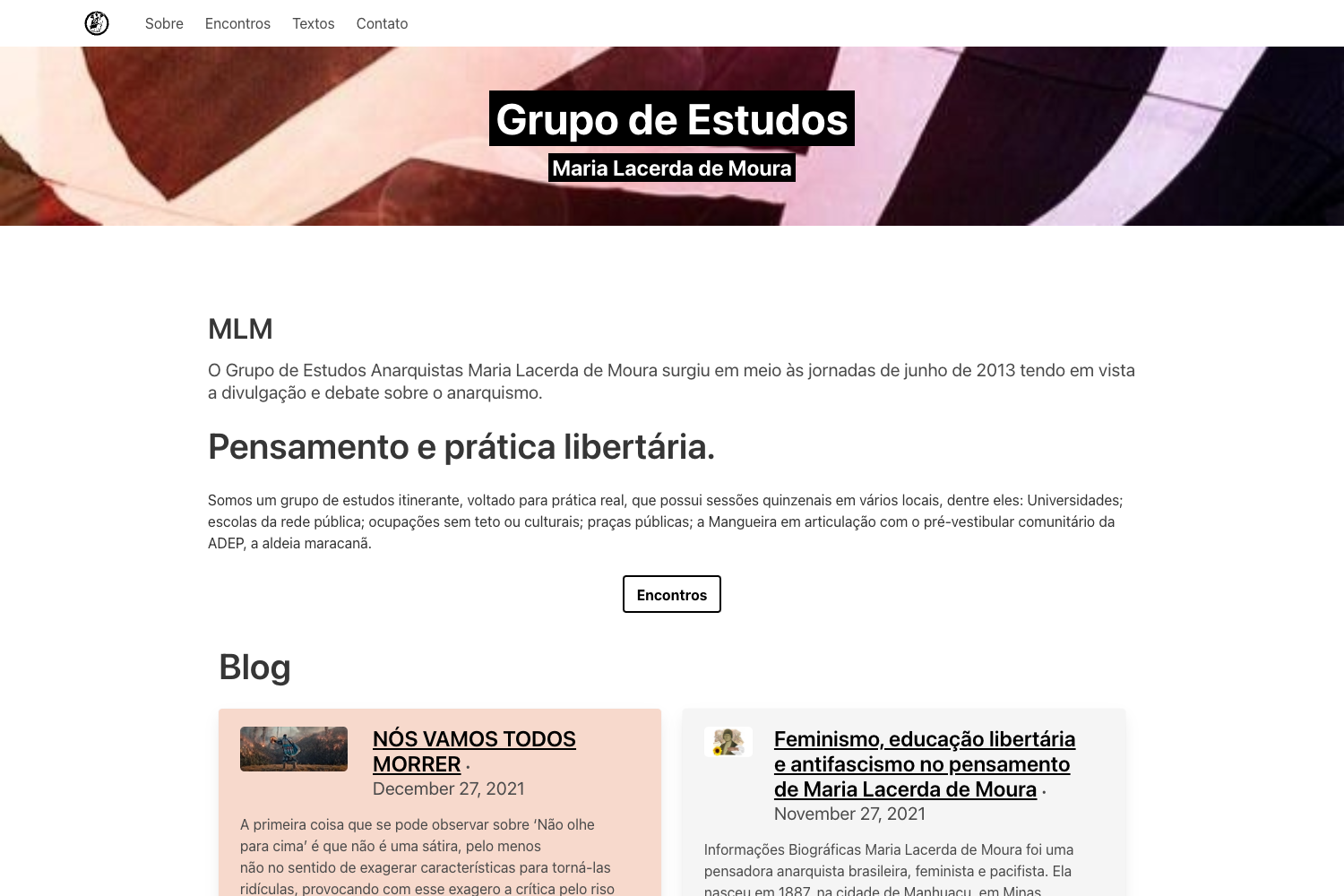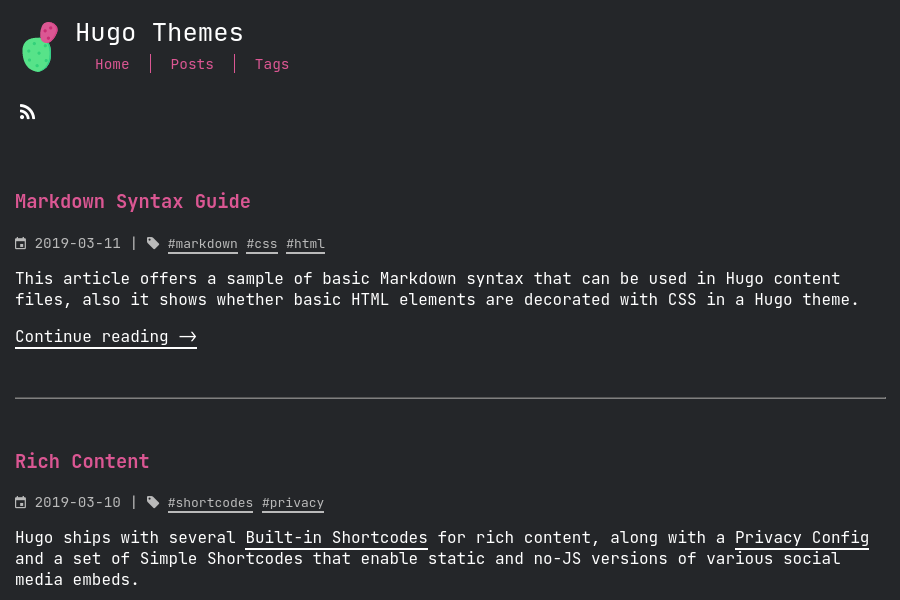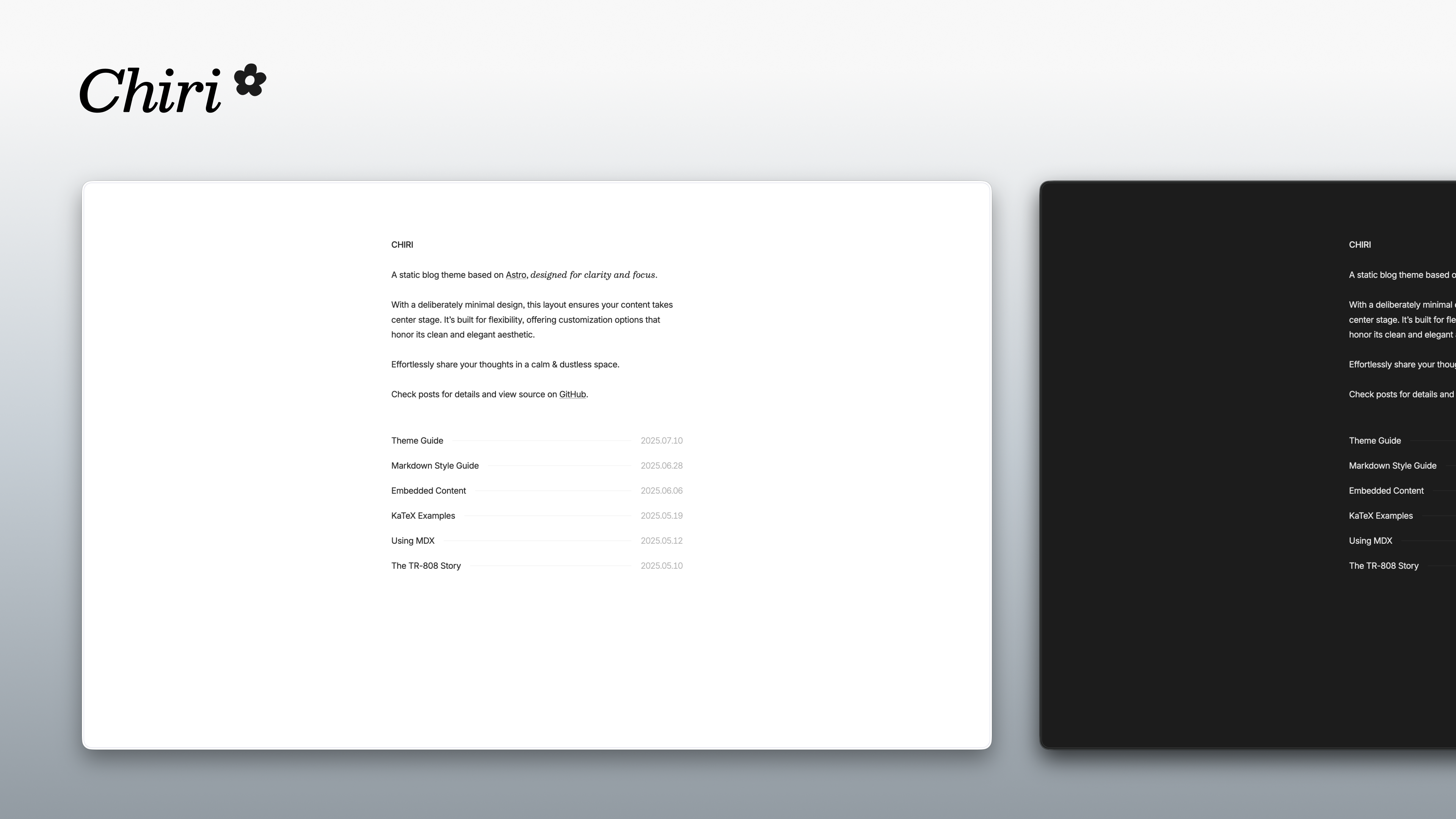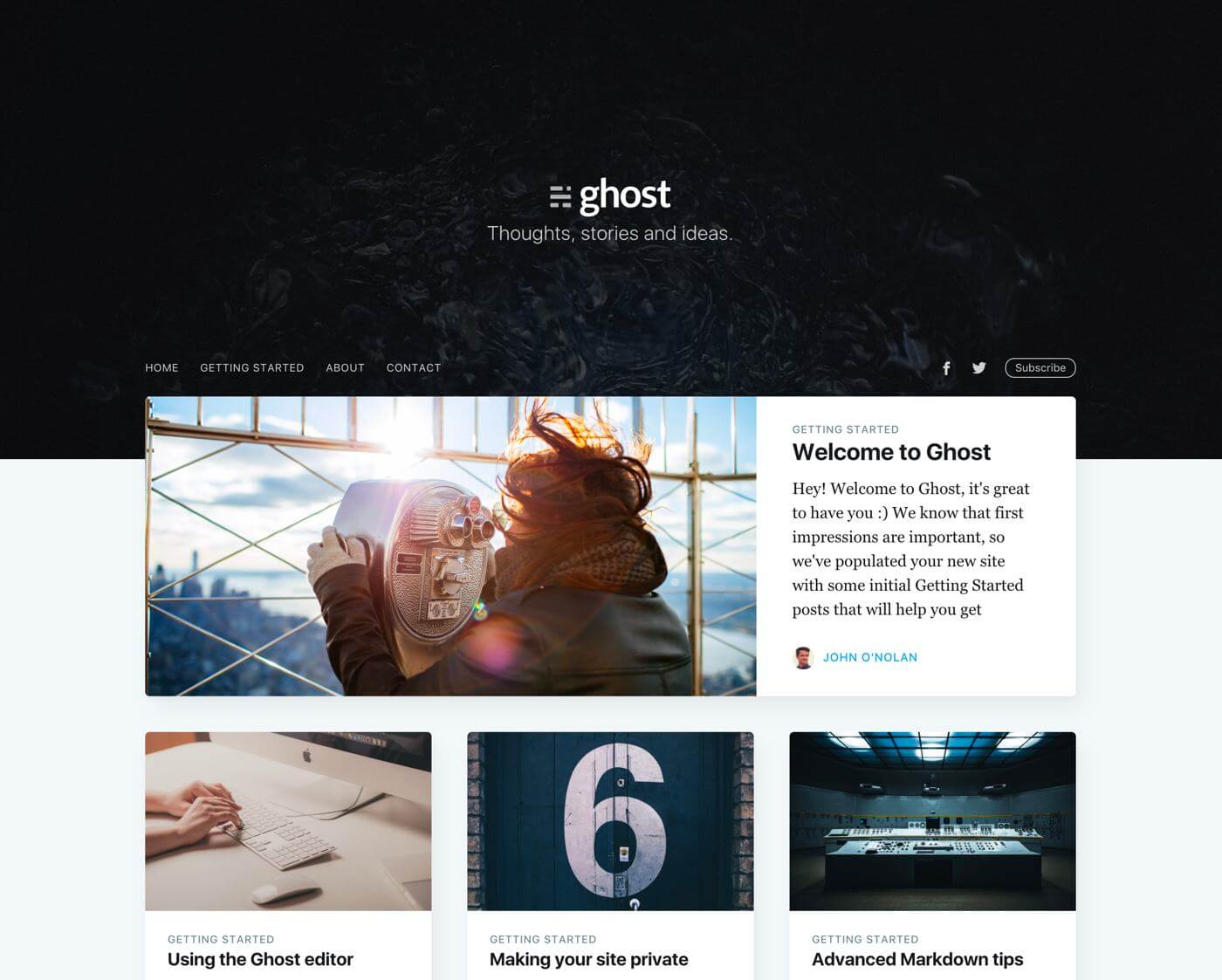
Template details
Hugo Material Blog
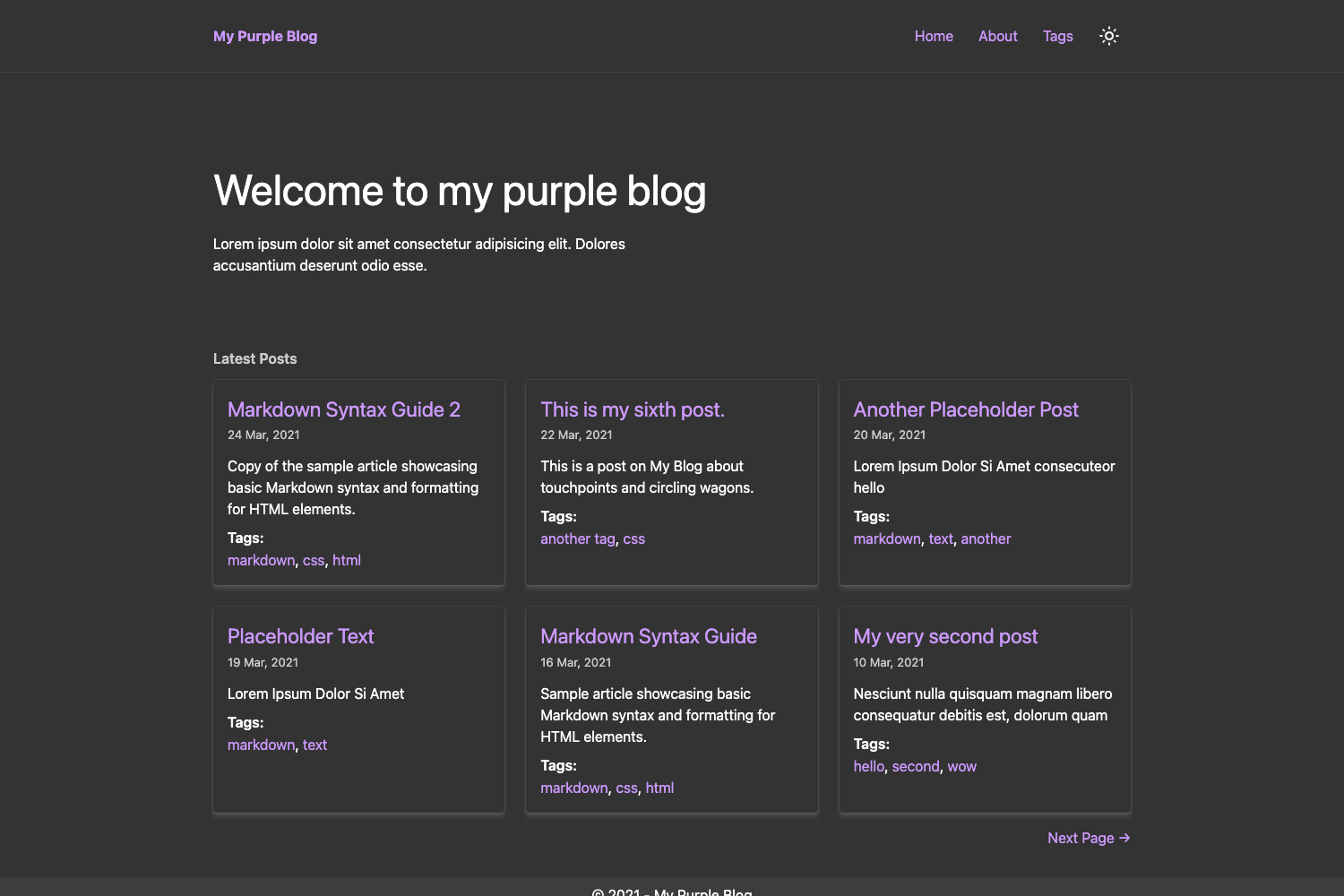
Clean Material Design blog theme for Hugo with cover images, custom menus, and localization.
About this template
Hugo Material Blog is a Hugo theme that turns Markdown content into a clean Material Design blog, built for the static site generator Hugo.
What is Hugo Material Blog?
Hugo Material Blog is a free, open-source blog theme for the Hugo static site generator, licensed under the MIT license. It takes standard Hugo site content — Markdown files with frontmatter — and outputs a static blog styled after Google's Material Design. The theme is configured through a site's config.toml file, and an example configuration is included in exampleSite/config.toml. Its repository lists the topics blog, hugo-theme, and material-design, and shows 22 stars at the time of writing.
What makes Hugo Material Blog stand out?
The theme stands out by combining a Material Design look with multiple customization points that Hugo users can override without touching the core template. Key features include:
- Cover images — Add a cover image to any post by setting the
cover_imageparameter in the post's frontmatter, pointing to an image file path. - Custom brand — Override the default brand or logo by creating your own layout at layouts/partials/brand.html, with a working example in the exampleSite.
- Custom footer content — Replace footer text by adding a layout at layouts/partials/footer-content.html, also shown in the exampleSite.
- Flexible menus — The navbar automatically displays the
mainmenus defined in the Hugo site configuration, following Hugo's standard menu templates. - Footer menus with localization — Define extra footer menus through the
footer_menusarray in config.toml, and localize each menu's name per language (examples show English and French). - Custom head content — Inject your own metadata or scripts into the
<head>tag by overriding partials/head-custom.html. - MIT license — The theme is open source, so you can reuse and modify it freely.
Who is Hugo Material Blog for?
This theme is aimed at Hugo users who want a blog without building a theme from scratch. Typical users include:
- Individual bloggers — Want a clean, Material Design–inspired look for a personal blog without writing HTML templates.
- Hugo users — Need a starting point that is configured through TOML parameters rather than custom template code.
- Developers — Want to customize a Hugo theme by overriding partials like brand and footer-content to match a product or company site.
What can you do with Hugo Material Blog?
With this theme you can set up a variety of Hugo-based blogs. Common use cases include:
- Personal bloggers — Publish a static blog with cover images per post, a Material Design aesthetic, and easy menu configuration.
- Multilingual sites — Set up localized footer menus for each language, as demonstrated with English and French configurations in the exampleSite.
- Developer documentation sites — Use the theme as a simple blog or changelog with custom brand and footer content, plus the ability to add custom head scripts for analytics or metadata.
How does Hugo Material Blog work?
The theme works as any standard Hugo theme: clone or add it to your Hugo site, then configure parameters in config.toml. To add a cover image, set the cover_image frontmatter parameter on a post. To change branding or footer, place your own partial files at the paths layouts/partials/brand.html and layouts/partials/footer-content.html, using the examples in exampleSite as a guide. For extra metadata or analytics, override layouts/partials/head-custom.html.
Pricing
Hugo Material Blog is free and open source under the MIT license. There are no paid tiers or premium features listed on the theme page.
FAQ
Is Hugo Material Blog free?
Yes, the theme is released under the MIT license, meaning it is completely free to use, modify, and redistribute in personal or commercial projects.
How do I add a cover image to a post?
Set the cover_image parameter in the frontmatter of your Markdown post, for example cover_image: "images/image1.jpeg". The theme reads this parameter and displays the image on the post.
Does Hugo Material Blog support multiple languages?
Yes, it supports localization for footer menus. In the configuration file you can define language-specific footer menus, and the theme's example configuration includes English and French language blocks.
Where can I change the brand or logo?
Create your own file at layouts/partials/brand.html. The theme loads this partial instead of the default brand, and an example is provided in the exampleSite directory.
How do I add custom content to the head section?
Override the partial at layouts/partials/head-custom.html. Anything you place in that file will be included inside the <head> tag of each page.