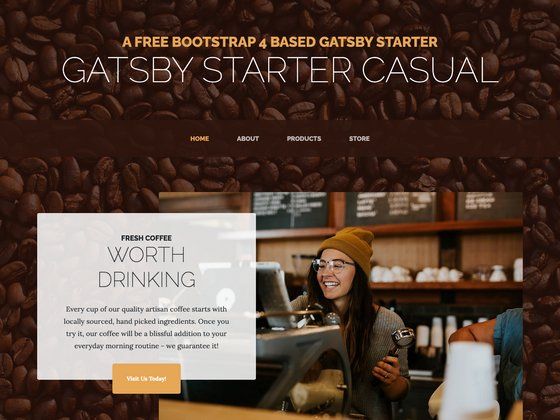
Template details
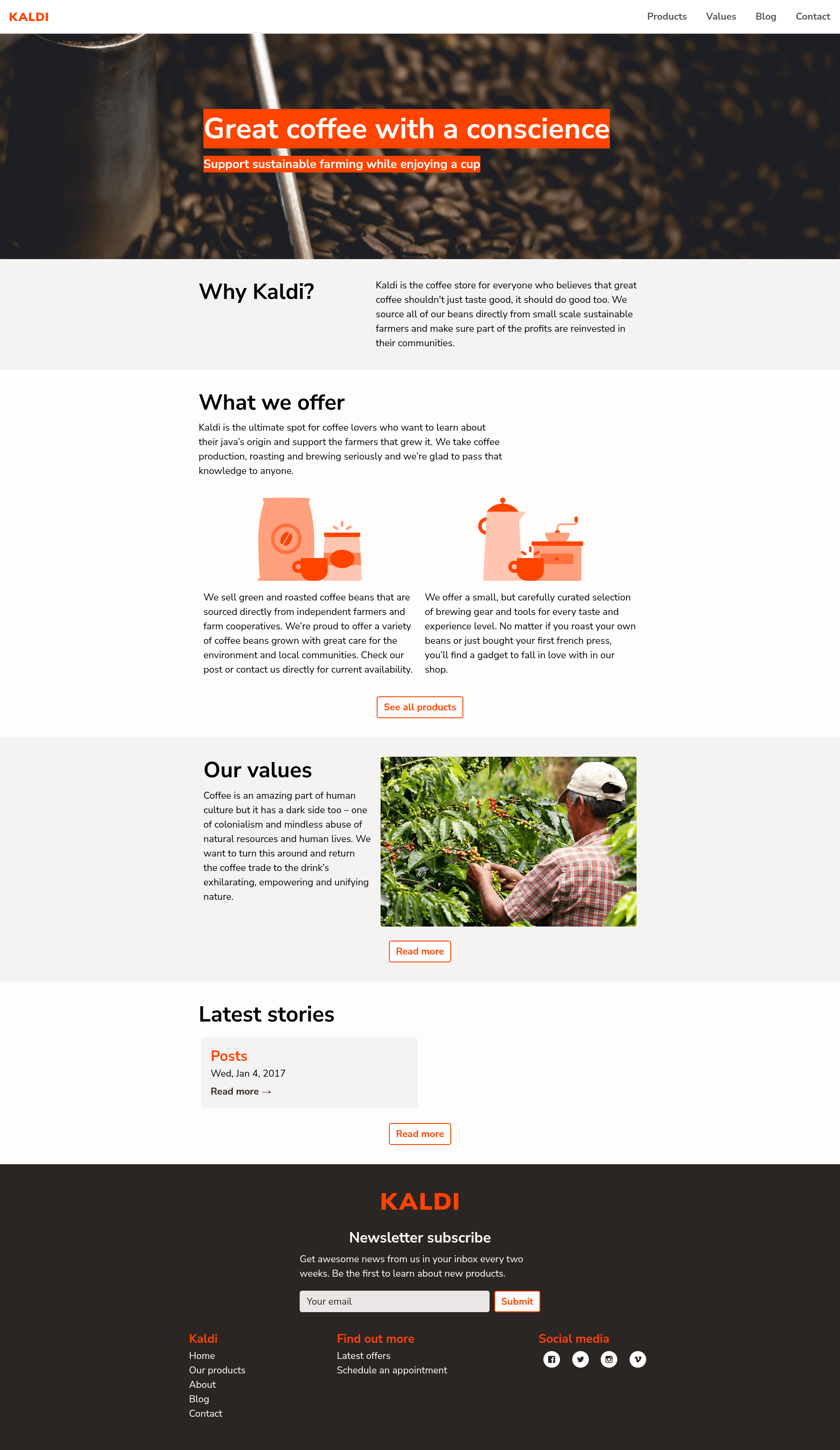
Hugo Kaldi
Small business Hugo starter with Decap CMS, Netlify Identity, and one-click Netlify deployment.
About this template
Hugo Kaldi is a small business starter template for the Hugo static site generator that pairs Decap CMS for content editing with Netlify Identity for user access, designed for one-click deployment to Netlify.
What is Hugo Kaldi?
Hugo Kaldi is a starter template that combines the Hugo static site generator with Decap CMS (formerly Netlify CMS) and Netlify Identity. It takes content authored through the Decap CMS admin interface and generates a static website via Hugo's build process, with Netlify handling hosting, continuous deployment, and user authentication. The template was designed and developed by Darin Dimitroff of spacefarm.digital and is maintained under the decaporg GitHub organization.
Key Features
- One-click Netlify deployment — A deploy button creates a new repository in your GitHub account, sets up continuous deployment to Netlify's global CDN, and configures the CMS stack automatically.
- Decap CMS integration — Editors manage site content through a Git-backed admin interface; the repository includes the CMS configuration files needed to start editing immediately.
- Netlify Identity authentication — Site owners control who can access the CMS by inviting users through the Netlify Identity tab; no separate auth service is required.
- Local development workflow — Clone the repo and run
yarnornpm install, then start the dev server withyarn startornpm start. - Cypress end-to-end tests — Automated tests run locally with
yarn cypress:runor interactively withyarn cypress:open, and they also run on deploy via the Cypress Netlify integration. - Content-agnostic Hugo partials — The template bundles small, reusable partials in
site/layouts/partialsthat can be mixed and matched; Hugo'sdictfunction feeds content into partials to avoid repetition. - Custom Tachyons and PostCSS — Styling uses a custom fork of Tachyons with PostCSS, cssnext, and cssnano; global variables like colors and spacing live in
src/css/imports/_variables.css. - SVG social icons — Social icons are stored in
site/assets/imgand rendered via asocial-iconpartial that takes link, SVG filename, and alt text arguments.
Who is it for?
- Small business owners — They can deploy a marketing site and hand content updates to staff through the Decap CMS admin without touching code.
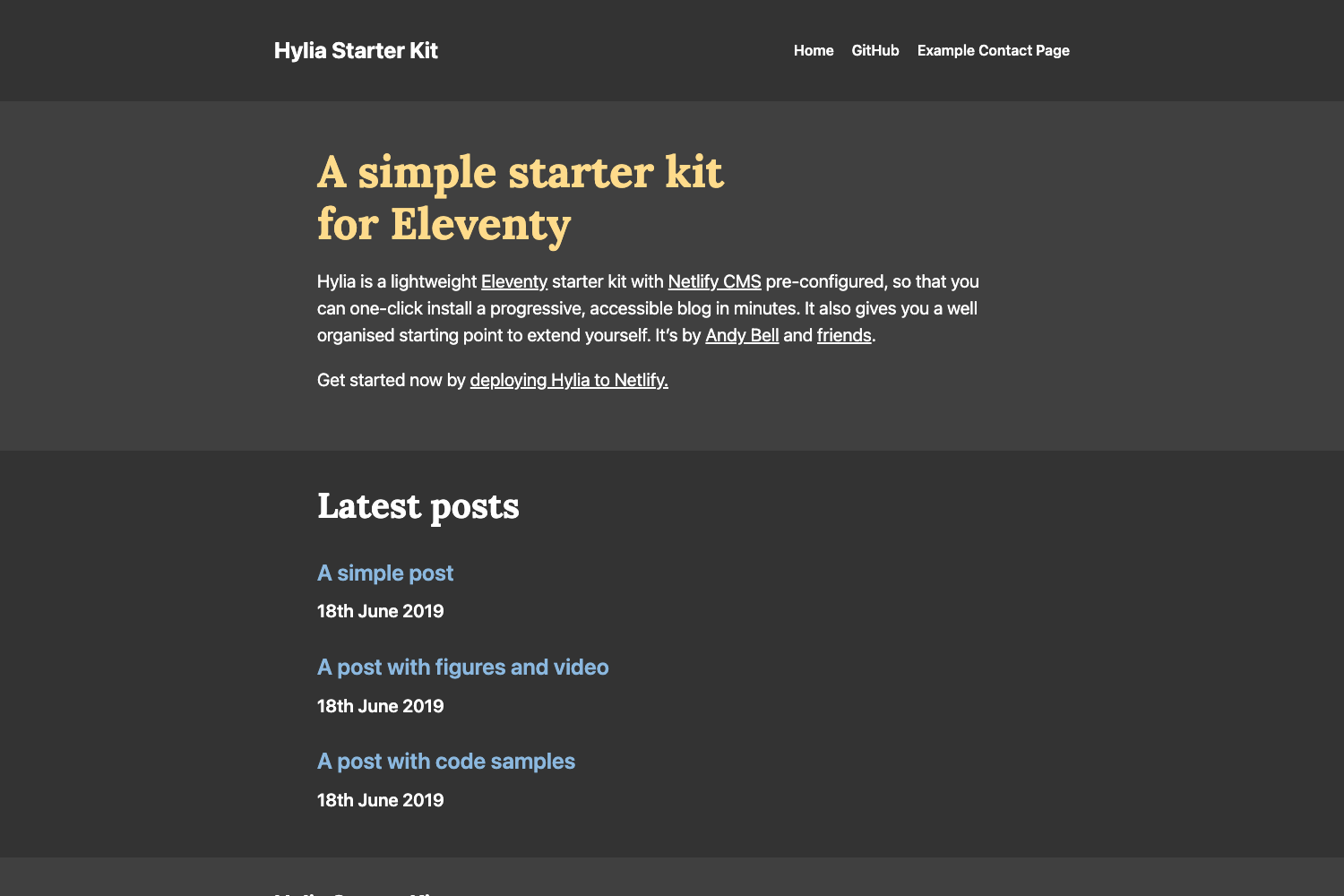
- Front-end developers — Developers get a Hugo starter with a clean partial structure and a local build pipeline to customize into a bespoke site.
- Agencies and freelancers — Agencies can spin up client sites quickly using the one-click deploy and then manage user access with Netlify Identity.
What can you do with Hugo Kaldi?
- Launch a business site — Use the pre-built page layouts and partials to assemble a brochure site with services, contact, and content sections.
- Hand off content editing — Invite non-technical editors via Netlify Identity and let them publish blog posts or page updates through Decap CMS.
- Run automated tests — Keep the included Cypress tests to verify that the site and CMS behave correctly after changes, both locally and in the Netlify deploy pipeline.
How does Hugo Kaldi work?
Deploy the template to Netlify using the provided button, which copies the repository to your GitHub account and starts the first build. After the build finishes, go to the Netlify Identity tab to invite yourself as a user. Once you accept the invite, you can log into the Decap CMS admin at the /admin route and start editing content; every edit is committed back to the Git repository and triggers a new deploy.
FAQ
Is Hugo Kaldi free to use?
The template itself is open source under the decaporg repository, so you can fork and reuse it freely. You will need a Netlify account for hosting and Identity; Netlify offers a free tier, but the template's one-click deployment targets Netlify's service.
How do I get started?
Click the "Deploy to Netlify" button in the repository readme, which creates a copy in your GitHub account, sets up continuous deployment, and configures Netlify Identity. Then invite yourself under the Identity tab and begin editing content in Decap CMS.
Do I need to know Hugo to use this template?
No, you can edit content through the Decap CMS admin interface. But to customize layouts, styling, or partials, you'll want familiarity with Hugo's template structure and the included PostCSS/Tachyons setup.
What CSS framework does it use?
It uses a custom fork of Tachyons processed with PostCSS, cssnext, and cssnano. Global design tokens such as colors and spacing are defined in src/css/imports/_variables.css.
Can I run and test the template locally?
Yes. Clone the repository, run yarn or npm install, then yarn start for the development server. Run the Cypress test suite with yarn cypress:run, or yarn cypress:open for interactive mode.