Template details
Portflow Nextjs
A simple portfolio template built with TailwindCSS and DaisyUI powered by Next.js.
About this template
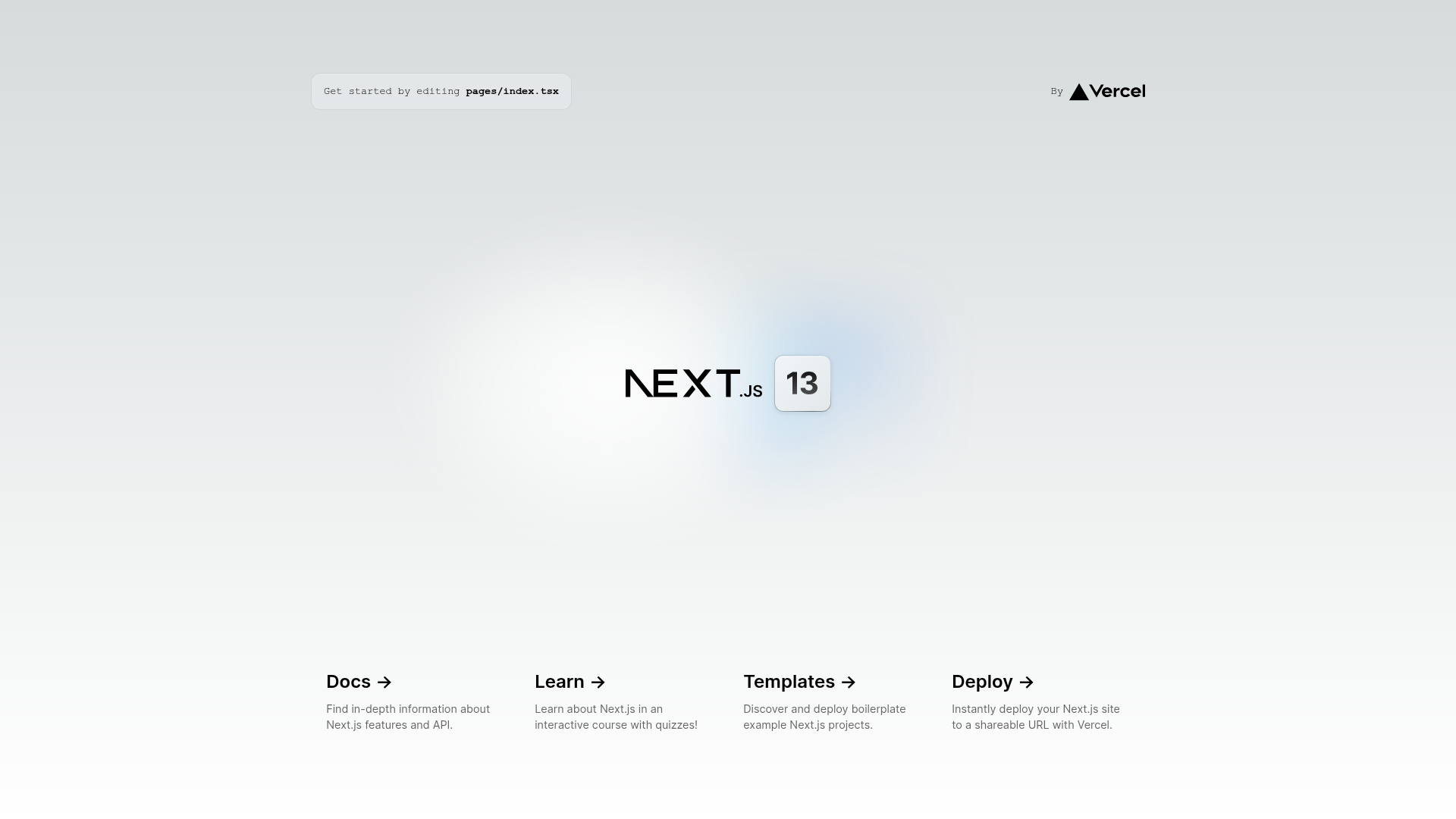
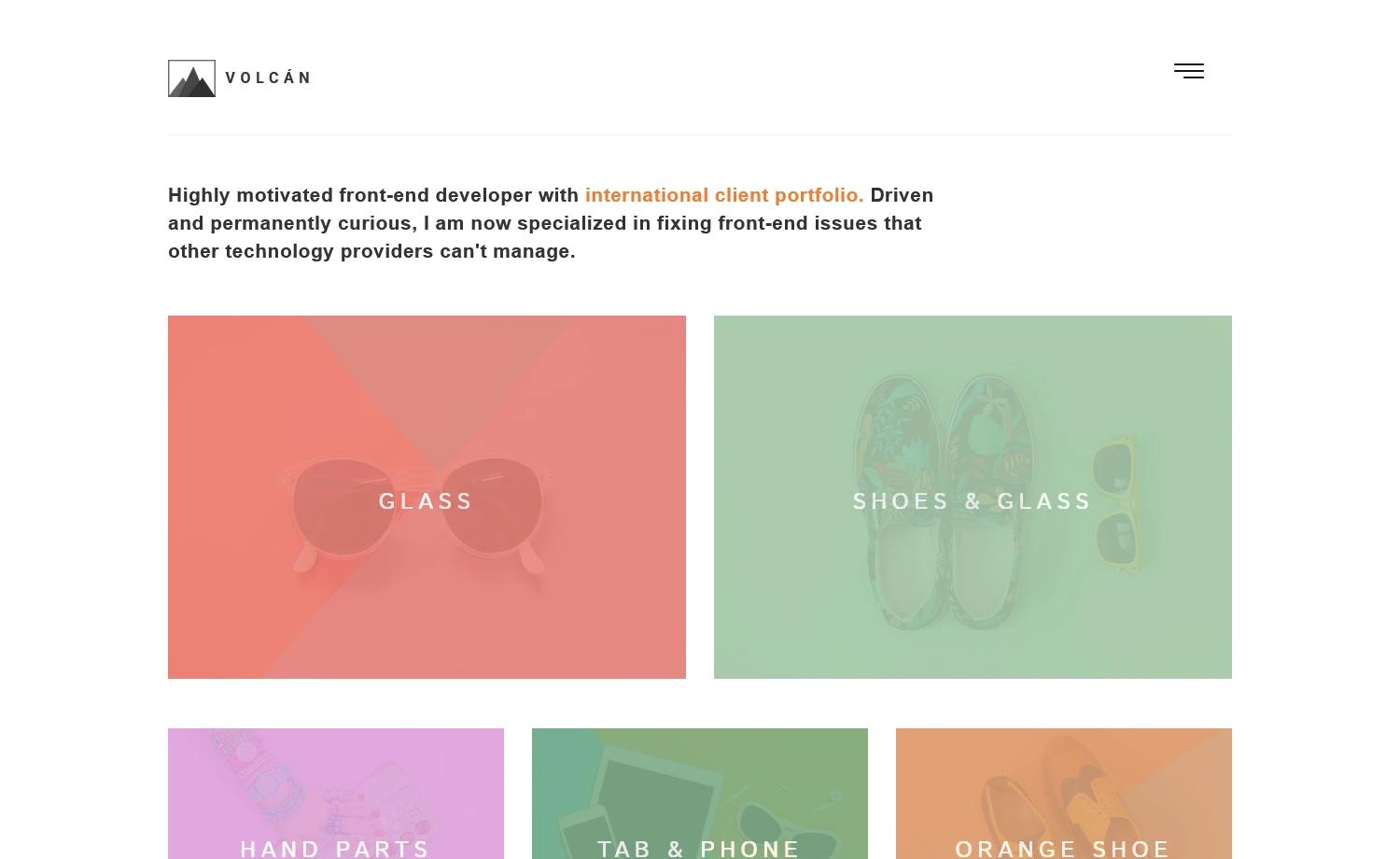
Portflow is a portfolio web template built on Next.js 13, Tailwind CSS, and DaisyUI, designed to give developers a production-ready starting point for a personal portfolio and a Medium-style blog. It is maintained by Agil (agil3st) and published as a public GitHub repository. The template's core function is to remove repeatable setup work: it comes with SEO tagging on all pages, rich-text support for story posts, and component-based pages that you can edit directly in pages/index.tsx.
What is Portflow Nextjs?
Portflow Nextjs is a portfolio template that pairs the React framework Next.js 13 with the Tailwind CSS utility library and the DaisyUI component library. It takes a clean GitHub repository as its input and produces a deployable Next.js application with a portfolio and blog layout, including a single story page that supports rich text. The template is authored by Agil (agil3st) and published on GitHub, with a live preview hosted at portflow-nuxtjs.vercel.app.
What makes Portflow stand out?
- Production-ready stack — Built on Next.js 13, which the developer promotes for repeatable components, fast page speed, and dynamic SEO; Tailwind CSS handles styling, and DaisyUI supplies prebuilt component classes.
- SEO-friendly by default — The template includes SEO tagging on all pages, so each route can carry its own meta tags without manual setup.
- Rich-text blog pages — A single story page layout supports rich text, making it suitable for long-form articles like those on Medium.
- Easy dependency management — Install with yarn, npm, or pnpm via
yarn install,npm install, orpnpm install, then start a development server withyarn dev(or the npm/pnpm equivalents) on localhost:3000. - Componentized pages — The template removes repeatable components across pages and organizes routes, so you edit one file (
pages/index.tsx) and the page auto-updates. - Bundled assets and attribution — Includes Google Fonts (Montserrat and Playfair Display), Lineicons icons, Icons8 3D illustrations, Pravatar avatars, and Picsum placeholder photos, all credited in the Attribution section.
Who is it for?
- Front-end developers who want a prebuilt Next.js portfolio with SEO and rich-text support, so they can skip boilerplate setup and start customizing components immediately.
- Designers who prefer Tailwind CSS and DaisyUI's utility-first workflows, letting them adjust colors, spacing, and layouts directly in the code.
- Bloggers and writers who need a Medium-like article interface and want a fast, SEO-optimized site without building one from scratch.
- Contributors — The repository accepts pull requests, and the contribution guide outlines a seven-step process from cloning the repo to merging a PR.
What can you do with Portflow?
- Launch a personal portfolio: Replace the placeholder content, add your own projects and avatar, and deploy the Next.js app to Vercel or any platform that supports Next.js.
- Publish blog posts: Use the single story page with rich-text support to write and format long-form articles, mirroring the reading experience of Medium.
- Learn Next.js and Tailwind: Study the template's file structure and component code to see how SEO tags, dynamic routes, and DaisyUI components are wired together.
- Contribute features: Fork the repo, create a new branch, and submit a pull request to add pages, fix bugs, or adjust UI, following the project's contribution workflow.
How does Portflow work?
Clone the repository, install dependencies with your preferred package manager (yarn is recommended), and run yarn dev to start a development server at localhost:3000. The main page is pages/index.tsx; edits auto-refresh in the browser, and when you're ready, the deployment guide in the Next.js docs explains how to build and host the production version.
Pros and cons
- Pros: Publicly available on GitHub; modern React stack; SEO tags included; works with yarn, npm, and pnpm; live preview available.
- Cons: As of now, the template only offers page layouts for a simple article or blog UI, so it doesn't include other common sections like pricing tables or ecommerce pages out of the box.
FAQ
Is Portflow free?
Portflow is hosted in a public GitHub repository, so the source code is openly available for anyone to clone, modify, and use. The project also accepts community contributions through issues and pull requests.
What tech stack does Portflow use?
Portflow uses Next.js 13 as the React framework, Tailwind CSS for utility-based styling, and DaisyUI as the component library. The developer also references Tailwind Components and DaisyUI components as possible building blocks.
Can I use Portflow for a blog?
Yes. Portflow specifically provides page layouts for a simple article or blog UI, with a single story page that supports rich text. This makes it suitable for Medium-style long-form writing.
How do I run Portflow locally?
After cloning the repo, run yarn install (or npm/pnpm install), then yarn dev to start the development server at http://localhost:3000. The page auto-updates when you edit pages/index.tsx.
What limitations does Portflow currently have?
The main limitation is that only article/blog page layouts are included, so there's no built-in support for other page types like portfolios with galleries, pricing, or ecommerce. The developer states any future updates will be announced on LinkedIn.