Template details
Hugo Notebook
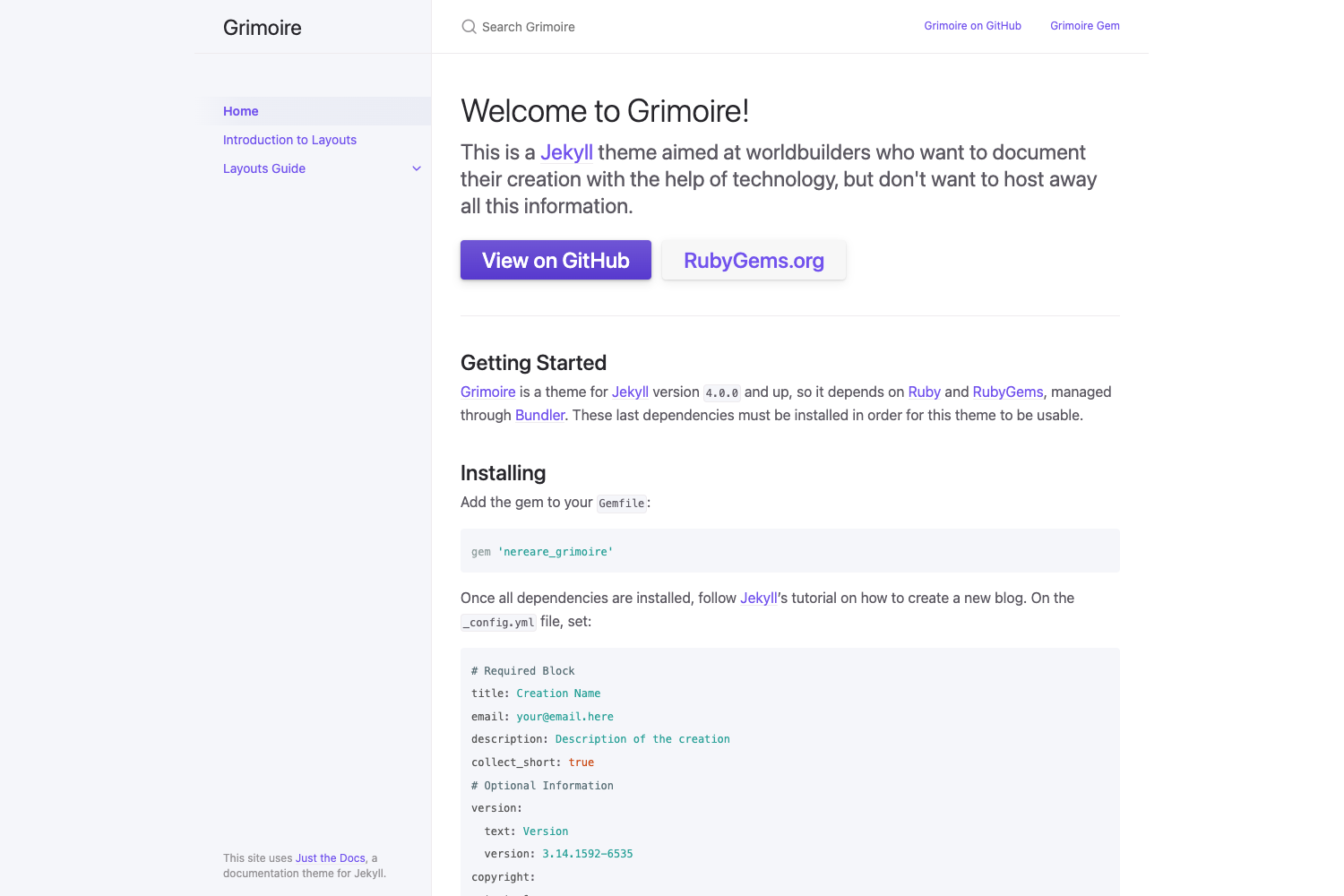
A clean, simple documentation theme for Hugo, forked from hugo-book with Docker-based development and a CDN build.
About this template
Hugo Notebook is a clean, simple documentation theme for the Hugo static site generator, forked from alex-shpak/hugo-book with additional changes.
What is Hugo Notebook?
Hugo Notebook is a documentation theme for Hugo that takes Markdown content and renders a static documentation site. It runs on Hugo version 0.68 or later, as indicated by the hugo-v0.68 badge in the repo. The theme is maintained by sujaykumarh, is released under an MIT license, and has a live demo at notebook-demo.sujaykumarh.com.
What makes Hugo Notebook stand out?
- Clean folder structure — the repository layout has been reorganized to be easier to navigate and customize compared to the original hugo-book.
- Docker-based development — a Docker setup is included so you can build and preview the theme in a reproducible containerized environment.
- CDN-based build directory — the build directory uses a CDN instead of local assets, reducing repository size and simplifying deployment.
- GitHub Actions workflows — the repo includes CI for automated testing and a separate build/publish workflow, both shown via workflow badges.
- Hugo 0.68+ compatibility — the theme is designed for Hugo 0.68 or newer, making it a fit for recent Hugo releases.
- Fork of hugo-book — it inherits the book-like navigation and documentation layout from hugo-book, so users get a familiar structure with some cleanup.
- Active roadmap — the README lists planned enhancements including a light/dark theme switch, code cleanup, layout restructuring, config restructuring, and moving settings to data files.
Who should use Hugo Notebook?
- Documentation writers — publish clean, simple documentation sites for software projects or products using Markdown and Hugo.
- Hugo users — developers who want a minimal docs theme without a heavy JavaScript frontend.
- Open-source maintainers — set up a docs site that can be tested and built automatically with GitHub Actions and Docker.
- Theme contributors — developers who want to build on a hugo-book fork, since the project explicitly welcomes contributions.
Use cases for Hugo Notebook
- Software teams: publish API references, user manuals, and internal knowledge bases with a straightforward sidebar layout.
- Indie developers: host a personal wiki or project documentation with minimal configuration and fast static builds.
- Educators: structure course notes or tutorials as a book-like sequence using the hugo-book navigation model.
Alternatives to Hugo Notebook
- hugo-book — the original theme this project forked from, which uses the same documentation layout without the cleanup or Docker additions.
Frequently asked questions about Hugo Notebook
Is Hugo Notebook free?
Yes, Hugo Notebook is licensed under the MIT License, so you can freely use, modify, and distribute it as long as you preserve the copyright and license notice.
What version of Hugo do I need?
The README badge shows hugo-v0.68, which signals that Hugo version 0.68 or newer is expected. Older Hugo releases may not render the theme correctly.
Where can I see a live demo?
A live demo is hosted at notebook-demo.sujaykumarh.com. You can also reach it through the demo badge in the repository README.
Who maintains Hugo Notebook?
The theme is maintained by sujaykumarh, and it is hosted on GitHub at sujaykumarh/hugo-notebook. It is a fork of alex-shpak/hugo-book.
What improvements are planned?
The README's checklist lists these upcoming items: a light/dark theme switch, code cleanup, layout restructuring, config restructuring, and using data files instead of putting everything in config. These are not yet implemented.