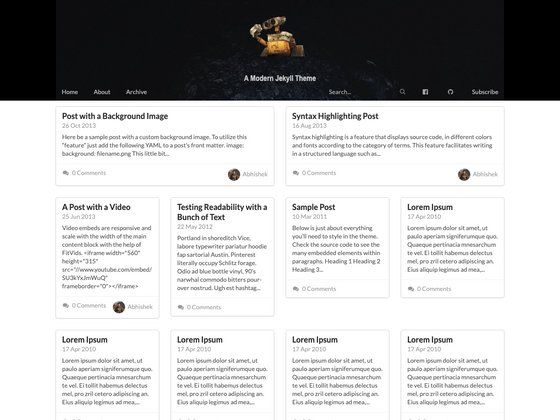
Template details
Hugo Theme Stack Starter
A quickstart template to create a Hugo blog using hugo-theme-stack
About this template
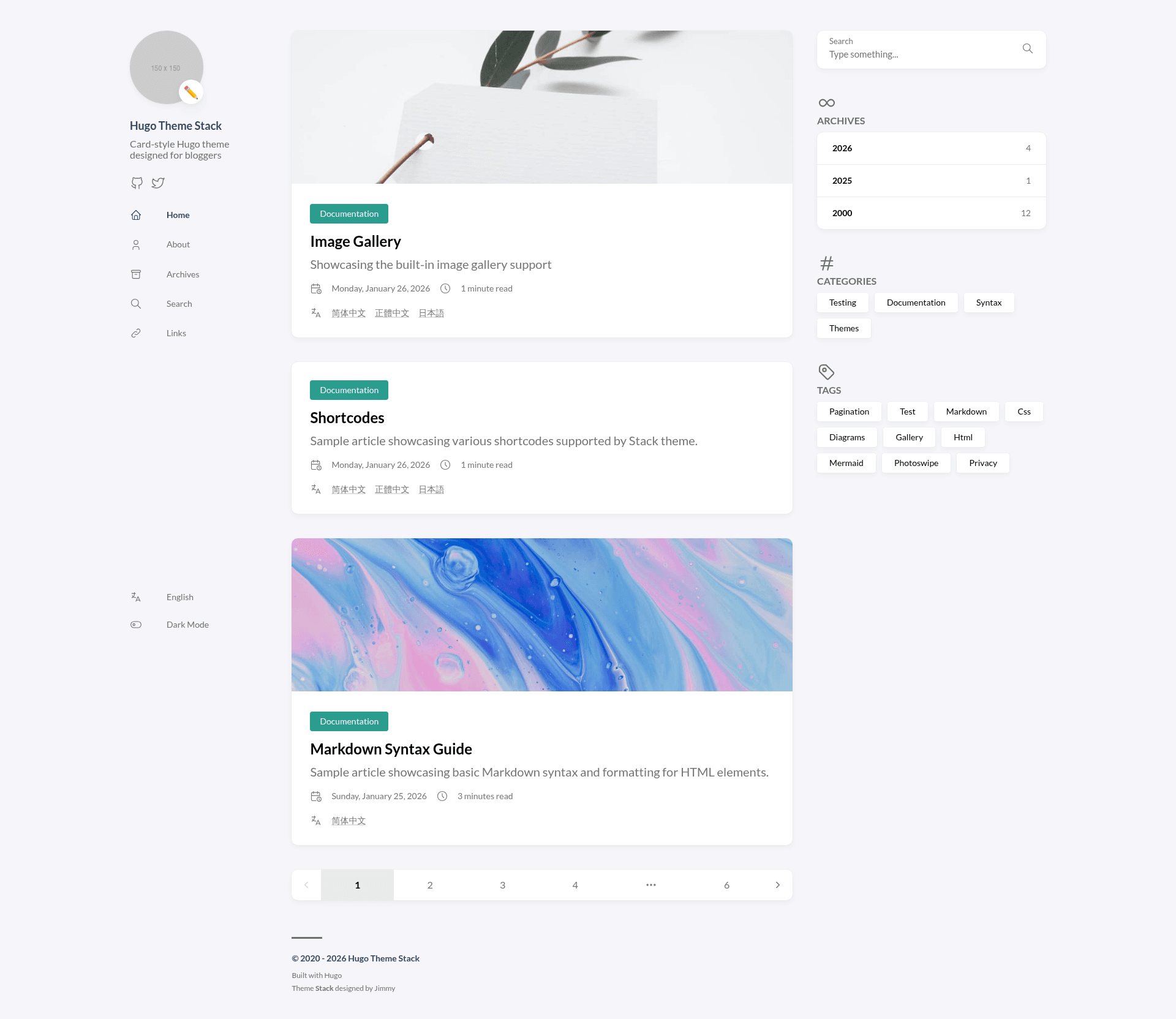
Hugo Theme Stack Starter is a GitHub template that scaffolds a Hugo blog pre-wired to the hugo-theme-stack (v4) and automates deployment to GitHub Pages through GitHub Actions.
What is Hugo Theme Stack Starter?
Hugo Theme Stack Starter is a quick-start template for Hugo theme Stack, created by CaiJimmy. It uses Hugo modules to load the theme, so you don't need to vendor the theme source into your repository. The template takes your repository name and configuration edits as input and produces a complete static blog site that builds with Hugo. It is maintained as a starter for hugo-theme-stack and referenced by the theme's official documentation.
Key Features
- Hugo modules integration — loads the theme as a Go module so updates pull from the theme repository rather than a vendored copy.
- GitHub Actions auto-deploy — includes a workflow that builds the site and publishes it to GitHub Pages whenever you push to the repository.
- Daily theme update cron — a scheduled job runs daily to fetch the latest version of the theme.
- Pre-configured config folder — configuration lives in
config/_default/config.toml, including thebaseurlproperty you set for your site's URL. - GitHub Codespaces ready — you can spin up a codespace from the template to test with
hugo serverwithout a local install. - Local development supported — with Git, Go, and Hugo extended installed, you can run the site locally with
hugo server. - Manual theme update commands — run
hugo mod get -u github.com/CaiJimmy/hugo-theme-stack/v4andhugo mod tidyto update the theme.
Who is it for?
- Bloggers who want a modern Hugo blog without hand-wiring a theme and deployment pipeline.
- Developers who want a GitHub Actions–managed static site and can edit TOML config files.
- Hugo newcomers who can follow the video tutorial and step-by-step README to publish a site in minutes.
What can you do with it?
- Personal blogging: create a new repository from this template, author posts in Markdown, and push to have the site deployed to GitHub Pages at your username.github.io URL.
- Learning Hugo modules: examine the starter's
config/module.tomlandconfig/_default/to see how a theme is loaded and configured via Go modules. - Testing Hugo themes in Codespaces: open the template in GitHub Codespaces, run
hugo server, and preview the site before committing.
How does it work?
The README walks through a six-step setup: click "Use this template" to create a repository named username.github.io, create a GitHub Codespace, set the Pages source to GitHub Actions in repository Settings, run hugo server in the Codespace to test the build, edit the config files (especially baseurl in config/_default/config.toml), then commit and push. GitHub Actions then deploys the site automatically.
FAQ
How do I update the theme manually?
Run hugo mod get -u github.com/CaiJimmy/hugo-theme-stack/v4 followed by hugo mod tidy. You may also need to edit config/module.toml because Go modules require manual updates once a v4-or-newer theme version is released.
Do I need to install Hugo locally?
No, you can use GitHub Codespaces to build and test the site. If you prefer local development, you must install Git, Go, and Hugo extended on your machine.
Can I deploy to hosting other than GitHub Pages?
Yes, the README links to the official Hugo docs covering other static site hosts; the template is Hugo output, so it can be deployed to any static host.
What version of the theme does the starter use?
The starter is configured with v4 of hugo-theme-stack. Because of Go module limitations, upgrading beyond v4 requires manually editing config/module.toml.