Template details
Hexo Theme Insnow
A simple, open-source Hexo theme called insnow for personal blogs, styled with Stylus and using Markdown for content.
About this template
Insnow is a simple, open-source Hexo theme developed by the user mizore, designed to render Markdown blog posts into fast, static HTML pages with a minimal, text-focused layout.
What is Hexo Theme Insnow?
Hexo Theme Insnow is a minimal theme for the Hexo static site generator, built to display personal blog content in a clean, no-frills design. As a Hexo theme, it takes Markdown files written in Hexo's standard source/_posts directory and generates a static website with a consistent blog layout. The theme is hosted on GitHub under the xmizore/insnow repository, where it has collected 23 stars at the time of writing. Its styling is authored in Stylus, a CSS preprocessor, and it follows the conventional file structure expected by Hexo so that installation only requires copying the theme into the themes folder and setting the theme option in Hexo's config file.
Key Features
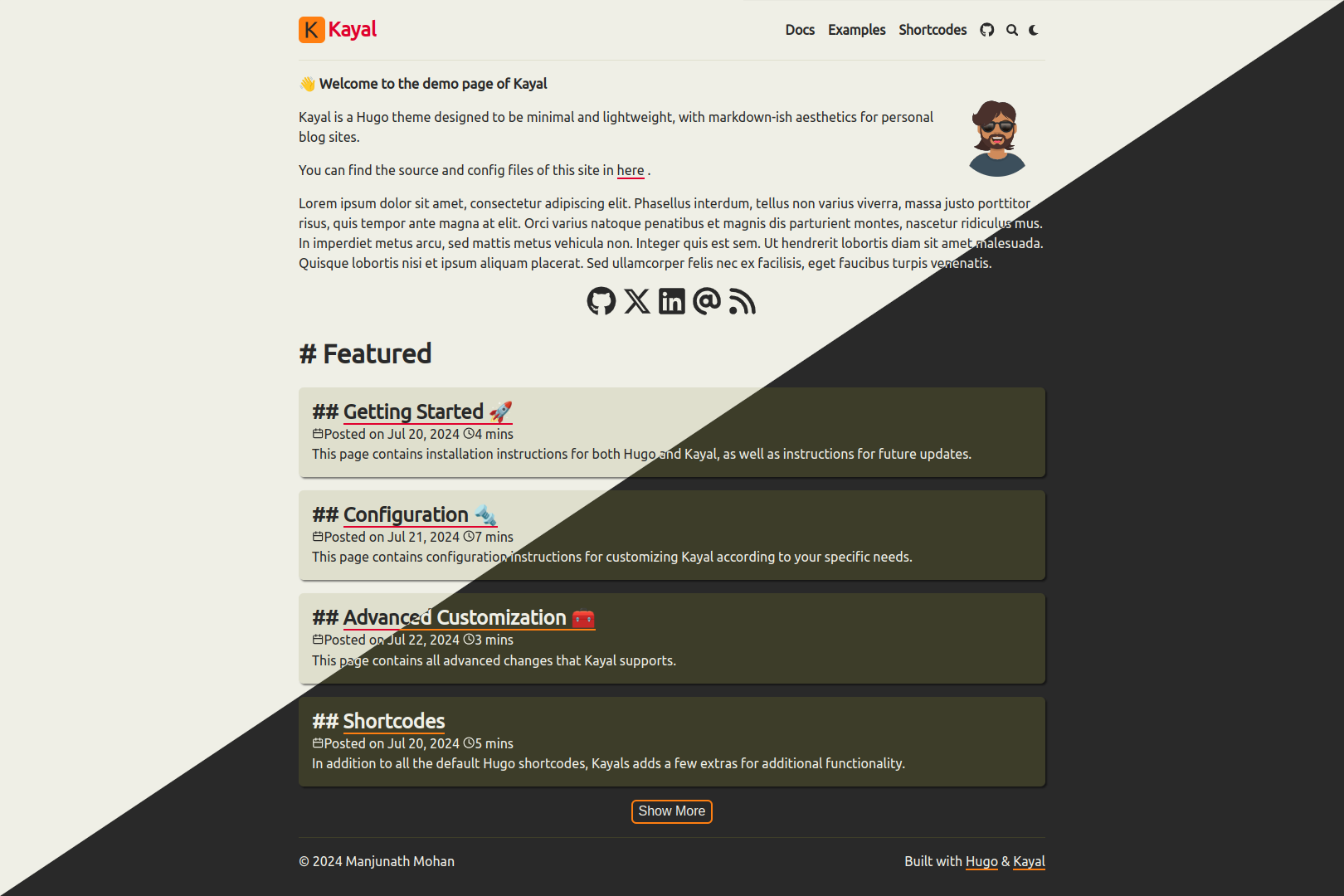
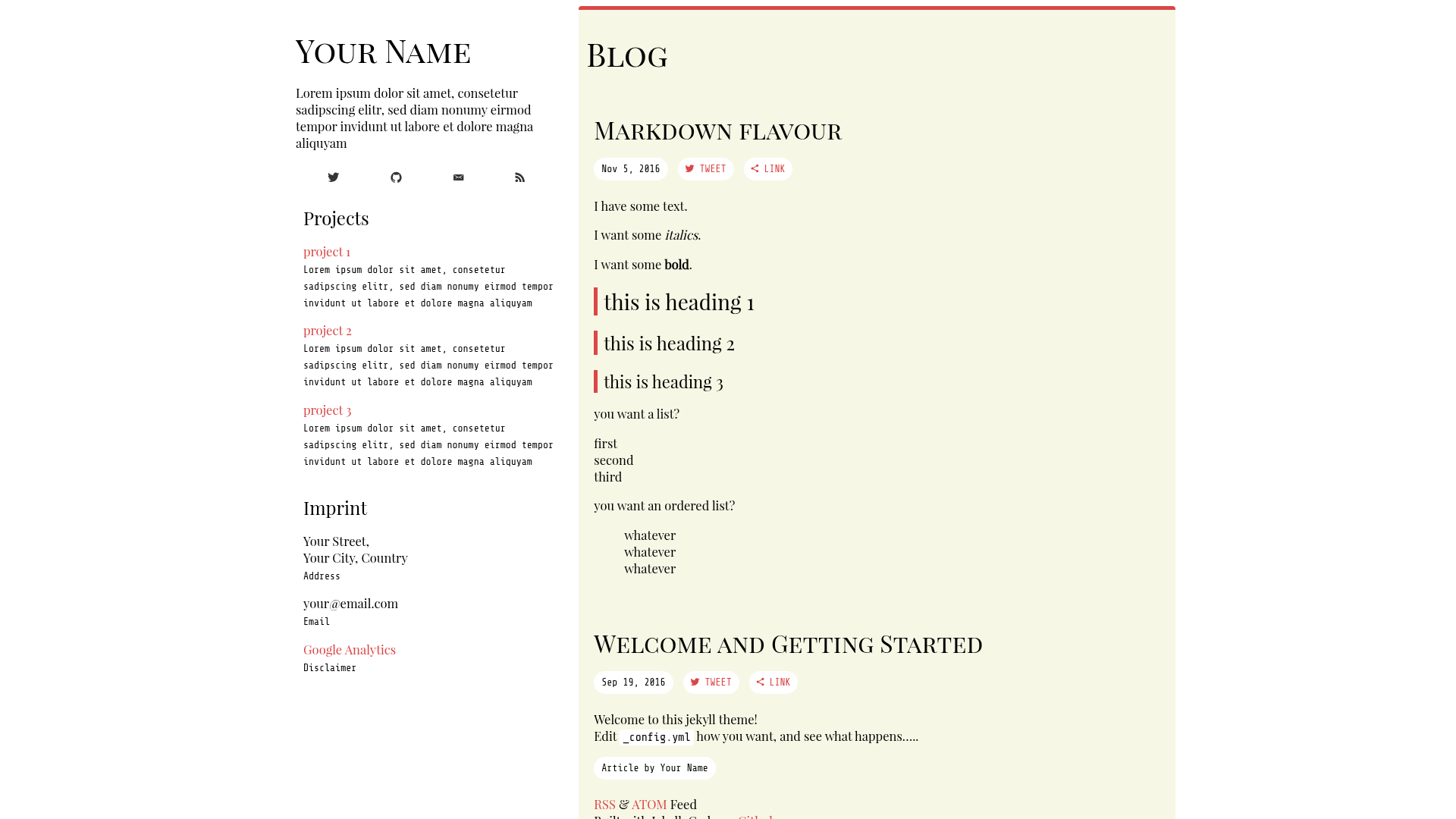
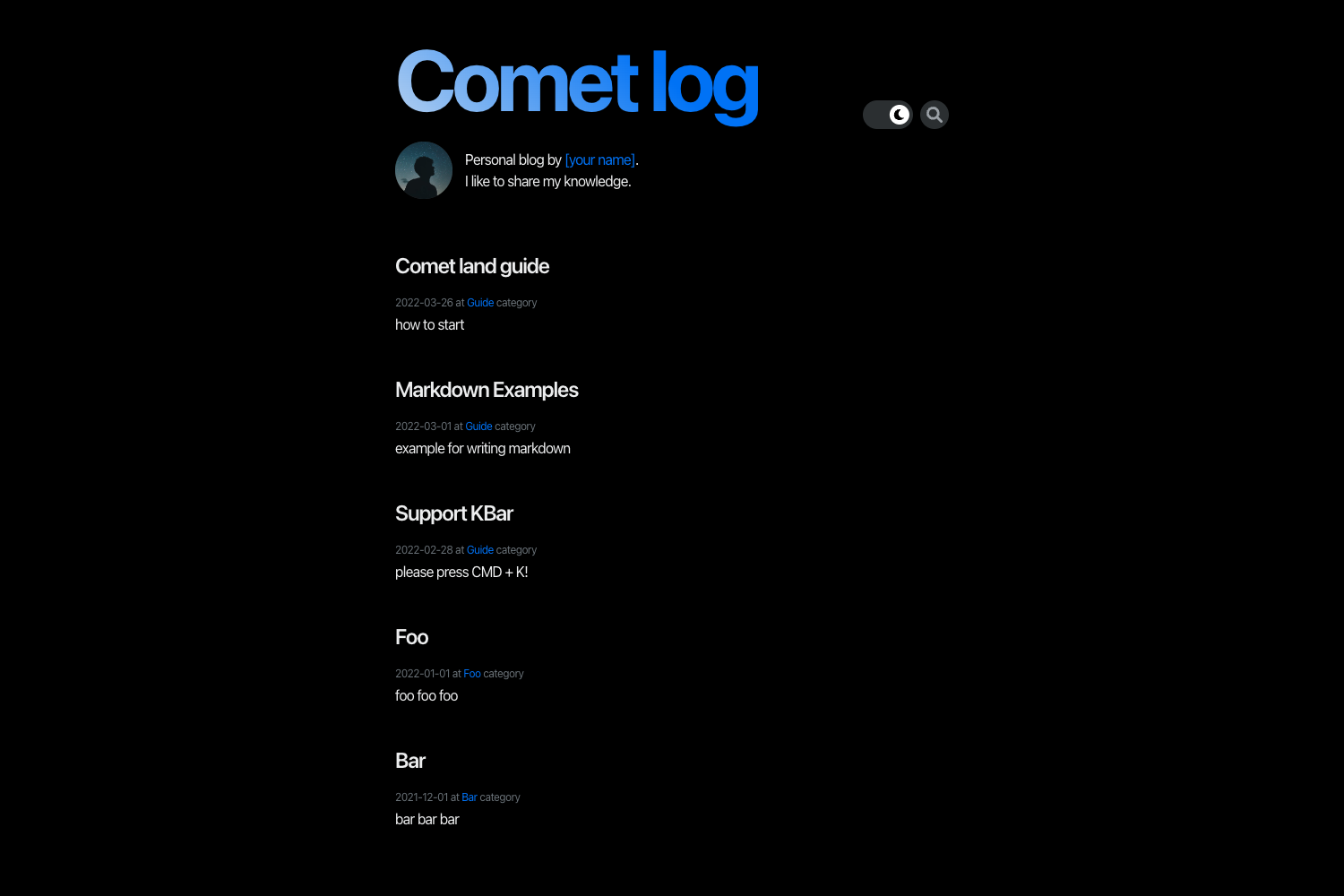
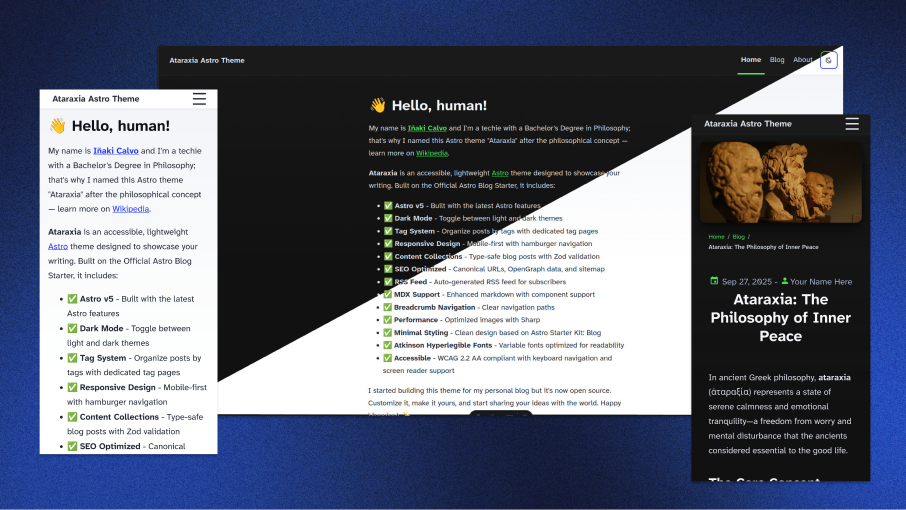
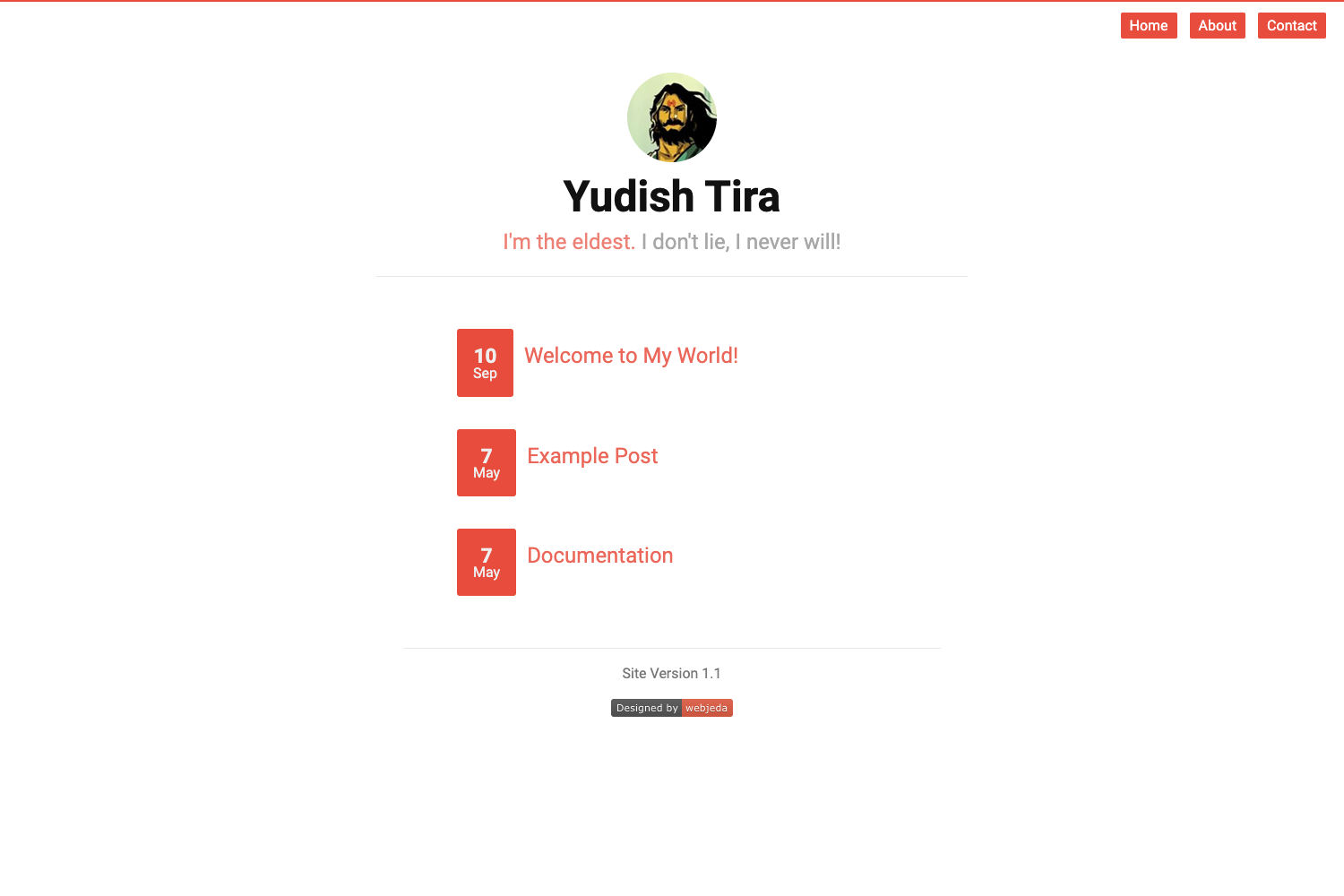
- Minimal visual design — the theme's screenshots show a simple, white-background layout that keeps typography and readability as the focus, without heavy graphics or sidebars cluttering the content area.
- Hexo-native workflow — it plugs directly into Hexo's post and page pipelines, so you keep using Markdown for writing and
hexo generatefor building static files. - Stylus styling for easy customization — all style rules are written in Stylus, allowing developers to tweak colors, fonts, and spacing in one preprocessor file and recompile to CSS.
- Official usage guide — the developer published a "食用指南" (usage guide) at https://xmizore.github.io/article/insnow主题食用指南/ that explains installation and configuration steps.
- Open-source code — the full source code is available on GitHub, and the repository is lightweight enough to read and modify; its 23-star rating indicates a small but real user base.
Who is it for?
- Personal bloggers who want a simple, distraction-free site for their essays or journals and are comfortable using Hexo's command-line workflow.
- Existing Hexo users looking for an alternative to Hexo's default landscape theme; this theme offers a lighter visual style and a smaller codebase.
- Front-end developers curious about Hexo theming who want to study a small, readable theme implementation that uses Stylus rather than a full CSS framework.
What can you do with Hexo Theme Insnow?
- Publish a personal blog: Write Markdown posts, run
hexo generateto compile the static site, and deploy it to GitHub Pages, Netlify, or any static host. - Create a simple portfolio page: Use the theme's page template to build an about page, a project list, or a contact page alongside your posts.
- Learn Hexo theme development: Read the theme's source to understand how Hexo templates and Stylus style files fit together, then modify them for your own experiments.
Pros and cons
- Pros: free and open source; minimal design that loads quickly; Stylus-based customization is straightforward for those familiar with CSS preprocessors; the developer provides a usage guide.
- Cons: the official guide is written in Chinese, so non-Chinese speakers may need to rely on the code comments or standard Hexo documentation instead.
FAQ
Is Hexo Theme Insnow free?
Yes, the theme is open source and hosted on GitHub, so you can download, modify, and use it for personal or commercial projects at no cost.
What do I need to run Hexo Theme Insnow?
You need an existing Hexo site. The theme is installed by copying its folder into Hexo's themes directory, then changing the theme setting in _config.yml to insnow.
How do I customize the theme?
All CSS rules are written in Stylus. Edit the .styl files in the theme's source folder, then run hexo generate to recompile the CSS and rebuild your site.
Is the documentation available in English?
The official guide linked from the repository is written in Chinese. The theme code itself uses standard Hexo conventions, so English-speaking developers can rely on Hexo's general documentation.