Template details
HugoTeX
A LaTeX-inspired Hugo theme for academic and technical blogs with server-side math rendering.
About this template
HugoTeX is a free, MIT-licensed Hugo theme that applies LaTeX-inspired typography to static sites and renders math entirely on the server, making it a fit for academic blogs, research notes, and technical documentation.
What is HugoTeX?
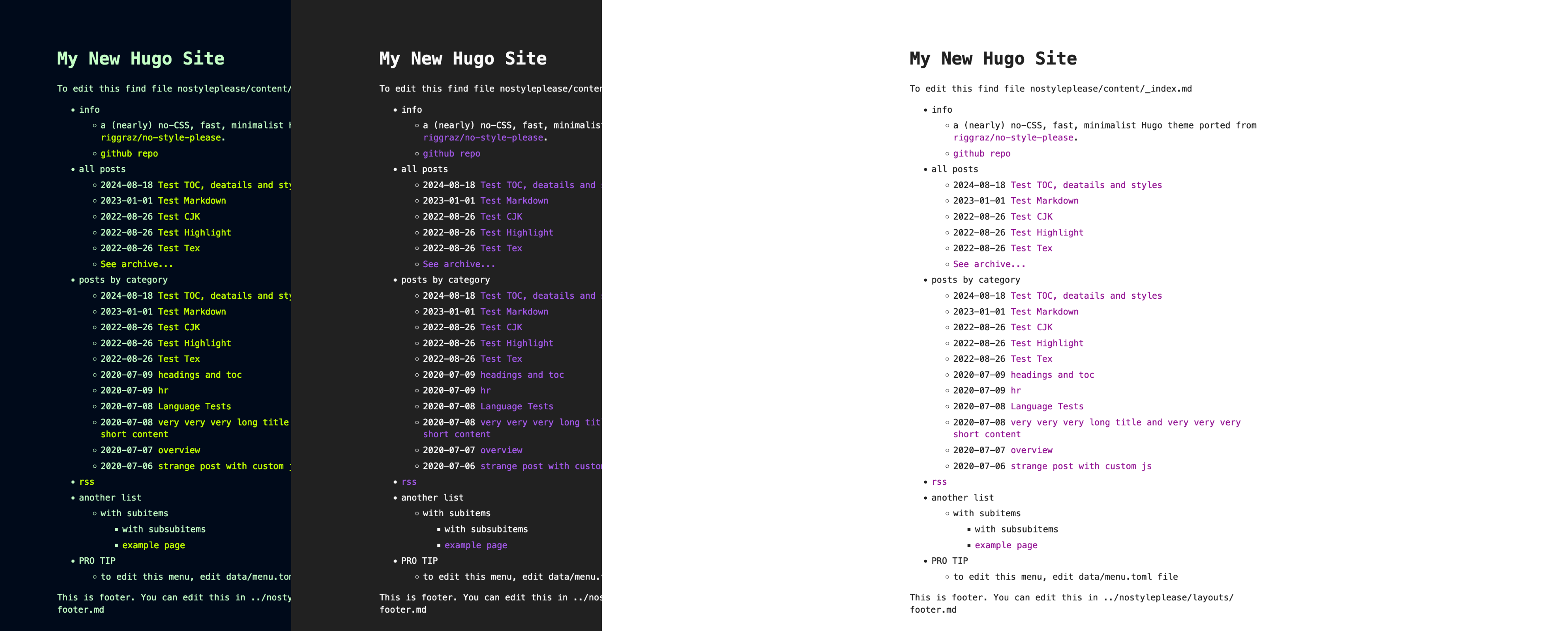
HugoTeX is a theme for the Hugo static site generator (version 0.158.0 or later) that produces print-like web pages with a LaTeX aesthetic. It takes standard Markdown content, including inline and display math written with dollar signs, and outputs a static HTML site styled with LaTeX.css. The theme is maintained by the HugoTeX team on GitHub and ships with an example site for testing. It includes built-in support for automatic dark mode, sidenotes, article abstracts, and social meta tags.
Key Features
- LaTeX-style typography — Uses LaTeX.css to give headings, paragraphs, and lists the classic Computer Modern look inspired by LaTeX documents.
- Server-side math rendering — Math written as
$...$and$$...$$is rendered with KaTeX through Hugo's built-intransform.ToMathfunction, so no client-side JavaScript is needed for equations. - Automatic dark mode — Dark mode follows the visitor's
prefers-color-schemesetting; site owners can force light or dark mode by settinglightmode = trueordarkmode = truein the site config. - Sidenotes — A shortcode places supplementary notes in the right margin on desktop; on mobile they are hidden and revealed by tapping the reference number.
- Article abstracts — Content before the
<!--more-->marker is displayed as an academic-style abstract on article pages, and the same summary is reused for meta descriptions. - SEO and social previews — Built-in OpenGraph and Twitter Card support, configurable canonical URLs, and page-level meta descriptions.
- Accessible by default — The site works fully without JavaScript; math, navigation, and content remain functional when scripting is disabled.
- Customizable theming — Syntax highlighting styles can be set independently for light and dark modes (via
Params.SyntaxHighlighting.DarkStyle), and custom CSS can be added inassets/css/custom.css.
Who is HugoTeX for?
Researchers and academics can write papers, lecture notes, and research journals with LaTeX-quality typesetting while keeping the convenience of Markdown. Technical bloggers can publish tutorials that combine code blocks and mathematical equations in a clean document layout. Science communicators and math content creators can present complex formulas in a readable, print-like format. Anyone running a personal Hugo site who values the look of LaTeX will find a turnkey theme here.
What can you do with HugoTeX?
- Researchers and academics: Write papers and notes with LaTeX-quality output without touching TeX; equations are rendered on the server for fast loading.
- Technical bloggers: Publish tutorials with inline math and syntax-highlighted code, using the abstract block to summarize posts before the full content.
- Mathematics content: Display inline and display equations with proper typesetting using standard Markdown delimiters (
$and$$). - Science communicators: Present technical articles in a print-like format, with sidenotes for supplementary explanations, and previews via OpenGraph and Twitter Cards.
How does HugoTeX work?
HugoTeX is installed as a regular Hugo theme, either as a Git submodule, a Hugo module, or a direct clone into the themes directory. Configuration is done in hugo.toml: you set the theme, enable the Goldmark passthrough extension, and choose delimiters for inline and block math. The theme then processes Markdown content at build time, renders math server-side, and generates a static site that can be deployed anywhere Hugo outputs to.
Pricing
HugoTeX is free and open source. It is distributed under the MIT License, which allows commercial and personal use, modification, and redistribution with attribution.
Alternatives
The HugoTeX README names hugo-theme-texify, another LaTeX-inspired Hugo theme, as a similar project. It may be worth comparing when choosing a LaTeX-styled Hugo theme.
FAQ
Is HugoTeX free?
Yes, HugoTeX is free open-source software released under the MIT License. You can use it in personal and commercial projects, modify it, and redistribute your changes.
Does HugoTeX work without JavaScript?
Yes. Math is rendered server-side, and the theme is designed to work even with JavaScript disabled. Sidenotes on mobile rely on JavaScript, but the rest of the site functions without it.
What Hugo version do I need?
HugoTeX requires Hugo version 0.158.0 or newer, as stated in the project's prerequisites. Earlier versions may not support the transform.ToMath feature it depends on.
How do I install HugoTeX?
You can add it with git submodule add https://github.com/hugotex-dev/HugoTeX.git themes/HugoTeX, use Hugo Modules by adding the import path, or clone the repository directly into your themes folder. Full instructions and configuration examples are included in the README.
Can I change the syntax highlighting style?
Yes. Set [markup.highlight] style = "monokai" (or any Chroma style) in hugo.toml. For separate light and dark styles, keep the light style in markup.highlight.style and set [Params.SyntaxHighlighting] DarkStyle = "paraiso-dark".