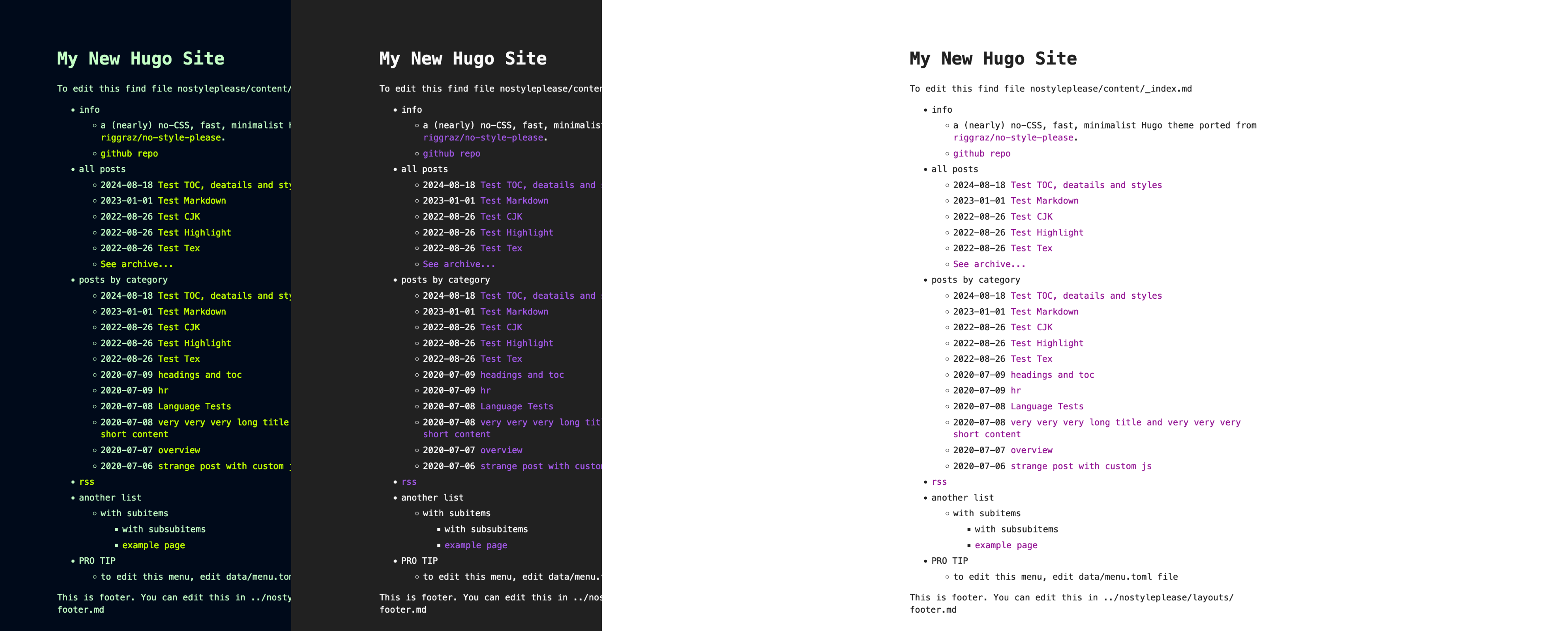
Template details
Hacker
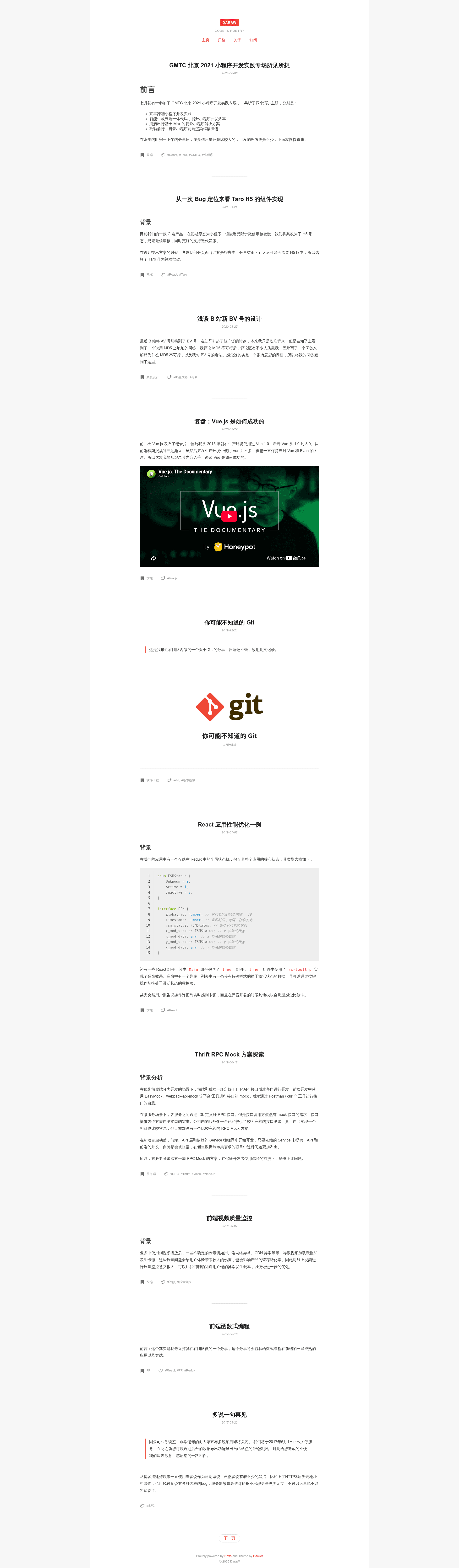
A minimalist open-source Hexo blog theme focused on writing.
About this template
Hacker is a minimalist open-source blog theme for Hexo, focused on the craft of writing. Originally created by moyo as a WordPress theme and ported to Hexo by DaraW, it strips away complex typography to put the content first.
What is Hacker?
Hacker is a simple blog theme for the Hexo static site generator, originally created by moyo as a WordPress theme and ported to Hexo by DaraW. It takes your Markdown posts and produces a clean, typography-first blog layout with support for comments, analytics, and category/tag pages. The theme is distributed under the GPL v2.0 license and is actively maintained on GitHub with 669 stars.
Key Features
- Minimalist writing focus — purges decorative elements so your text drives the page, a deliberate contrast to trend-heavy blog themes.
- Seven comment system integrations — Gitment, Gitalk, Valine, Disqus, utterances, Livere, and giscus can each be toggled on or off in the theme's
_config.ymlwith per-service credentials. - Google and Baidu Analytics — add your tracking ID as
googleTrackIdorbaiduTrackIdin the theme config; both analytics snippets are skipped when the values are empty. - Categories and Tags pages — built-in layout templates are activated by running
hexo new page categoriesorhexo new page tagsand setting the page'slayoutfield accordingly. - Configurable menu — the navigation bar (Home, Archives, Categories, Tags) is edited via the
menukey in the theme configuration. - Automation-ready deployment —
_config.xmlis gitignored; removing it or creating a symbolic link lets CI tools like TravisCI deploy your blog automatically. - Simple installation — download or clone the theme, copy it into
themes/Hacker, and settheme: Hackerin your Hexo root_config.yml.
Who is it for?
- Writers and bloggers who want a distraction-free reading experience and spend minimal time on configuration.
- Hexo users who need a lightweight alternative to feature-heavy themes and prefer to enable services selectively.
- Developers who want a small, GPL-licensed codebase they can fork and customize, with clear configuration examples for common services.
What can you do with Hacker?
- Personal bloggers: publish a fast static blog with a clean layout, categories, and tags, plus your choice of comment system.
- Technical writers: create a Markdown-based documentation or article site with support for Google or Baidu analytics to measure readership.
- Developers: set up a TravisCI pipeline to auto-deploy the blog, as demonstrated by the maintainer's own setup.
How does Hacker work?
- Get the theme files by cloning the repository or downloading the ZIP archive.
- Create a folder named
Hackerunder your Hexothemesdirectory and copy all theme files into it. - Set
theme: Hackerin the global_config.yml, then runhexo cleanafter each update to avoid stale cache issues.
FAQ
How do I install Hacker?
Download or clone the repository, place the files in themes/Hacker, and set theme: Hacker in the Hexo global _config.yml. After updating the theme, always run hexo clean to regenerate the site cache.
Does Hacker support comments?
Yes. Hacker integrates seven comment systems: Gitment, Gitalk, Valine, Disqus, utterances, Livere, and giscus. Each is disabled by default and enabled by setting the corresponding flag and credentials in the theme's _config.yml.
Can I use Google Analytics with Hacker?
Yes. Add your tracking ID as googleTrackId in the theme configuration. If the value is empty, Hacker skips loading the Google Analytics snippet. Baidu Analytics is also supported via baiduTrackId.
How do I add categories and tags pages?
Run hexo new page categories and hexo new page tags, then edit the generated index.md files to set layout: "categories" and layout: "tags" respectively. Add the links to the menu in the theme config.