Template details
HydeBar
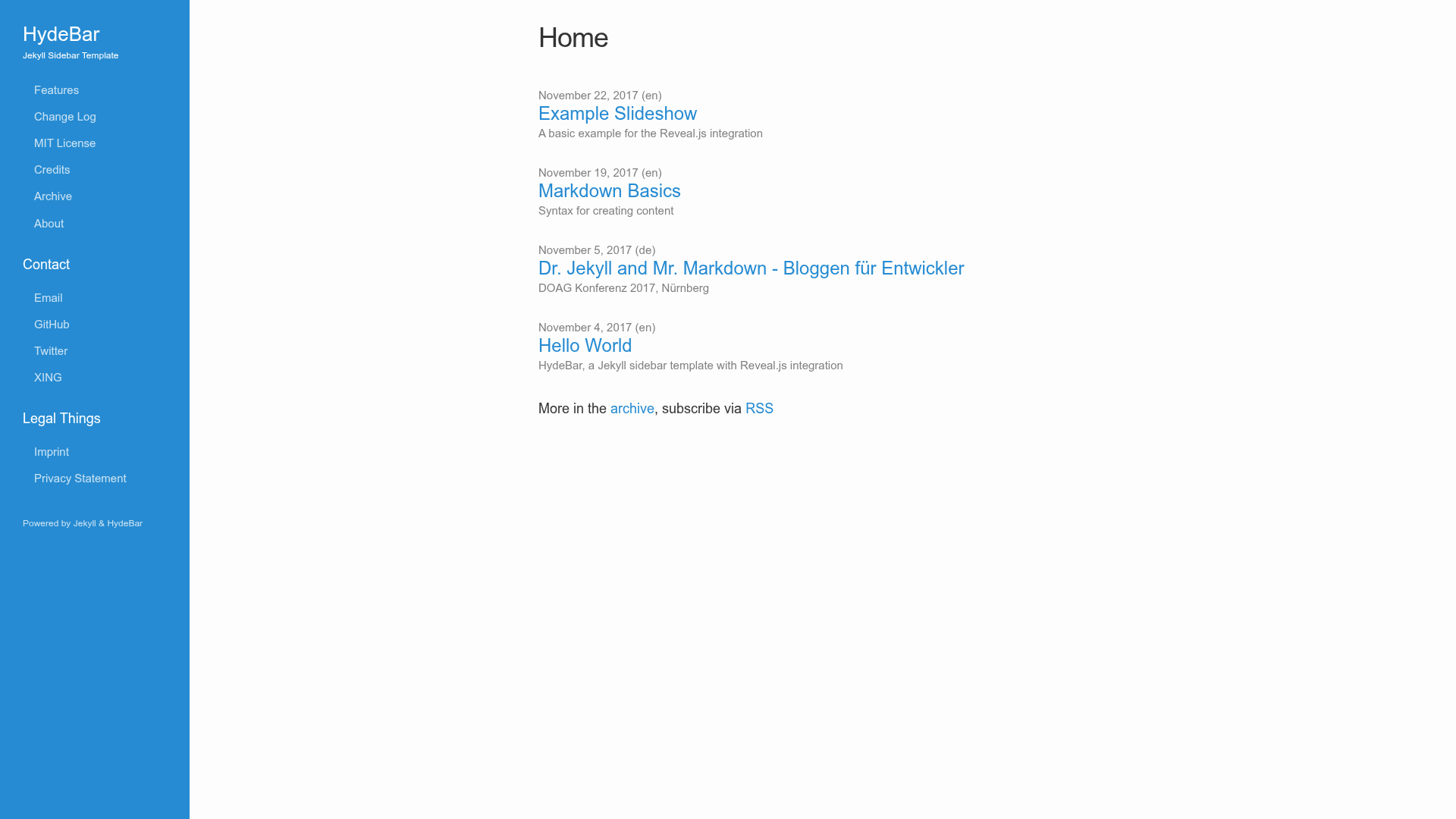
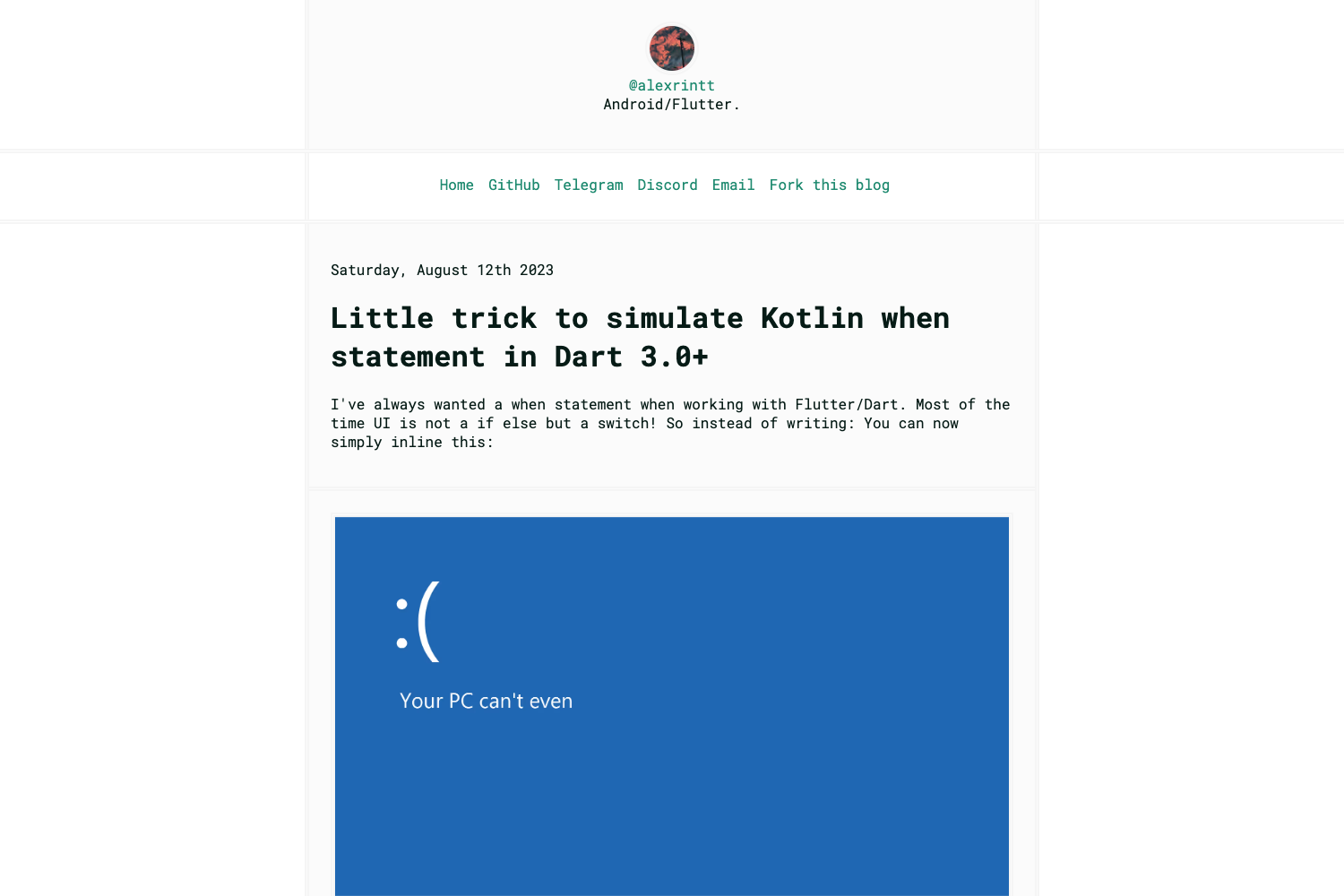
Jekyll sidebar template with Reveal.js integration — a static site can be online in about five minutes.
About this template
HydeBar is a Jekyll sidebar template with built-in Reveal.js integration, designed to put a static site online in about five minutes. It combines two outputs in one Jekyll project: a sidebar-navigated HTML site for regular pages and posts, plus Reveal.js slide decks for presentations. The template runs on Jekyll, the Ruby-based static site generator, and its GitHub Pages demo at ogobrecht.github.io/hydebar serves triple duty as the template itself, its documentation, and a live showcase.
What is HydeBar?
HydeBar is a Jekyll sidebar template with Reveal.js integration, hosted from the ogobrecht GitHub account and demonstrated at ogobrecht.github.io/hydebar. It takes Jekyll content — pages and posts written in Markdown — and renders a static HTML site with a persistent sidebar navigation; presentation content renders as Reveal.js slide decks served from the same site. The demo runs on GitHub Pages, so the template is built around that hosting workflow.
Key Features
HydeBar's feature set combines a sidebar-first layout with the ability to serve Reveal.js presentations from the same static site.
- Sidebar layout — A persistent sidebar frames the site navigation, in the spirit of the Hyde-style themes its name references.
- Reveal.js integration — Slide presentations are rendered inside the same Jekyll site rather than on a separate platform, so talks and posts share one URL.
- Five-minute setup — The project's own description promises a site online in about five minutes.
- Self-documenting demo — ogobrecht.github.io/hydebar acts as template, documentation, and showcase at once; exploring the live site shows how the template is built.
- GitHub Pages ready — The live demo runs on a standard github.io URL, which is how most Jekyll sites are deployed.
- Public repository — The project is tracked on GitHub with the topics jekyll-template and reveal-js.
Who should use HydeBar?
Bloggers, speakers, and Jekyll newcomers who want a sidebar-based static site that can also publish HTML slide decks.
- Personal bloggers: publish Markdown posts behind a persistent sidebar and deploy to GitHub Pages.
- Speakers and educators: host Reveal.js slides for talks or classes on the same domain as their written notes.
- Jekyll learners: study the live demo, which functions as the template's own documentation and showcase.
What can you do with HydeBar?
With this template you can run three concrete workflows from a single Jekyll project.
- Publish a blog: write posts in Markdown and get a static, sidebar-navigated site that fits standard GitHub Pages deployment.
- Present from your site: format content as a Reveal.js deck and share a URL instead of sending slide files.
- Reuse a self-documenting template: browse the demo to see the template's output while reading its documentation at the same time.
FAQ
What does HydeBar do?
HydeBar is a Jekyll sidebar template with Reveal.js integration. It renders standard Jekyll content into a static HTML site with a sidebar, and it renders presentation content as Reveal.js slide decks within the same site.
How is the demo also the documentation?
The online demo at ogobrecht.github.io/hydebar exists as template, documentation, and showcase. Because the live site is built from the template itself, looking at the demo doubles as reading the setup instructions.
Does HydeBar run on GitHub Pages?
The live demo runs at ogobrecht.github.io/hydebar, a GitHub Pages URL. That means the template works with the GitHub Pages workflow that most Jekyll users deploy to.
How fast can a site be online?
The project's description says a site can be online in about five minutes with this template. The self-documenting demo serves as the starting point for setup.
Alternatives
- Hyde — the classic Jekyll sidebar theme whose name this template echoes, and the natural layout comparison point.