Template details
Stalux
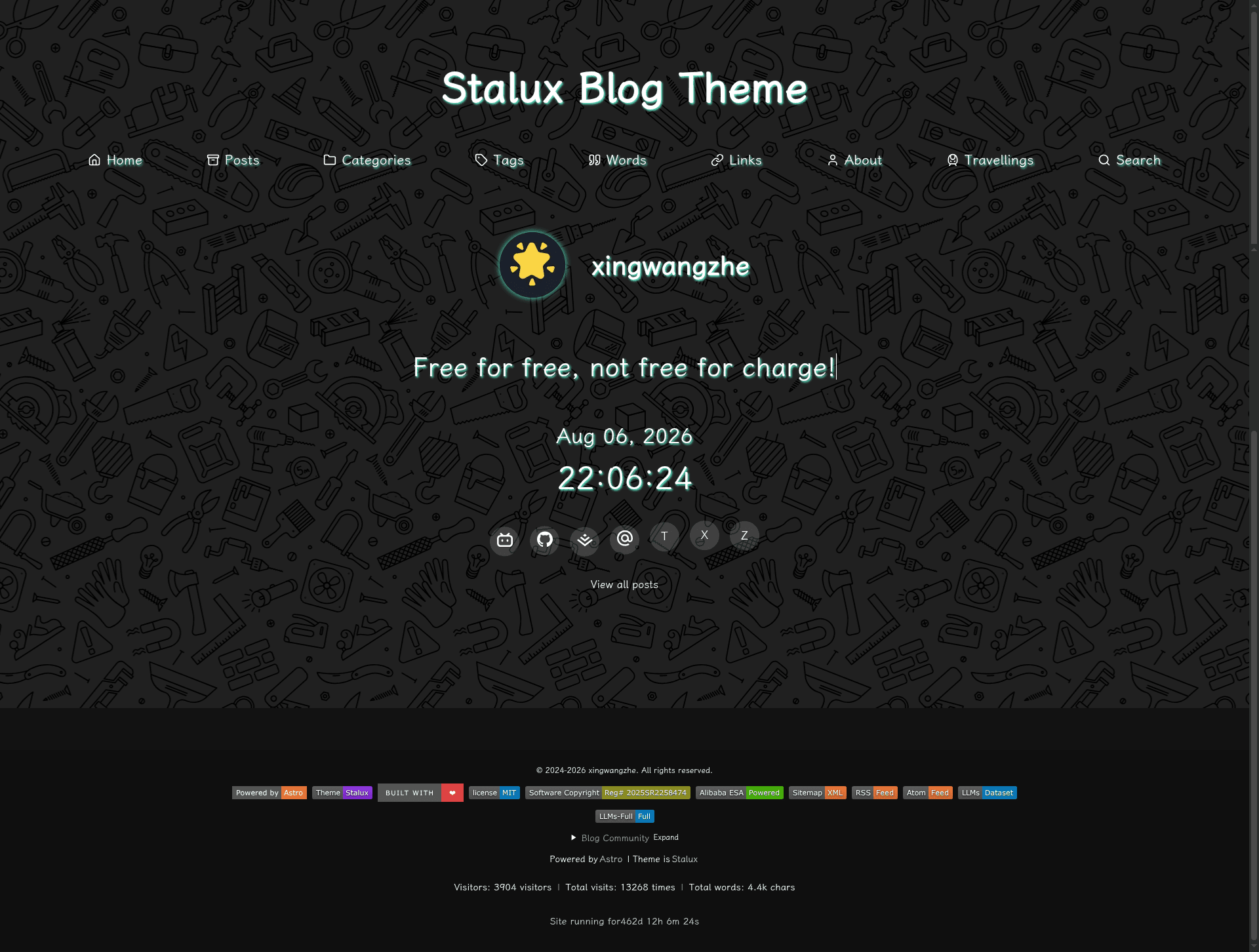
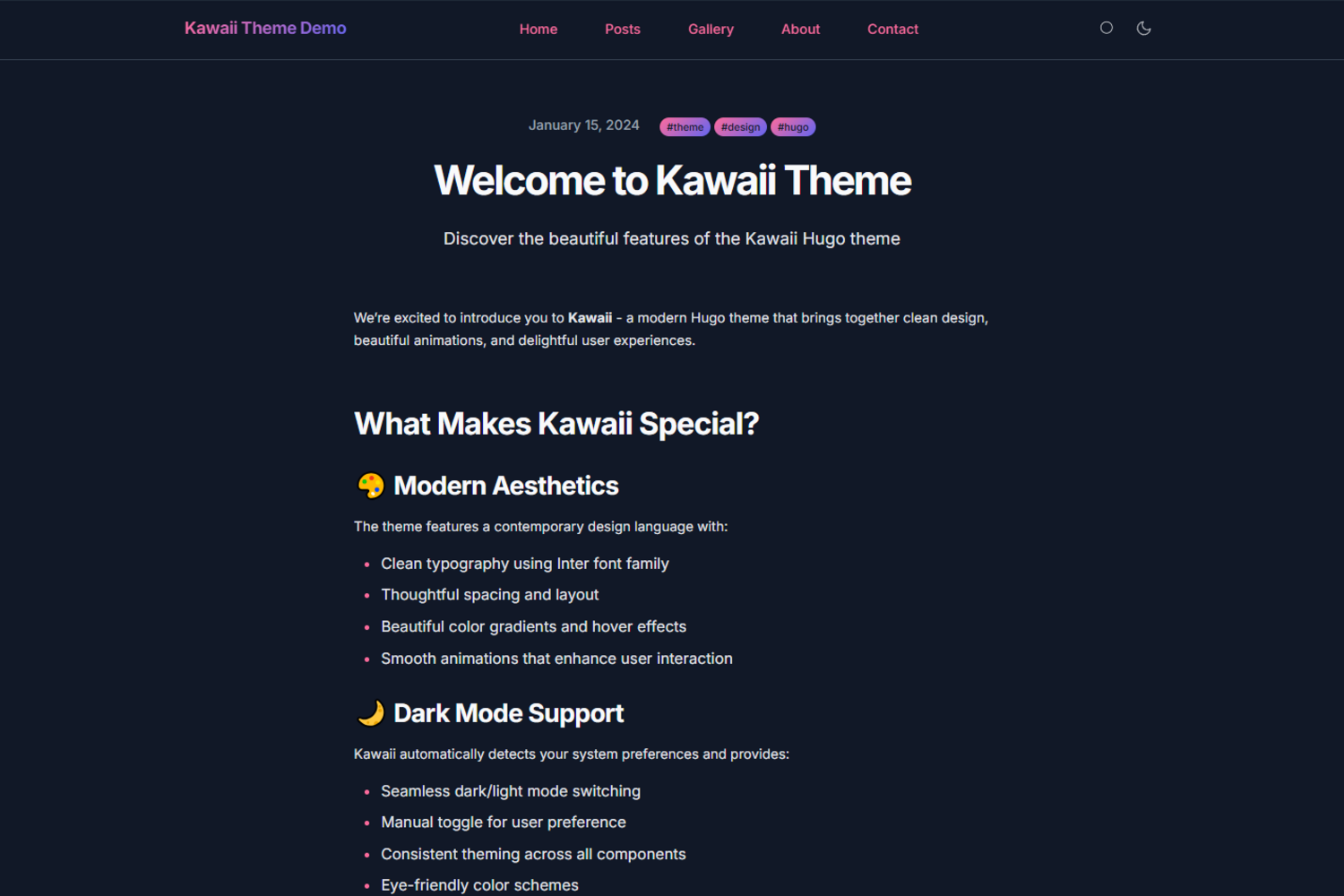
A dark-themed Astro blog theme with glassmorphism design, per-route font subsetting, full-text search, and AI-agent discovery tools.
About this template
Stalux is a dark-themed, glassmorphism-styled Astro blog theme that runs either as a source template or as an npm-installed plugin, built for fast, content-first blogs with per-route Chinese font subsetting and built-in AI-agent tools.
What is Stalux?
Stalux is an open-source (MIT) blog theme built on the Astro static-site framework. As input it takes Markdown posts, YAML configuration files, and a designated content directory; as output it produces a fully static site with RSS/Atom feeds, Pagefind full-text search, and JSON API endpoints for AI agents. The theme was created by developer xingwangzhe and is distributed on npm as @xingwangzhe/stalux, with the source code available on GitHub.
Key Features
- Dual-mode installation — Use it by cloning the GitHub repository as a template, or install it as an npm plugin with
bun add @xingwangzhe/staluxand initialize a content directory withbunx stalux init. - Per-route font subsetting — A 25 MB Chinese font (LXGW WenKai) is sliced at build time into a shared ~350 KB common subset plus per-route subsets of roughly 0.5–3 KB, powered by subset-font (Harfbuzz WASM).
- Full-text search — Pagefind is auto-indexed on build so visitors can search the entire blog without a backend.
- AI-agent discovery tools — Built-in WebMCP tools (W3C draft, pure front-end) let agents list, fetch, search, and read posts, plus a random-post picker, all read-only; also generates llms.txt and llms-full.txt.
- i18n — English and Chinese locales are supported out of the box, with tag, category, and archive pages.
- Component override system — 30+ components (Navs, Footer, etc.) can be replaced with custom Astro components via the theme's
componentsoption. - YAML configuration — Site metadata, navigation, footer, friend links, comments, analytics, and more are all managed through YAML files in a
stalux/configdirectory, so no coding is required. - Media and math support — PhotoSwipe for image lightboxes, Mermaid diagrams, KaTeX/MathML math rendering, Waline comments, and view transitions for smooth page navigation.
Who should use Stalux?
Bloggers who want a polished dark theme with minimal configuration can clone the template, edit YAML files, and publish. Developers building a custom blog can use the component override system to replace 30+ components with their own Astro components. Chinese-language writers benefit from the per-route font subsetting that dramatically reduces initial font payload. Site owners who want their content accessible to AI agents can rely on the built-in WebMCP tools and llms.txt files.
What can you do with Stalux?
- Bilingual bloggers: Create a blog in English and Chinese with i18n support and per-language content organization.
- Technical writers: Publish posts containing Mermaid diagrams and KaTeX math formulas, with code highlighting via expressive-code.
- AI-friendly sites: Provide structured post metadata through /api/posts.json and raw Markdown at /posts/{abbrlink}.md for AI agents.
- Friend-link networks: Manage blogroll links and media links through YAML configuration.
How does Stalux work?
In plugin mode, you create a minimal Astro project, install @xingwangzhe/stalux, and run bunx stalux init to generate the content directory. Then register the theme integration in astro.config.mjs and define collections with defineCollections in src/content.config.ts. In template mode you simply clone the repository, run bun install, and start developing with bun run dev on localhost:4321.
Pros and cons
- Pros: MIT licensed; dark mode with glassmorphism; font subsetting reduces payload significantly; full-text search, RSS/Atom, and JSON APIs are generated automatically; extensive component overrides; YAML-based configuration.
- Cons: WebMCP support depends on a W3C community-group draft (browser support is limited to Chrome 149 Origin Trial for now, with a polyfill loaded for other browsers); commands in the README default to
bunrather than npm, which may require installing Bun separately.
Pricing
Stalux is free and open source under the MIT License.
FAQ
Is Stalux free?
Yes, Stalux is open source under the MIT License, so it is free to use, modify, and distribute. You can find the source on GitHub and deploy it anywhere that supports static sites.
How do I install Stalux?
You can either clone the GitHub repository for template mode, or install it into an existing Astro project using bun add @xingwangzhe/stalux and then run bunx stalux init to create the content directory.
What does the font subsetting do?
Stalux includes a 25 MB Chinese font (LXGW WenKai) and at build time generates a shared ~350 KB common subset plus per-route subsets of about 0.5–3 KB each, so pages load only the characters they need.
What is WebMCP support?
Stalux registers read-only WebMCP tools that let AI agents list, search, and read posts through the browser's native modelContext API, with a polyfill for browsers that don't support it yet. These tools are controlled by the conformance setting in stalux/config/ai-discovery.yml.