Template details
Hugrid
Hugrid is a simple grid theme for Hugo, based on Codrops' expanding preview, for building portfolios, collections, bookmarks, and contacts.
About this template
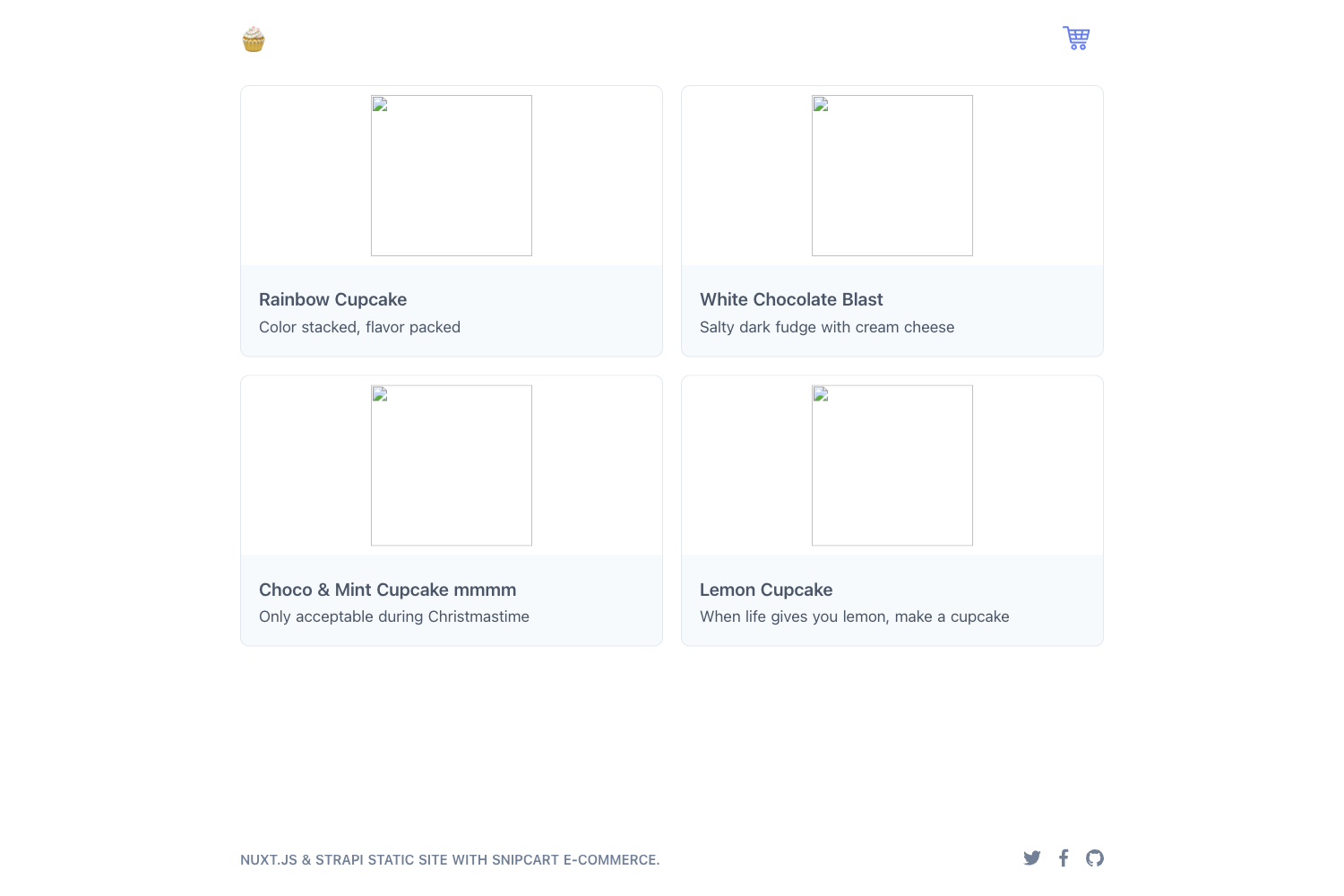
Hugrid is a simple grid theme for the Hugo static site generator that turns a TOML data file into a thumbnail grid with expanding previews, based on Codrops' Thumbnail Grid with Expanding Preview.
What is Hugrid?
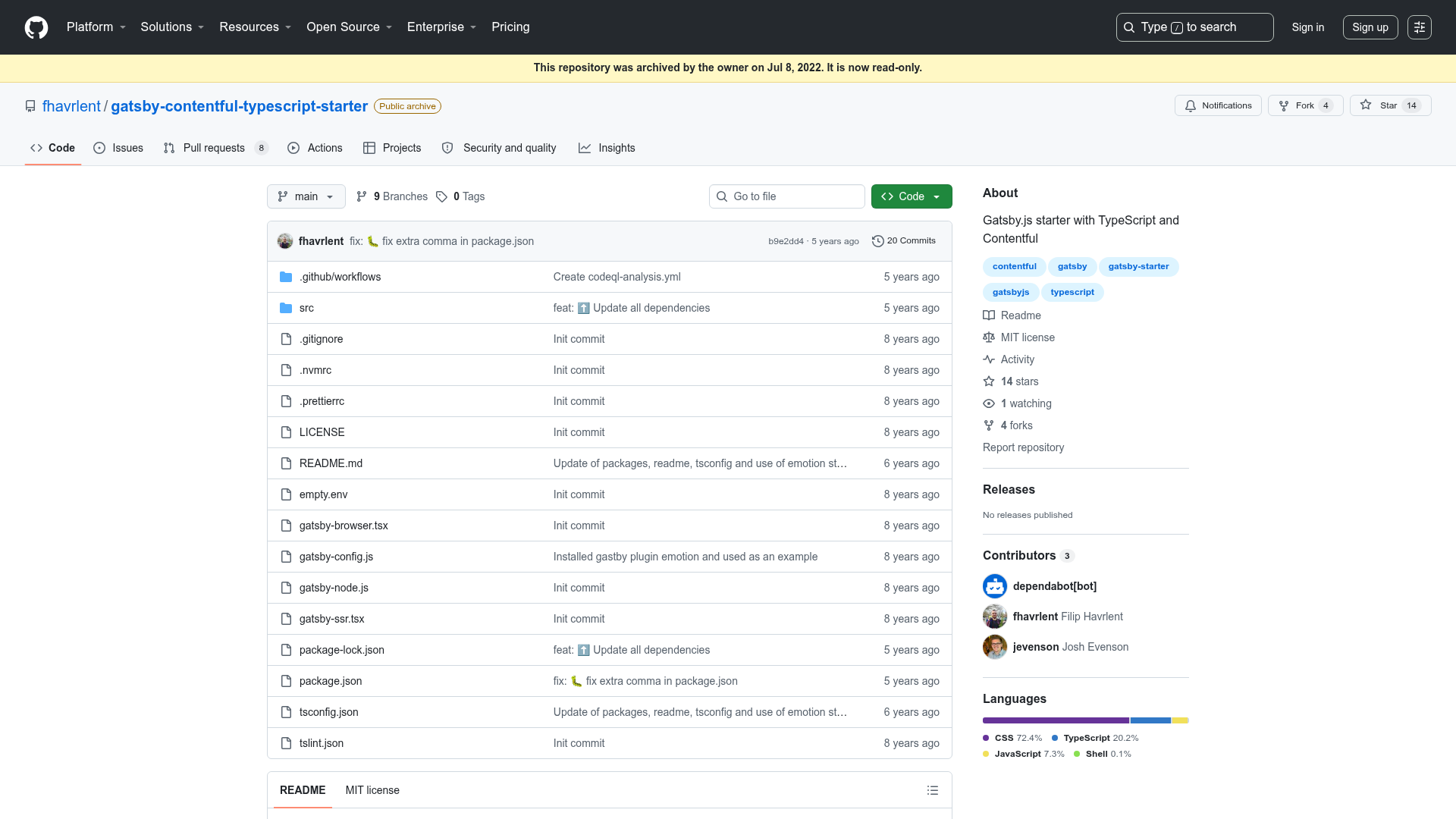
Hugrid is a minimal Hugo theme built around a data-driven thumbnail grid. It takes the contents of a data/items.toml file and renders each entry as a thumbnail that expands to show a preview. The theme is based on the popular Codrops Thumbnail Grid with Expanding Preview tutorial and is maintained in the aerohub/hugrid repository on GitHub. It is designed as a boilerplate for quickly standing up portfolio, collection, bookmark, or contact pages.
Key Features
Hugrid keeps its feature set small and focused on the essentials.
- Responsive design — The grid layout adapts to screen sizes from mobile to desktop without any extra configuration.
- Google Analytics — The theme includes a hook for Google Analytics, letting you add your tracking ID through the Hugo config file.
- Data-driven content — All grid items are defined in a
data/items.tomlfile, so you change content without touching the theme's templates. - Expanding previews — Recreates the Codrops interaction pattern: clicking a thumbnail opens an expanded detail area directly in the grid.
- Boilerplate structure — The theme ships with an
exampleSitecontaining a config.toml and a sample data folder to copy into a new Hugo site. - Easy local development — Works with Hugo's built-in server; after setup you can run
hugo server -wand view the site atlocalhost:1313.
Who should use Hugrid?
Hugrid is aimed at anyone who needs a visual grid site up and running quickly.
- Portfolio owners — Photographers, designers, and artists can display a visual grid of samples with an expanding preview for detail.
- Content collectors — People who want to organize links, articles, or resources into a clean grid format.
- Contact page builders — Anyone who needs a simple grid of contact cards or profiles.
- Hugo beginners — Users getting started with Hugo can use Hugrid as a minimal reference theme showing how data files drive a layout.
Use cases
Because Hugrid is data-driven, it can power several common site types from a single TOML file.
- Photographers: Create a portfolio grid where each thumbnail expands to show a larger preview, using only
items.tomlentries with image paths and captions. - Bookmark managers: Build a personal links or bookmarks page by listing each URL as an item in the data file.
- Freelancers and small businesses: Publish a simple about/contact grid that lists services or team members.
- Developers: Learn how a Hugo theme connects
config.tomland data files to templates by studying the Hugrid example site.
How does Hugrid work?
Install the theme by cloning the repository into the themes folder of your Hugo site: git clone https://github.com/aerohub/hugrid. Then copy the config.toml and the data folder from exampleSite into your site root, edit items.toml with your own image and text entries, and run hugo server -w to preview the site locally at localhost:1313.
FAQ
Is Hugrid free?
Yes, Hugrid is open source and licensed under the MIT License. The original Codrops tutorial it is based on has its own licensing terms, which are also linked from the README.
How do I add my own items to the grid?
Edit the data/items.toml file. Add a new record for each thumbnail you want to display, including the image path and caption text. The grid and expanding previews update based on the entries in this file.
Does Hugrid work on mobile devices?
Yes, responsive design is one of the listed features. The grid layout scales to fit smaller screens without extra configuration.
Can I use Hugrid for a portfolio?
Yes, the README explicitly lists portfolio as one of the quick uses, alongside collection, bookmarks, and contacts.