Template details
Strapi Nuxt Snipcart E-commerce
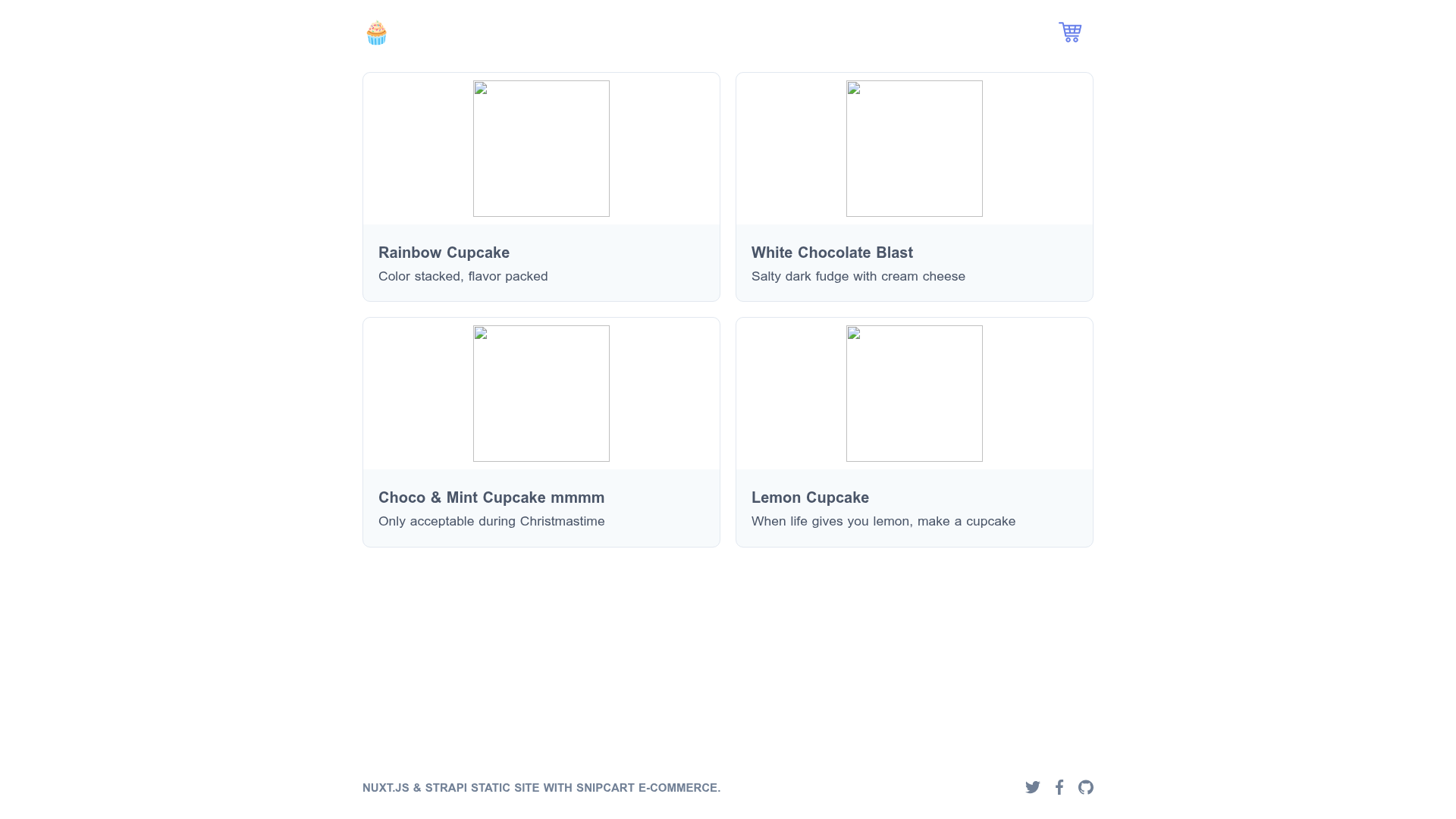
Demo for a Snipcart powered e-commerce store built with Nuxt and managed in Strapi.
About this template
This is a JAMstack e-commerce starter application that pairs Strapi as the headless CMS with Nuxt.js for the frontend and Snipcart for the shopping cart, shipped with a live demo and a step-by-step tutorial.
What is this template?
This template is a demonstration project for building a complete e-commerce store using Strapi, Nuxt.js, and Snipcart. It shows how to generate a Strapi app for managing products, consume that product data with Nuxt.js, and integrate Snipcart's shopping cart and checkout system. The final output is a deployable storefront that can be hosted on Netlify, with the provided live demo running at https://strapi-nuxt-snipcart.netlify.app. The accompanying tutorial, hosted on the Snipcart blog, walks through every step from setup to deployment, with the starter code available via the Strapi blog.
Key Features
- Strapi headless CMS backend — Manage products and custom fields in a content admin panel, and expose them via REST or GraphQL APIs.
- Nuxt.js frontend — Use a modern Vue-based framework with server-side rendering and static site generation for the storefront.
- Snipcart shopping cart — Add a client-side shopping cart and checkout flow to the Nuxt site without building a custom backend.
- Custom cart fields — Pass product options and custom fields into the Snipcart cart for flexible product configuration.
- GraphQL plugin integration — Optional GraphQL plugin in Strapi lets you query products with GraphQL in addition to the REST API.
- Deployment guide — The tutorial includes steps for deploying both the Strapi API and the Nuxt frontend (to Netlify among other options).
- Live demo and starter repo — A working demo is hosted on Netlify, and the starter code is available via the Strapi blog.
Who is it for?
- Developers new to JAMstack e-commerce who want a realistic example of connecting a headless CMS with a Nuxt.js storefront and a third-party cart service.
- Nuxt.js developers looking for a reference implementation of Strapi integration, including GraphQL queries and custom cart handling.
- Agencies and freelancers building small to medium e-commerce sites who need a customizable boilerplate they can extend with their own styling and product models.
- E-commerce entrepreneurs who want to see how a Snipcart-powered store looks and behaves before committing to a particular stack.
What can you do with this template?
- Launch a storefront quickly: Start from the starter repo, define your own products in Strapi, and have a working Nuxt.js storefront with Snipcart checkout in a short time.
- Learn the integration pattern: Follow the six-step tutorial to understand how Strapi, Nuxt, and Snipcart fit together, then apply the same pattern to other projects.
- Prototype custom e-commerce features: Use the custom cart fields and GraphQL plugin to experiment with product variants, discounts, and more complex data models.
- Deploy a live store: Use the deployment guide to host your Strapi backend and Nuxt frontend on Netlify, just like the demo.
How does this template work?
The tutorial sequences the build as: 1) generate a Strapi app and create product content types, 2) consume those products in Nuxt.js via the Strapi API, 3) add Snipcart to handle cart and checkout, 4) handle custom fields inside the cart, 5) optionally integrate the GraphQL plugin, and 6) deploy the finished Strapi and Nuxt application.
FAQ
What technology stack does this template use?
The template uses Strapi as the headless CMS backend, Nuxt.js as the Vue-based frontend framework, and Snipcart for the client-side shopping cart and checkout. It also demonstrates the Strapi GraphQL plugin and deployment to Netlify.
Is there a live demo I can try?
Yes. The live demo is hosted at https://strapi-nuxt-snipcart.netlify.app, and the complete tutorial is available on the Snipcart blog at https://snipcart.com/blog/strapi-nuxt-ecommerce-tutorial.
How do I get the starter code?
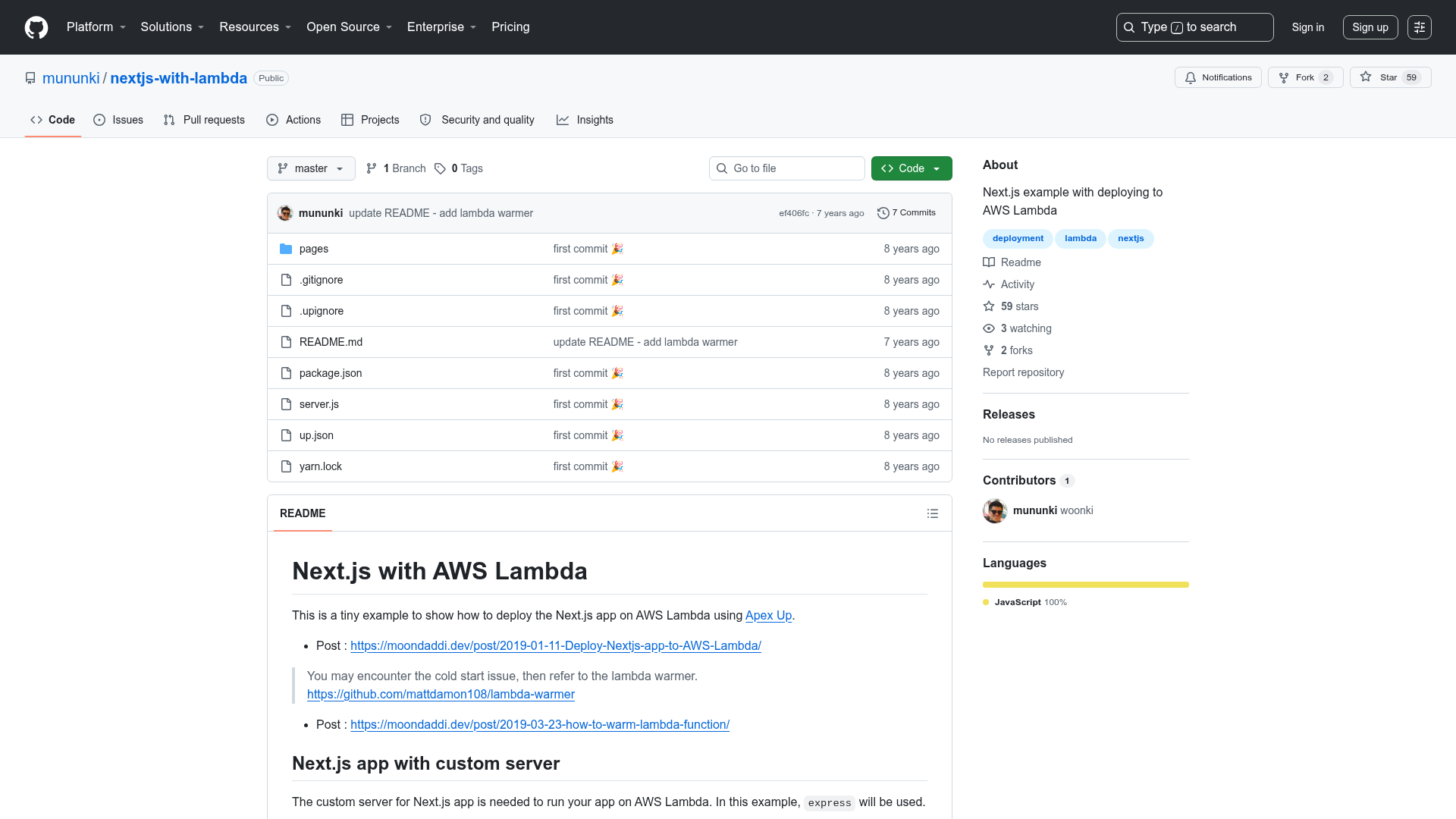
The starter code is published through Strapi's blog at https://strapi.io/blog/strapi-starter-nuxt-js-e-commerce. You can clone it and follow the tutorial steps to set up your own local instance.
Can I use this template with other cart providers?
This project is specifically built around Snipcart for the storefront cart and checkout. Switching to a different provider would require replacing the Snipcart integration code and adapting the Nuxt components to the alternative provider's API.