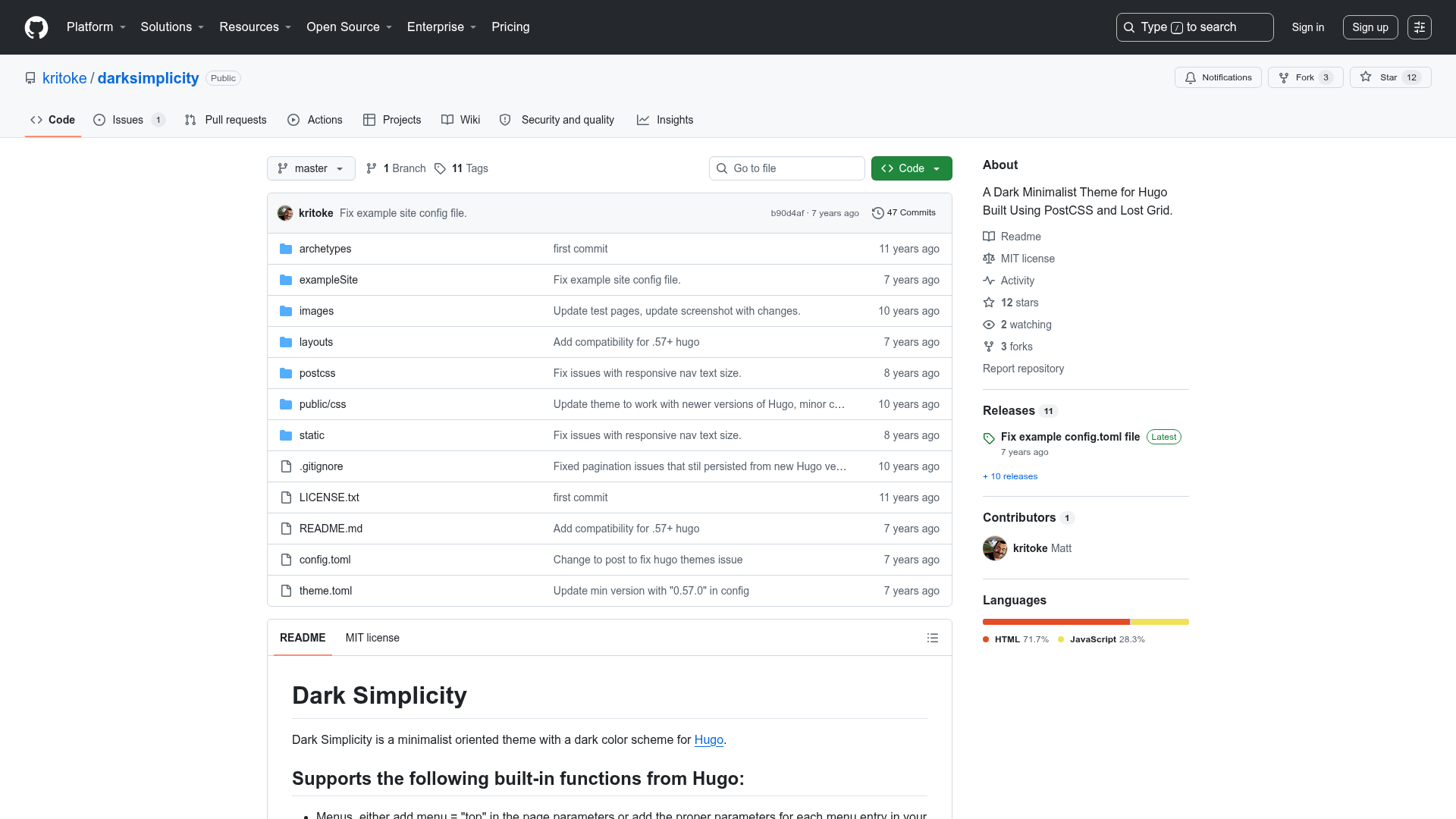
Template details
Hydrogen
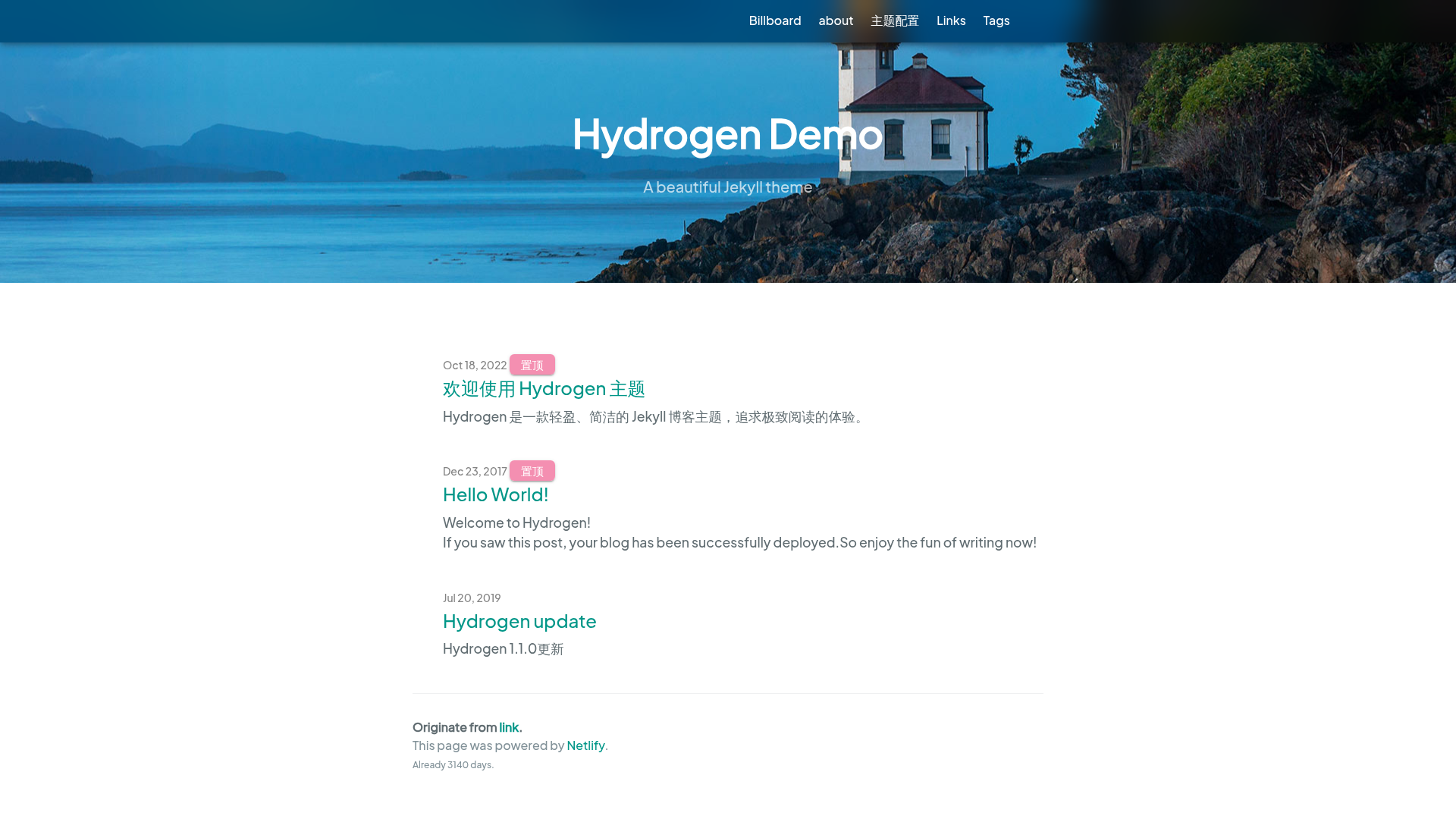
A lightweight, clean Jekyll theme for GitHub Pages, focused on fast loading and a minimal reading experience.
About this template
Hydrogen is a lightweight, clean Jekyll blog theme built for GitHub Pages, designed to render a minimal reading experience with fast loading. It turns a standard Jekyll site into a personal blog with configurable theming, pagination, MathJax rendering, and support for pinned posts and friend links.
What is Hydrogen?
Hydrogen is a Jekyll theme created by developer link9596, with a live demo at atlinker.cn. It takes a Jekyll site's Markdown posts and configuration in _config.yml as input, and produces a static blog with a homepage, archive pages, and post pages. The theme is optimized for GitHub Pages deployment and is distributed with documentation in both Simplified Chinese and English. Its core goal is to avoid heavy page elements and loading overhead by using lightweight modules to render everything on screen.
Key Features
- Configuration-driven setup — Customize title, description, keywords, baseurl, URL, paginate limit, background image, theme color (rgba values only; hex with
#is not supported), MathJax toggle, author name, and build time timestamp directly in_config.yml. - Pagination — Set the maximum number of posts on the homepage with the
paginateoption; older posts automatically flow onto subsequent pages. - MathJax support — Enable mathematical formula rendering by setting
MathJax: truein the config, useful for technical and academic blogs. - PJAX no-refresh loading — A developer option that enables fluid page transitions without full reloads, reducing perceived load time.
- Friend links (blogroll) — Manage a list of friend sites by editing the
friends.ymlfile in the_datadirectory, following the included template entries. - Pinned posts — Add
stickie: trueto a post's front matter to keep it at the top of the blog listing. - Custom domain support — Replace the contents of the
CNAMEfile with your own domain to publish the blog under a custom URL. - Build time counter — When you provide the blog's creation timestamp via the
buildtimeoption, the footer automatically calculates and displays how long the blog has existed.
Who is it for?
Hydrogen is aimed at individual bloggers who want a minimal, fast personal website without extraneous widgets or heavy themes. It suits developers who run Jekyll on GitHub Pages and want a theme that requires only editing YAML configuration rather than modifying templates. It is also appropriate for writers who need MathJax to display formulas and who want a simple way to manage friend links and pinned posts.
What can you do with Hydrogen?
- Tech bloggers: publish Markdown posts with code samples and MathJax-rendered formulas, and organize content with categories and tags.
- Personal bloggers: set up a clean homepage with a custom background, theme color, and a footer that shows your blog's age.
- Hobbyist site owners: customize the blog's domain via the CNAME file and connect it to GitHub Pages hosting.
- Developers: enable the PJAX option to deliver a smoother browsing experience, and tweak the lightweight codebase directly.
How does Hydrogen work?
Start by placing the theme files in your Jekyll site's root directory. Edit _config.yml to set your blog title, description, and other options, then optionally modify _data/friends.yml to add linked sites. To pin a post, add stickie: true to its front matter. Push the repository to GitHub with GitHub Pages enabled, and the static site builds automatically. For a custom domain, edit the CNAME file.
FAQ
Is Hydrogen free?
Yes, the theme is publicly available on GitHub, and you can use it for personal or commercial blogs without payment. No pricing or licensing information is present in the documentation beyond the repository page.
How do I set a custom domain?
Edit the CNAME file in the repository root, replacing its contents with your domain (for example, atlinker.cn without http:// or https://), and configure your DNS provider to point to GitHub Pages.
How do I enable MathJax?
Open _config.yml and set MathJax: true. This enables rendering of LaTeX-style math equations in your posts. Note the option expects a boolean value.
Can I pin a post to the top?
Yes. In the article's front matter, add stickie: true. The value must be lowercase as shown. This will keep the post at the top of the homepage listing.
What color format does theme_color accept?
The theme_color option accepts rgba color codes, such as rgba(248, 187, 208, 1). It does not support hex values with a leading #, so avoid using Hex color codes for this option.