Template details
bytewax-docs
Jekyll documentation theme with tutorials, code highlighting, and notebook rendering, originally built for Bytewax Docs.
About this template
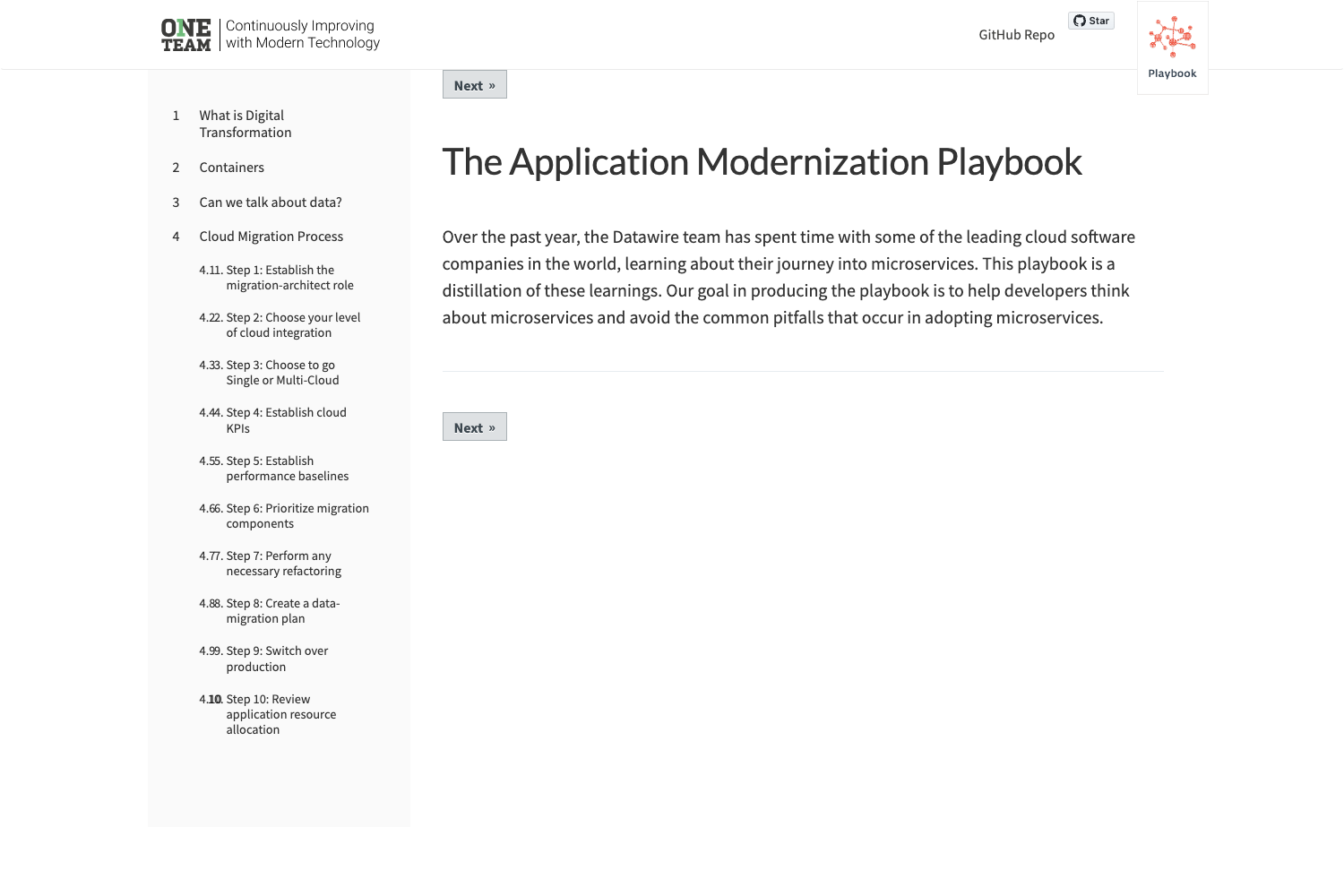
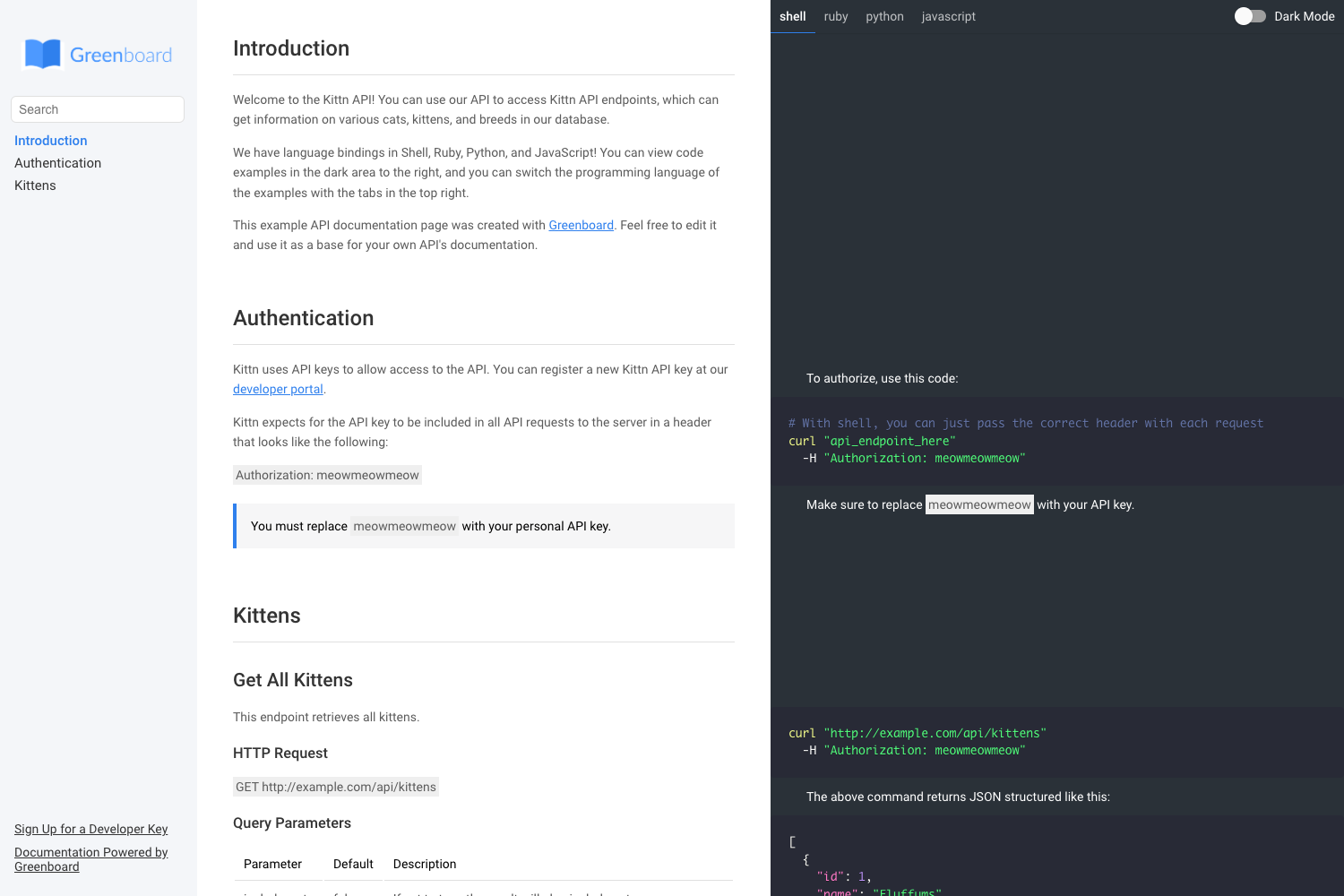
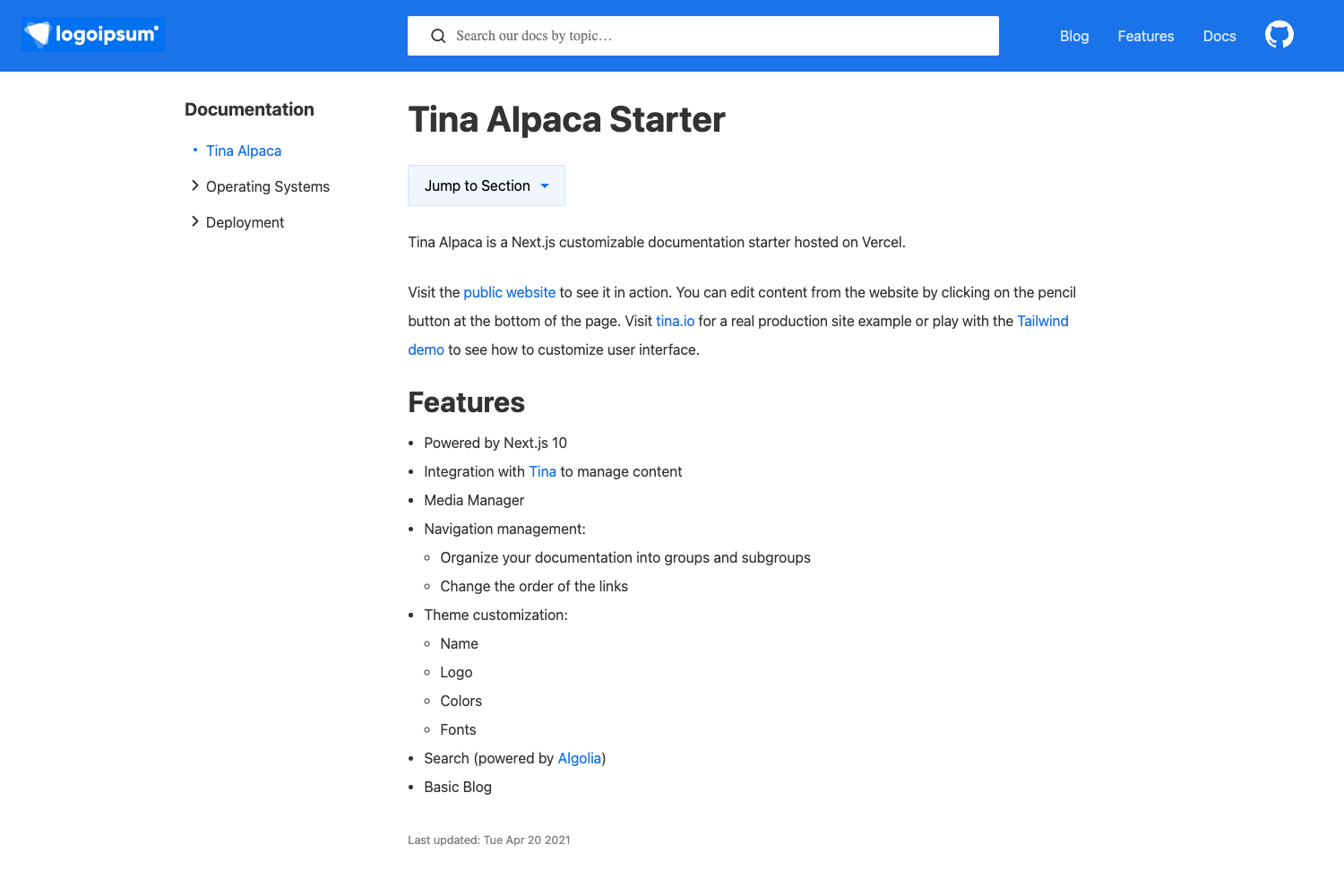
bytewax-docs is a Jekyll documentation theme, originally built for the Bytewax docs site, that transforms Markdown articles into a categorized documentation website with tutorials, search, and notebook support.
What is bytewax-docs?
bytewax-docs is a free, open-source Jekyll theme distributed as a Ruby gem. It takes Markdown content written in _docs and _tutorials folders, each prefixed with front matter metadata, and generates a static documentation site with a sidebar category hierarchy, top navigation, and footer. The theme runs on Jekyll and uses SCSS for styling, jQuery for interactive scripts, and Liquid for templating. It was created by the Bytewax team and is maintained on GitHub under the MIT License.
Key Features
- Ruby gem installation — add the gem to your Jekyll site's Gemfile, set
theme: bytewax-docsin_config.yml, and runbundle; alternatively copy theme files directly for full customization. - Markdown-based content — documentation articles live in
_docsand tutorials in_tutorials, with front matter fields for title, category, and order; order values start at 0, and the main docs page article uses -1. - Customizable navigation and footer — edit
_data/navbar.ymlfor the top navbar,_data/footer.ymlfor footer menus, and_data/categories.ymlto set sidebar category order and hierarchy. - Code snippet and notebook support — tutorial front matter can reference multiple snippet files and Jupyter Notebook URLs; a Block IAL syntax with
data-highlightanddata-snippetattributes ties paragraph steps to highlighted code lines. - Built-in search — uses Simple Jekyll Search to provide client-side searching across the documentation.
- Syntax highlighting — Prism.js is integrated for code highlighting in articles and tutorials.
- Jupyter Notebook rendering — Notebook.js renders
.ipynbfiles directly within tutorial pages. - GDPR cookie consent —
_data/cookies.ymltoggles the cookie popup and links to your Privacy Policy.
Who is it for?
- Documentation maintainers — teams publishing API references, user guides, or project documentation who want a Jekyll-based docs layout rather than a blog theme.
- Open-source project authors — projects that need to publish case studies with executable code snippets and Jupyter Notebooks alongside explanations.
- Jekyll developers — users comfortable with Liquid, SCSS, and jQuery who want to extend a documentation-focused theme; the codebase splits SCSS into global partials and JS into per-component files.
What can you do with it?
- Publish structured docs — organize articles into categories, control ordering in
_data/categories.yml, and display them in a sidebar. - Create interactive tutorials — attach code snippets and notebooks to tutorial pages, then highlight specific lines linked to each step's paragraph.
- Brand the site — configure site title, description, logo, favicon, and mobile theme color through
_config.yml, plus enable Google Analytics via external scripts settings.
How does it work?
Install the theme by adding the gem to your Gemfile and setting theme: bytewax-docs in _config.yml, then run bundle. Write Markdown articles with front matter fields for title, category, and ordering, and place them in _docs or _tutorials. For asset changes, run npm install and then gulp to preprocess, concatenate, and minify SCSS and JS partials from the _assets folder.
Pricing
bytewax-docs is free and open source under the MIT License. There are no paid tiers or premium features.
Alternatives
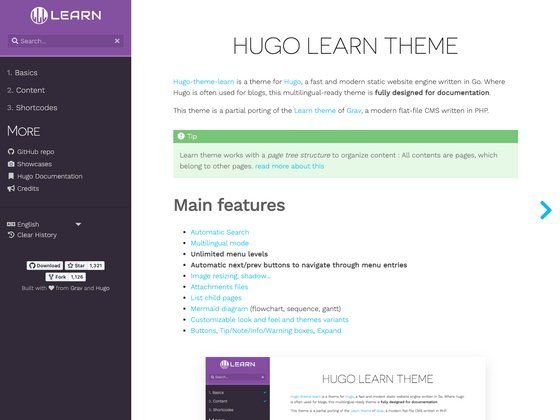
- Just the Docs — another Jekyll theme specifically designed for documentation sites.
FAQ
Is bytewax-docs free?
Yes, bytewax-docs is open source under the MIT License, so you can use, modify, and distribute it freely.
How do I add a new documentation article?
Create a Markdown file in a category subfolder under _docs, then add front matter with title, category (matching the subfolder), and an order number. For the main docs page article, set order to -1.
How do I change the sidebar category order?
Edit _data/categories.yml and rearrange the list of categories. Remember to restart your Jekyll server after any _config.yml change, though _data changes typically take effect without a restart.
Can I customize the theme's appearance?
Yes, styles are written in SCSS within _assets/scss in small partials; scripts are in _assets/js. After changes, run gulp to compile and minify. Layout adjustments require editing _layouts and _includes files using HTML5 and Liquid.
Does the theme support code syntax highlighting?
Yes, it integrates Prism.js for syntax highlighting. To highlight specific lines in a snippet, use a Block IAL after a paragraph with data-highlight and data-snippet attributes.